NADRA Pak ID Application Rejected or Card Has a Mistake: How to Fix It in Pakistan
Fix a rejected or deferred NADRA Pak ID application: read the reason, upload missing documents, report a mistake on your card and collect a missed CNIC.
If NADRA rejects your Pak ID application, open the app, tap the Tracking ID, and read the rejection reason and guidance NADRA attached. If the case officer asks for more documents, tap Upload Docs on the home screen and add them against the same Tracking ID. If your card arrives with a mistake, file a complaint on complaints.nadra.gov.pk with photos of the error. The helpline is 1777 from a mobile, or +92 51 111 786 100.
Rejected, deferred and stuck applications are common in Pak ID, and the reason is usually a missing or unclear document rather than anything serious. The fix almost always starts with the Tracking ID and its PIN, so keep both somewhere safe.
Find the rejection reason inside the app
NADRA writes the reason for a rejection, with guidance, against your application in the Pak ID app. You see it by tapping the Tracking ID. If no reason shows, NADRA asks you to contact it through its complaint system or the 1777 helpline with the Tracking ID and citizen number.
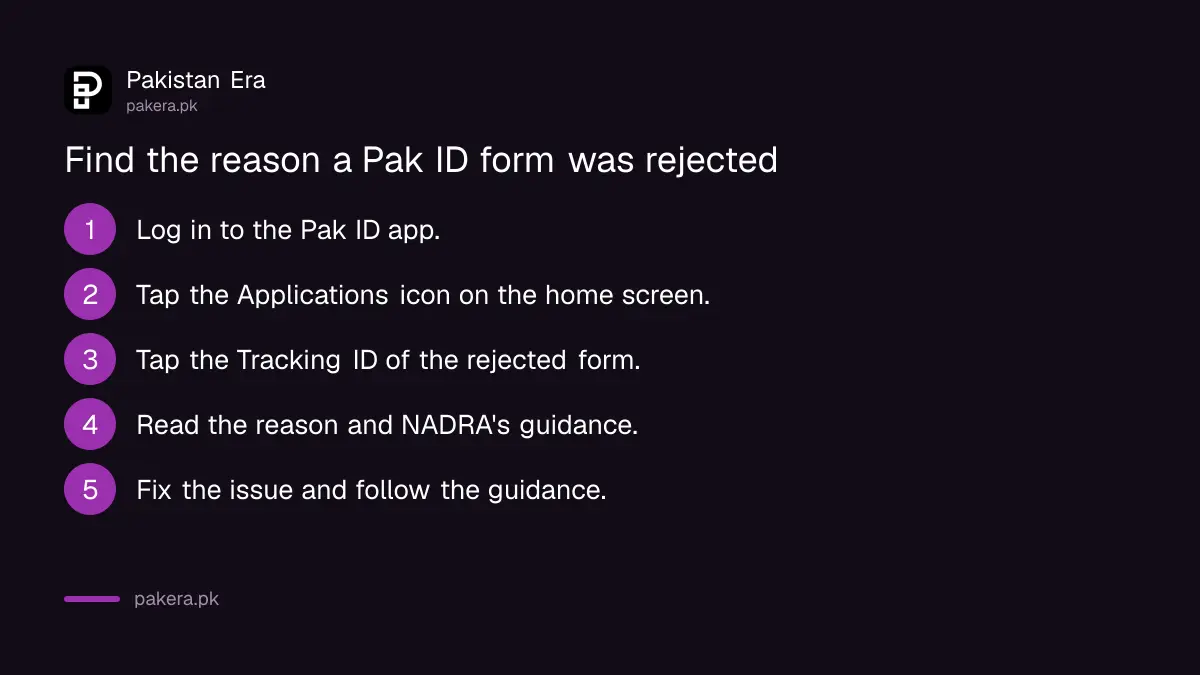
- Log in to Pak ID.
- Tap the Applications icon on the home screen.
- Tap the Tracking ID of the rejected application.
- Read the rejection reason and the guidance under it.
- Fix the problem it names, then apply again or follow the guidance.
Your Tracking ID's PIN also sits under the Applications icon. You need both to track, upload documents or let a relative attest. NADRA's email updates for people in Pakistan cover approval, rejection or deferral, fee submission and card dispatch, and SMS covers submission and printing. Once NADRA approves, you pay the Pak ID fee from the Inbox by card, Raast QR or a wallet.
A deferred application usually needs a document
When the NADRA case officer needs more, the application waits. NADRA says this also explains why an executive fee was paid but no card has come: missing or wrong documents hold it. The case officer contacts you by email or phone, and processing resumes once you send what is asked.
Upload the extra papers from the app rather than starting a new application.
- Log in to Pak ID and tap the Upload Docs icon on the home screen.
- Enter the Tracking ID and its PIN, then tap Get Details.
- On the Supporting Document screen, upload the file the officer asked for.
- Submit.
The app takes up to 10 documents. NADRA says every application type needs fewer than that, and any extras the officer wants can also go to the officer by email. Clear photos of the full page, taken in good light, are the difference between a quick approval and a second request.
Match the problem to the right fix
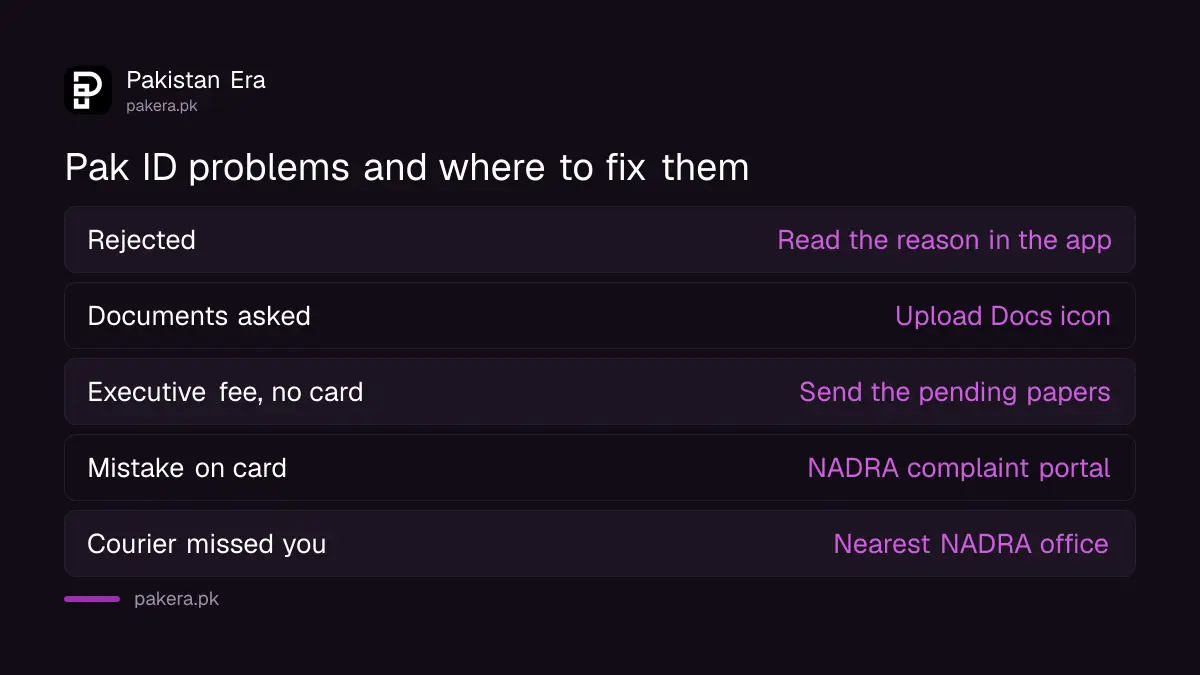
Different problems go to different places. A rejection is read in the app. A missing document is uploaded in the app. A wrong detail that you entered, or a mistake on a printed card, goes to NADRA's complaint portal or the helpline with screenshots.
| Problem | Where to fix it | What to give NADRA |
|---|---|---|
| Application rejected | Pak ID app, tap the Tracking ID | Follow the stated reason |
| Officer asks for documents | Upload Docs icon, or email the officer | Tracking ID, PIN, the document |
| Paid executive fee, no card | Answer the officer's email or call | The pending document |
| Applied as unmarried by mistake | Complaint portal or 1777 | Tracking ID, citizen number, screenshots |
| Printed card has a mistake | complaints.nadra.gov.pk | Tracking ID, citizen number, photo of the error |
A mistake on the printed card goes to the complaint portal
Got your CNIC and the spelling, date or address is wrong? NADRA asks you to complain on its portal with the Tracking ID, your citizen number and photos or screenshots of the mistake. A solution is then offered for your case.
Look closely at what the mistake is. If NADRA printed what you typed, the fix may be a modification application instead. A wrong date of birth needs the birth record corrected first, as set out in changing the date of birth on a CNIC. A marital status error has its own route in updating a CNIC after marriage.
Married but applied as unmarried? Do not submit a second application on top. NADRA asks you to contact it through the complaint system or 1777 with the Tracking ID, citizen number and screenshots.
Cards that never arrive go back to a NADRA office
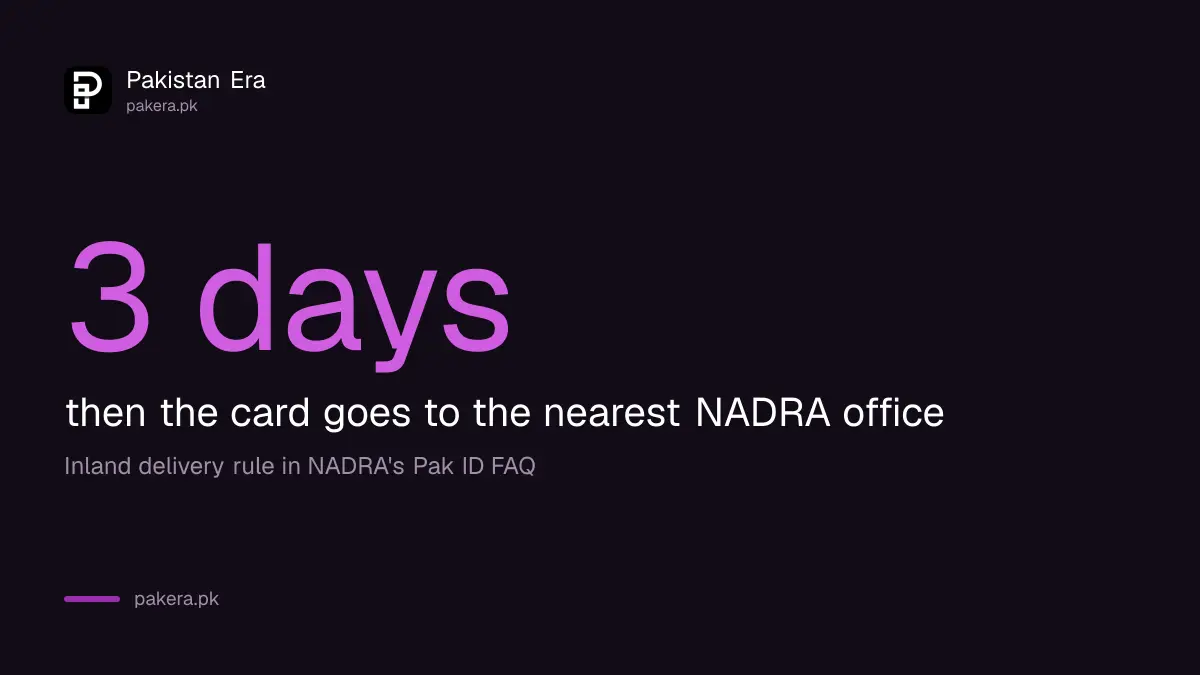
NADRA sends cards by courier. In Pakistan, the courier calls the number on the application before delivering. If nobody answers for 3 days, the card goes to the nearest NADRA office. Abroad, an unclaimed card goes to the nearest Pakistan embassy or mission.
- Keep the phone number on your application switched on during delivery week.
- Track the application in Pak ID with the Tracking ID and PIN to see when it is dispatched.
- Missed the courier? Ask at the nearest NADRA centre with the Tracking ID.
Home delivery charges and areas are in NADRA's CNIC home delivery. If the wait is still within NADRA's normal time, the CNIC tracking options show where the card is.
Common questions
Why was my Pak ID application rejected?
NADRA writes the reason in the app. Tap the application's Tracking ID to read it with guidance. Most cases come down to a missing or unclear document.
How do I send extra documents to NADRA in Pak ID?
Tap Upload Docs on the home screen, enter the Tracking ID and PIN, tap Get Details and upload the file. You can also email it to the case officer.
I paid the executive fee. Why is my card late?
NADRA says this happens when documents are missing or wrong. The case officer contacts you, and the card is processed once you provide what is pending.
What if my new CNIC has a spelling mistake?
Complain on complaints.nadra.gov.pk with the Tracking ID, citizen number and a photo of the mistake.
What happens if the courier cannot reach me?
In Pakistan, the courier tries for 3 days, then sends the card to the nearest NADRA office. Collect it there.
What is NADRA's helpline number?
1777 from a mobile, or +92 51 111 786 100. More routes are in NADRA's helpline and complaint channels.
How we verified this
What we checked and where we read it.
Last checked 14 November 2026. Rejection, deferral, upload, card mistake, marital status, delivery and notification answers come from the Pak ID FAQ on NADRA's Pak ID pages. The helpline numbers are on NADRA's contact page, and complaints go to NADRA's portal at complaints.nadra.gov.pk.
About the author

Public Services and Education Journalist
Fajr Riaz is a journalist and content writer at Pakistan Era, based in Lahore. She covers the questions people meet in everyday life in Pakistan: how a public service works, what a change in the rules means, and where to find a reliable answer.