Download Netflix Movies Offline in Pakistan: Phone Steps, Download Limits by Plan and Every Error Fix
Download Netflix movies offline on Android, iPhone or a Chromebook. See device limits for each Pakistan plan, why downloads expire and how to fix errors.
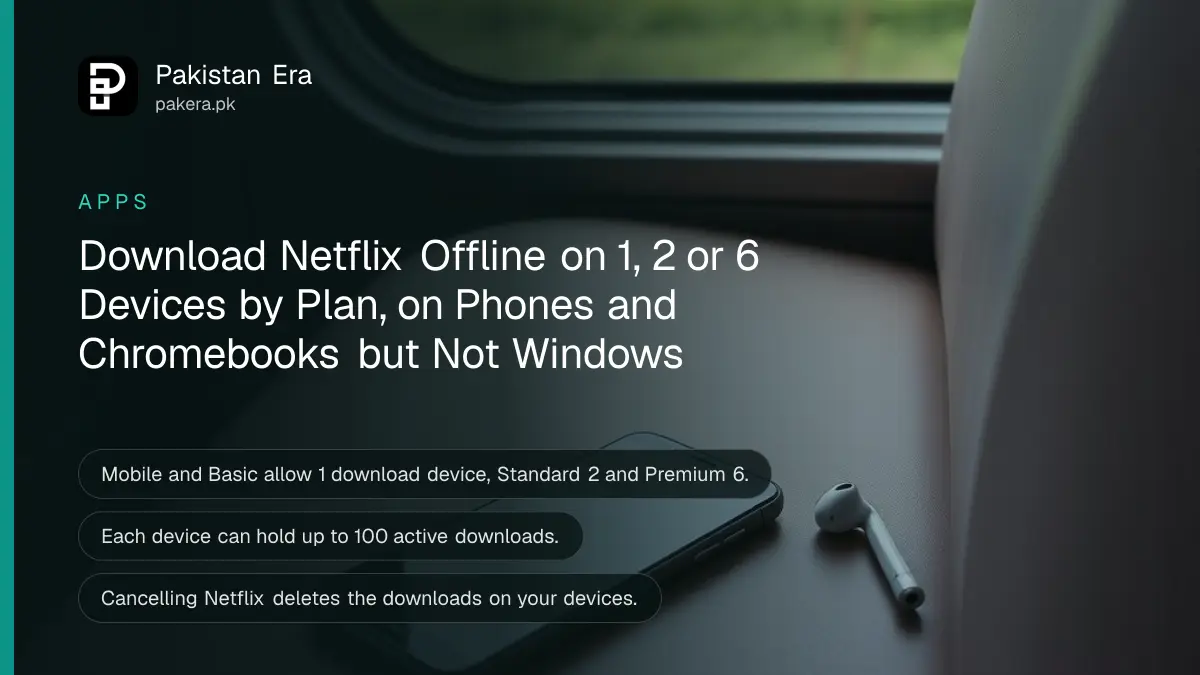
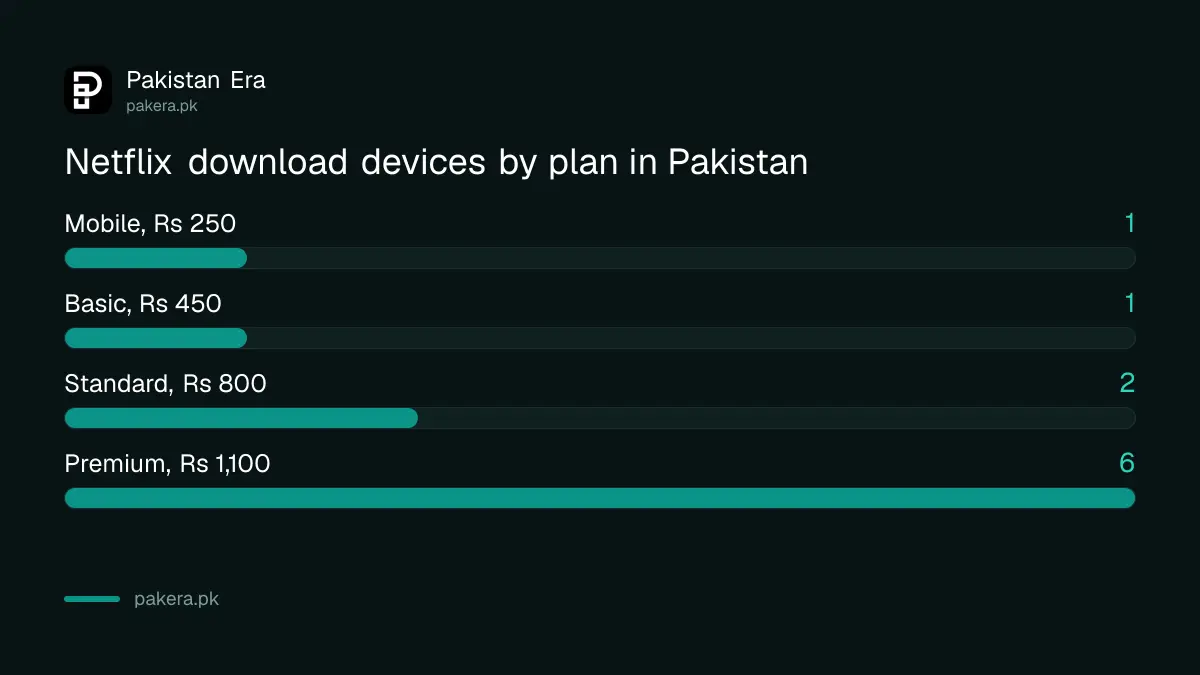
To download Netflix movies and shows offline in Pakistan, open the latest Netflix app on an Android phone, iPhone, iPad, Fire tablet or Chromebook, find a title with the Download icon and tap it. Your downloads sit under My Netflix, then Downloads. Netflix does not allow downloads on Windows, and your plan decides how many devices can hold downloads: 1 on Mobile and Basic, 2 on Standard, 6 on Premium.
Downloads are the best way to watch on a long bus ride from Lahore to Islamabad or during load shedding when the router is off. Below are the steps, the limits per plan, why downloads expire, and the fixes for every common error, from "too many devices" to a missing Download button. We read Netflix's help pages, including its Pakistan plans page, on 28 October 2026.
Netflix downloads work on phones, tablets and Chromebooks only
Netflix supports downloads on Android phones and tablets, iPhone and iPad, Amazon Fire tablets, and Chromebooks with the Google Play Store, each running the latest Netflix app. Windows computers cannot download, and a TV is not on Netflix's list of download devices.
| Plan in Pakistan | Monthly price | Screens at once | Download devices |
|---|---|---|---|
| Mobile | Rs 250 | 1 phone or tablet | 1 phone or tablet |
| Basic | Rs 450 | 1 | 1 |
| Standard | Rs 800 | 2 | 2 |
| Premium | Rs 1,100 | 4 | 6 |
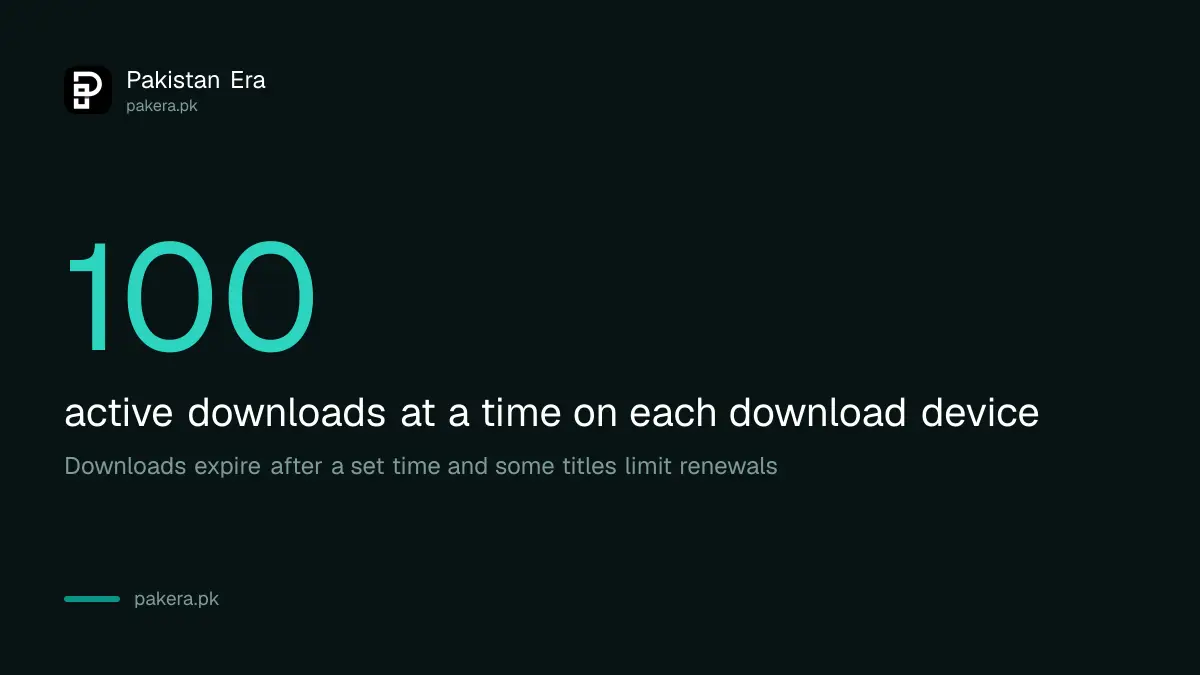
Each device can hold up to 100 active downloads at a time. For a family on Standard, that means two phones can carry downloads, and a third phone gets an error until one is cleared.
Download a Netflix title in 5 steps on a phone
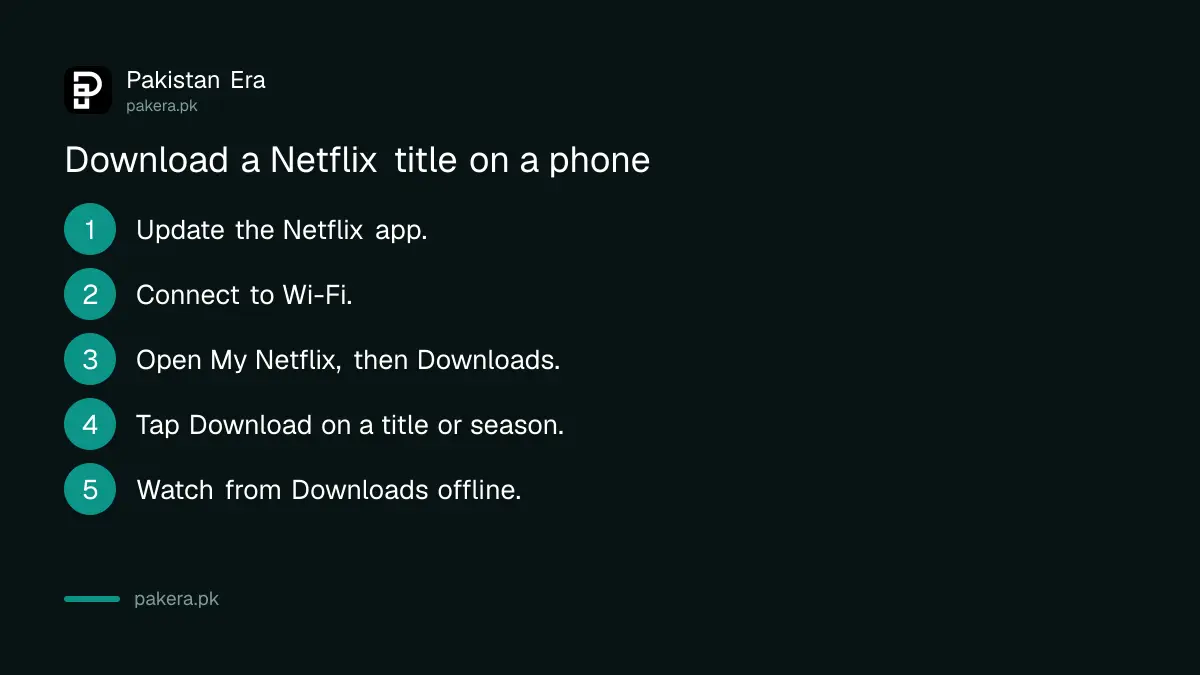
Update the Netflix app, connect to Wi-Fi, open a movie or episode and tap Download. To browse only what can be saved, go to My Netflix, then Downloads, then See What You Can Download. Whole seasons can be downloaded at once.
- Update the Netflix app from the Play Store or App Store.
- Connect to Wi-Fi to save your mobile data.
- Go to My Netflix, then Downloads, then See What You Can Download. On a Chromebook, choose Downloads, then Find More to Download.
- Open a movie or episode and tap the Download button, or download a full season.
- To watch, open Downloads and tap Play. No internet is needed.
Downloads stay on the device that saved them and can be watched from any profile on it. Kids profiles may hide downloads with higher maturity ratings. That is a useful guard if children share the family tablet.
Fix "You have downloads on too many devices" in 2 minutes
This message means your plan's download device limit is full. Remove a device from the download devices list in your account, or delete all downloads on an old phone you no longer use. If it keeps happening, a higher plan allows more download devices.
- From the app: open your profile menu, go to Account, then under Devices open the mobile download devices list and tap Remove device next to the old one.
- From a browser: sign in and open netflix.com/account/devices/download-devices, then click Remove device.
- On the device itself: go to App Settings, then under Downloads choose Delete All Downloads and confirm.
- Old phone sold or lost: sign it out of the account from the Manage access and devices page.
A Pakistani family often hits this after someone switches phones. The old handset still counts as a download device until you remove it, even if it sits in a drawer.
Downloads expire, and some titles can only be renewed a few times
Netflix says downloads expire after a set time, and some titles limit how many times they can be downloaded or renewed under studio licences. Titles that leave Netflix cannot be renewed. If you hit the limit, the title can still be watched while connected.
To renew an expired download on Android or a Fire tablet, open Downloads, select the title, tap the status icon next to it, delete the download, then download it again. On iPhone or iPad, first check Settings, General, Date and Time is correct or set automatically, then do the same.
A wrong date on the phone is a quiet cause of "expired" messages. Phones that have been off for weeks, or whose battery died completely, sometimes come back with an old date.
No Download button, or downloads keep failing
A missing Download icon means that title is not available for download, which is the studio's choice. If downloads fail on titles that should work, update the app and the phone's software, clear the Netflix app storage on Android, or reinstall the app on iPhone.
- Android: App info, Storage and cache, Clear storage, OK. This removes downloads and signs you out, so keep your password ready.
- Android 10 or older: Settings, Apps, Netflix, Permissions, and switch Storage on.
- iPhone or iPad: delete the Netflix app and reinstall it from the App Store. Downloads are removed.
- Fire tablet: needs Fire OS 7 or later.
- Phone full: delete watched downloads. The fixes for phone storage full on Android and iPhone help when space is tight.
If you cancel your membership, Netflix deletes the downloads on your devices. Re-joining means downloading them again. YouTube works differently, and the routes to download YouTube videos offline are worth knowing for free content.
Common questions
Can I download Netflix on a Windows laptop?
No. Netflix says downloads are not supported on Windows. Use an Android phone, iPhone, iPad, Fire tablet or Chromebook with the Play Store.
How many Netflix downloads can I have?
Up to 100 active downloads per device. The number of devices depends on your plan: 1 on Mobile and Basic, 2 on Standard, 6 on Premium.
Why does my Netflix download say expired?
Downloads expire after a set time. Delete it and download it again, and check the phone's date and time are correct.
Why can't I download some movies on Netflix?
Not every title is licensed for download. If there is no Download icon, that title cannot be saved.
Do Netflix downloads use mobile data?
Downloading uses data, so Netflix recommends Wi-Fi. Watching a finished download uses none.
What happens to downloads if I cancel Netflix?
Netflix deletes them from your devices. You would have to download them again after re-joining.
How we verified this
What we checked, where we read it, and what we could not confirm.
Last checked 28 October 2026. We read Netflix's help pages How to download titles to watch offline, Can't download a TV show or movie, You have downloads on too many devices, My downloaded title says Expired, and the Pakistan plans and pricing page (Rs 250 to Rs 1,100, devices per plan) on 28 October 2026. Netflix does not say how long a download lasts before it expires, or how many renewals each title allows, so we do not give a number. We did not test downloads on a Pakistani account.
About the author

Technology Journalist & Multimedia Producer
Ahmad Ali is a technology journalist and multimedia producer at Pakistan Era, joining the team in October 2026. He covers consumer technology and digital life for Pakistani readers, combining research with hands-on product testing.