How to Report a Fake Apple Support Call or Message From Pakistan
Report a fake Apple email, text or FaceTime call from Pakistan: the three official addresses, the signs of a scam call, and what to do if you gave a password.
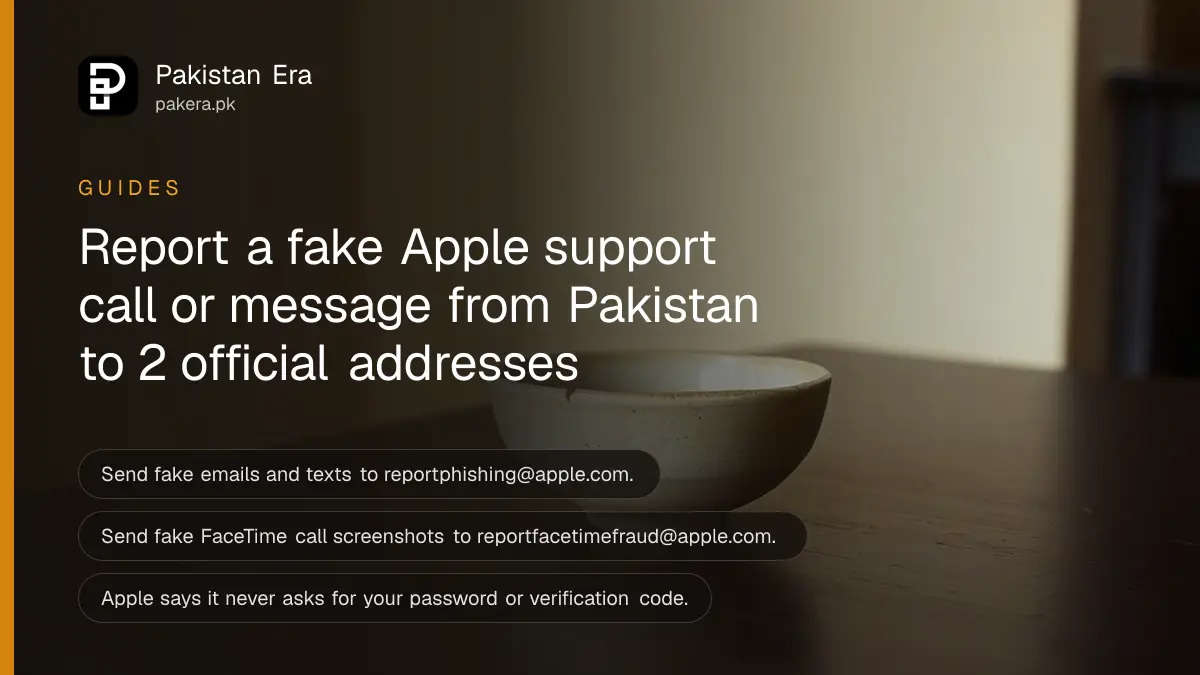
Short answer: Forward a fake email that looks like Apple to reportphishing@apple.com. Email a screenshot of a fake text message to the same address. For a fake FaceTime call or link, email a screenshot to reportfacetimefraud@apple.com. If you gave a password or code, change your Apple Account password at once.
The call says "Apple Support". The caller knows your name and city. He says someone broke into your iCloud, or that an Apple Pay charge went through. He wants a code, a password or a gift card to "fix" it. This is a scam.
We read Apple's support page on social engineering and phishing scams on 13 October 2026. We did not contact the report addresses to test them. The steps below follow Apple's page.
Report a fake email or text to Apple
Forward any suspicious email that looks like it is from Apple to reportphishing@apple.com. For a suspicious SMS text that claims to be from Apple, take a screenshot and email the screenshot to the same address. Apple gives both options on its page.
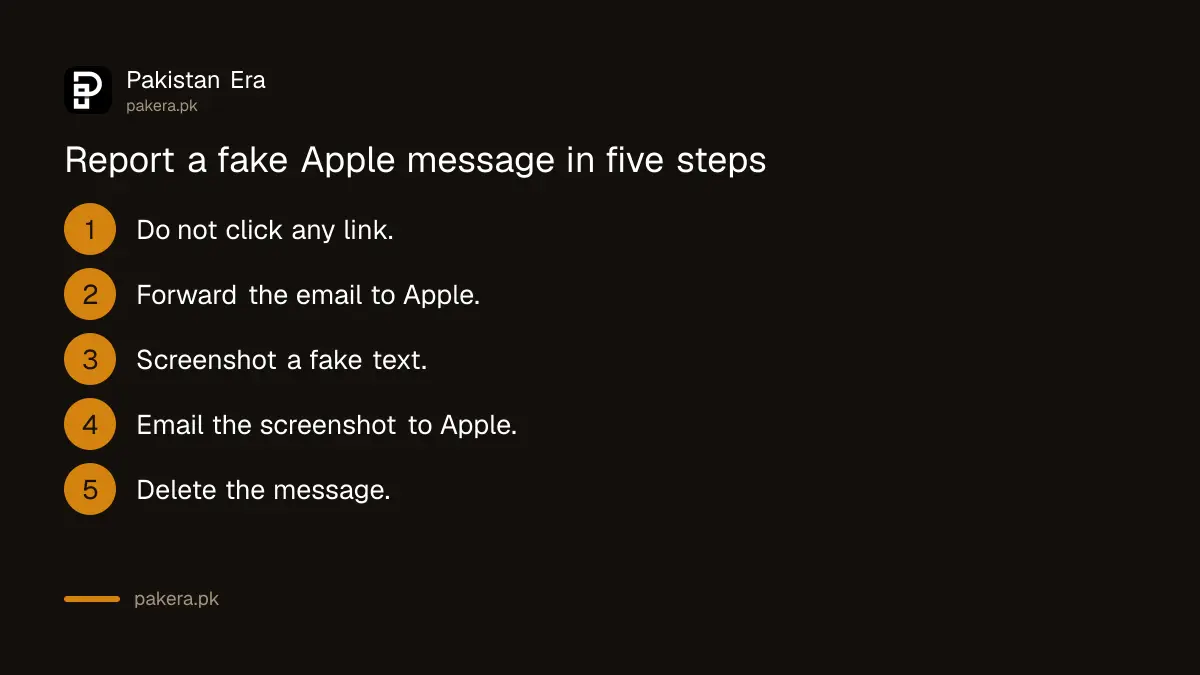
- Do not click any link in the message.
- For an email, forward it to reportphishing@apple.com.
- For a text, take a screenshot of the message.
- Email the screenshot to reportphishing@apple.com.
- Delete the original message.
In the Messages app, you can also tap Report Junk under a suspicious message, says Apple. You can block the sender too.
Report a fake FaceTime call or link
If a suspicious FaceTime call seems to come from a bank or financial body, email a screenshot of the call information to reportfacetimefraud@apple.com. To find that, open FaceTime and tap the More Info button next to the call. For a suspicious FaceTime link in Messages or Mail, send a screenshot of the link.
The screenshot should show the phone number or email address that sent it. Apple asks for that detail because it helps them trace the source.
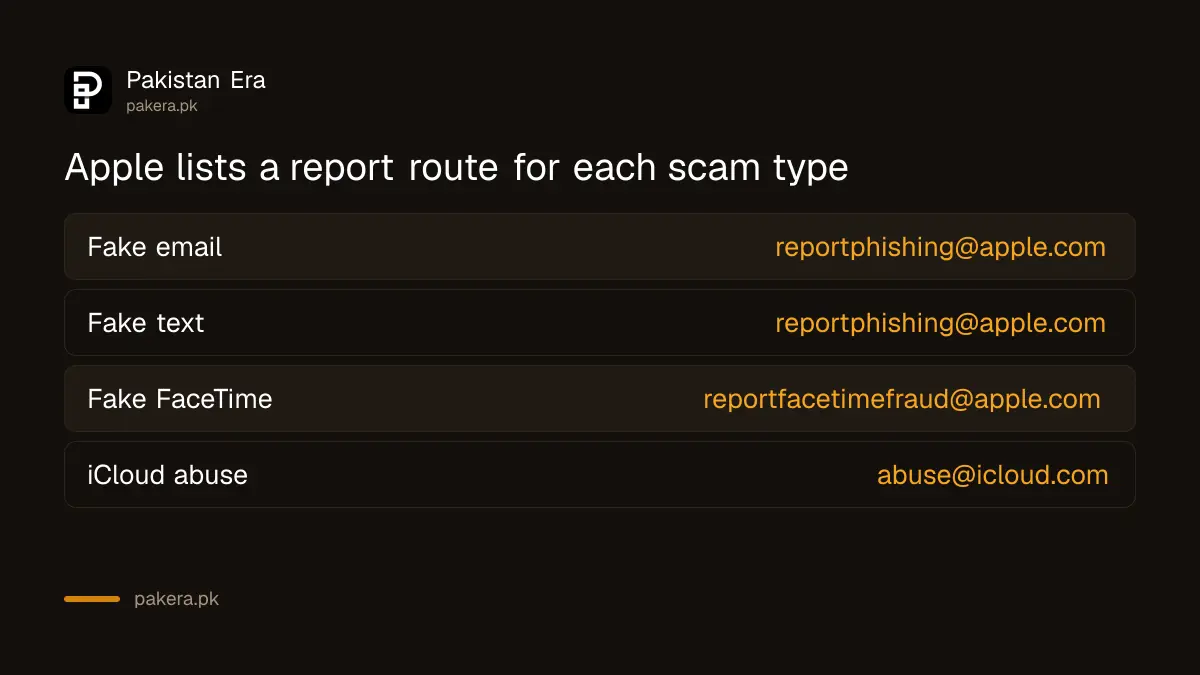
| What you got | Where Apple says to report |
|---|---|
| Fake email from "Apple" | reportphishing@apple.com |
| Fake SMS from "Apple" | Screenshot to reportphishing@apple.com |
| Fake FaceTime call or link | Screenshot to reportfacetimefraud@apple.com |
| Abuse in an iCloud, me.com or mac.com inbox | abuse@icloud.com |
| Spam in an iCloud inbox | Mark as Junk |
| Spam in Messages | Tap Report Junk under the message |
Spot the signs of a fake support call
Apple lists the signs. The caller may use a phone number that looks real, which is called spoofing. He may quote private facts about you. He says someone broke into your account or made charges, and he creates a strong sense of urgency so you cannot think.
Apple's advice is clear. If a call or message seems wrong, hang up and contact the company yourself through its official support channels. Do not use a number the caller gives you.
Apple also says it never asks for your password or verification code to give support. If a person asks, that alone tells you it is a scam.
The same pattern is used for other brands. See how a courier scam works in fake courier calls asking for a code, and why you must never install a remote tool in the screen-sharing app scam.
Protect your Apple Account if you already replied
If you think your Apple Account was compromised, or you typed your password on a scam site, Apple says to change your Apple Account password at once and make sure two-factor authentication is on. Do this before you do anything else.
Then check your devices and subscriptions. If you shared a code, a second layer helps, so turn on two-step verification where you have not. If you lose access, a recovery contact can help you back in; see how to add a recovery contact to your Apple Account.
Apple warns against paying anyone with Apple Gift Cards. A real company does not ask for a gift card as payment.
Report the scam in Pakistan too
Apple's page lists U.S. reporting options. In Pakistan, report a scam call or text to the authorities that handle it. The page on how to report a fake call or SMS scam in Pakistan lists the routes. Keep the number, time and a screenshot.
Tell your family. Elderly parents are the usual target, so read how to protect elderly parents from phone scams. A two-minute talk now can save a bank balance later.
Common questions
Where do I report a fake Apple email?
Forward it to reportphishing@apple.com. Apple lists this address for suspicious emails that look like they come from Apple.
How do I report a fake Apple text message?
Take a screenshot of the message and email it to reportphishing@apple.com, as Apple's page says.
Where do I report a fake FaceTime call?
Email a screenshot of the call information to reportfacetimefraud@apple.com. Open FaceTime and tap More Info next to the call to find it.
Will Apple ever ask for my password or code?
No. Apple says it never asks for your Apple Account password or verification codes to provide support.
What if I already gave my password?
Change your Apple Account password immediately and make sure two-factor authentication is on, says Apple.
Can I pay a support person with gift cards?
No. Apple says never to use Apple Gift Cards to make payments to other people.
How we verified this
What we checked, where we read it, and what we could not confirm.
Last checked on 13 October 2026, Pakistan time. We read Apple's page on recognising and avoiding social engineering and phishing scams. We did not send a test report. Apple lists a U.S. fraud reporting body that does not apply in Pakistan, so we point to local routes through our own page instead.
About the author

Technology Journalist & Multimedia Producer
Ahmad Ali is a technology journalist and multimedia producer at Pakistan Era, joining the team in October 2026. He covers consumer technology and digital life for Pakistani readers, combining research with hands-on product testing.