Samsung Wallet in Pakistan: Samsung Pay Not Available, What Works
Samsung Pay is not available in Pakistan: Samsung's list of 31 countries leaves it out. Which Samsung Wallet features work, and how to tap to pay on a Galaxy.
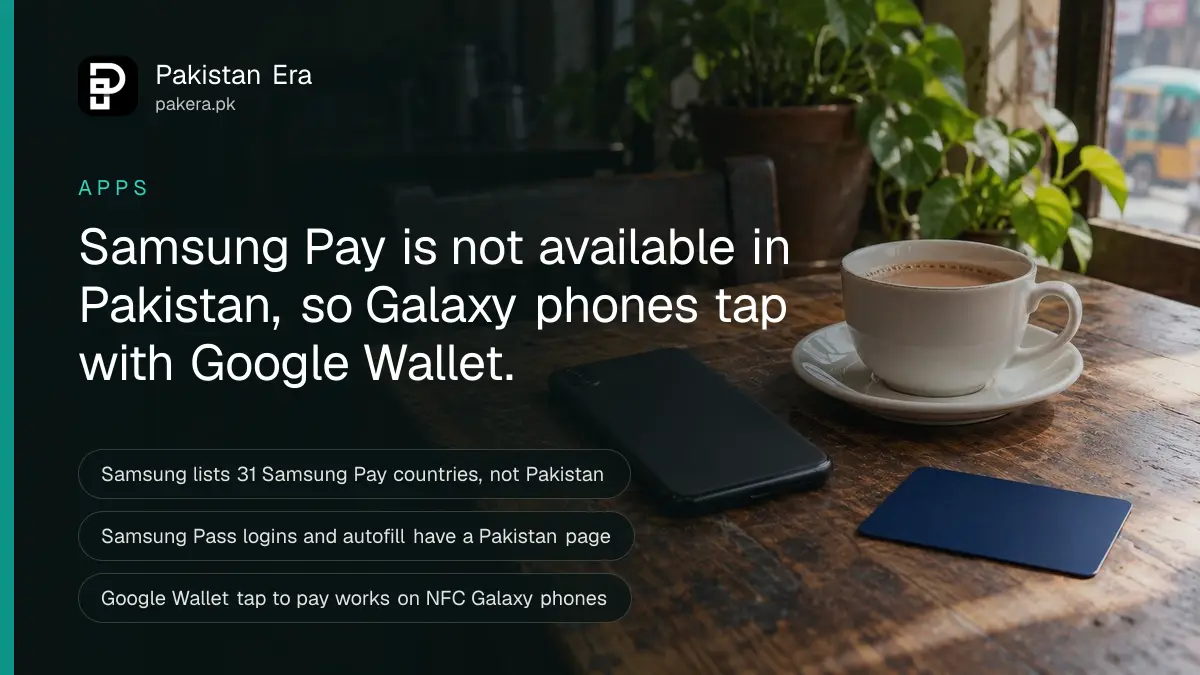
Samsung Pay is not available in Pakistan. Samsung's own list of Samsung Pay countries names 31 markets, including India, the UAE and Saudi Arabia, and Pakistan is not one of them. Samsung Pakistan's website has no Samsung Wallet page. What does work on a Galaxy phone here is Samsung Pass, and tap to pay through Google Wallet.
Plenty of Galaxy owners in Pakistan open the Samsung Wallet app, try to add an HBL or Meezan card, and get nowhere. That is not a fault with the phone. The card payment part of Samsung Wallet simply has not launched here.
We read Samsung's developer page on Samsung Pay country availability, Samsung's Samsung Wallet help pages, and Samsung Pakistan's apps and Samsung Pass pages on 30 September 2026.
Samsung Pay does not cover Pakistan
Samsung's developer site says Samsung Pay "is available in the countries listed in the following table", and the table has 31 countries. Pakistan is missing. India, the UAE, Saudi Arabia, Qatar, Kuwait, Oman and Kazakhstan are listed, so Pakistan sits among its neighbours as the gap.
| Region | Samsung Pay countries on Samsung's list |
|---|---|
| South and Central Asia | India, Kazakhstan. Pakistan is not listed |
| Gulf | UAE, Saudi Arabia, Qatar, Kuwait, Oman |
| East and South East Asia | China, Hong Kong, Japan, Korea, Malaysia, Singapore, Taiwan, Vietnam |
| Europe | 11 countries, including the UK, Germany and France |
| Others | Australia, Brazil, Canada, South Africa, United States |
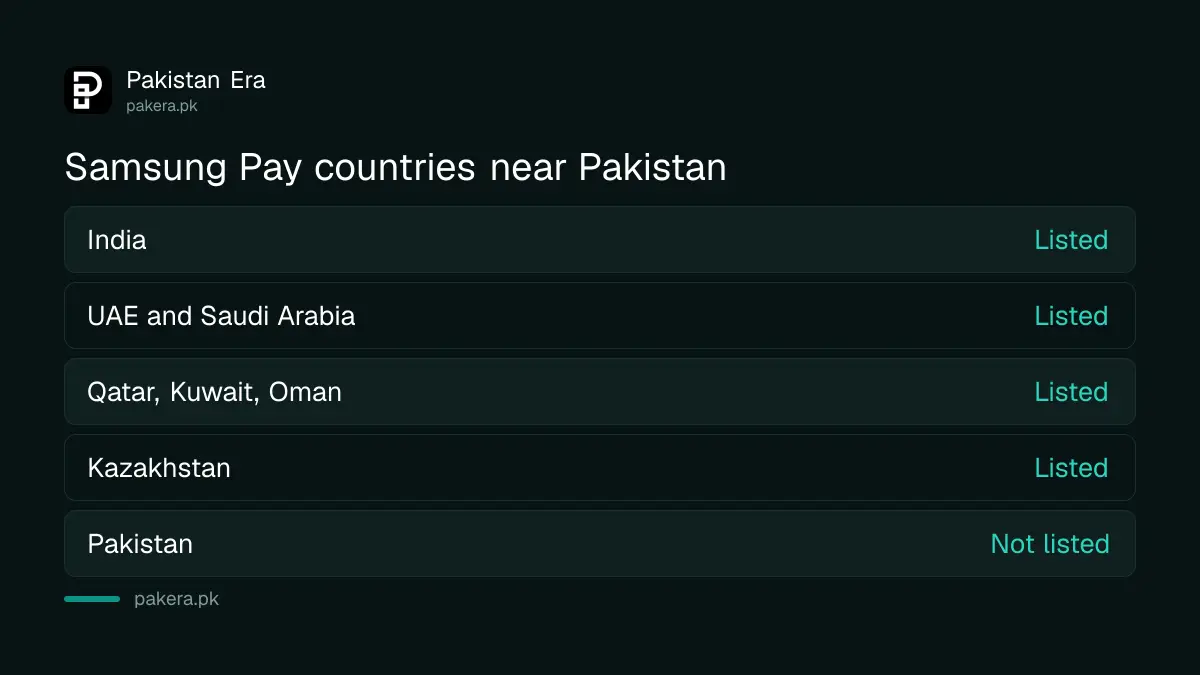
Samsung Pay is the card payment part of Samsung Wallet. Samsung's UAE page says Samsung Wallet "brings together Samsung Pay and Samsung Pass", along with tickets, boarding passes, membership cards and digital keys. Without Samsung Pay, the wallet cannot pay for anything in a shop.
Samsung Pakistan has no Samsung Wallet page
Samsung Pakistan's apps page shows a Samsung Wallet tile, but its button leads nowhere. The addresses that host Samsung Wallet pages in other countries return "page not found" for Pakistan. The UAE version of the same page loads normally, with its full feature list.
We tried four Pakistan addresses on samsung.com for Samsung Wallet and Samsung Pay. All four returned a 404 error. The Galaxy S26 Ultra page for Pakistan mentions Samsung Wallet only once, as an app that can feed data into a phone notification feature. It does not promise payments.
So a Galaxy S26 Ultra bought in Pakistan can carry the Samsung Wallet app, but Samsung makes no promise here about cards in it.
Which Samsung Wallet features may still work
Samsung says Wallet features "may vary by country/region, device model, carrier and firmware version". It tells users to check what is available by opening the Wallet app itself. In Pakistan, Samsung Pass has its own local page, while payments do not.
| Feature | What Samsung says | In Pakistan |
|---|---|---|
| Bank cards and tap to pay (Samsung Pay) | 31 listed countries only | Not available |
| Samsung Pass logins and autofill | Has a Samsung Pakistan page | Available, per Samsung Pakistan |
| Boarding passes | Depends on the airline | Check the app |
| Membership cards and coupons | Varies by country | Check the app |
| Digital car and home keys | Depends on the car or lock maker | Check the app |
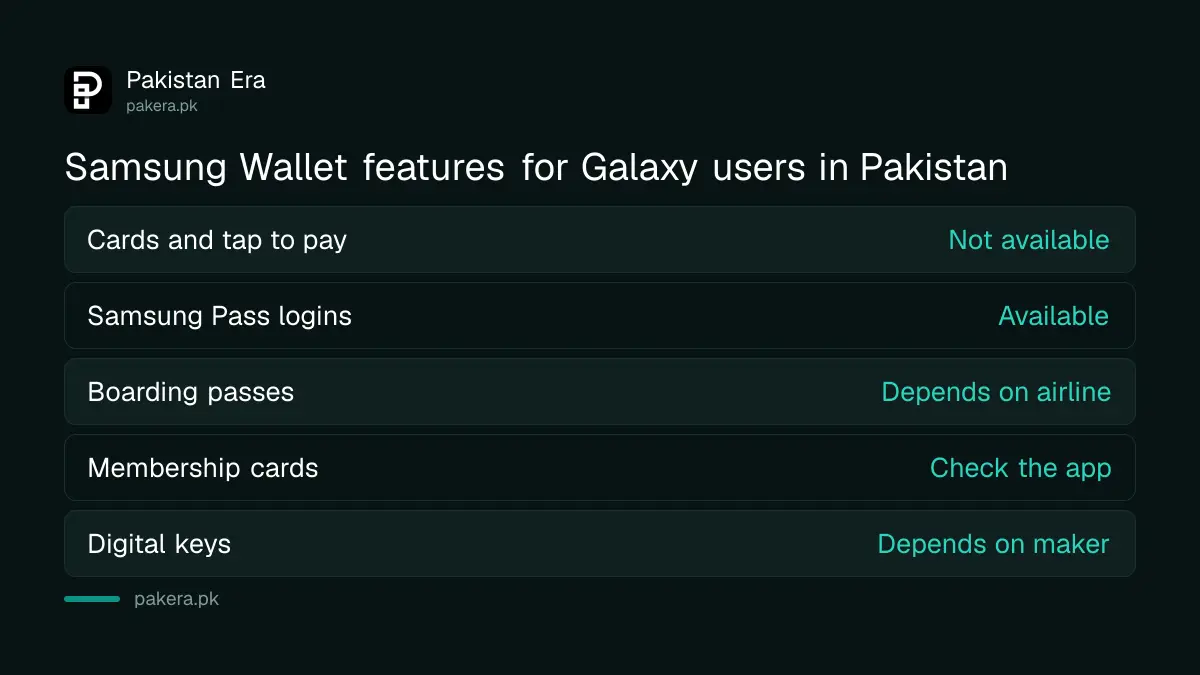
Samsung Pass is the useful one. Samsung Pakistan says it signs you in to apps and websites with a fingerprint, stores passkeys from One UI 6 onwards, and fills in saved IDs, passwords, one-time codes, addresses and card details. Web autofill works only in Samsung Internet.
How to tap to pay on a Galaxy phone in Pakistan
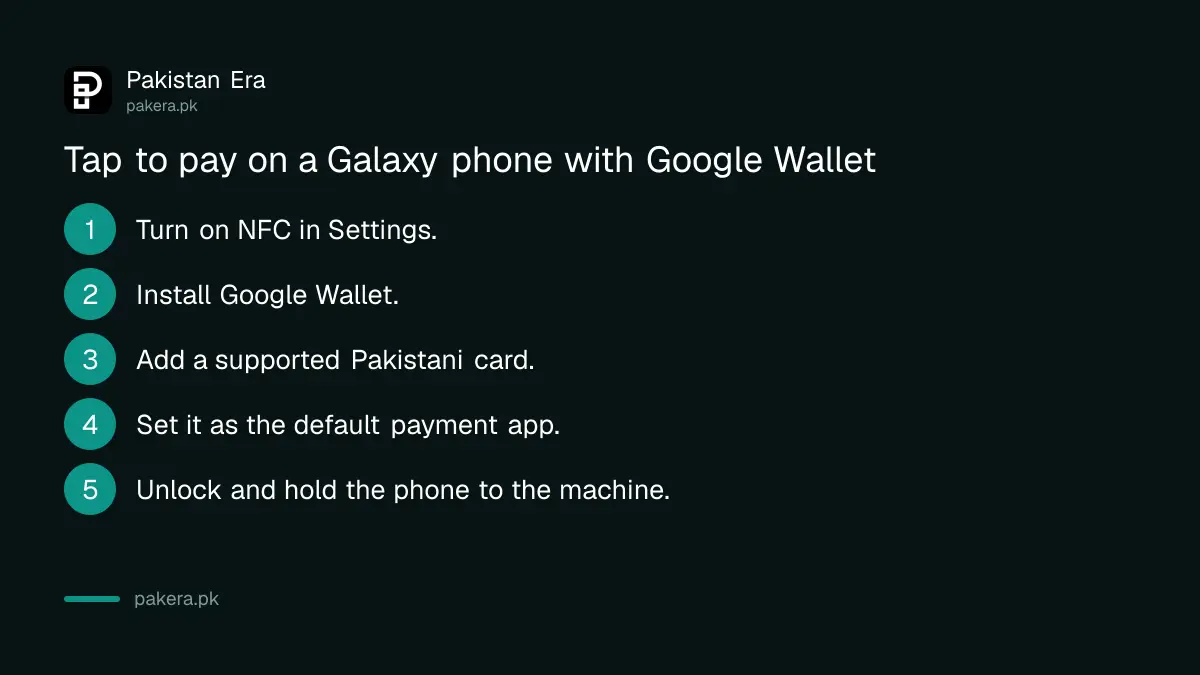
Use Google Wallet or your bank's own app instead. Google lists tap to pay as available in Pakistan, and Galaxy phones with NFC can use it. You add a supported Pakistani card, set Google Wallet as the default payment app, and hold the phone near the card machine.
- Open Settings and turn on NFC and contactless payments.
- Install Google Wallet from the Play Store if it is not already on the phone.
- Add a card from a bank on Google's Pakistan list, and confirm it with the bank's code.
- Under contactless payments, set Google Wallet, or your bank's app, as the default.
- Unlock the phone and hold it near the machine until it confirms.
Google's list covers cards from 12 banks and wallets, including HBL, Meezan, UBL, Bank Alfalah, JazzCash and Easypaisa. Check which Pakistani cards work with Google Wallet before you start. Some banks also offer tap to pay inside their own app, such as Bank Alfalah Tap & Pay, which the bank says needs an NFC Android phone.
Only one app can be the default for tapping. If a payment fails, the wrong app is often set as the default.
Galaxy phones and watches bought abroad
A Galaxy phone bought in Dubai or Riyadh behaves the same way once you put a Pakistani card in it. Samsung Pay depends on the card issuer taking part, and no Pakistani bank is listed. A card from a supported country is a different case, and Samsung does not say how it behaves in Pakistan.
Samsung's device list for Samsung Pay covers the Galaxy S20 and later, the Z Flip and Z Fold, the Note series from Note8, and several A series models. Being on that list does not help in Pakistan without a supported card.
A Galaxy Watch is in the same position. Samsung Pay on the watch uses the same system, so a Pakistani card will not work on it either. Google Wallet on Wear OS watches is the alternative, and Google lists Wear OS tap to pay for Pakistan. We did not test a Galaxy Watch 7 with a Pakistani card.
iPhone users face the same wall. Apple Pay is not available in Pakistan either, so the contactless card itself is the fallback for everyone.
Common questions
Is Samsung Pay available in Pakistan?
No. Samsung's own Samsung Pay country list has 31 countries, and Pakistan is not one of them.
Can I add my Pakistani bank card to Samsung Wallet?
Not for payments. No Pakistani bank takes part in Samsung Pay. Use Google Wallet or your bank's app for tap to pay on a Galaxy phone.
Does Samsung Pass work in Pakistan?
Yes. Samsung Pakistan has a Samsung Pass page. It covers fingerprint sign-in, passkeys from One UI 6 and autofill in Samsung Internet.
Can I use Google Wallet on a Samsung phone in Pakistan?
Yes, if the phone has NFC and runs Android 9 or later. Google lists tap to pay as available in Pakistan.
Will Samsung Pay launch in Pakistan?
Samsung has not announced it. A launch would appear on Samsung's country list and on Samsung Pakistan's website. Until then, treat any claim of a launch as unconfirmed.
Should I delete Samsung Wallet from my phone?
No need. It does no harm, and Samsung Pass sits inside it on newer phones. Just set Google Wallet or your bank app as the default payment app.
How we verified this
What we checked, where we read it, and what we could not confirm.
We checked this on 30 September 2026. We read Samsung Developer's "Country and device availability" page for Samsung Pay, Samsung's Samsung Wallet FAQ, Samsung UAE's Samsung Wallet page, and Samsung Pakistan's apps, Samsung Pass and Galaxy S26 Ultra pages. We tried four Samsung Pakistan addresses for Samsung Wallet and Samsung Pay, and all four returned 404. Google Wallet's Pakistan listing comes from Google's help pages, read on 22 September 2026. We did not test a card in Samsung Wallet.
About the author

Senior Writer, Public Services and Technology
Shahid joined us in 2024 as an author. He is a senior contributor to Pakistan's leading technology websites. He writes detailed articles, mostly covering his expertise in the latest tech, mobiles, apps, gadgets, and step-by-step guides. His ideology is to help people understand the latest trends and explain complex methods through very easy-to-understand guides.