Secure Your Telegram Account in Pakistan: Password, Hidden Number and Sessions
Scammers fill Pakistani Telegram groups. Turn on 2-Step Verification, hide your number, end unknown sessions and never share your login code. Steps inside.
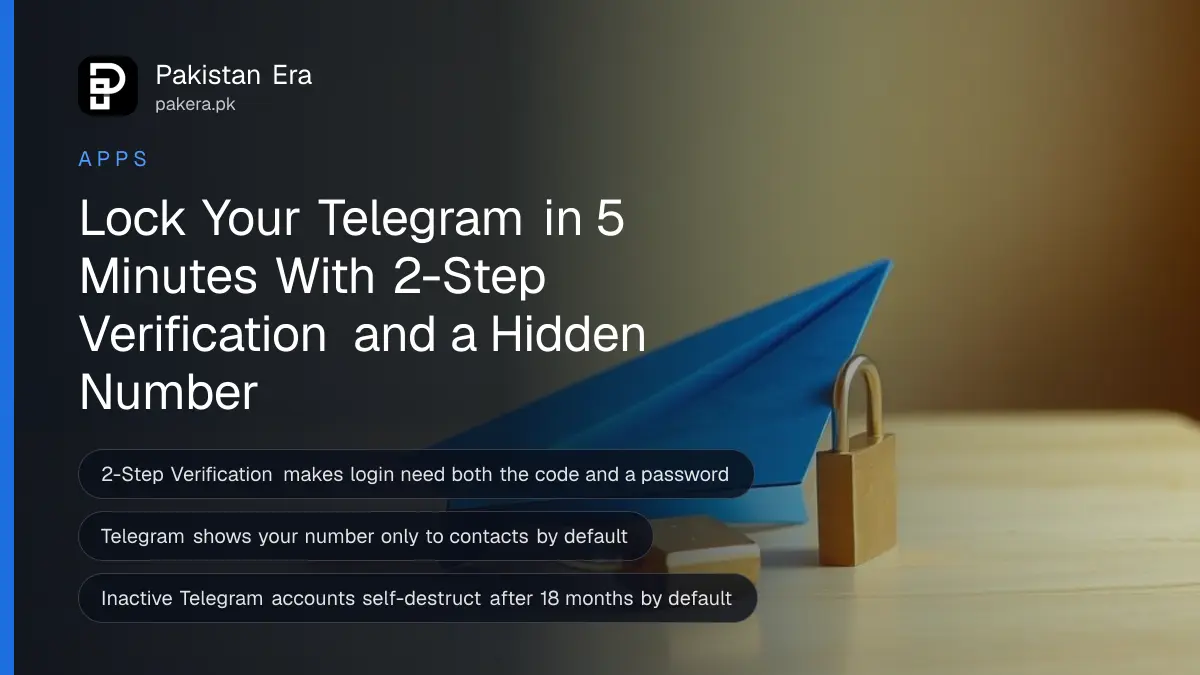
To secure your Telegram account in Pakistan, open Settings, then Privacy and Security, and turn on 2-Step Verification with a password and recovery email. Then set Phone Number to "My Contacts" or "Nobody", check Devices for sessions you do not recognise, and never share the login code Telegram sends you.
Telegram is where a lot of Pakistanis now meet strangers. Crypto signal groups, "online earning" channels, freelancing groups and drama download channels pull in thousands of members each. Scammers sit in the same groups, and some of them want your account, not just your money.
We read Telegram's own FAQ on 10 October 2026 for every setting below. All of it is free and takes about five minutes.
Turn on 2-Step Verification so a code alone cannot open your account
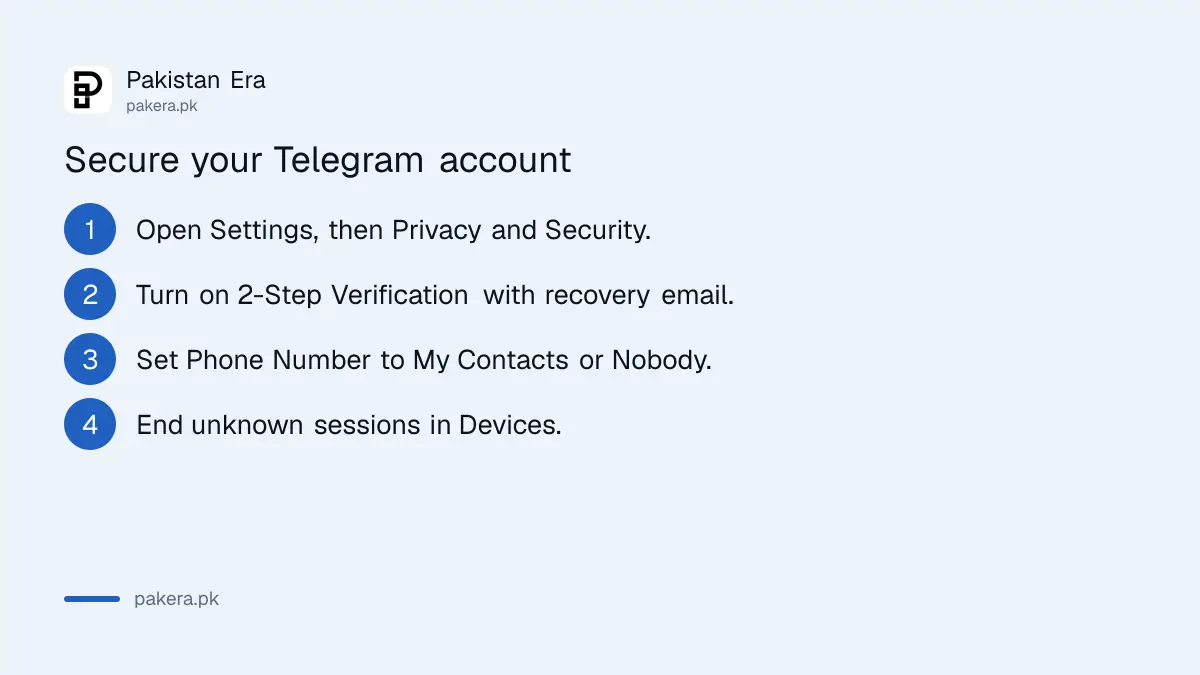
Go to Settings, then Privacy and Security, then 2-Step Verification, and set a password. Telegram says that once it is on, logging in needs both the SMS code and your password. Add a recovery email in case you forget the password.
This one setting blocks the most common takeover. A scammer who tricks you into reading out a login code, or who gets hold of your SIM, still cannot get in without the password.
- Open Telegram and tap Settings.
- Tap Privacy and Security, then 2-Step Verification.
- Create a password you do not use anywhere else, and add a hint that only you understand.
- Add a recovery email and enter the code Telegram sends to it.
- Note the password somewhere safe offline.
Telegram warns that the recovery email must be protected too, with a strong password and its own two-step check. If your Gmail is weak, the whole chain is weak. Locking Gmail is covered in two-step verification for Gmail, Facebook and WhatsApp.
Telegram also offers passkeys. A passkey lets you log in with your phone's PIN, fingerprint or face scan instead of an SMS code. You will find it in Settings, then Privacy and Security, then Passkeys.
Hide your phone number from strangers in groups
By default, Telegram shows your number only to people who have you as a contact. Check it anyway: go to Settings, then Privacy and Security, then Phone Number, and choose My Contacts or Nobody. Anyone who already saved your number will still see it.
This matters in big public groups. A stranger who gets your number from a group can move the conversation to WhatsApp, call you, or try the number on other apps. Hiding it removes that easy first step.
While you are in Privacy and Security, look at who can add you to groups and who can call you. Setting the groups option to My Contacts stops random "investment" groups from pulling you in.
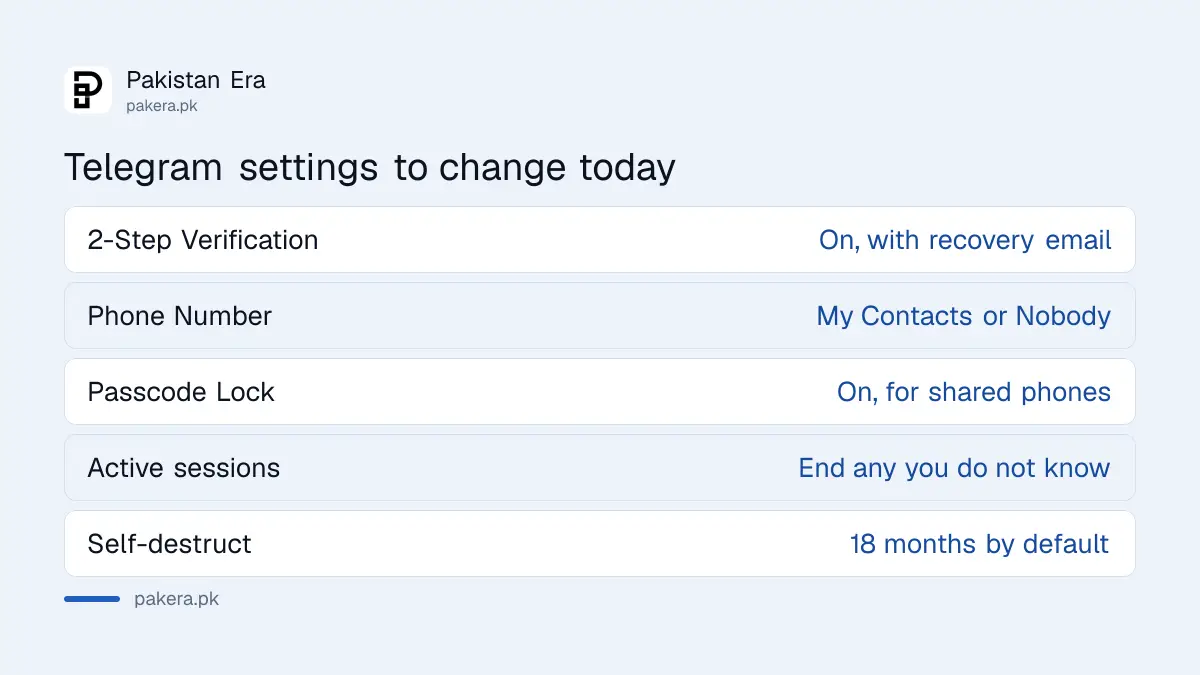
| Telegram setting | Where to find it | What to choose |
|---|---|---|
| 2-Step Verification | Privacy and Security | On, with recovery email |
| Phone Number | Privacy and Security | My Contacts or Nobody |
| Passcode Lock | Privacy and Security | On, for shared phones |
| Active sessions | Devices | End any you do not know |
| Account self-destruct | Privacy and Security | Default is 18 months inactive |
Check Devices and end sessions you do not recognise
Open Settings, then Devices, to see every phone, computer and browser logged in to your account. Telegram's FAQ says you can terminate a session there, and the person on that device is logged out. If 2-Step Verification is on, they cannot log back in without your password.
Look for device names, cities or apps you do not use. A Windows session in a city you have never visited is a clear sign. End it, then change your 2-Step Verification password.
If you use Telegram on a shared family phone or a cyber cafe computer, Telegram suggests a passcode lock from Privacy and Security. It stops anyone who picks up the device from opening your chats.
Never share the code from the official "Telegram" chat
Telegram sends your login codes to a verified chat named "Telegram" in your chat list, or by SMS. Its FAQ says these codes should never be shared with anyone, including other services or apps. Anyone asking for that code is trying to take your account.
The usual trick in Pakistani groups goes like this. A "group admin" or "support agent" messages you to say your account will be closed, or that you won a prize, and asks for the code "to verify". Telegram support will never ask you for it.
Telegram also has a separate "Verification Codes" chat. That one only carries codes for other websites and apps that use Telegram to send logins. If you did not request a code there, Telegram says your account is safe and you can tap the message and choose Report.
Task scams are the other big risk. Someone offers money for liking videos or rating products, pays a small amount first, then asks you to "deposit" to unlock bigger tasks. The money never comes back. The warning signs are the same as in fake online job offers.
Recover Telegram after a lost phone or SIM
Telegram identifies you only by your phone number, so whoever controls the number controls the account. If your phone is stolen, block the SIM with your operator first, get a duplicate, then end the old device's session from Settings, then Devices.
If you are still logged in on another device, such as a laptop, act from there straight away. Turn on 2-Step Verification, then end the session on the stolen phone. That locks the thief out even before you get your SIM back.
Blocking the SIM is a call or a franchise visit, and each network's route is in blocking a lost SIM. If someone is pretending to be you on Telegram, Telegram asks you to contact its @NoToScam account.
Common questions
Does Telegram work in Pakistan?
The app and web.telegram.org loaded when we tested from a Pakistani connection on 10 October 2026, but the telegram.org website and t.me links did not. We could not find a PTA statement explaining why, so if a link fails, open the channel inside the app.
What happens if I forget my Telegram 2-Step Verification password?
You can reset it through the recovery email you set up. That is why Telegram asks for one. Without a recovery email, a forgotten password can lock you out of your own account.
Can someone see my number if I join a Telegram group?
Not by default. Telegram shows your number only to your contacts, and you can set Phone Number to Nobody. People who already have your number saved will still see it.
How long before an inactive Telegram account is deleted?
The default is 18 months without coming online, according to Telegram's FAQ. You can change this period in Settings, under Privacy and Security.
Where do I report a Telegram scam in Pakistan?
Report the message inside Telegram first by pressing it and choosing Report. If you lost money, call your bank or wallet helpline at once and file a complaint with the National Cyber Crime Investigation Agency (NCCIA).
How we verified this
What we checked, where we read it, and what we could not confirm.
We last checked Telegram's official FAQ at telegram.org/faq on 10 October 2026. It is the source for 2-Step Verification, the recovery email, passkeys, phone number privacy, Devices and active sessions, the passcode lock, login codes and the Verification Codes chat, the 18-month self-destruct default, and the stolen phone steps.
Menu names vary slightly between Android, iPhone and Desktop. On some versions, active sessions sit under Privacy and Security rather than Devices.
About the author

Technology Journalist & Multimedia Producer
Ahmad Ali is a technology journalist and multimedia producer at Pakistan Era, joining the team in October 2026. He covers consumer technology and digital life for Pakistani readers, combining research with hands-on product testing.