Send Files From Android to iPhone With Quick Share and AirDrop in Pakistan
Send full-size photos and videos from Android to iPhone with Quick Share and AirDrop. Which phones work, the 4 steps, and Google's limits for the QR code route.
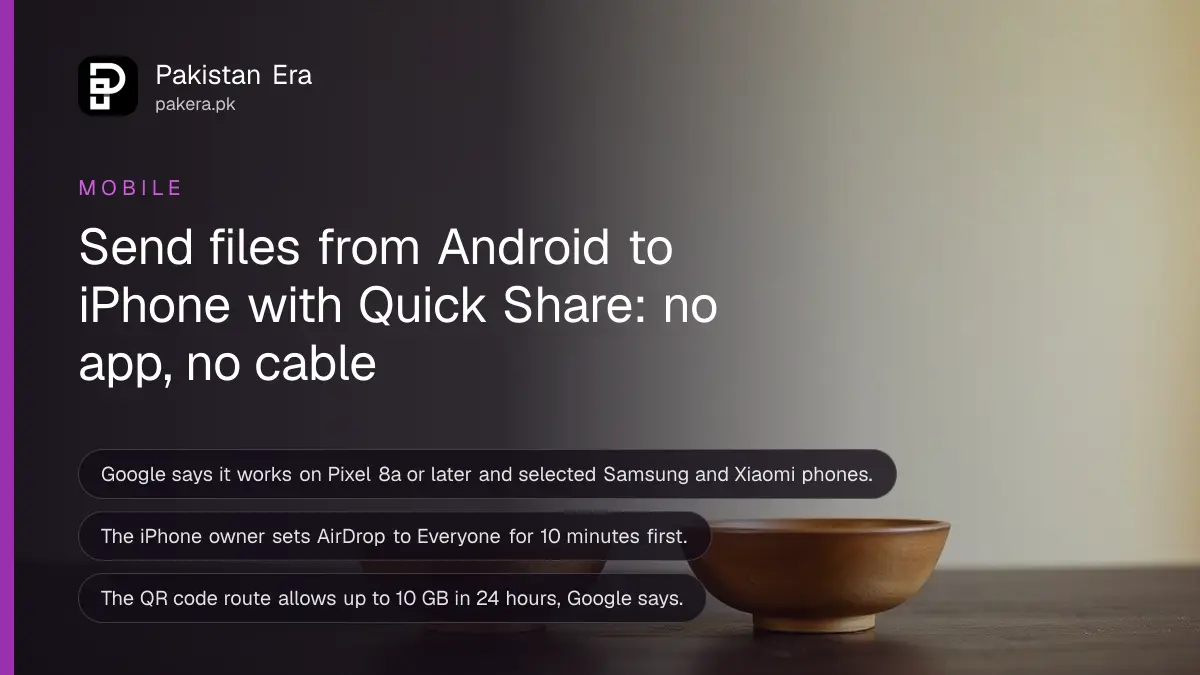
Short answer: On the iPhone, set AirDrop to "Everyone for 10 minutes". On the Android phone, tap Share, then Quick Share, pick the iPhone and wait for the iPhone owner to accept. It works on Pixel 8a or later and on some Samsung, Oppo, OnePlus, Vivo, Xiaomi, Honor, Transsion and Motorola phones.
Sending a video from an Android phone to an iPhone used to mean WhatsApp, which squeezes the quality, or a cable and a laptop. Google now lets Quick Share talk to AirDrop, so photos and videos go across at full size, with no app and no mobile data.
We read Google's Android Help page on Quick Share and Google's launch post, which is dated 20 November 2025, on 13 October 2026. We did not test a transfer between two phones for this guide. Your phone must be on the supported list, so check that first.
Check that your Android phone supports it
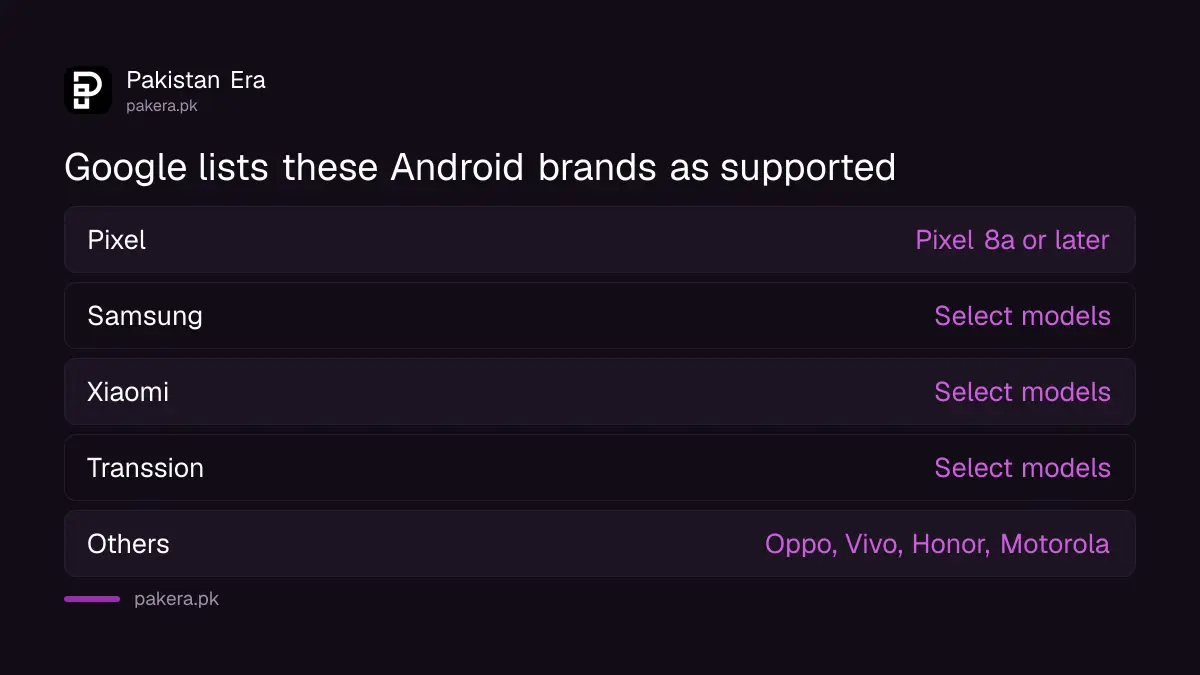
Google's help page says sending to Apple devices works on Pixel 8a or later and on selected Samsung, Oppo, OnePlus, Vivo, Xiaomi, Honor, Transsion and Motorola phones. Google did not list exact models, so a phone from these brands may or may not have it.
Transsion makes Infinix, Tecno and Itel phones, which are popular in Pakistan. Google's page names the company, not the models, so we cannot say which Infinix or Tecno phone gets the feature. Open the Share sheet on your phone and look for Quick Share. Check your Android version and updates too, as in the guide to checking your Android security patch date.
| Item | What Google says |
|---|---|
| Pixel phones | Pixel 8a or later |
| Other brands | Select Samsung, Oppo, OnePlus, Vivo, Xiaomi, Honor, Transsion and Motorola devices |
| Receiving devices | iPhone, iPad and Mac |
| Launch | 20 November 2025, starting with the Pixel 10 family |
| Plan | Google says it will expand to more Android devices |
Send a file in four steps
Both people need to be close to each other. The iPhone owner changes one setting and the Android owner shares as usual. The transfer is direct between the two phones.
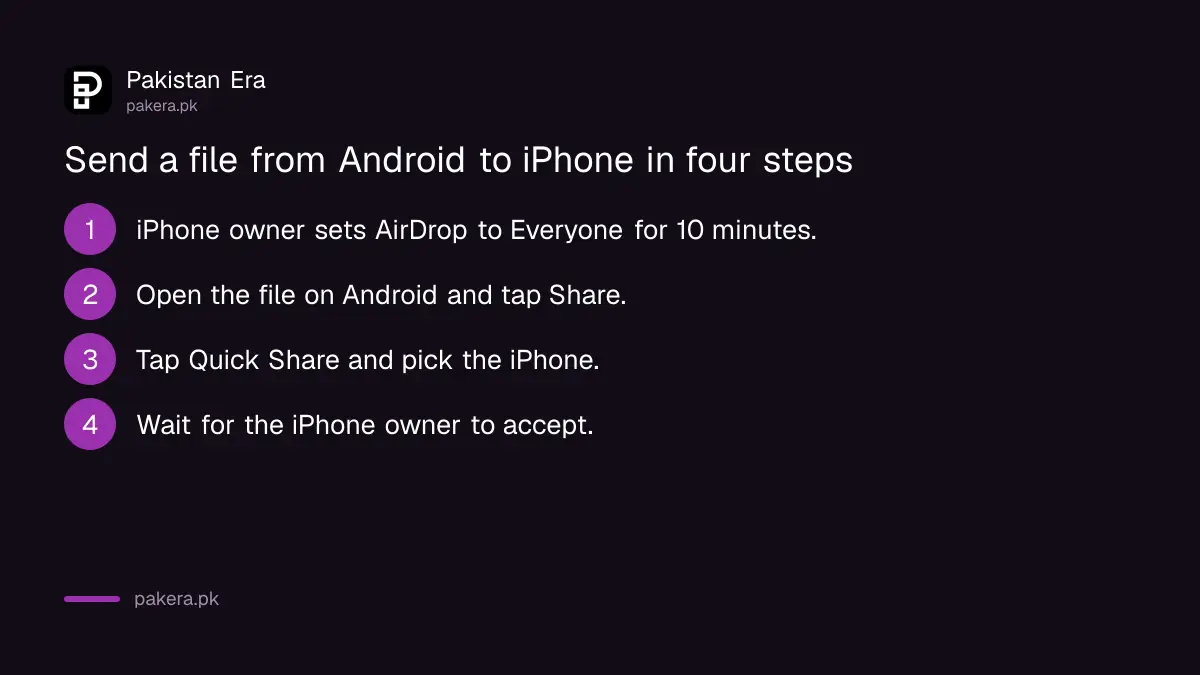
- Ask the iPhone owner to open AirDrop settings and choose "Everyone for 10 minutes".
- On your Android phone, open the photo, video or file and tap Share.
- Tap Quick Share, then pick the iPhone from the nearby devices.
- Wait until the iPhone owner accepts the AirDrop request.
The iPhone owner can find AirDrop in Settings, then General, then AirDrop, or in the Control Center. Google says the "Everyone for 10 minutes" setting returns to the earlier setting after 10 minutes, which protects privacy.
Know what Google says about safety
Google says the connection is direct between the two devices, and the data does not go through a server. Google also says it built the feature with security in mind and had it tested by independent security experts. We have not tested those claims ourselves.
Only accept a file from a person you know and can see. Unknown AirDrop requests in crowded places, such as a bus stop or a mall, are a way to push unwanted pictures. Set AirDrop back to receiving from contacts only after you finish. For more on unwanted files, read the guide to checking Google Play Protect and app permissions.
Use a link or QR code when there is no AirDrop
If the phones are not in the supported list, Quick Share has another route. Google's page says you can share with a QR code to devices without AirDrop support. This route uploads the files, so it uses internet data and has limits.
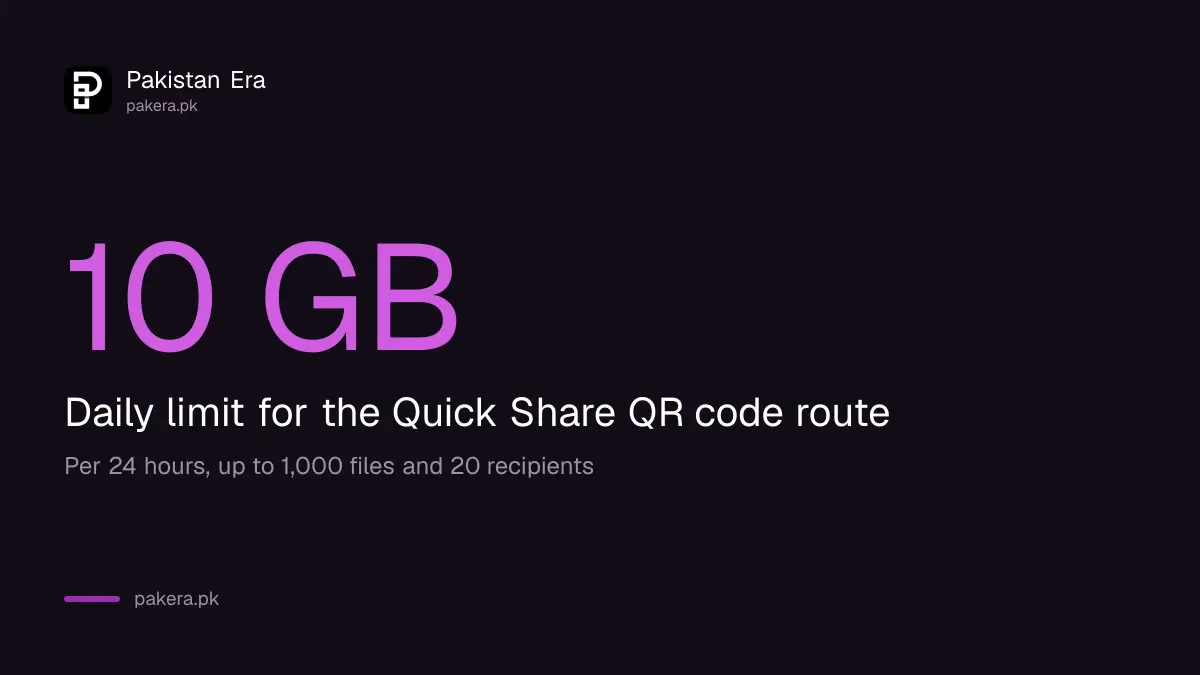
Google lists these limits: up to 10 GB in 24 hours, up to 1,000 files in one session, and up to 20 recipients. The files stay encrypted on Google servers and are available for 24 hours. In Pakistan, check your data package before you send big videos this way. If the data is tight, see how to save mobile data on Android and iPhone.
Fix a phone that does not show up
When the iPhone does not appear, the usual cause is the AirDrop setting or distance. Check the simple things in order before you try again.
- Make sure AirDrop on the iPhone is set to "Everyone for 10 minutes", not Contacts Only or Receiving Off.
- Keep both phones unlocked, with Bluetooth and Wi-Fi on, and next to each other.
- Open Quick Share on the Android phone and check that it is set to be visible.
- Restart both phones and try again.
Google notes that if your Wi-Fi disconnects during sharing, it reconnects after you leave the Quick Share page. If you still cannot send, use a different route. Moving everything to a new iPhone is covered in how to move from Android to iPhone with WhatsApp data.
Common questions
Does Quick Share to iPhone need internet?
The AirDrop route is a direct connection between the phones, which Google says does not pass through a server. The QR code route uploads files to Google servers and uses data.
Which Android phones can send to an iPhone?
Pixel 8a or later, and select Samsung, Oppo, OnePlus, Vivo, Xiaomi, Honor, Transsion and Motorola phones, according to Google. Google gave no model list, so test on your own phone.
Can an iPhone send files to Android the same way?
Google's page describes sending from Android to Apple devices after the iPhone owner opens AirDrop to everyone. We did not read the steps for starting a send from the iPhone, so we do not describe them here.
Is the file quality reduced?
Google's page does not say that files are compressed. We did not measure quality. WhatsApp is known to compress photos and videos, which is why many people look for another route.
Is it safe to leave AirDrop open to everyone?
No. Leave it open only for the transfer. Google says the setting returns to the earlier option after 10 minutes. Accept files only from someone you can see.
How we verified this
What we checked, where we read it, and what we could not confirm.
Last checked on 13 October 2026, Pakistan time. We read Google's Android Help page on Quick Share and Google's launch post. We could not verify which Infinix, Tecno, Itel or Samsung models in Pakistan support the feature, because Google lists brands only. The data limits come from Google's QR code description.
About the author

Technology Journalist & Multimedia Producer
Ahmad Ali is a technology journalist and multimedia producer at Pakistan Era, joining the team in October 2026. He covers consumer technology and digital life for Pakistani readers, combining research with hands-on product testing.