Stop Subscription Charges on a Debit Card in Pakistan: Why Freezing Is Not Enough
Freezing a debit card may not stop subscriptions in Pakistan. Cancel at the service, remove the card, set a spending limit, and block the card if charges go on.
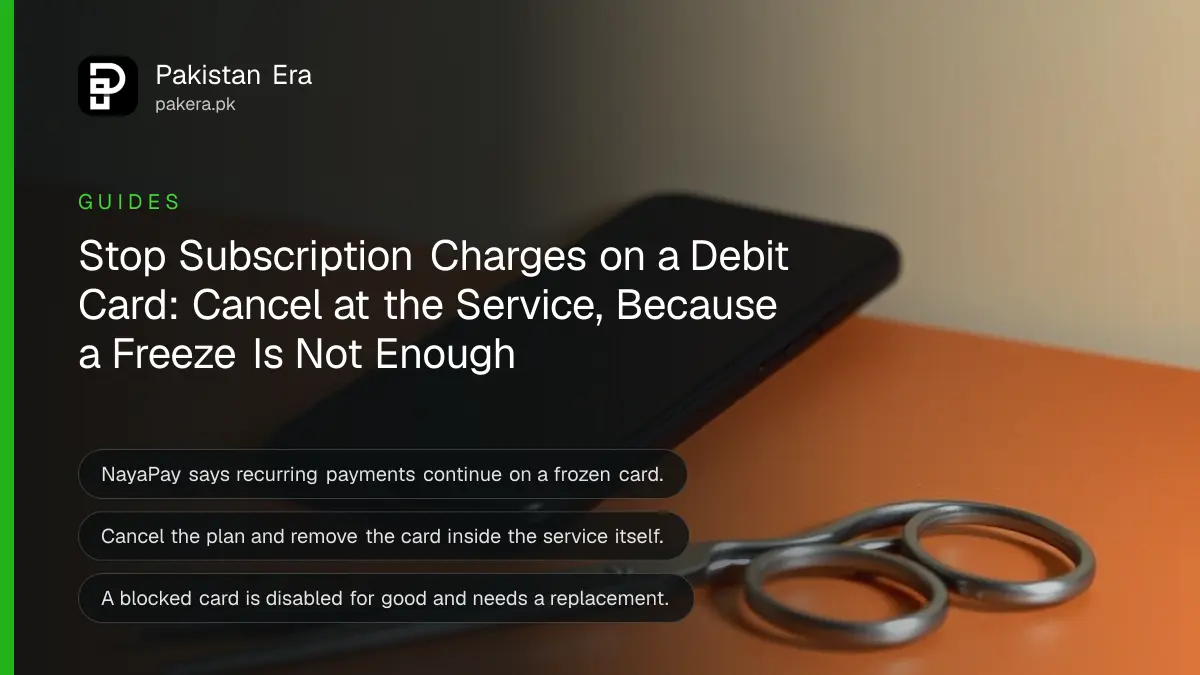
Freezing your debit card may not stop a subscription. NayaPay says recurring payments keep going through on a frozen card. To stop a monthly charge in Pakistan, cancel the plan inside the service and remove your card there. If charges still come, block the card and order a new one. A blocked card cannot be unfrozen, so this is a final step.
Many people freeze a card after a surprise charge and think the problem is solved. Next month the same charge appears. The reason is how card networks treat recurring payments, which the service sets up once and then repeats. Here is the order that actually works.
Why freezing a card does not stop subscriptions
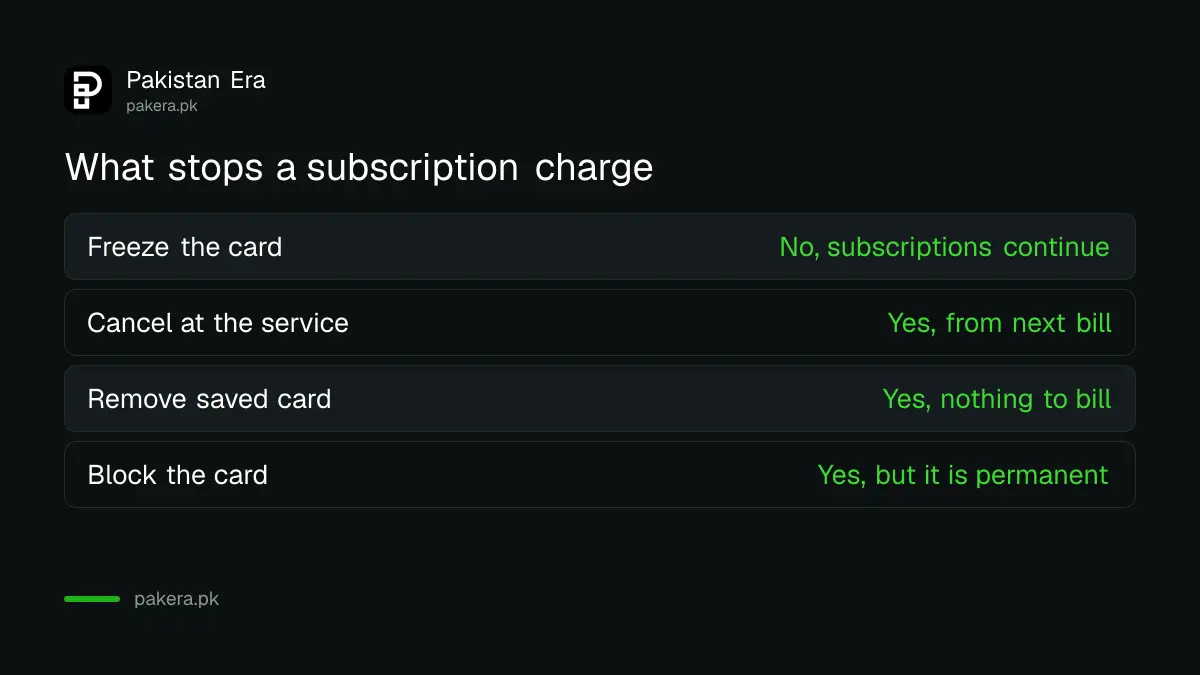
NayaPay says freezing temporarily disables a card and limits transactions, but recurring payments such as subscriptions continue to process. So a freeze stops a thief at a shop counter, yet a service you signed up to can still bill you.
| Action | Stops new shop payments? | Stops subscriptions? | Can you undo it? |
|---|---|---|---|
| Freeze card (NayaPay) | Yes, temporarily | No, NayaPay says recurring payments continue | Yes, unfreeze any time |
| Cancel plan at the service | Not applicable | Yes, from the next billing date | You can sign up again |
| Remove card from the service | Not applicable | Yes, the service has no card to bill | You can add it again |
| Block card | Yes, permanently | The old card is disabled for good | No, order a new card |
Other banks and wallets may treat a frozen card differently, so ask your own issuer before you rely on a freeze. Cancelling at the service works the same everywhere.
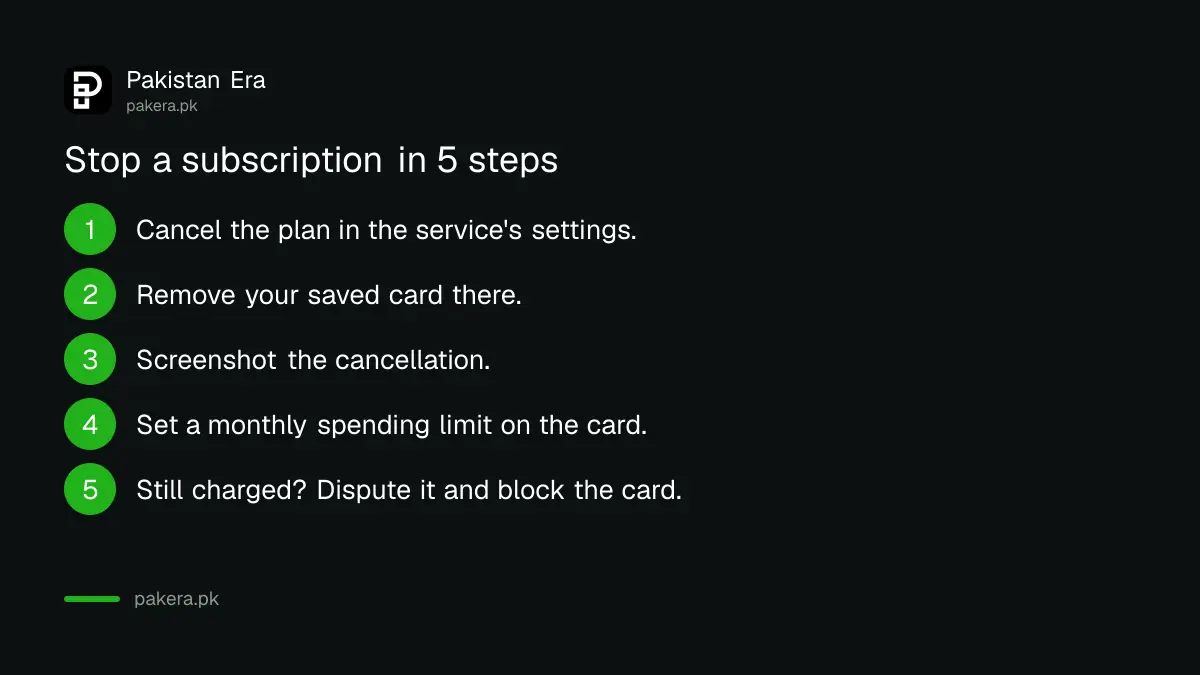
Stop a subscription charge in 5 steps
Start at the service, not the card. Cancel the plan in its app or website, remove your saved card, then set a spending limit on the card. Block the card only if the service keeps charging after you cancel, or if you no longer trust it.
- Open the service's app or website and cancel the subscription in its account or billing settings.
- Remove your saved card from the same account.
- Take a screenshot of the cancellation confirmation and save any email.
- Set a monthly spending control on the card in your wallet or bank app.
- If a charge still appears after the cancellation date, dispute it with your card issuer and block the card.
NayaPay keeps a list of guides for removing a card from dozens of popular services, and its support team helps with any not listed. Help for specific streaming apps is in cancelling Netflix and Spotify in Pakistan and cancelling Google Play subscriptions.
Set a spending limit so surprise charges fail
A spending control caps how much a card can spend in a month. NayaPay lets you set one per card, virtual or physical, from the Cards screen. Money already spent that month counts toward the limit, so a small cap makes an unexpected charge fail.
- Tap the Cards icon at the bottom of the NayaPay home screen.
- Choose the virtual or physical card.
- Tap More, then turn on Spending Control.
- Enter the monthly amount and tap Set Limit.
You can change or remove the limit at any time. A separate card for subscriptions, with a low limit, keeps your main balance safe. You can also stop online or foreign use entirely, as shown in turning off online and international payments on a debit card.
When to block the card instead
Block the card if a service keeps billing after you cancel, if you cannot log in to cancel, or if the charge is not yours at all. NayaPay says a blocked card cannot be unblocked. You then order a replacement in the app.
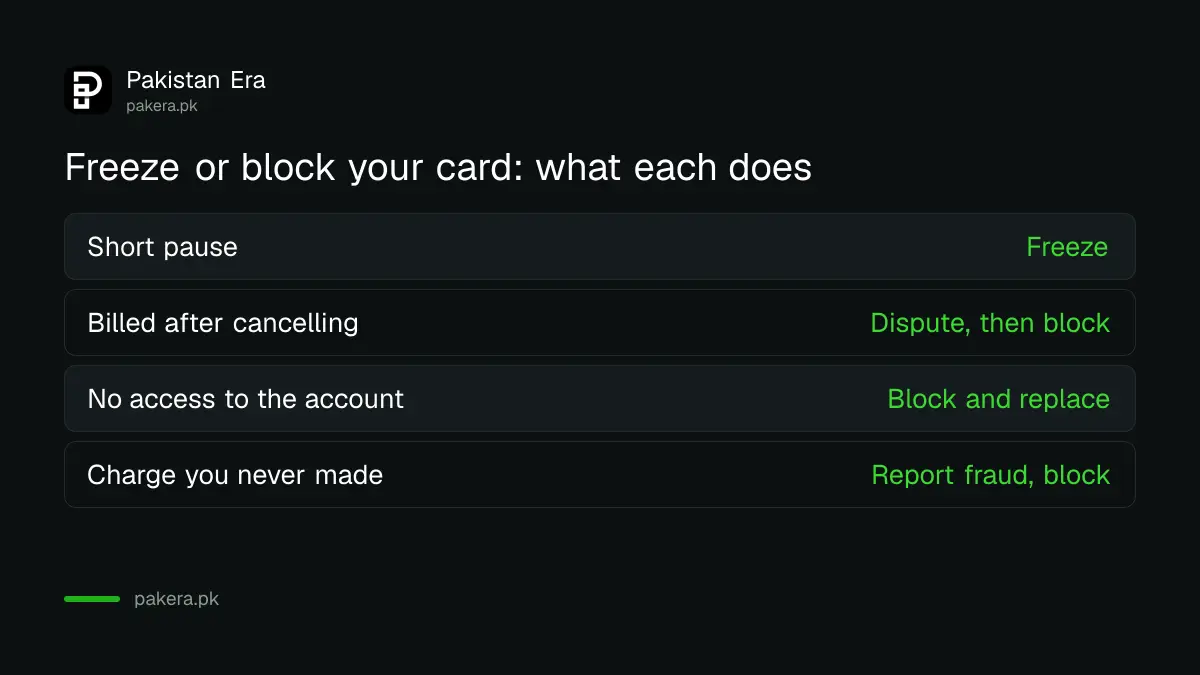
| Situation | Best step |
|---|---|
| You want to pause the card for a few days | Freeze it, knowing subscriptions continue |
| You cancelled but are still being billed | Dispute the charge, then block the card |
| You cannot access the service account | Block the card and order a new one |
| The charge is not something you signed up for | Report it as fraud and block the card |
In NayaPay, freeze the card first from Cards, then choose block. For a new card, go to Cards and tap the plus sign at the top right. Expect your issuer's replacement card fee.
Get money back for a charge after you cancelled
If a service charged you after a cancellation, ask the service for a refund first and keep its reply. If it refuses, dispute the charge with your card issuer and send the cancellation screenshot. NayaPay disputes are filed in its in-app Dispute Center; SadaPay's through in-app chat.
- Send the cancellation proof, the charge screenshot and the service's reply.
- For a charge you never authorised, NayaPay says file a dispute immediately and keep the card frozen during the fraud check.
- SadaPay says online purchase disputes must reach it within 60 days, with documents.
For bank cards, ask your bank's helpline to raise a dispute. Bank SMS and service subscriptions are a separate issue, covered in cancelling bank subscriptions and the 15-day free look.
Common questions
Does freezing my debit card stop Netflix or other subscriptions?
Not on NayaPay. It says recurring payments keep processing on a frozen card. Cancel at the service and remove the card there.
How do I remove my card from a subscription service?
Open the service's account or billing settings, cancel the plan and delete the saved card. Keep a screenshot of the confirmation.
Will blocking my card stop all subscriptions?
Blocking permanently disables the card, so the old card cannot be used again. Update the services you want to keep with your new card.
Can I unblock a blocked NayaPay card?
No. NayaPay says a blocked card cannot be unblocked. You must order a replacement card.
How do I set a spending limit on my NayaPay card?
Go to Cards, pick the card, tap More, turn on Spending Control, enter an amount and tap Set Limit.
Can I get a refund for a charge after I cancelled?
Ask the service first. If it refuses, dispute the charge with your card issuer and attach your cancellation proof.
How we verified this
What we checked and where we read it.
Last checked 15 November 2026. The freeze, block and recurring payment rules come from NayaPay's help articles Difference between freezing a card and blocking it and I lost my card. Spending control steps come from How can I set a spending control on my cards?, and card removal from How can I remove my card from a merchant website? The dispute points come from NayaPay's fraudulent transaction article and SadaPay's How to report an E-commerce dispute.
About the author

Technology Journalist & Multimedia Producer
Ahmad Ali is a technology journalist and multimedia producer at Pakistan Era, joining the team in October 2026. He covers consumer technology and digital life for Pakistani readers, combining research with hands-on product testing.