Tenda Router Login in Pakistan: tendawifi.com, 192.168.0.1 and Wi-Fi Password Change (F3, N301 and More)
Log in to a Tenda router at tendawifi.com or 192.168.0.1, change the Wi-Fi password on the F3 or N301, reset it when locked out and fix a login page that fails.
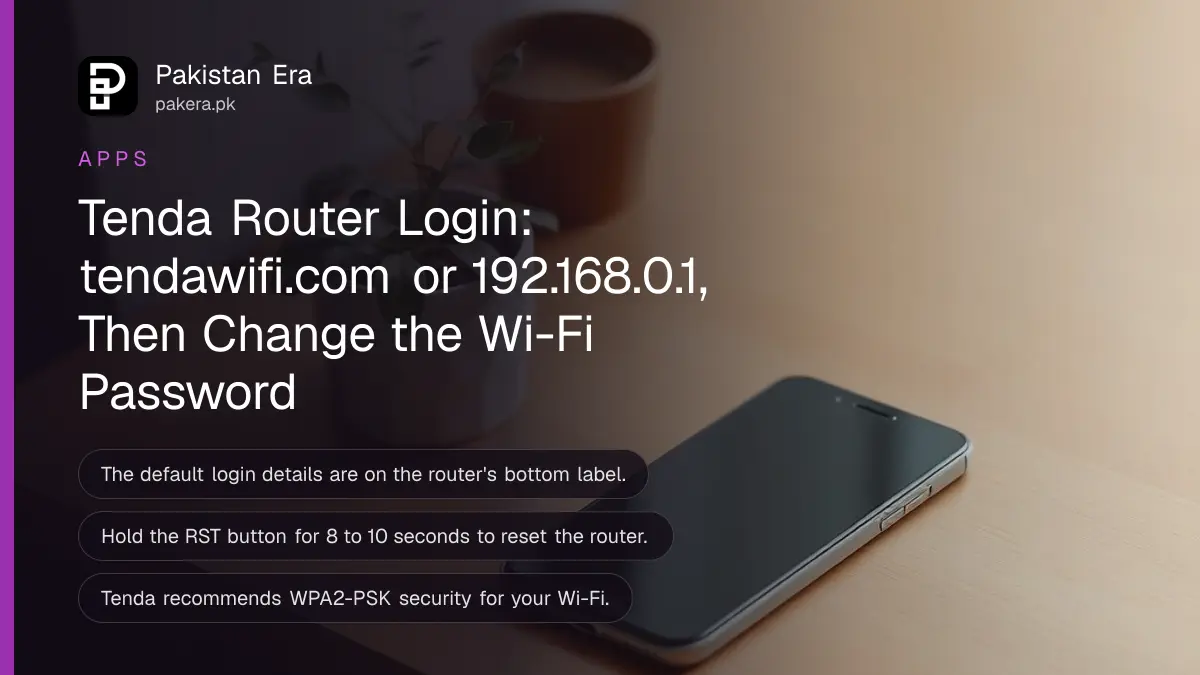
To log in to a Tenda router, connect to its Wi-Fi or plug in a cable, then type tendawifi.com or 192.168.0.1 into your browser's address bar and enter the login password from the router's bottom label. Below are the steps to change the Wi-Fi name and password on models such as the F3 and N301, reset a router when you are locked out, and fix the login page when it will not open.
We read Tenda's own support FAQs on why tendawifi.com fails to open, logging in with HTTPS, changing the Wi-Fi password on the F3 and N301, and factory reset, on 28 October 2026. Where Tenda's guides differ by model, we give both versions.
Tenda routers open on tendawifi.com or 192.168.0.1
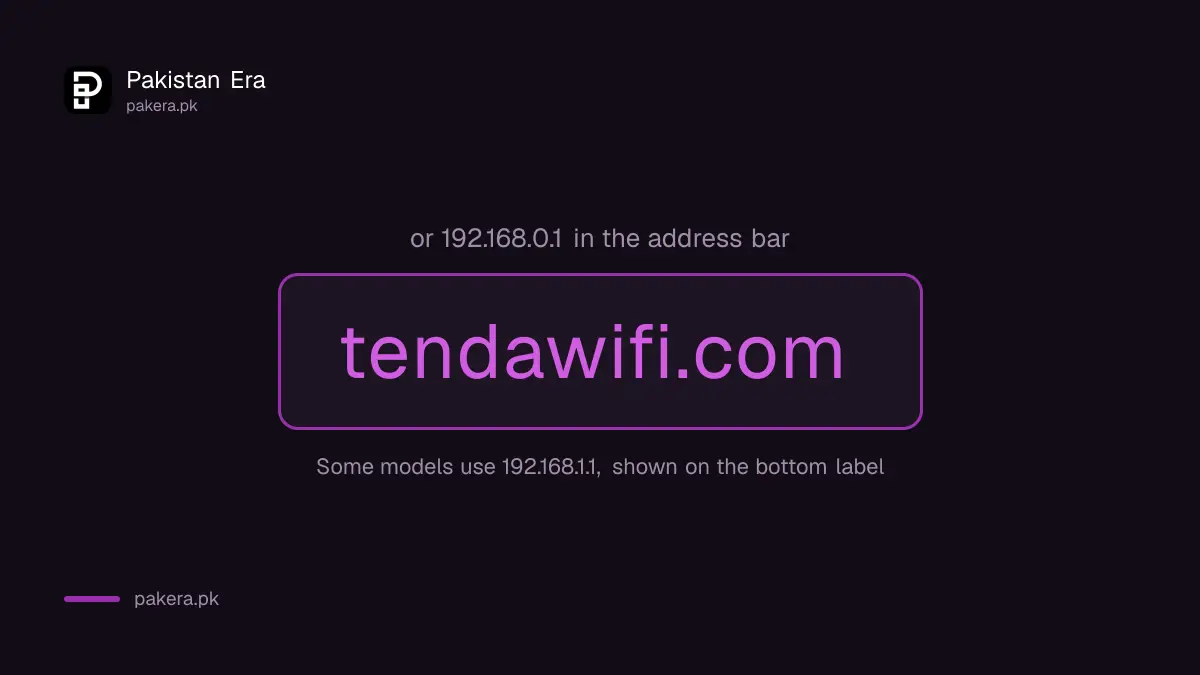
tendawifi.com is the built-in settings page of a Tenda router, and it only opens when your phone or laptop is connected to that router. If the name does not load, Tenda says to use the gateway address instead, normally 192.168.0.1, and on some models 192.168.1.1.
| What you need | Where to find it | Notes |
|---|---|---|
| Login address | tendawifi.com or 192.168.0.1 | Some models use 192.168.1.1; check the bottom label |
| Login password | Bottom label, or the one you set | Older routers used admin; Tenda says newer ones do not |
| Default Wi-Fi name and password | Bottom label | Only valid if never changed |
| Wi-Fi settings menu | Wireless Settings, or Wireless on older models | Name and password are on the same page |
| Reset button | Back panel, marked RST or WPS/RST | Hold 8 to 10 seconds or more |
You do not need internet to reach the page. Tenda notes that you can open the settings even with no cable in the WAN port, the port that connects to your internet line, though you cannot finish setting up the connection that way.
How to log in to a Tenda router
Connect to the router, open Chrome, Firefox or Edge, type tendawifi.com, pass the privacy warning if one appears, and enter your login password. On a new router or after a reset, Tenda asks you to set a secure admin password first.
- Join the Tenda Wi-Fi using the name and password on the bottom label, or connect a cable.
- Open Chrome, Firefox or Edge, which Tenda recommends.
- Type tendawifi.com, or 192.168.0.1, in the address bar and press Enter.
- If you see "Privacy error", select Advanced, then Proceed to tendawifi.com.
- Enter the login password, or set an admin password if asked.
- Forgot it? Use "Forget your password?" under the Login button, or reset the router.
Tenda explains the privacy warning plainly. The router uses a self-signed certificate rather than one from a trusted authority, so browsers flag it. Tenda says the connection between your browser and the router is still secure. Our view: accept that warning only on your own router's page, never on a site you reached from a link.
Change the Wi-Fi name and password on a Tenda F3 or N301
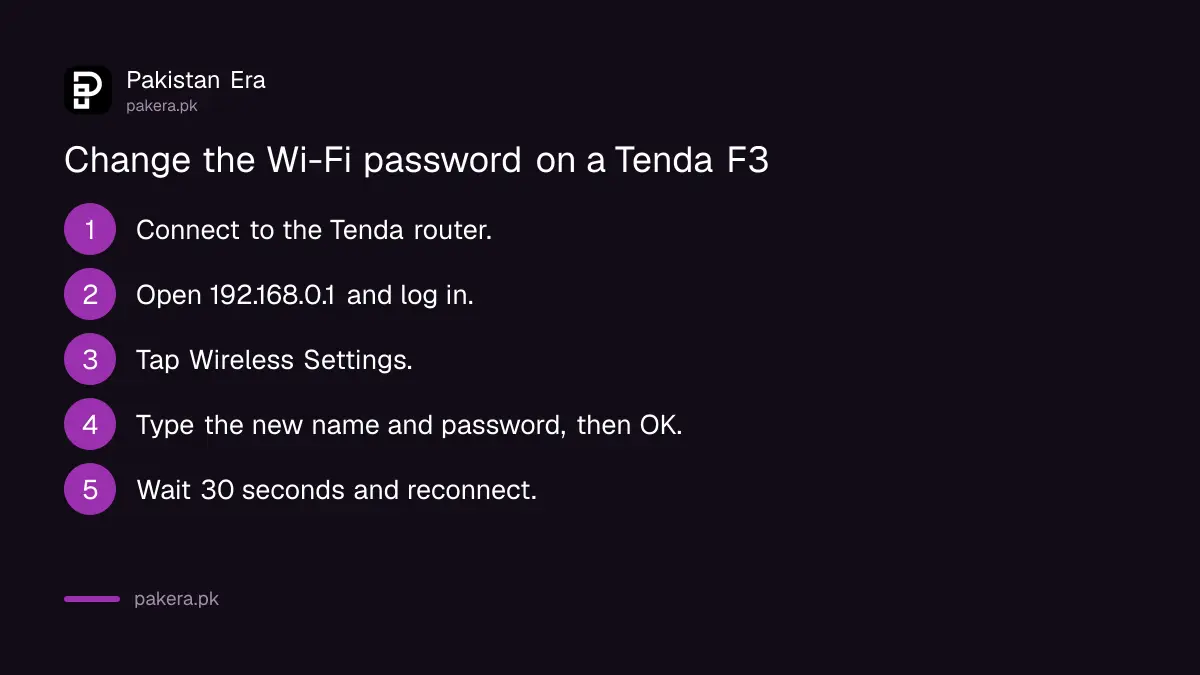
Log in at 192.168.0.1, open Wireless Settings, type the new network name and password, choose WPA/WPA2-PSK security, and tap OK. Your devices drop off. Wait about 30 seconds, then reconnect using the new name and password.
That is Tenda's current guide for the F3. Its older guide for the F3, N301 and FH456 uses a menu called Wireless instead. On that page you can also:
- Turn Wi-Fi on or off with the WiFi ON/OFF button.
- Hide the network name, so only people who know it can join.
- Pick a security mode. Tenda recommends WPA2-PSK.
- Set signal strength. Tenda says High passes walls better.
Tenda's older guide also says those routers shipped with no Wi-Fi password unless one was set in the Quick Setup wizard. If your Tenda has an open network with no password, fix that first. For the wider checklist, including a strong admin password, follow the steps to secure a home Wi-Fi router.
Reset a Tenda router when you forget the password
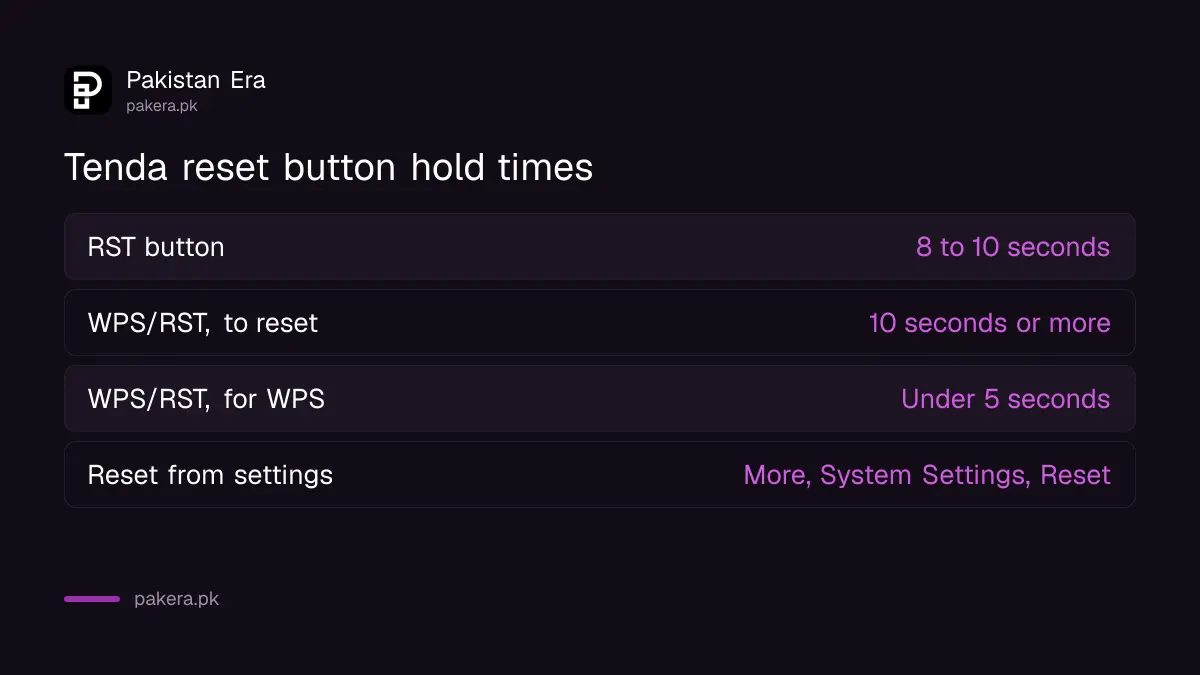
With the router on, press and hold the RST button on the back for 8 to 10 seconds, until the lights start to blink. On models with a combined WPS/RST button, hold it for at least 10 seconds, until the SYS light changes from a slow flash to a quick flash.
A short press under 5 seconds on a WPS/RST button starts WPS pairing, not a reset. If you can still log in, Tenda also offers a reset from the settings page: More, then System Settings, then Backup and Restore, then Reset.
A reset erases everything you set up, so plan for it. After it, the router uses the defaults on its bottom label again. If your internet provider gave you a username and password for the connection, keep them ready, because you will need them to get back online. Tenda suggests loading a backed-up settings file if you saved one.
A router your internet provider supplied may not be a Tenda at all, and its steps differ. A PTCL modem, for example, has its own way to change the PTCL Wi-Fi password.
When tendawifi.com will not open
Check that you are connected to the Tenda router itself, clear your browser cache, try another browser, use 192.168.0.1 or 192.168.1.1 instead, and switch off any VPN or second connection. Tenda lists these as the common causes.
The cache step is the one people miss. Tenda says your browser may have saved the public address of tendawifi.com, which sends you to the internet instead of your router. Clearing cookies and history fixes it. A phone still on mobile data has the same problem, so turn mobile data off before you try.
If you only need to see a saved password and cannot log in at all, a phone or laptop that already joined the network may still have it. The steps to see a saved Wi-Fi password work on Android, iPhone and Windows.
Common questions
What is the Tenda router login address?
tendawifi.com, or the IP address 192.168.0.1. Some models use 192.168.1.1, which is printed on the bottom label.
What is the default Tenda login password?
Older Tenda routers used admin. Tenda says newer routers no longer do; the default details are on the bottom label, or you set a password on first login.
Why does tendawifi.com show a website instead of my router?
Your browser has cached the public address. Clear your cookies and history, or type 192.168.0.1 instead.
How long do I press the Tenda reset button?
Eight to ten seconds on an RST button, and at least 10 seconds on a WPS/RST button, until the lights flash quickly.
Which security mode should I choose?
Tenda recommends WPA2-PSK, or WPA/WPA2-PSK on newer menus. Never leave the network set to None.
How we verified this
What we checked, where we read it, and what we could not confirm.
Last checked 28 October 2026. We read Tenda's support FAQs at tendacn.com: "Why Do I Fail to Access tendawifi.com?" (updated 16 April 2026), the HTTPS login guide (9 May 2025), the F3 SSID and password guide (6 June 2025), the older F3 and N301 wireless guide, and the factory reset guide (17 July 2025). We did not test a Tenda router. Menus differ by model and firmware, so follow your router's label where it differs.
About the author

Global Affairs & Political Economy Writer
Muhammad Hatim is a book lover who started writing because he enjoys it. At Pakistan Era he writes about international relations, geopolitics and the global economy, with a particular interest in South Asia and the forces behind current events.