How to Turn On Emergency SOS on Your Android Phone in Pakistan
Turn on Emergency SOS on your Android phone in Pakistan: open Safety and emergency in Settings, start setup, add contacts, and test it so help can find you.
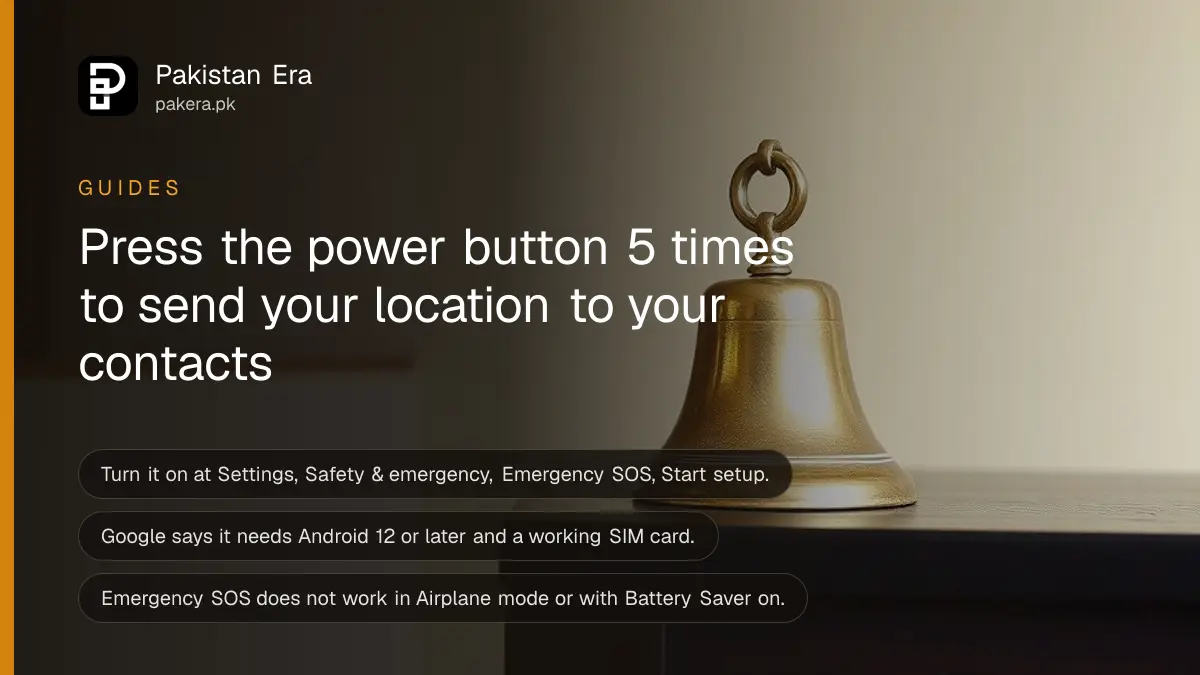
Short answer: Open Settings, Safety & emergency, Emergency SOS and tap Start setup. After that, pressing the power button five times or more starts the alert. Google says it needs Android 12 or later, a SIM card and, for location sharing, an internet connection.
If you are in danger, you may not have time to unlock the phone, find a contact and type. A late-night ride, a road accident, a crowded bazaar: there are moments when one quick action matters. Emergency SOS gives you that action.
We read Google's Android Help page on Emergency SOS on 14 October 2026. Phone makers sometimes move menus, so the words below may differ slightly on your handset. We did not test it on a Pakistani network.
One quick action starts the alert
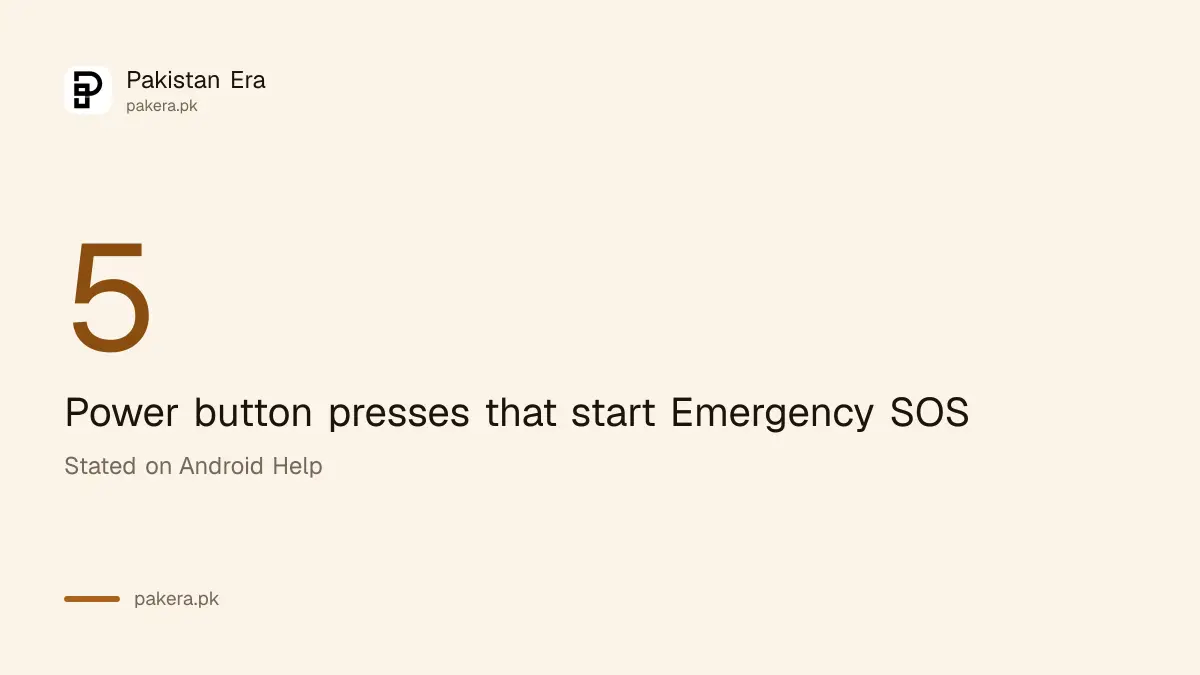
Google says you start Emergency SOS by pressing the power button five times or more. Depending on your setup, you then touch and hold inside the red circle for three seconds, or wait for the countdown to end. The phone then begins the emergency actions.
Practise the press once so your hand knows it. Do not do it for fun: when it runs, it can call emergency services. Stop it during the countdown if you press by mistake.
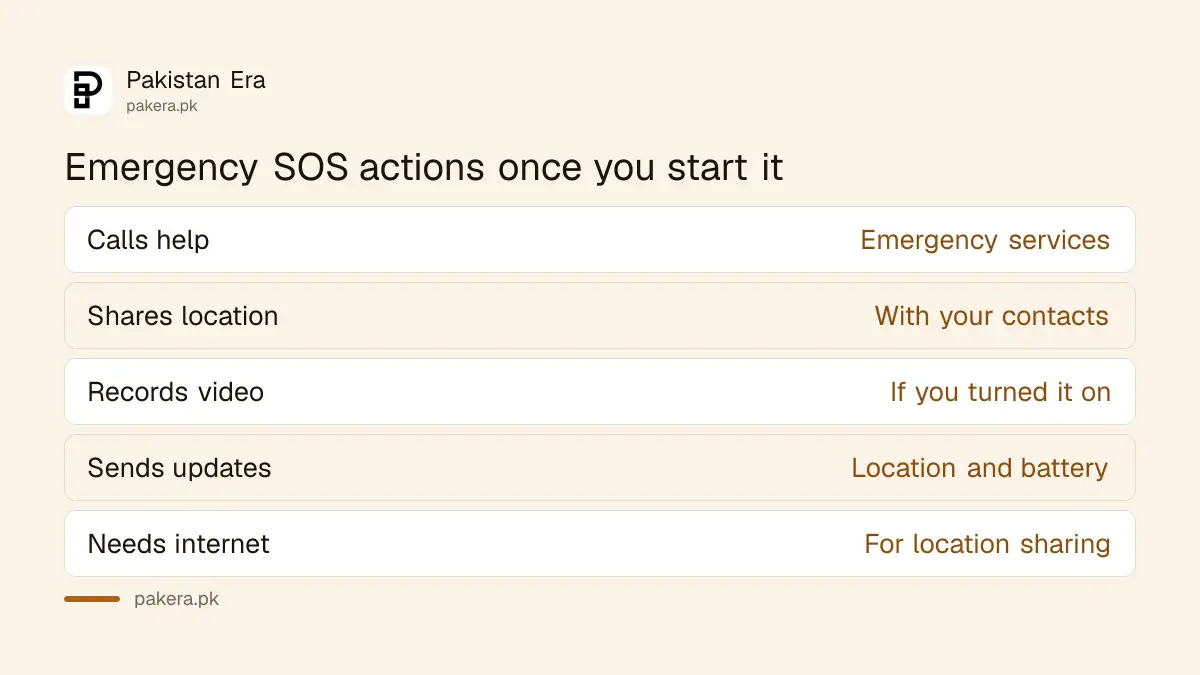
The Google page also says what the alert does. It can call emergency services, share your location with the contacts you chose, record video if you turned that on, and send location and battery updates.
Four steps turn it on
Open Settings, tap Safety and emergency, tap Emergency SOS, then tap Start setup and follow the prompts. Add the contacts who should get your location. Do it today, not when you need it, because setup takes a few minutes.
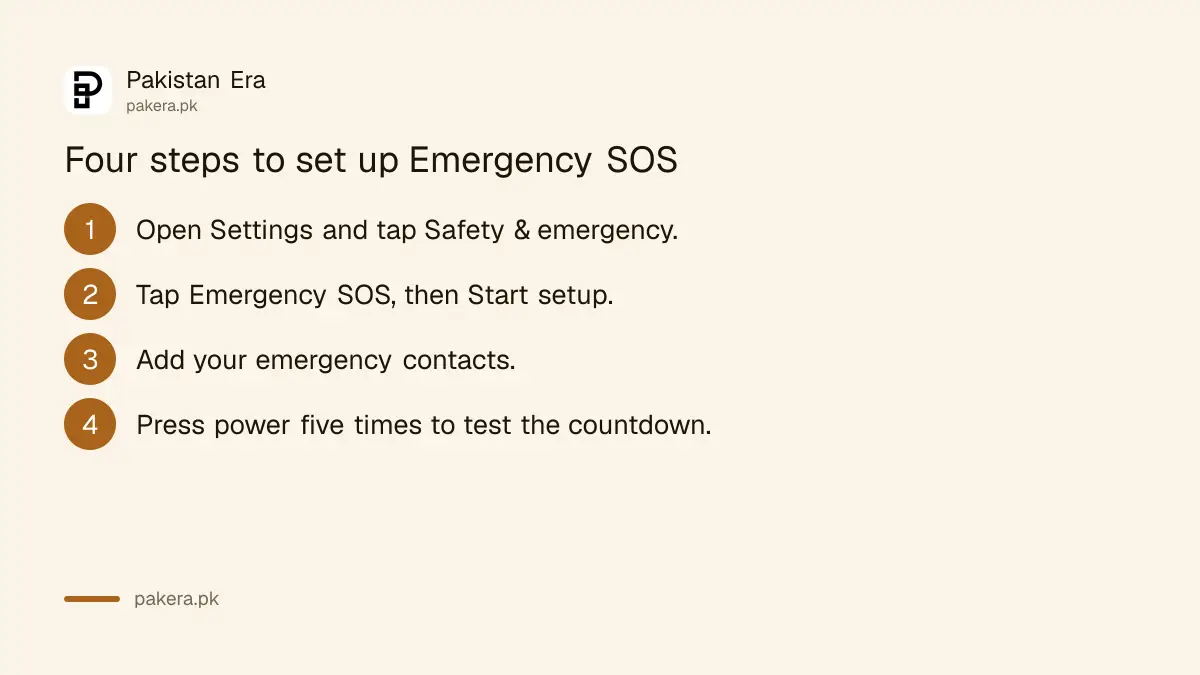
- Open Settings and tap Safety & emergency.
- Tap Emergency SOS, then Start setup.
- Choose how the alert behaves, for example whether to show a countdown or record video.
- Add the people who should get your location. Pick two or three you trust and who answer their phones.
- Test the countdown by pressing the power button five times, then cancel before it calls anyone.
To change anything later, go back to the same screen and tap the settings icon. To switch the feature off, use the same icon and choose Turn off Emergency SOS.
Tell your contacts what the message will look like, so they do not ignore it. A short chat saves minutes later.
What it does and what it needs
The alert can call emergency services, share your location, record video if enabled, and send updates on location and battery. It needs Android 12 or later, an active SIM card, and Wi-Fi or mobile internet for location sharing. It will not work in Airplane mode or Battery Saver.
| Requirement | What Google says |
|---|---|
| Android version | Android 12 or later |
| SIM card | An active SIM is needed |
| Internet | Wi-Fi or mobile data for location sharing |
| Airplane mode | Not compatible |
| Battery Saver | Not compatible |
| Young supervised users | Below the age of consent cannot use Emergency Sharing |
The Battery Saver point matters in Pakistan. If you run Battery Saver to last through load shedding, check that it is off, or the alert may not run. If battery is a worry, see how to limit charge to 80 percent on Samsung and Pixel phones to keep a healthy battery that lasts longer.
Pair it with other safety settings
Emergency SOS works best with a Medical ID and emergency contacts on the lock screen, a theft lock and a known list of local helplines. None of these needs a paid app, and each takes only a few minutes to set up.
A first aider or a police officer can read your lock-screen details even when the phone is locked. See how to set up a Medical ID and emergency contacts on your lock screen.
If the phone itself is stolen, a different feature helps. Read how to turn on Android Theft Protection. And keep the national and city numbers in one place by reading the emergency and helpline numbers in Pakistan.
We could not confirm from Google's page which emergency number the phone dials in Pakistan, and the page says some features vary by country. Learn the right number for your city and be ready to call it yourself.
Common questions
How do I start Emergency SOS on Android?
Press the power button five times or more. Then touch and hold inside the red circle for three seconds, or wait for the countdown, depending on your setup.
Does it work on every Android phone?
Google's page says it needs Android 12 or later. Menu names can differ by brand, so look for Safety and emergency in Settings.
Does it need internet?
Location sharing needs Wi-Fi or mobile internet. The phone also needs an active SIM card. It does not work in Airplane mode.
Can I turn it off?
Yes. Go to Settings, Safety & emergency, Emergency SOS, tap the settings icon and choose Turn off Emergency SOS.
What if I press it by mistake?
Cancel during the countdown. Practise once so you know where the cancel option appears on your phone.
How we verified this
What we checked, where we read it, and what we could not confirm.
Last checked on 14 October 2026, Pakistan time. We read Google's Android Help page on Emergency SOS. We did not run the alert on a Pakistani SIM, and we could not confirm which emergency number it dials here or whether each phone brand's menu matches the one Google describes. Test the countdown yourself, and keep the right helpline number for your city saved.
About the author

Technology Journalist & Multimedia Producer
Ahmad Ali is a technology journalist and multimedia producer at Pakistan Era, joining the team in October 2026. He covers consumer technology and digital life for Pakistani readers, combining research with hands-on product testing.