How to Turn On Lockdown Mode on Your iPhone in Pakistan, and Who Needs It
Learn who needs Lockdown Mode on iPhone in Pakistan, what it blocks, and the exact steps to turn it on, exclude a site, or choose simpler protection instead.
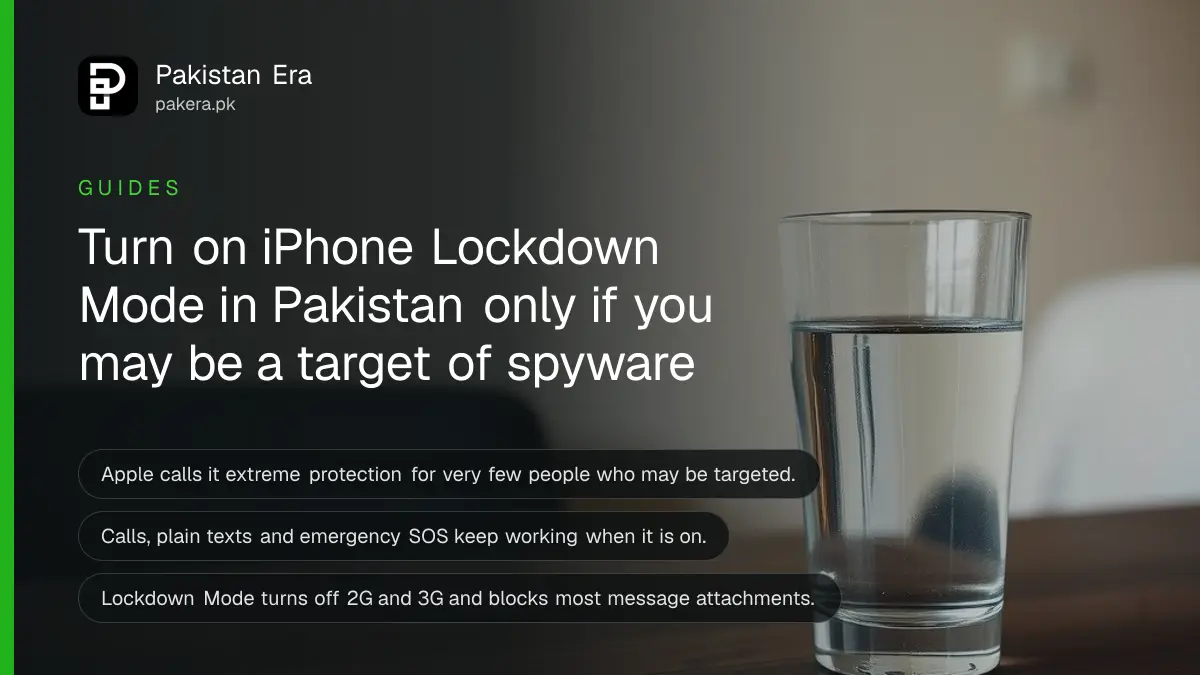
Short answer: Open Settings, tap Privacy and Security, scroll to Lockdown Mode and tap Turn On Lockdown Mode. Then tap Turn On and Restart and enter your passcode. Apple says it is for very few people who may be personally targeted, and that your iPhone will not work as it normally does.
Lockdown Mode is the strictest protection on an iPhone. Most readers do not need it. A journalist, lawyer, activist or official who fears targeted spyware may. This page explains what it switches off, so you can decide before you turn it on.
We read Apple's support page on Lockdown Mode on 13 October 2026. We did not turn it on for a test, so we describe only what Apple says.
Understand who Lockdown Mode is for
Apple calls it an optional, extreme protection for very few people who might be personally targeted by some of the most sophisticated digital threats. It adds to normal safety steps. Apple says most people are never targeted by attacks of this kind.
If your worry is a scam call, a fake link or a stolen code, Lockdown Mode is not the right tool. Those are tricks on a person, not attacks on the phone itself. Better steps are listed in the section further down.
It is available on iOS 16 or later, with extra protections from iOS 17. Apple advises updating your devices to the latest software before you turn it on.
See what changes when it is on
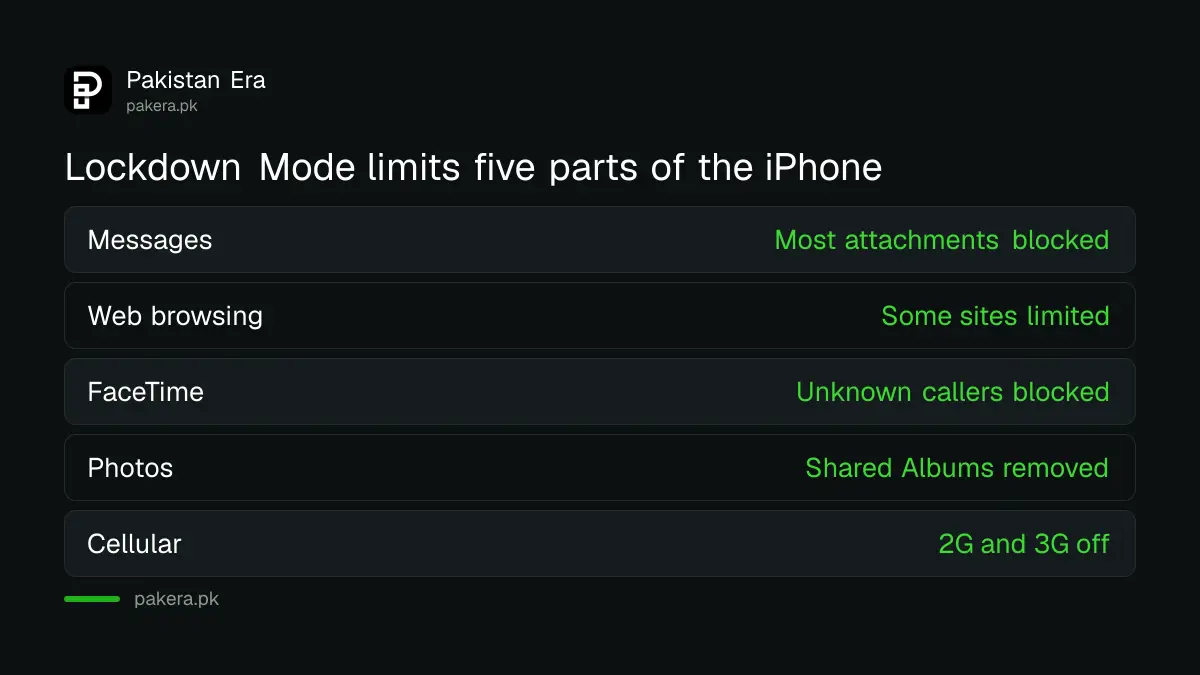
When Lockdown Mode is on, some apps and features work differently. Apple lists changes in Messages, web browsing, FaceTime, Apple services, Photos, device connections, wireless connectivity and configuration profiles. Phone calls and plain text messages still work, and emergency SOS calls are not affected.
| Area | What Apple says changes |
|---|---|
| Messages | Most attachment types are blocked; links and link previews are unavailable |
| Web browsing | Some complex web technologies are blocked; some sites load slowly or fail |
| FaceTime | Incoming calls are blocked unless you called that person in the past 30 days |
| Photos | Shared photos leave out location; Shared Albums are removed |
| Wi-Fi and cellular | Non-secure Wi-Fi is not joined; 2G and 3G are turned off |
| Profiles | Configuration profiles cannot be installed |
Turn on Lockdown Mode on your iPhone
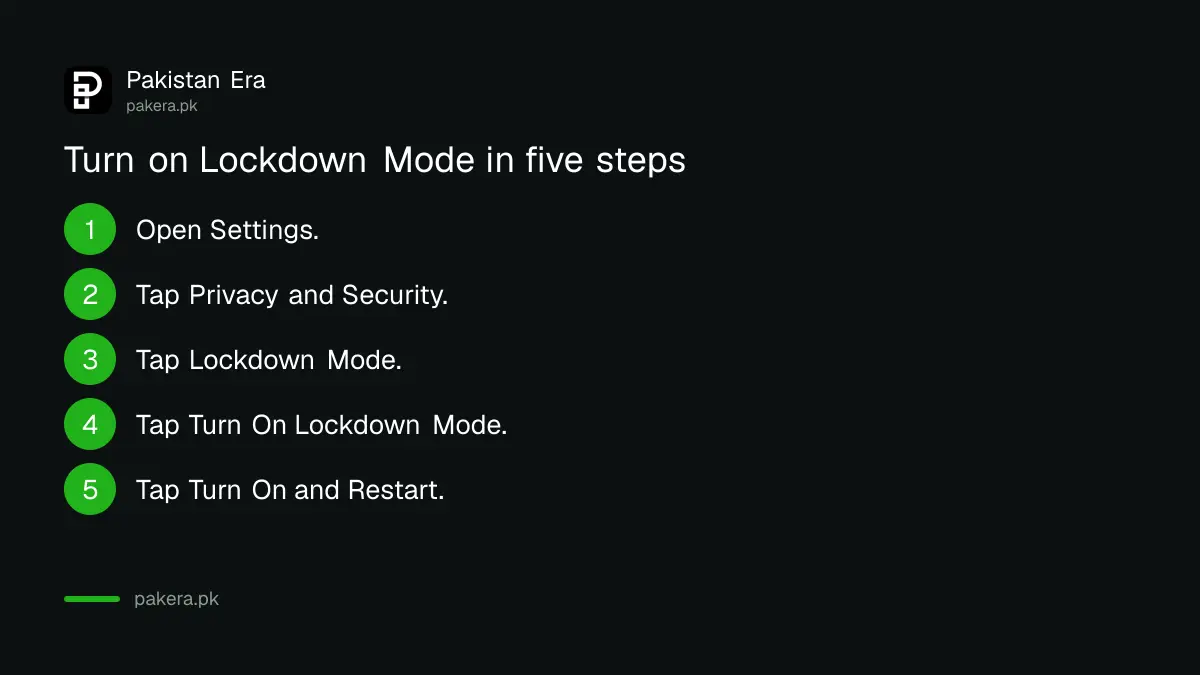
Open Settings, tap Privacy and Security, scroll down and tap Lockdown Mode, then tap Turn On Lockdown Mode. Tap it again, then tap Turn On and Restart and enter your passcode. Apple says to update first for a complete set of protections.
- Open the Settings app.
- Tap Privacy and Security.
- Scroll down, tap Lockdown Mode, then tap Turn On Lockdown Mode.
- Tap Turn On Lockdown Mode again.
- Tap Turn On and Restart, then enter your passcode.
Apple says it must be turned on separately for your iPhone, iPad and Mac. If you turn it on for your iPhone, it turns on for a paired Apple Watch too.
Exclude a trusted website, app or contact
Apple lets you exclude a website, an app or, on version 27 or later, a contact. Excluding reduces protection, so exclude only trusted items and only if necessary. In Safari on iPhone, tap the Page Menu button, then Website Settings, and turn off Lockdown Mode for that site.
For an app, open Settings, Privacy and Security, Lockdown Mode, then Customize Web Sites, and turn the app off in the list. Only apps you opened since turning it on and that have limited function show up there.
If a bank site breaks, check it again before excluding it. A broken page may be a sign to use the bank's app instead.
Use simpler protection if you are not a target
Most people are safer with basic steps they will actually keep using. Update the phone, use a passcode, add a recovery contact and watch for scams. Each takes a few minutes and costs nothing.
- Install the latest update, as shown in our note on the iOS 26.7.1 security fix.
- Turn on Stolen Device Protection if your phone could be taken in public.
- Add a recovery contact to your Apple Account so you can get back in.
If you think someone has put spyware on your phone, first read how to check for spying on a phone.
Common questions
What is Lockdown Mode on iPhone?
Apple calls it an optional, extreme protection for very few people who might be personally targeted by sophisticated cyber attacks.
Where do I turn it on?
Open Settings, tap Privacy and Security, tap Lockdown Mode, then Turn On Lockdown Mode, and restart when asked.
Will calls and texts still work?
Yes. Apple says phone calls and plain text messages continue to work, and emergency SOS calls are not affected.
Which iOS version do I need?
Apple says Lockdown Mode is available in iOS 16 or later, with more protections from iOS 17.
Do I need to turn it on for each device?
Yes, for iPhone, iPad and Mac. A paired Apple Watch follows your iPhone.
Can I make an exception for a website?
Yes. In Safari, tap the Page Menu button, then Website Settings, and turn off Lockdown Mode for that site. This lowers your protection.
How we verified this
What we checked, where we read it, and what we could not confirm.
Last checked on 13 October 2026, Pakistan time. We read Apple's page on Lockdown Mode. We did not turn it on, so we cannot say how it behaves with Pakistani banking or wallet apps. Test your own key apps after turning it on.
About the author

Technology Journalist & Multimedia Producer
Ahmad Ali is a technology journalist and multimedia producer at Pakistan Era, joining the team in October 2026. He covers consumer technology and digital life for Pakistani readers, combining research with hands-on product testing.