UBL Digital App Registration: Sign Up With an Existing Account, CNIC and Fingerprint
Register on the UBL Digital app with your CNIC, a SIM on your own CNIC and a fingerprint scan by camera. See the one device rule, scan fixes and helpline.
To register on the UBL Digital app with an existing UBL account, you need three things: your CNIC number, a mobile number registered on your own CNIC, and a fingerprint scan taken with your phone's camera. Download the app, choose sign up with an existing account, and follow the prompts.
The fingerprint step is where most UBL sign ups fail, followed by the "one device" rule that locks people out when they change phones. We read UBL's Digital App page and its contact page on 24 October 2026. This page covers what UBL asks for, the new device rule, what to do when the fingerprint scan fails, and what the app lets you do once you are in.
UBL Digital registration needs a CNIC, your own SIM and a fingerprint scan
UBL says registering with an existing account needs your CNIC number, a mobile number registered with your CNIC, and your fingerprint scan. The phone's camera takes the scan. Customers without an account can open one inside the app.
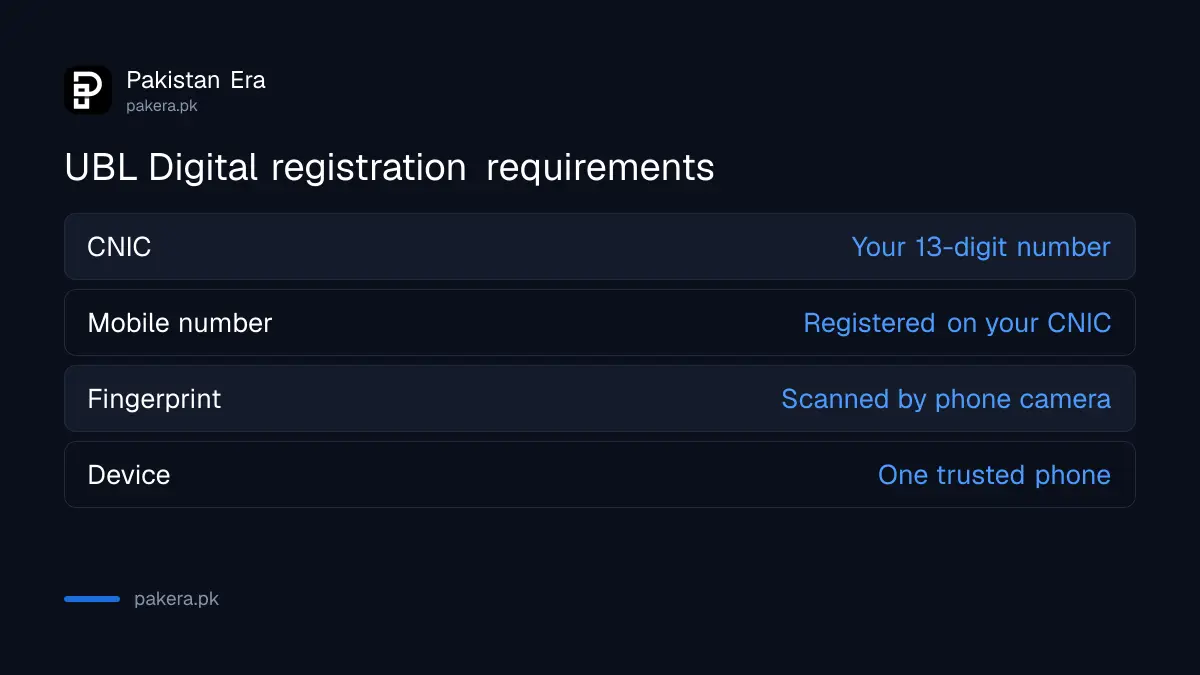
The mobile number rule is the one that trips people up. A SIM bought in a relative's name will not pass, even if UBL has that number on file for alerts. The number must be registered on your own CNIC with the mobile network.
Before you tap Sign Up
- Check that your SIM is in your own name. You can check the SIMs registered on your CNIC free in about thirty seconds.
- Make sure UBL has that same mobile number on your account. If not, update it at a branch first.
- Keep your CNIC in hand. The app asks for the number.
- Clean the phone's back camera and find good daylight for the fingerprint scan.
- Download the UBL Digital app from the Play Store or App Store, then choose to sign up with an existing account.
UBL publishes a short video called "How to sign up on the UBL Digital app?" on its app page. It is worth a look before you start, because it shows how to hold your fingers to the camera.
A new UBL account can be opened inside the same app
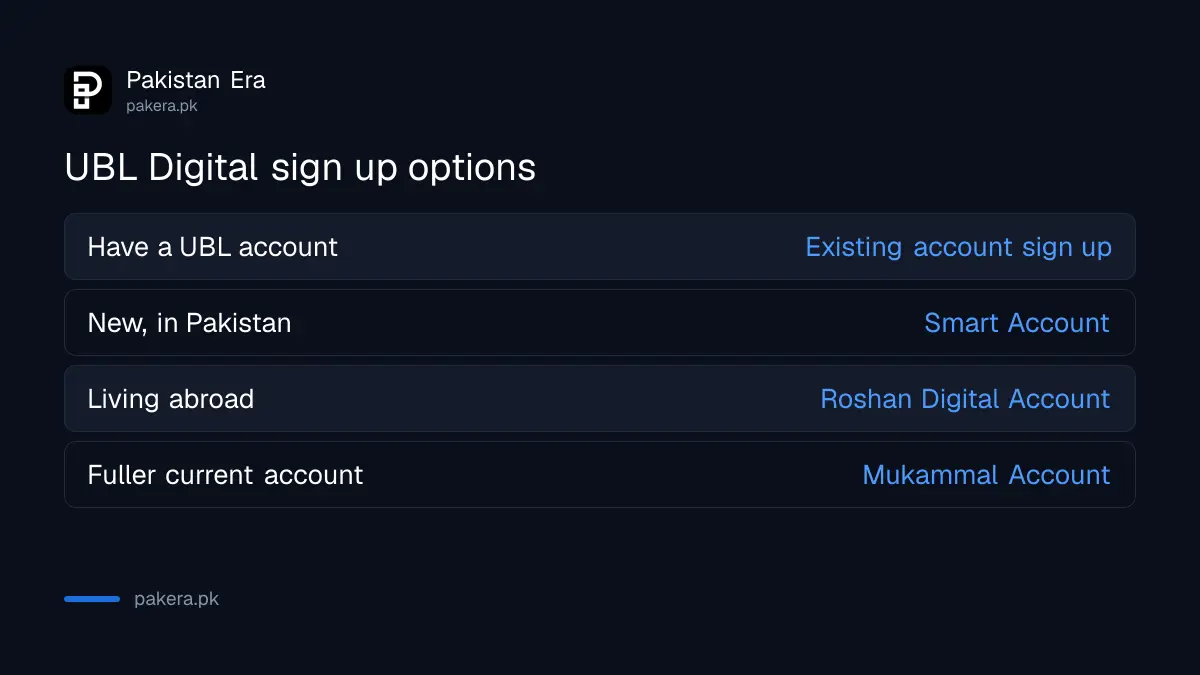
If you do not bank with UBL yet, the app can open a new account. UBL lists three options: a Smart Account with no paperwork, a Roshan Digital Account for overseas Pakistanis, and a Mukammal Account with premium benefits.
| Your situation | Option in the app | What UBL says about it |
|---|---|---|
| Already have a UBL account | Sign up with an existing account | CNIC, mobile on your CNIC, fingerprint |
| New to UBL, in Pakistan | Smart Account | Instant access, no paperwork |
| Living abroad | Roshan Digital Account | For overseas Pakistanis |
| Want a fuller current account | Mukammal Account | Premium benefits, full flexibility |
UBL Digital stays linked to one trusted device
UBL says your access is linked to one device. When you switch to a new phone, the app runs a biometric verification again before it lets you in. This protects the account if someone learns your password. Expect the fingerprint scan on every phone change.
UBL has separate how-to videos for signing in on a new device, signing in on a new device when you are outside Pakistan, recovering a username on a new device, and recovering a password. If you are abroad, use the overseas video, because the steps differ.
Changing phones also starts a wait. State Bank rules ask banks to hold a 2-hour wait on payments after a new device or password reset. So move to the new phone a few hours before you need to pay anyone.
Your old phone matters too. Once the new device is set up, check which devices are still linked and remove any you no longer use. You can check linked devices and lower your transfer limit in most bank apps.
A failed fingerprint scan usually needs better light, not a branch
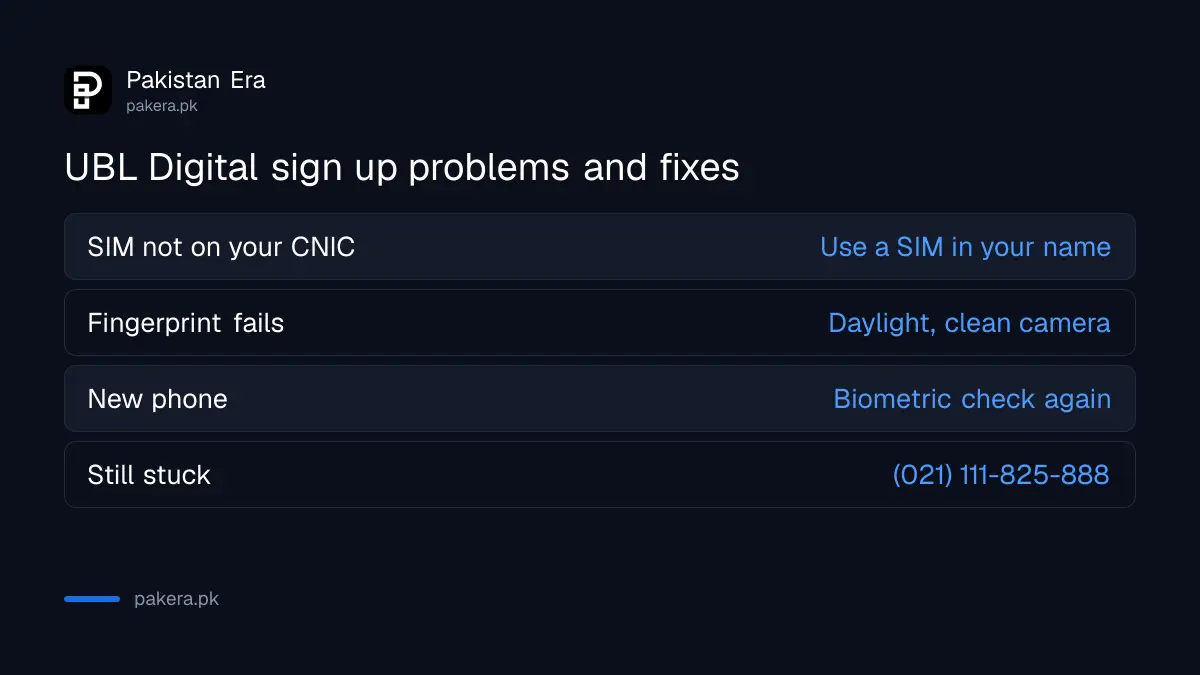
UBL publishes tips for when biometric verification fails in the app. The usual causes are low light, a dirty camera, or fingers held too far from the lens. Try again in daylight with clean, dry fingers before you visit a branch.
If the scan keeps failing, call UBL's 24/7 call centre on (021) 111-825-888. From abroad, UBL lists +92-21-32446949, and from Azad Kashmir 021-32446949. People with worn or faint fingerprints have another route under State Bank rules, and a fingerprint that will not match does not have to keep you out of banking.
Never share an OTP, password or fingerprint session with a caller who says they are helping you register. UBL's registration does not need anyone else on the line.
Once registered, the app manages cards, cheques and limits
UBL says the app shows your deposit, card and loan accounts, pays utility and mobile bills, and buys prepaid vouchers. It also locks and unlocks your debit card, changes its PIN, requests and activates a new card, and handles cheques.
Other features UBL lists include updating personal details, reactivating a dormant account, converting a foreign currency balance to rupees for foreign currency account holders, changing your daily transaction limit, and activating NetBanking from the app. Complaints can be logged inside the app from the top-left icon on the main screen.
The card tools are the most useful in an emergency. If your debit card goes missing, UBL says you can lock it right away in the app and unlock it if you find it. For a new card, UBL ATM card request and activation can both be done from the same app.
Common questions
What do I need to register on the UBL Digital app?
UBL says you need your CNIC number, a mobile number registered with your CNIC and a fingerprint scan taken with your phone's camera.
Can I use UBL Digital on two phones?
No. UBL says access is linked to one trusted device. Moving to a new phone triggers a fresh biometric verification.
Can I open a UBL account in the app?
Yes. UBL lists the Smart Account, the Roshan Digital Account for overseas Pakistanis and the Mukammal Account as options in the app.
What is the UBL helpline for app problems?
The 24/7 call centre is (021) 111-825-888. International callers can use +92-21-32446949.
Can I lock my UBL debit card from the app?
Yes. UBL says you can lock the card in the app if you cannot find it and unlock it when you do.
Why does my SIM fail UBL registration?
The most likely reason is that the SIM is not registered on your own CNIC. UBL asks for a mobile number registered with your CNIC.
How we verified this
What we checked, where we read it, and what we could not confirm.
We read UBL's Digital App page and its contact page on 24 October 2026. The requirements, account options, device rule, features and helpline numbers come from those pages. UBL explains the screen-by-screen sign up in videos rather than text, so we have not listed exact screen names. We did not register a live account.
About the author

Senior Writer, Public Services and Technology
Shahid joined us in 2024 as an author. He is a senior contributor to Pakistan's leading technology websites. He writes detailed articles, mostly covering his expertise in the latest tech, mobiles, apps, gadgets, and step-by-step guides. His ideology is to help people understand the latest trends and explain complex methods through very easy-to-understand guides.