Urdu Image to Text Free in Pakistan: Copy Urdu From a Photo or Scanned PDF (Google Drive)
Convert an Urdu image or scanned PDF to editable text free with Google Drive. See the 2 MB and 10 pixel rules, fixes for messy Nastaliq text and phone backups.
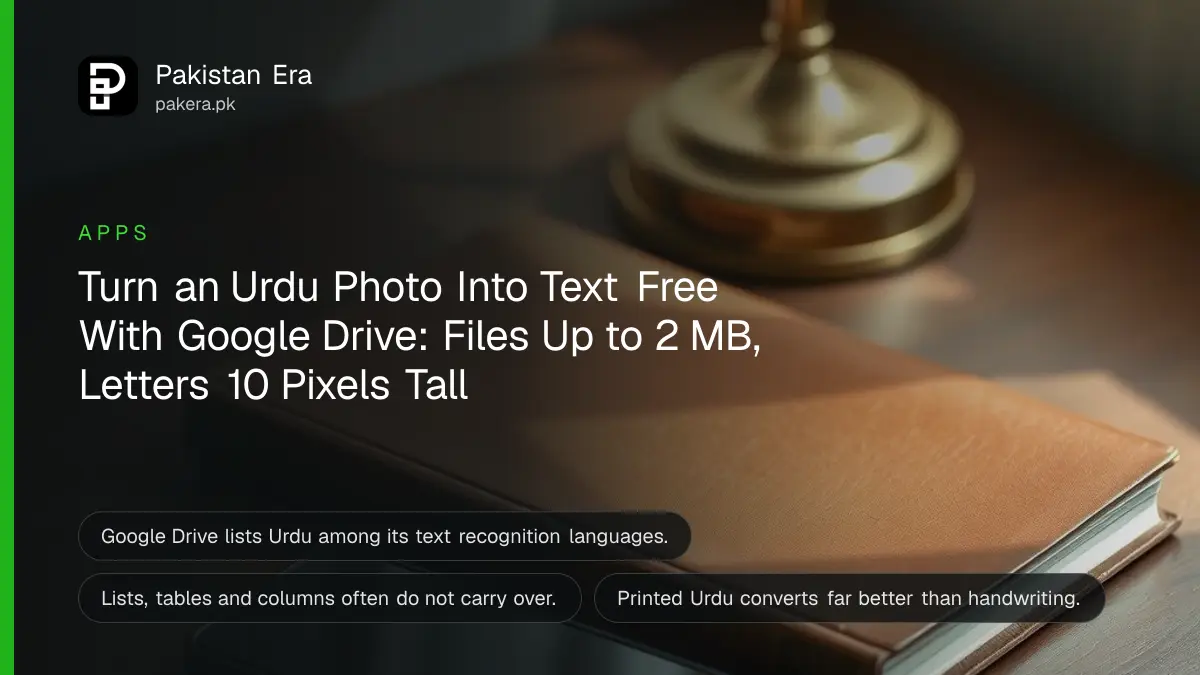
To turn an Urdu photo or scanned page into text you can edit, upload it to Google Drive on a computer, right click it, choose Open with and then Google Docs. Drive reads Urdu, and the typed text appears under the image in a new Google Doc. It is free with any Google account. The file must be 2 MB or smaller, and the letters must be at least 10 pixels tall.
That one method saves hours of retyping a school notice, an old letter or a page from a book. It also fails in predictable ways, and most of them can be fixed before you upload. Below are the steps, the limits Google sets, the fixes for messy results and two backup methods. We read Google's help pages on 27 October 2026.
Google Drive reads Urdu text from images and PDFs for free
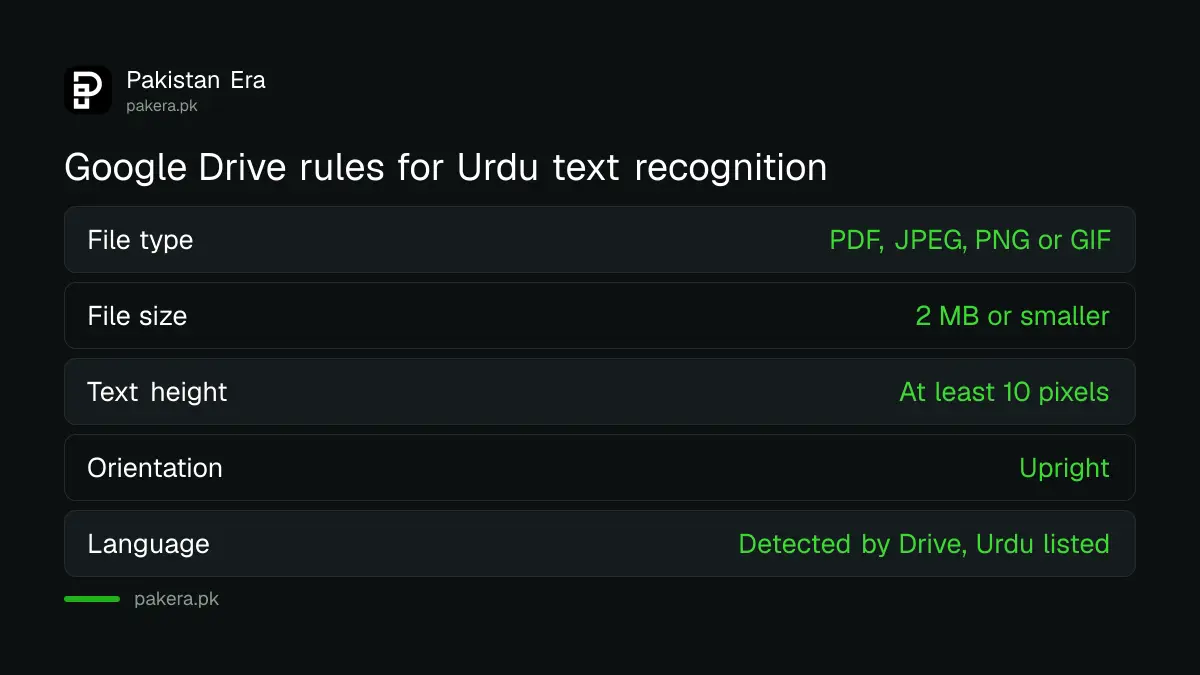
Google Drive's text recognition, often called OCR, works on PDFs and on JPEG, PNG and GIF images. Google's list of supported languages includes Urdu, Arabic, Persian and Pashto. Drive detects the language by itself, so there is nothing to set.
| Rule | Google's requirement | Easy fix |
|---|---|---|
| File type | PDF, JPEG, PNG or GIF | Screenshot other formats and save as PNG |
| File size | 2 MB or smaller | Crop to the text, or split a PDF into parts |
| Text height | At least 10 pixels tall | Photograph closer, fill the frame with the page |
| Orientation | Upright | Rotate the image before uploading |
| Image quality | Sharp, even light, strong contrast | Shoot by a window, avoid shadows and flash glare |
Six steps convert an Urdu image to text in Google Drive
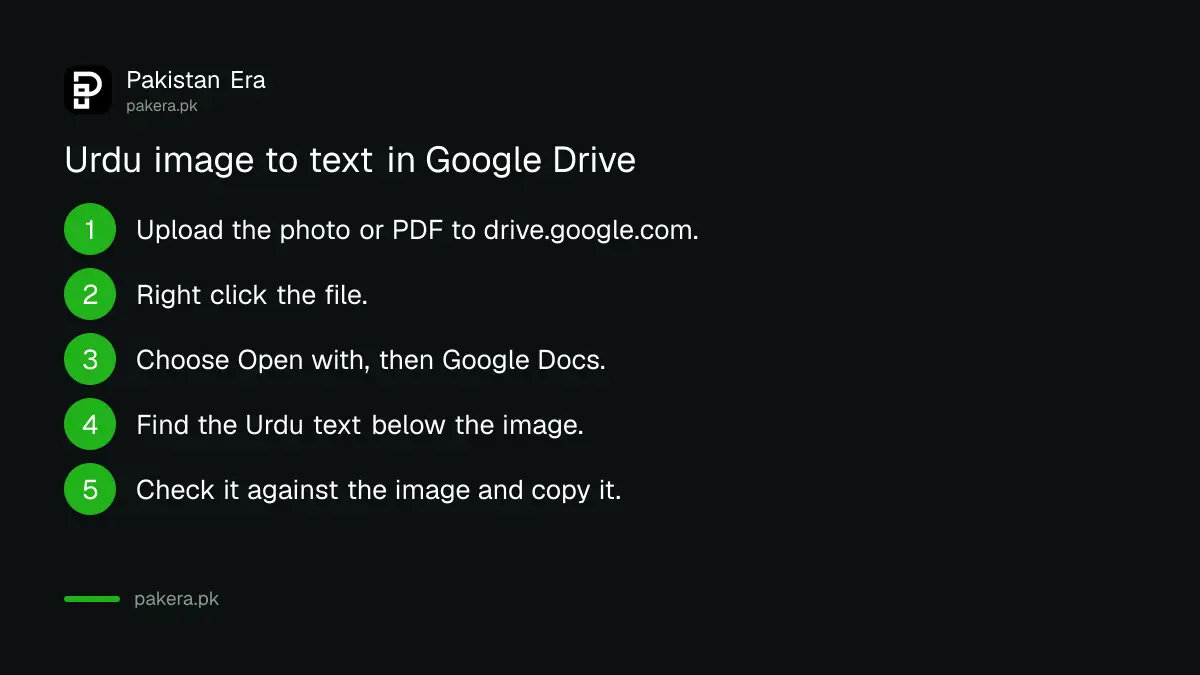
Open drive.google.com on a computer, upload the image or PDF, right click it, choose Open with, then Google Docs. A new document opens with the image at the top and the recognised Urdu text below it. Copy the text from there.
- Take a straight, sharp photo of the page, or scan it to PDF.
- Open drive.google.com on a laptop or desktop and sign in.
- Click New, then File upload, and choose the image or PDF.
- Right click the uploaded file, choose Open with, then Google Docs.
- Wait for the new Google Doc to open. The image sits at the top, the text below.
- Check the text against the image, fix errors, then copy it or download it as Word.
Google says bold, italics, font size and line breaks usually carry over. Lists, tables, columns, footnotes and endnotes often do not. A two column newspaper page will come back as one jumbled column, so crop each column into its own image first.
Most bad Urdu results come from the photo, not the tool
Blurred, tilted or shadowed photos give the worst text. Shoot the page flat, in daylight, filling the frame, and crop away everything that is not text. Clear printed Urdu gives far better results than handwriting or ornate headings.
Urdu brings its own difficulty. Most Urdu books and newspapers are printed in Nastaliq, the flowing script where letters sit at angles on the line. Text recognition generally copes better with the straighter Naskh style, and handwriting is harder still. Expect to correct a few words in every paragraph of an old Nastaliq page, especially joined letters and dots.
If you need to scan the page first, your phone can scan a document to PDF with Google Drive, which also straightens and crops it for you.
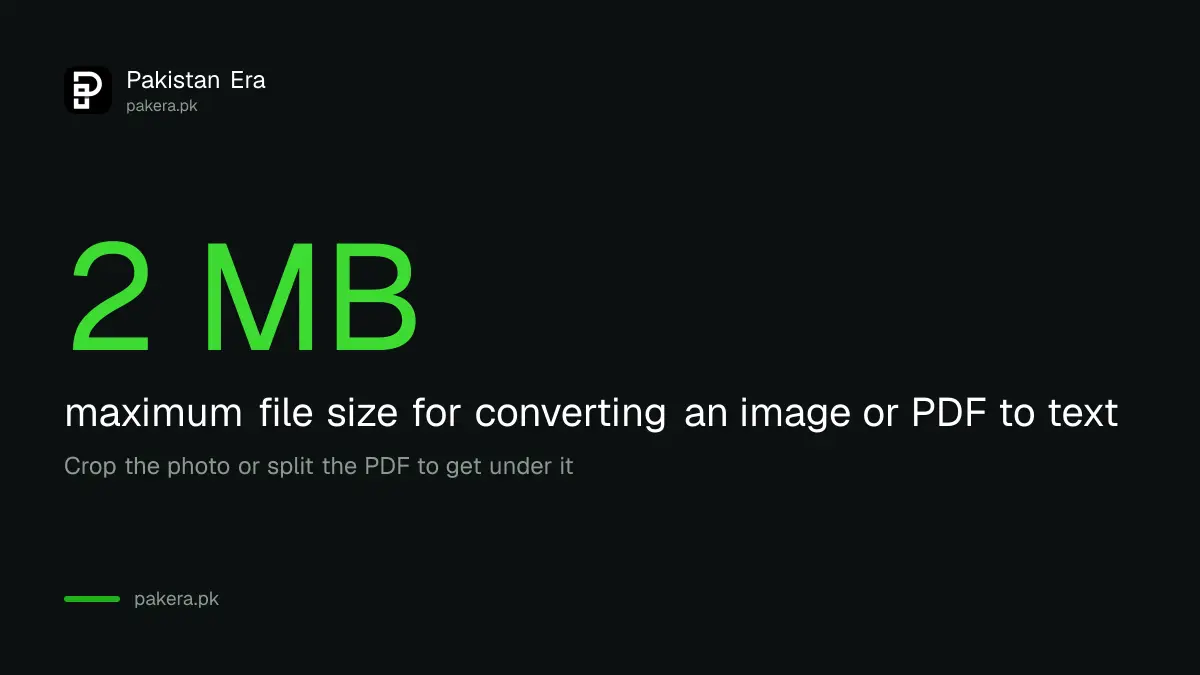
A file over 2 MB has to be cropped or split
Google's limit is 2 MB per file for text recognition. Most phone photos are bigger than that. Crop the photo to just the text, or reduce its size, and split a long PDF into small parts of a few pages each.
Cropping does double duty: the file gets smaller and the letters get bigger relative to the page, which helps the 10 pixel rule. On a computer, open the photo in the Photos app or Paint, crop it, and save it again. On a phone, the built in photo editor's crop tool does the same.
For a 60 page book, this is tedious. Split it into chapters of a few pages, convert each, and paste the results into one document. It is still faster than typing 60 pages in InPage.
Google Translate's camera and Gemini are the backups
On a phone, the Google Translate app can read text through the camera and offers a Copy text option. Gemini, which names Urdu among its languages, can also read an uploaded photo if you ask it to write out the Urdu text exactly.
In Google Translate, tap Camera, then All images to pick a saved photo, select the text and tap Copy text. If you want the English meaning instead, the steps to translate an Urdu PDF to English pick up from here.
With Gemini or another AI chat, the risk is different. An AI model may tidy up or "correct" the wording instead of copying it exactly. For a legal notice or an exam paper, that is not acceptable, so compare every line with the original. Comparisons of how each AI handles Urdu are worth a look before you pick one.
Whichever tool you use, do not upload pages carrying a CNIC number, bank details or medical records unless you are comfortable with Google or another company holding a copy.
Common questions
Can Google convert an Urdu image to text?
Yes. Google Drive lists Urdu among the languages its text recognition supports. Open the image with Google Docs from Drive.
Why is my Urdu text coming out wrong?
The photo is usually blurred, tilted or too small. Retake it straight, in good light, and crop to the text.
What is the size limit for Google Drive text recognition?
2 MB per file. Crop or split anything larger.
Can I convert handwritten Urdu to text?
Results are weak. Printed text works much better than handwriting.
Can I do this on a phone?
Use the Google Translate camera and its Copy text option. The Drive method is described by Google for a computer.
How we verified this
What we checked, where we read it, and what we could not confirm.
We read Google Drive's help page on converting PDFs and photos to text, Google Translate's camera help page and Google Translate's language list on 27 October 2026. We did not run our own accuracy test on Urdu pages, so no accuracy figure is given. The point about Nastaliq being harder than Naskh is general experience with Urdu text recognition, not a Google statement.
About the author

Technology Journalist & Multimedia Producer
Ahmad Ali is a technology journalist and multimedia producer at Pakistan Era, joining the team in October 2026. He covers consumer technology and digital life for Pakistani readers, combining research with hands-on product testing.