Urdu Voice Typing Free in Pakistan: Speak and Type Urdu on Phone and PC (2026)
Urdu voice typing free in Pakistan: Google Docs lists Urdu (Pakistan), Gboard may work, Windows and iPhone dictation do not. Steps, punctuation fix and limits.
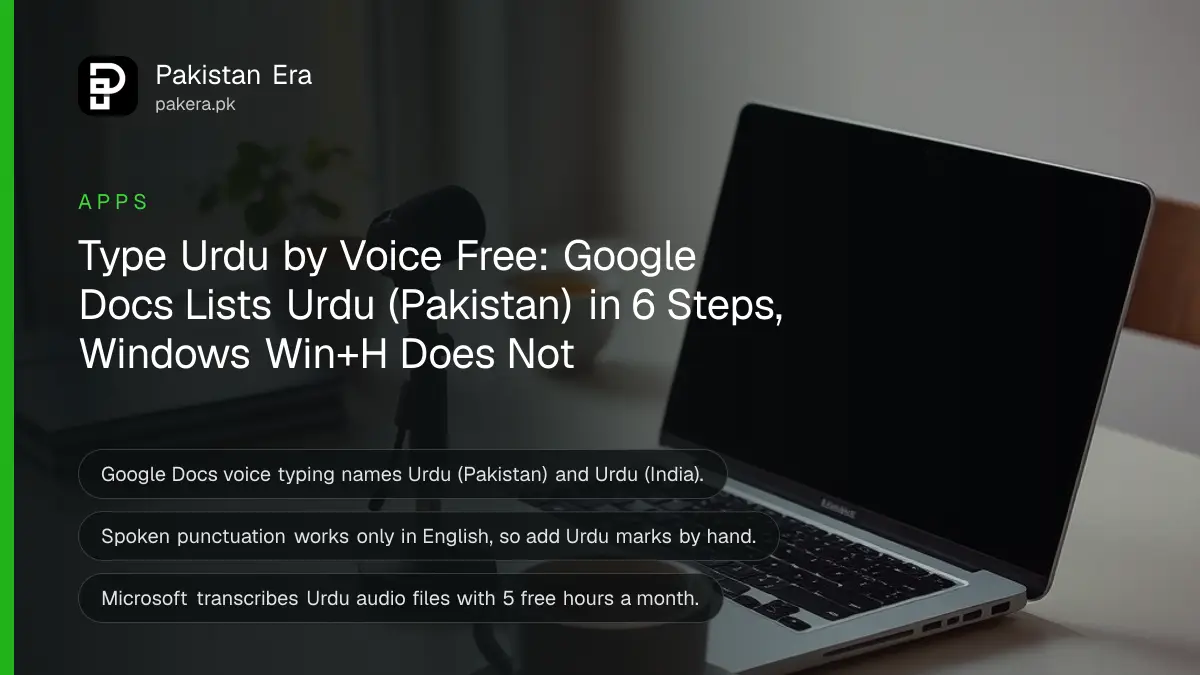
The surest free way to type Urdu by voice is Google Docs: open a document in Chrome, Edge or Safari, go to Tools, then Voice typing, choose Urdu (Pakistan) and speak. Google lists Urdu (Pakistan) by name for Docs voice typing. Windows' own Win+H voice typing and the iPhone's dictation list do not include Urdu, which is why so many people get English gibberish when they try.
Below is every method we could confirm on each company's own pages, phone and computer, with the one setting that trips people up and how to fix punctuation, which Urdu voice typing does not add for you. We read the pages on 27 October 2026.
Only some voice typing tools accept Urdu
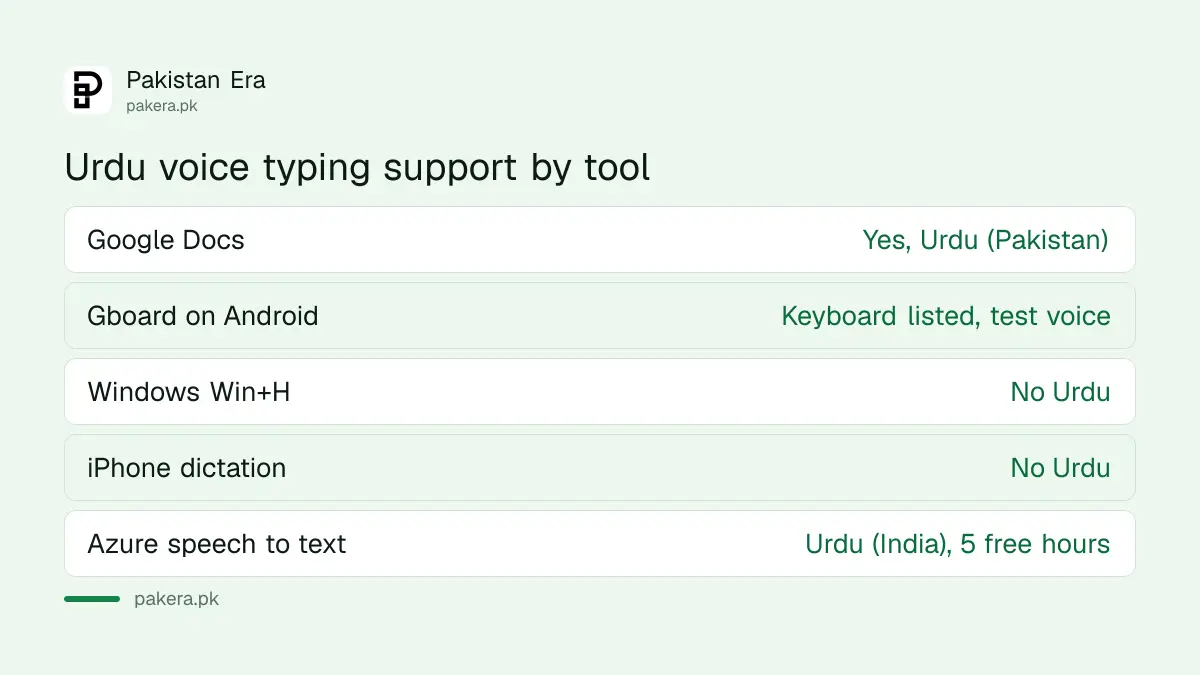
Google Docs names Urdu (Pakistan) and Urdu (India) for voice typing. Gboard lists Urdu (Pakistan) as a keyboard language. Windows 11 voice typing and Apple's dictation list leave Urdu out. Microsoft's speech service transcribes Urdu (India) audio files.
| Method | Device | Urdu on the official list? | Cost |
|---|---|---|---|
| Google Docs voice typing | Computer, in Chrome, Edge or Safari | Yes, Urdu (Pakistan) and Urdu (India) | Free |
| Gboard keyboard | Android phone | Urdu (Pakistan) is a keyboard language; voice support not confirmed on Google's page | Free |
| Windows voice typing, Win+H | Windows 11 PC | No | Free |
| iPhone dictation | iPhone | No; Urdu keyboards are listed, dictation is not | Free |
| Microsoft Azure speech to text | Audio files, via an Azure account | Urdu (India) only | 5 hours free a month |
Google Docs types Urdu by voice in six steps
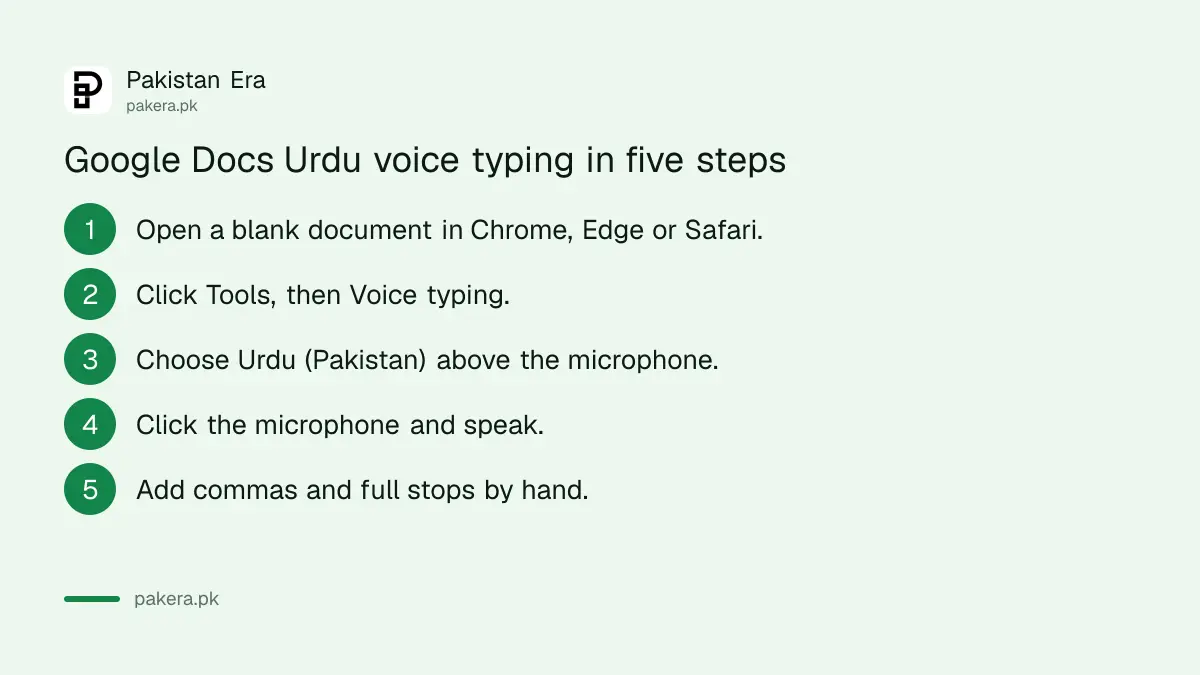
Google Docs voice typing works in the latest Chrome, Edge and Safari. Open Tools, then Voice typing, pick Urdu (Pakistan) from the language menu above the microphone, click the microphone and speak. The text appears in Urdu script.
- Open docs.google.com on a computer and start a blank document.
- Click Tools, then Voice typing. A microphone box appears.
- Click the language name above the microphone and choose Urdu (Pakistan).
- Allow microphone access when the browser asks.
- Click the microphone, wait for it to turn red, and speak at a normal pace.
- Click the microphone again to stop, then fix any wrong words by hand.
Google's help page describes voice typing for Docs in a computer browser, so use a laptop or desktop. On a phone, use the keyboard methods below. A cheap wired earphone with a microphone usually picks up your voice more cleanly than a laptop's built in microphone in a noisy room.
Urdu voice typing does not add commas or full stops
In Google Docs, spoken commands such as "comma" or "new line" work only in English, and only when both your account and the document are set to English. In Urdu you get plain text. Add the punctuation yourself afterwards.
This catches every first time user. You say "full stop" in Urdu and the words appear on the page instead of the mark. The fastest workflow is to speak a whole paragraph, stop, then go back and add the ۔ and ، marks. It still beats typing a long Urdu letter on a keyboard without Urdu keys.
On Android, Gboard is the keyboard to try
Google lists Urdu (Pakistan) as a Gboard language. To voice type, add the Urdu keyboard, open any app, tap a text box and tap the microphone on the keyboard. Google warns that talk to text does not work with every language.
Google's voice typing help page does not name Urdu in its list, so treat Gboard voice input as something to test on your own phone. If the microphone types English words instead, the voice language is set to English. Switch the keyboard to Urdu with the globe key and try again.
WhatsApp's own voice note transcripts are a separate feature. Which languages it offers, and what to do when Urdu is missing, is covered in WhatsApp voice message transcripts.
Windows Win+H and iPhone dictation skip Urdu
Microsoft's list of Windows 11 voice typing languages, opened with Win+H, has no Urdu. Apple's feature availability page lists Urdu keyboards and an Urdu to English dictionary but not Urdu dictation. On both, use Google Docs in the browser instead.
On an iPhone, open Google Docs in Safari on an iPad or a computer, or use the Gboard app from the App Store and test its microphone in Urdu. Apple's Urdu keyboards remain the best way to type Urdu by hand, with Alphabetic, QWERTY and Transliteration layouts.
Recorded Urdu audio needs a transcription tool, not voice typing
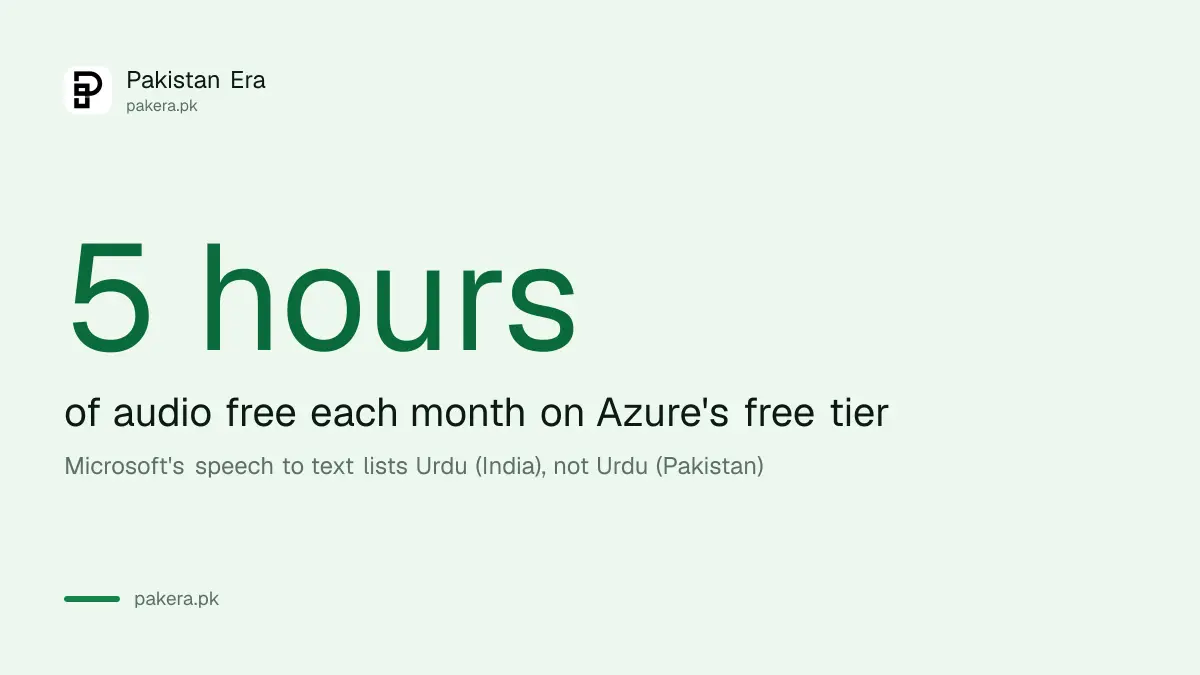
Voice typing listens live. For a recorded lecture or interview, use a transcription tool. Microsoft's speech service transcribes Urdu (India) and gives 5 hours of audio free a month on its free tier. ChatGPT can also turn an uploaded recording into text.
The Urdu (India) model handles the same language, though local names and Punjabi words may come out wrong. Check every name, figure and date against the audio before you send the text on. The ChatGPT route is explained in turning a recording into text with ChatGPT.
One privacy point: anything you speak into these tools goes to Google's or Microsoft's servers. Do not dictate a CNIC number, a bank PIN or a password.
Common questions
How can I type Urdu by voice for free?
Use Google Docs on a computer. Open Tools, then Voice typing, choose Urdu (Pakistan) and click the microphone.
Does Windows 11 voice typing support Urdu?
No. Microsoft's Windows 11 voice typing language list does not include Urdu.
Does iPhone dictation support Urdu?
Apple's feature availability page does not list Urdu for dictation. It lists Urdu keyboards only.
Why does voice typing write English instead of Urdu?
The voice language is set to English. In Google Docs, change the language above the microphone to Urdu (Pakistan).
How do I add a full stop when voice typing Urdu?
Type it by hand. Spoken punctuation commands in Google Docs work only in English.
How we verified this
What we checked, where we read it, and what we could not confirm.
We read Google's Docs voice typing help page, Google's Gboard language list and its Gboard voice typing page, Microsoft's Windows voice typing page, Apple's iOS feature availability page, and Microsoft's speech language and pricing pages on 27 October 2026. We did not record our own voice tests, so accuracy is not rated here. Google's Docs page does not give a keyboard shortcut for voice typing, so none is listed.
About the author

Technology Journalist & Multimedia Producer
Ahmad Ali is a technology journalist and multimedia producer at Pakistan Era, joining the team in October 2026. He covers consumer technology and digital life for Pakistani readers, combining research with hands-on product testing.