How to Use Two WhatsApp Accounts on One iPhone in Pakistan
WhatsApp now supports two accounts on one iPhone. You need a second number, and it does not work on WhatsApp Business. See the rules and a safe setup order.
You can now run two WhatsApp accounts on one iPhone, as Android users already could. You need a separate phone number for the second account. Create it from the main phone, then switch between accounts inside the app. This does not work on the WhatsApp Business app.
Many Pakistanis carry a work number and a personal number, often on two SIMs. WhatsApp announced on 26 March 2026 that two accounts on one phone now work on iOS. We read the announcement and WhatsApp's Help Center page on switching accounts on 21 October 2026. This guide covers the iPhone side. For Android, see the earlier guide on using two WhatsApp accounts on one phone.
Two accounts on one iPhone is now supported
WhatsApp's blog says you can have two WhatsApp accounts logged in at the same time on iOS, "just like on Android". It says you no longer need to carry two phones to keep work and personal separate. Your profile picture now shows in the bottom tab so you know which account is active.
The announcement says the feature was "rolling out now" and would reach everyone soon. If your iPhone has no option yet, update WhatsApp and try again later.
The second account needs its own phone number
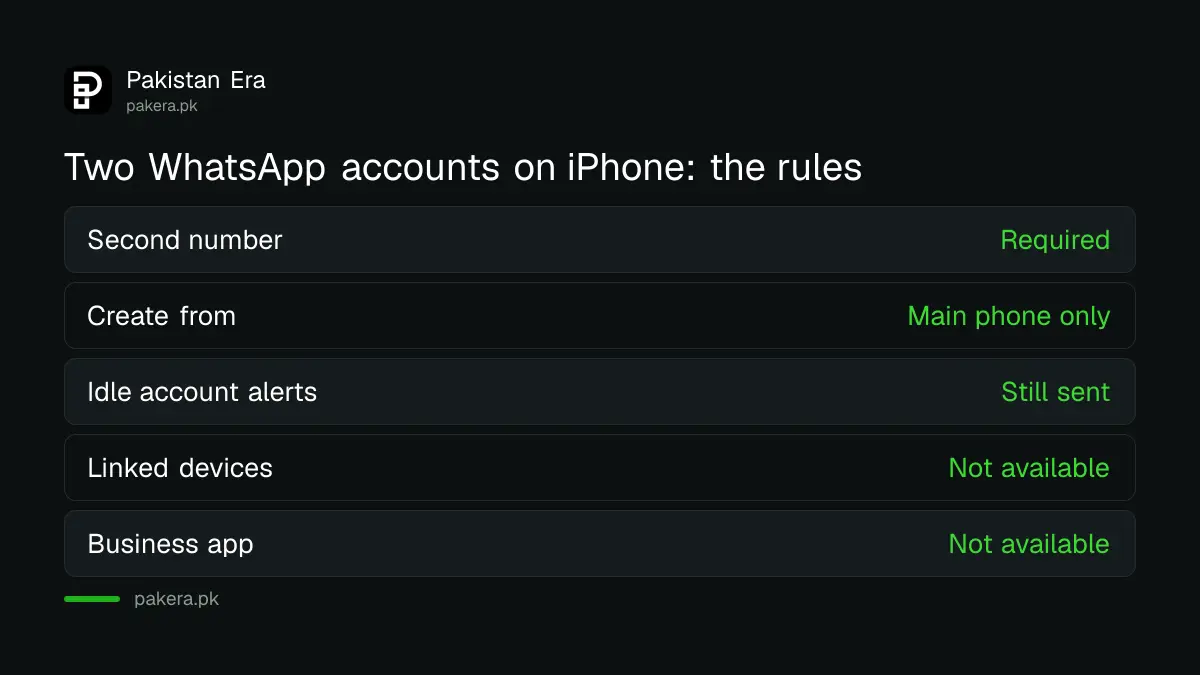
WhatsApp's Help Center says to register a second account you need a separate phone number. Once both are registered, you switch between them on the same phone. The idle account still gives alerts for messages and calls. Open the right account to read them.
| Rule | What WhatsApp says |
|---|---|
| Second number | Required, a separate phone number |
| Where to create it | Secondary accounts only from your primary mobile device |
| Alerts | Idle account still notifies you |
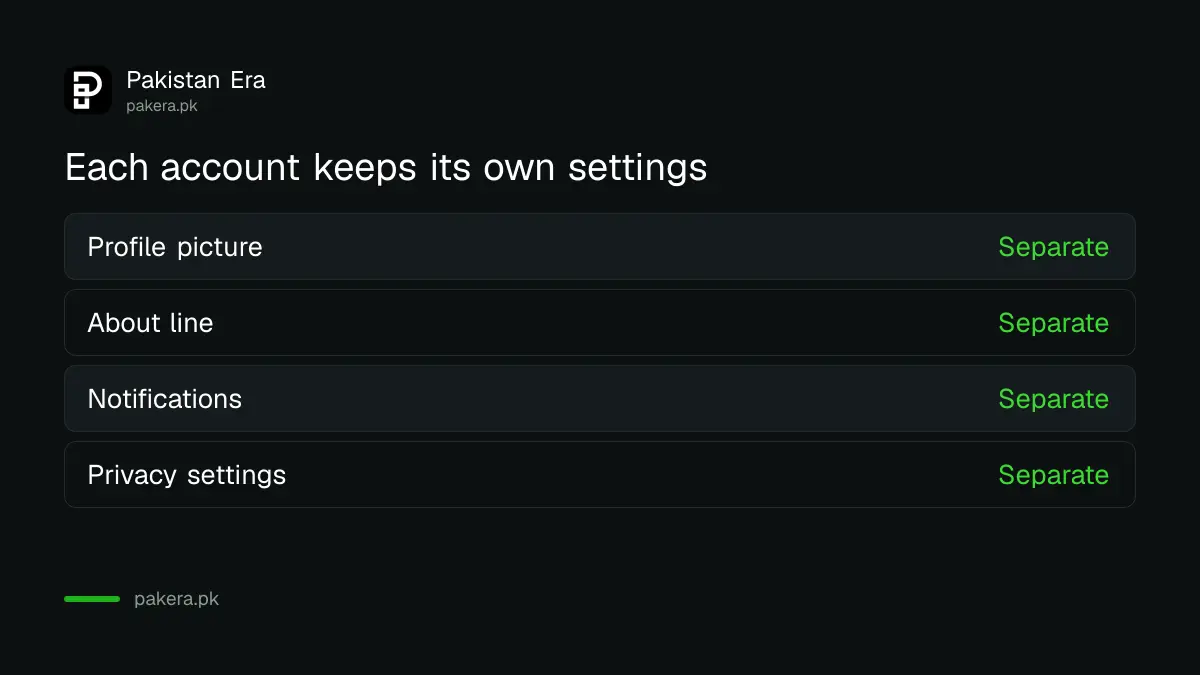
| Settings | Each account has its own picture, about, notifications and privacy |
| Linked devices | Not available on linked devices, mobile only |
| WhatsApp Business app | Not available |
Never register WhatsApp on a number you do not own. Use a SIM registered in your own name.
Switching works from the main phone only
The Help Center says secondary accounts can be created only from your primary mobile device. A companion device can be paired to the secondary account, but only mobile companion devices can switch between accounts. The feature does not exist on web, Mac or Windows.
We could not read the iPhone step by step page in full, because the page loaded all platforms together. So the order below is the general flow, not a quote. The screen names may differ on your version.
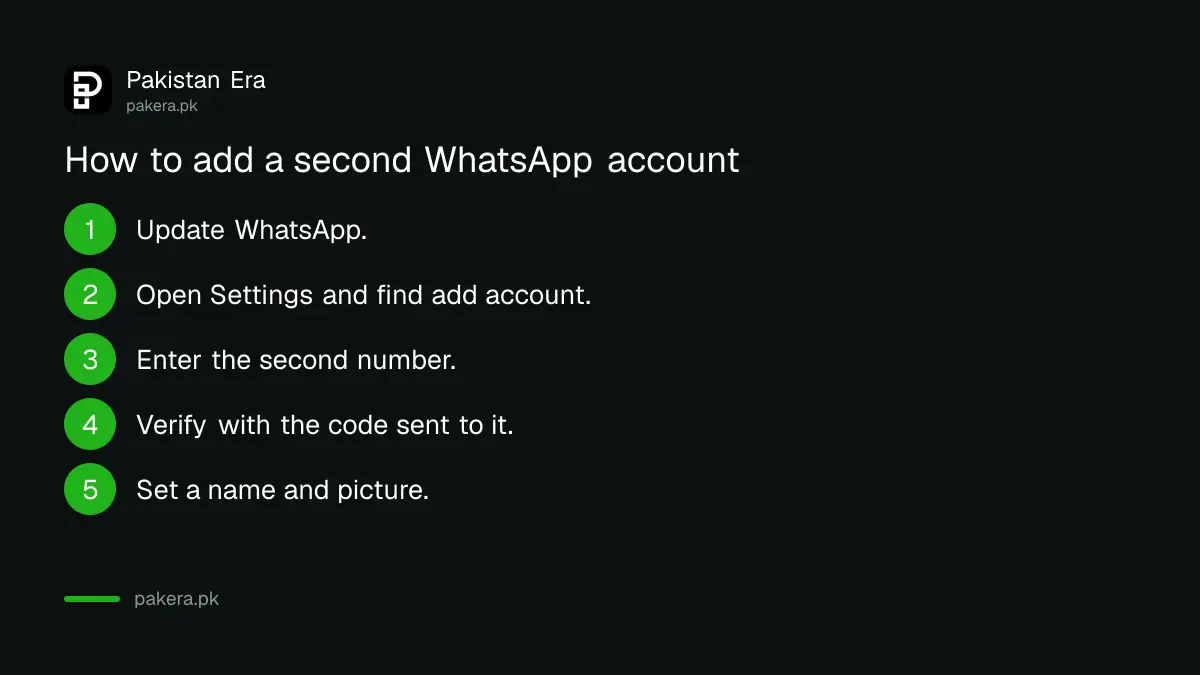
- Update WhatsApp from the App Store.
- Open Settings inside WhatsApp and look for the add account option.
- Enter the second phone number and verify it with the code sent to it.
- Set the name and picture for the new account.
- Use your profile picture in the bottom tab to see which account is active.
Business accounts cannot use this feature
WhatsApp says account switching is not available on the WhatsApp Business app. If your second number is for a shop, it must be on the standard app, or on a second phone. Business tools like catalogs are explained in WhatsApp Business app setup and catalog.
Do not mix customers into a personal account just for convenience. Keep the shop number clean for orders.
Protect both accounts
Two accounts double the places a thief can attack. Turn on two step verification and a passkey on each. See setting up a WhatsApp passkey. You can also keep your number private with a WhatsApp username, which hides your phone number from people who do not need it.
If one account is hacked, the other is still yours. Use recovering a hacked WhatsApp account straight away.
If you move to a new phone
Moving phones needs care with two accounts. The chat transfer WhatsApp described works with one number at a time, with the same number on both phones. Read moving chats from iPhone to Android before you start.
Plan the two numbers before you add the second account
Decide which number is main and which is second before you start. Secondary accounts can only be created from your primary mobile device, and each needs its own number and code. Pick a SIM you will keep for years, not a temporary one.
Name the accounts clearly. A work account with your shop name and a personal account with your own name stops mistakes, such as sending a family photo to a customer. Set a different profile picture on each. WhatsApp says every account has its own picture, about line, notification and privacy settings, so use that.
Check notification sounds too. If both accounts ring the same, you will not know which one to open. Set a different tone for the work account if your phone allows it.
Common questions about two WhatsApp accounts on iPhone
Can I use two WhatsApp accounts on one iPhone?
Yes. WhatsApp announced on 26 March 2026 that two accounts work on iOS, rolling out to everyone.
Do I need a second SIM?
You need a second phone number that can receive the verification code. WhatsApp does not say it must be a physical second SIM.
Can I use the WhatsApp Business app for this?
No. WhatsApp says account switching is not available on the Business app.
Will I get alerts from both accounts?
Yes. WhatsApp says the idle account still gets message and call alerts.
Does it work on WhatsApp Web?
No. Multiple accounts are only supported on mobile devices, per the Help Center.
Can I make the second account from another phone?
No. WhatsApp says secondary accounts can only be created from your primary mobile device.
How we verified this
What we checked, where we read it, and what we could not confirm.
Last checked 21 October 2026. We read WhatsApp's 26 March 2026 feature roundup and its Help Center page How to switch accounts on WhatsApp. We did not test it on an iPhone, and could not read the iPhone only steps, so our step list is general. Pakistan SIM limits are not covered here.
About the author

Technology Journalist & Multimedia Producer
Ahmad Ali is a technology journalist and multimedia producer at Pakistan Era, joining the team in October 2026. He covers consumer technology and digital life for Pakistani readers, combining research with hands-on product testing.