How to Use Two WhatsApp Accounts on One Phone in Pakistan
Run two WhatsApp accounts on one phone in Pakistan. See what you need, the four steps to add the second account, and how to keep both safe. Start here.
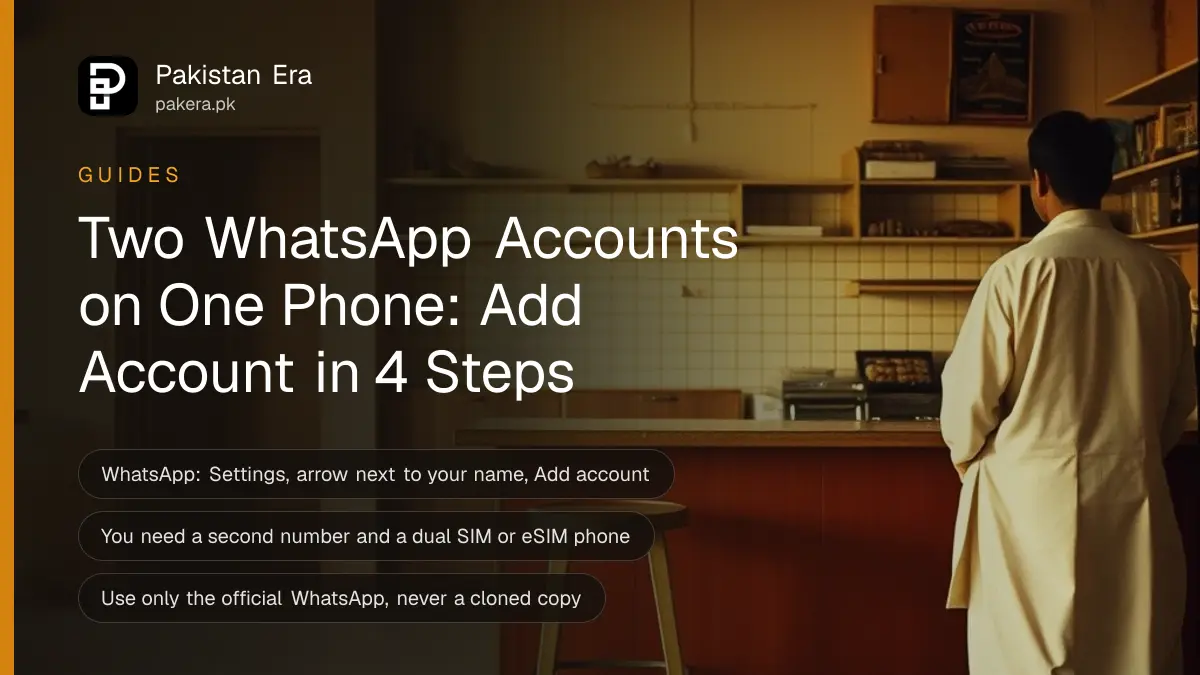
WhatsApp lets you log in to two accounts on one phone. Open WhatsApp Settings, tap the arrow next to your name, then tap Add account. You need a second phone number and SIM, or a phone with dual SIM or eSIM. Each account keeps its own chats, privacy and notification settings.
Plenty of people in Pakistan carry two phones only because one number is for family and the other is for work. You may not need the second handset. WhatsApp's own announcement says you can keep work and personal separate without logging out each time, and without carrying two phones.
Here is what WhatsApp says about the feature, what you need before you start, and how to keep both accounts safe.
What you need before you add a second account
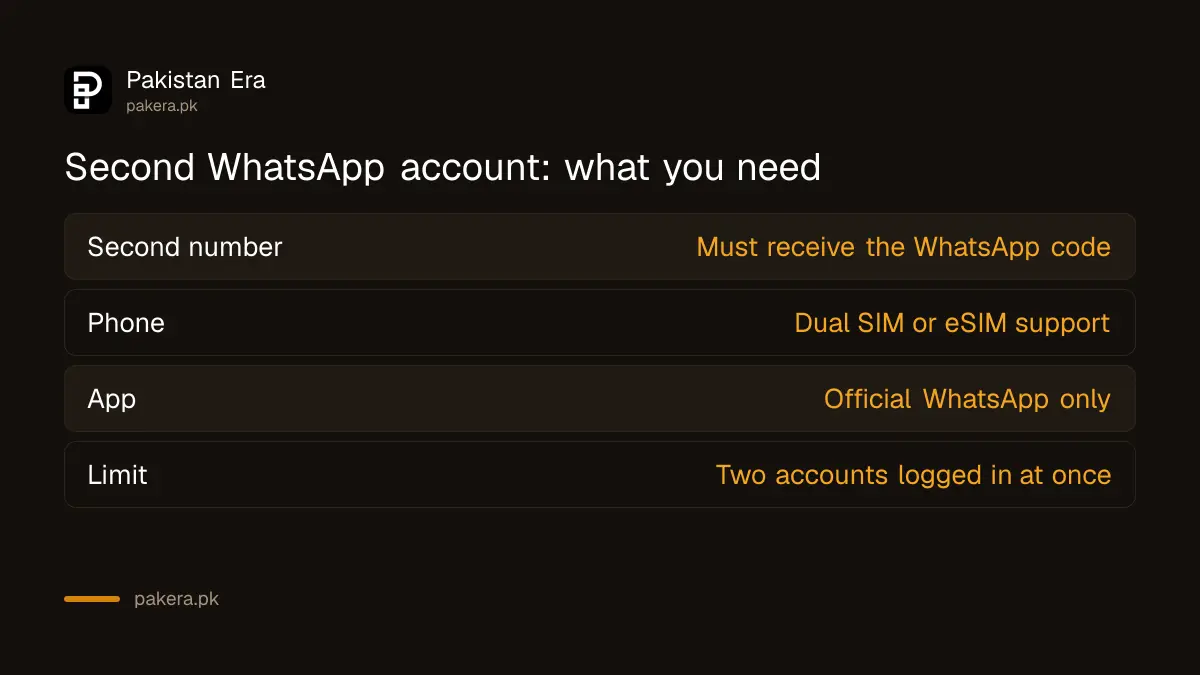
You need a second phone number that can receive a code, and a phone that can hold it. WhatsApp says that means a second SIM, or a phone that accepts multi-SIM or eSIM. One number cannot run two WhatsApp accounts.
| Requirement | What it means |
|---|---|
| Second phone number | A number of your own that can receive the WhatsApp code |
| Second SIM or eSIM | Dual SIM phone, or a phone that supports eSIM |
| Official WhatsApp | The app from Google Play or the App Store, not a copy |
| Internet | Mobile data or Wi-Fi to verify the new number |
If you buy a new SIM for this, register it in your own name. A number you do not control is a number somebody else can use to take the account back.
Add a second WhatsApp account in four steps
Open WhatsApp, go to Settings, tap the arrow next to your name, and tap Add account. Then enter the second number and the code WhatsApp sends. WhatsApp describes this path in its own announcement.
- Open WhatsApp and go to Settings.
- Tap the arrow next to your name at the top.
- Tap Add account.
- Enter the second phone number, then type the code WhatsApp sends to it.

WhatsApp says you can have two accounts logged in at the same time on Android and on iPhone. Your profile picture shows in the bottom tab, so you can see which account you are in. The menu wording can differ a little between app versions. If you do not see Add account, update WhatsApp first.
Note that we did not run these steps on a handset for this page. They come from WhatsApp's own post, which we opened on 7 October 2026.
Switching accounts and keeping them apart
You switch by tapping your profile picture in the bottom tab and choosing the other account. Each account has its own privacy and notification settings, so set them separately. Give each account a different tone for messages, so you know which one rang.
A few habits help. Use a clear profile photo on each account. Turn off notifications for the work account at night. And before you send anything, glance at the picture in the bottom tab.
Mixing accounts is the common mistake. A family photo sent to a client from the wrong account is awkward. A client price list sent to a family group is worse.
WhatsApp Business as another way to use a second number
WhatsApp Business is a separate app, built for shops and small firms. It runs next to normal WhatsApp and needs its own number. It adds a business profile, a catalogue and quick replies. If the second number is for customers, this app may fit better than adding a second normal account.
Our step-by-step setup of the free WhatsApp Business app lists the number rule. We did not re-open WhatsApp's Business page for this guide, so check the app store listing before you install.
| Option | Best for | Needs |
|---|---|---|
| Second account in WhatsApp | Work and personal chats | Second number, two accounts in one app |
| WhatsApp Business app | Customers, catalogue, quick replies | Its own number |
| Two phones | Strict separation | Two handsets and two numbers |
Safety rules for two accounts on one phone
Only use the official WhatsApp. WhatsApp warns against imitations and fake versions as a way to get more accounts, because messages are only secure and private on the official app. Cloned apps and "GB" versions can leak your chats or get the number banned.
Turn on two-step verification on both accounts. It takes a minute each, and the steps are in the two-step verification guide for WhatsApp, Facebook and Gmail. Back up each account on its own, and see how to back up and restore WhatsApp chats.
If somebody takes over one number, follow the steps to recover a hacked WhatsApp account. Never share the six digit code with anyone, even a friend who asks for it by message.
If you share your number widely, a WhatsApp username that hides your phone number can keep the work number private.
Common questions
Can I use two WhatsApp accounts on one phone in Pakistan?
Yes. WhatsApp says you can log in to two accounts at once on Android and iPhone. Each needs its own phone number, so you need a second SIM or an eSIM.
Can I use one number for two WhatsApp accounts?
No. Each account is tied to one phone number. A second account needs a second number that can receive the code.
Do I need a dual SIM phone?
WhatsApp says you need a phone that supports multi-SIM or eSIM. A single SIM phone cannot hold both numbers unless it has eSIM.
Can I use WhatsApp Business and normal WhatsApp together?
Reported yes: WhatsApp Business is a separate app and needs its own number. We have not re-checked WhatsApp's Business page for this, so confirm in the app store listing.
Is a cloned or GB WhatsApp safe for a second account?
No. WhatsApp says messages are only secure and private on the official app. Imitations can expose your chats and risk a ban.
Does it work on WhatsApp Web or desktop?
WhatsApp's announcement says adding multiple accounts is not available on desktop. Use your phone for switching.
How we verified this
What we checked, where we read it, and what we could not confirm.
Last checked on 7 October 2026. Source: WhatsApp's own posts, Multiple Accounts Coming to WhatsApp and its feature roundup post. WhatsApp does not publish the number of accounts allowed beyond two in these posts, and menu names can change with app updates.
About the author

Technology Journalist & Multimedia Producer
Ahmad Ali is a technology journalist and multimedia producer at Pakistan Era, joining the team in October 2026. He covers consumer technology and digital life for Pakistani readers, combining research with hands-on product testing.