Use WhatsApp Hands-Free on Android Auto and Apple CarPlay in Pakistan
WhatsApp refreshed Android Auto and CarPlay in July 2026: hear messages, reply, call and see history by voice. See what you need and how to test it parked.
WhatsApp refreshed its Android Auto and Apple CarPlay screens in July 2026. From the car display you can hear and answer messages, make calls, see your call history and reach your favourite contacts without touching the phone. You need the latest WhatsApp, a compatible car, and a phone connected to it.
Many Pakistani drivers still read WhatsApp at traffic lights. A hands free screen is safer, and it is already inside the apps most of us have. We read WhatsApp's 22 July 2026 announcement on 21 October 2026. It gives the feature list but no setup page, so this guide sticks to what WhatsApp stated and marks our own advice clearly.
WhatsApp rebuilt its car experience on Android Auto and CarPlay
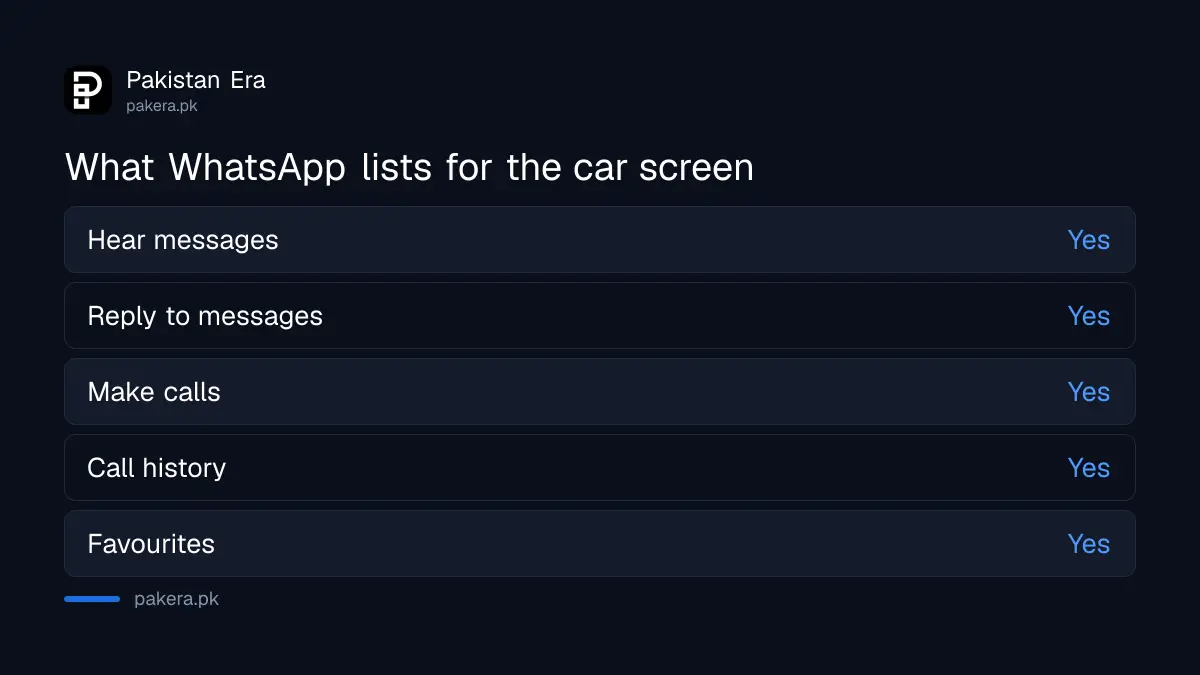
WhatsApp says it "completely refreshed" the experience on both. The announcement lists four abilities: hear messages, respond to messages, make calls, and see call history and favourites, all hands free from the car's screen. It gives no list of cars or countries.
Android Auto is Google's system for showing phone apps on a car display. Apple CarPlay does the same for iPhone. Both need a car or aftermarket stereo that supports them. WhatsApp's page does not say which cars work.
Your phone and car both need to support it
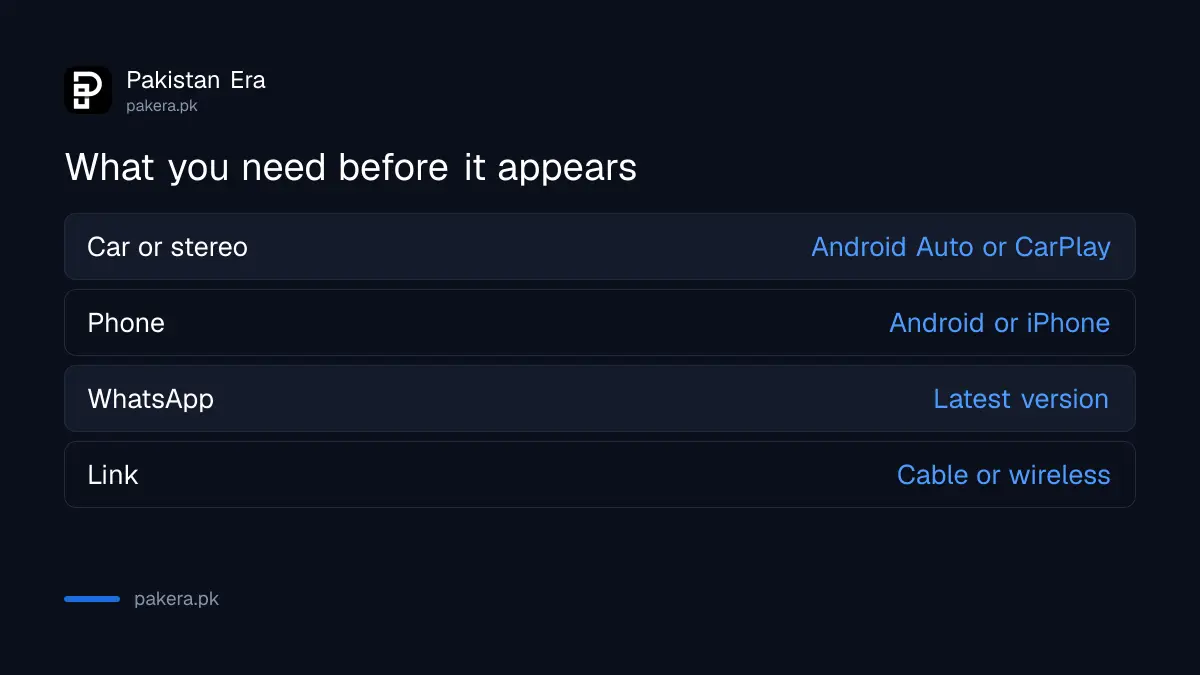
Three things must line up. The first is a car stereo with Android Auto or CarPlay. The second is a phone with the system enabled. The third is the latest WhatsApp from the Play Store or App Store. If one is missing, WhatsApp will not appear on the car screen.
| Part | What to check |
|---|---|
| Car or stereo | Supports Android Auto or Apple CarPlay |
| Phone | Android Auto on Android, CarPlay on iPhone |
| Latest version installed | |
| Link | Cable or wireless, as your car allows |
Many cars sold in Pakistan have no such screen at all. Check your car manual or the stereo's box. We could not confirm support for individual models.
A safe way to set it up before you drive
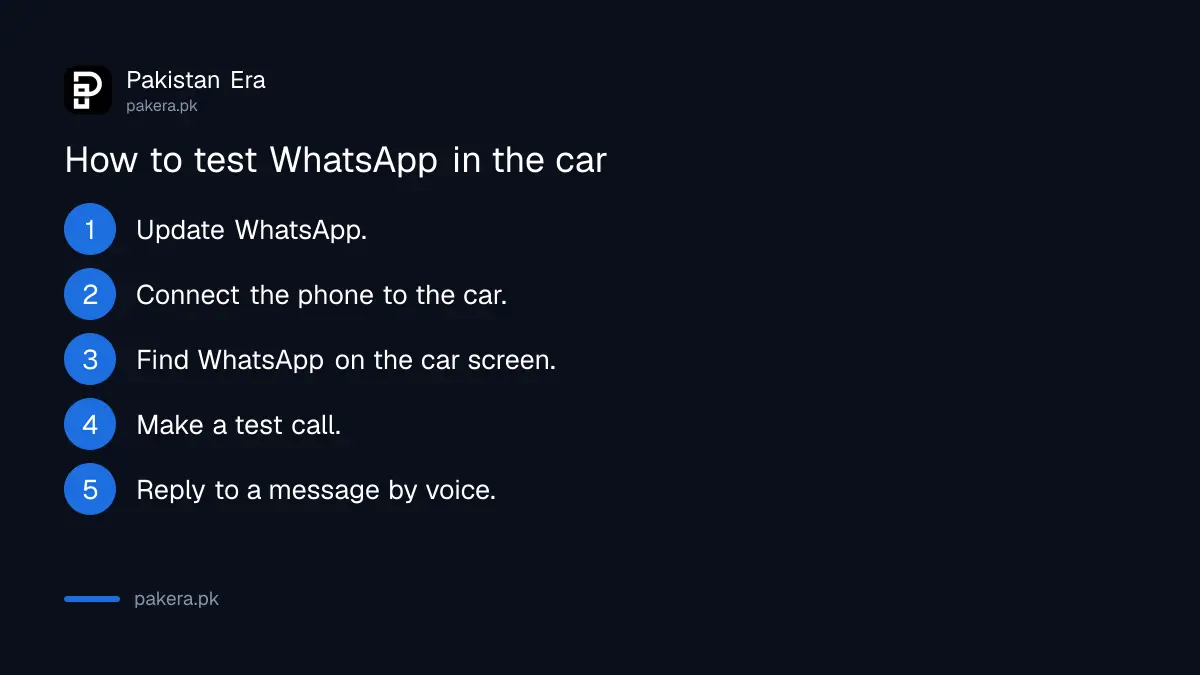
WhatsApp did not publish steps, so this order is our suggestion. Do it parked. Update the app, connect the phone to the car, open the car's app list, and confirm WhatsApp is there. Then test one call and one message reply with the engine off.
- Update WhatsApp from Google Play or the App Store.
- Connect your phone to the car stereo as the car's manual says.
- Look for WhatsApp on the car's display or app list.
- Make a test call to a family number.
- Reply to a message by voice and check what is sent.
Set your favourites and notifications first
WhatsApp says you can reach favourites from the car screen. Favourites are contacts you mark inside WhatsApp. Mark the five people you call most before you drive, so you never scroll while moving.
Mute noisy groups too. A car that reads out every wedding group message is more distracting, not less. If you receive spam from unknown numbers, learn to block and report a scam number on WhatsApp so those messages stop reaching you.
Protect your account when the phone is linked to a car
A car stereo that stores your phone does not need your WhatsApp password, but you should still check which devices are linked. Review them with checking linked devices on WhatsApp. Add a passkey as in setting up a WhatsApp passkey.
If you sell your car or lend it to someone, forget the phone on the stereo first. We did not find WhatsApp guidance on this, so it is plain good practice.
Voice calls from the car still use your data or Wi-Fi
A WhatsApp call from the car uses mobile data, exactly like a call on the phone. WhatsApp does not say otherwise. If you have a small bundle, check what is left before a long drive. We did not measure data use on the car screen.
For a computer based option, see WhatsApp web calling on a computer.
What WhatsApp confirms about the car screen
WhatsApp confirms four car abilities: hearing messages, replying, making calls, and seeing call history and favourites. It does not list cars, countries or minimum versions. Everything about setup beyond those four items is our suggestion, so test it parked.
Think about the road too. Hands free is safer than a handheld phone, but it still pulls attention. Keep replies short, and pull over for a long conversation. In heavy traffic, a voice reply can wait until the next red light.
If the car gives you trouble, check the cable first. Many connection problems come from a cheap charging cable that carries power but not data. Try the cable that came with the phone.
Common questions about WhatsApp in the car
Does WhatsApp work on Android Auto in Pakistan?
WhatsApp says its refreshed Android Auto experience is rolling out. It did not name countries, and we could not test it on a Pakistani car.
Can I read messages while driving?
WhatsApp says you can hear messages read out and reply hands free. Reading on a handheld phone while driving is unsafe.
Does my car need a touch screen?
It needs a stereo that supports Android Auto or CarPlay. WhatsApp's page does not list car models.
Can I make WhatsApp calls from the car screen?
Yes. WhatsApp lists calls and call history among the features.
Is it free?
WhatsApp's page mentions no charge. Calls use your internet data or Wi-Fi, which your network may charge for.
Which phones does it work with?
WhatsApp names both Android and iPhone through Android Auto and CarPlay. It gives no minimum versions.
How we verified this
What we checked, where we read it, and what we could not confirm.
Last checked 21 October 2026. We read WhatsApp's announcement New Feature Roundup: Sign up on iPad, WhatsApp in your car, and more, dated 22 July 2026. We did not test it in a car and found no supported car list, minimum versions or Pakistan rollout statement. The setup order above is our suggestion, not a WhatsApp instruction.
About the author

Technology Journalist & Multimedia Producer
Ahmad Ali is a technology journalist and multimedia producer at Pakistan Era, joining the team in October 2026. He covers consumer technology and digital life for Pakistani readers, combining research with hands-on product testing.