There are times when people block their own SIM card due to security concerns, loss of the phone, or accidental misuse. Later, when they recover the SIM or need to use the same number again, the next question is how to reactivate it. If you are a Telenor user and have self-blocked your SIM, the reactivation process is quite simple.
Telenor provides both offline and online methods to restore a blocked SIM. Depending on your situation, you can either visit a franchise in person or use available self-service options to reactivate the number.
Reactivating a Self-Blocked Telenor SIM Through a Franchise
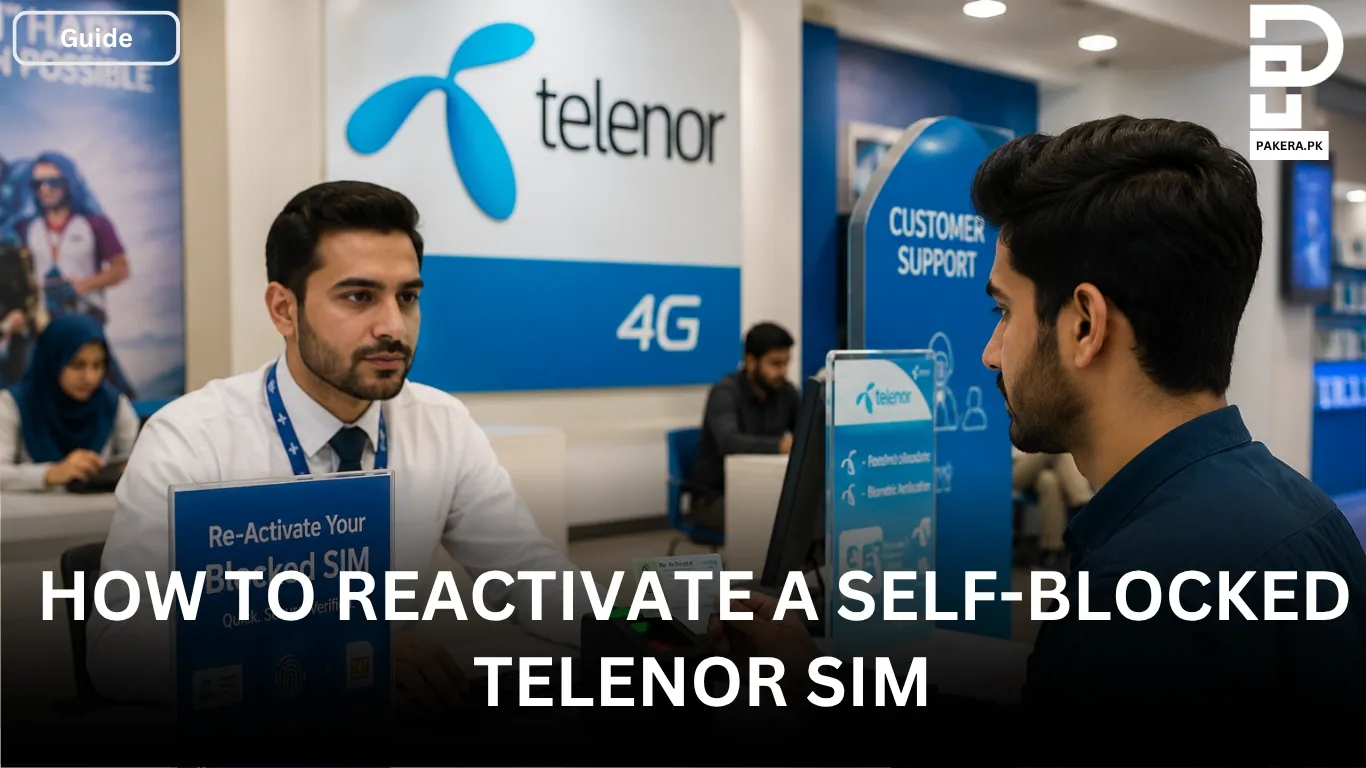
The most reliable way to reactivate a self-blocked Telenor SIM is by visiting the nearest Telenor franchise or customer service center.
Since SIM ownership verification is required, the registered owner of the SIM must visit the franchise personally. You should carry your original CNIC because it will be needed during the verification process.
Biometric Verification Requirement
To protect customer security, Telenor requires biometric verification before reactivating a blocked SIM. During your visit, your fingerprints will be verified against the SIM ownership records.
Once your credentials are successfully verified, the blocked SIM is usually reactivated immediately, allowing you to resume calls, SMS, and mobile data services.
How to Reactivate a Self-Blocked Telenor SIM Online
If you have access to another active Telenor number, you may be able to reactivate your blocked SIM through online or self-service methods.
Method 1: Reactivate Through USSD Code
One of the easiest ways to request SIM reactivation is by using a Telenor USSD code.
Open your phone’s dial pad and dial *710# from any active Telenor number. After dialing, enter the blocked SIM number along with the CNIC number of the SIM owner when prompted.
Once the verification process is completed successfully, your SIM can be reactivated without needing to visit a service center.
Method 2: Use the My Telenor App
Another option is to use the My Telenor App from a different smartphone.
First, download and install the app. Then log in or register using any active Telenor number. After signing in, navigate to the support or self-service section and report the blocked SIM.
From there, you can submit a request for SIM reactivation and follow the instructions provided within the app.
Things to Keep in Mind Before Reactivating Your SIM
Before starting the reactivation process, make sure you have the following:
- The original CNIC of the SIM owner
- Access to biometric verification if visiting a franchise
- The blocked SIM number
- Another active Telenor number if using online methods
Having these details ready can make the reactivation process faster and smoother.
Frequently Asked Questions
Yes, in some cases you can use the USSD code *710# or submit a request through the My Telenor App. However, if additional verification is required, you may still need to visit a Telenor franchise.
Yes, biometric verification is generally required when reactivating a blocked SIM through a franchise or service center.
You need the original CNIC of the registered SIM owner. Additional verification may be required depending on the situation.
After successful verification, the SIM is usually reactivated immediately. In some cases, activation may take a short processing time.
No. Since biometric verification and ownership confirmation are required, the registered owner of the SIM must normally complete the reactivation process personally.
Conclusion
Reactivating a self-blocked Telenor SIM is a straightforward process. You can either visit the nearest Telenor franchise with your original CNIC and complete biometric verification, or use available self-service options such as *710# and the My Telenor App. Once your identity is verified, the SIM can be restored and ready for use again.