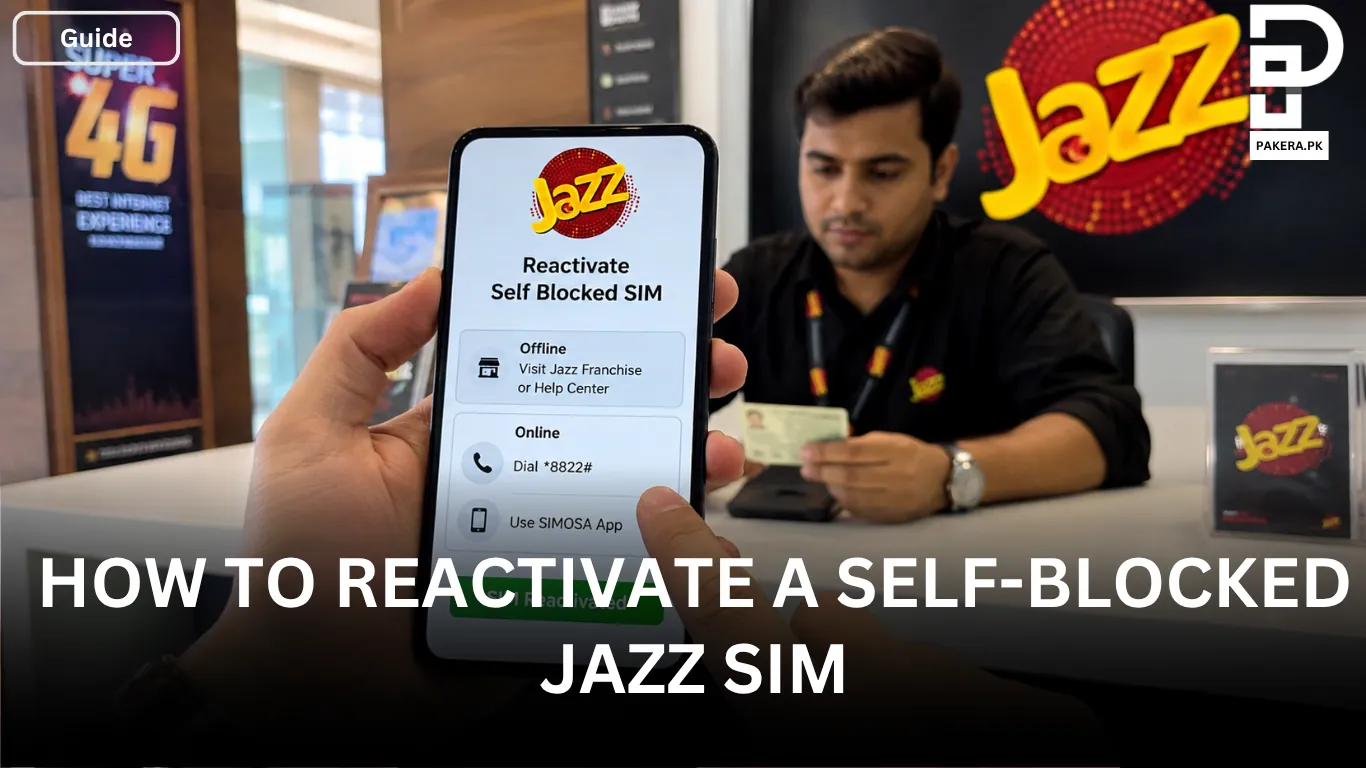
Blocking a SIM card is a common security measure when a phone is lost, stolen, or there is a concern about unauthorized use. However, once the issue is resolved, many Jazz users want to know how they can reactivate their self-blocked SIM and start using their number again.
Fortunately, Jazz provides both offline and online methods to reactivate a blocked SIM. The process is straightforward as long as you are the registered owner of the SIM and can complete the required verification steps.
Can a Self-Blocked Jazz SIM Be Reactivated?
Yes, a self-blocked Jazz SIM can be reactivated. Jazz allows customers to restore access to their blocked numbers after confirming ownership. Depending on your situation, you can either visit a Jazz franchise or use available self-service options.
The most important requirement is that the SIM must be registered under your name, as identity verification is necessary before reactivation.
How to Reactivate a Self-Blocked Jazz SIM Offline
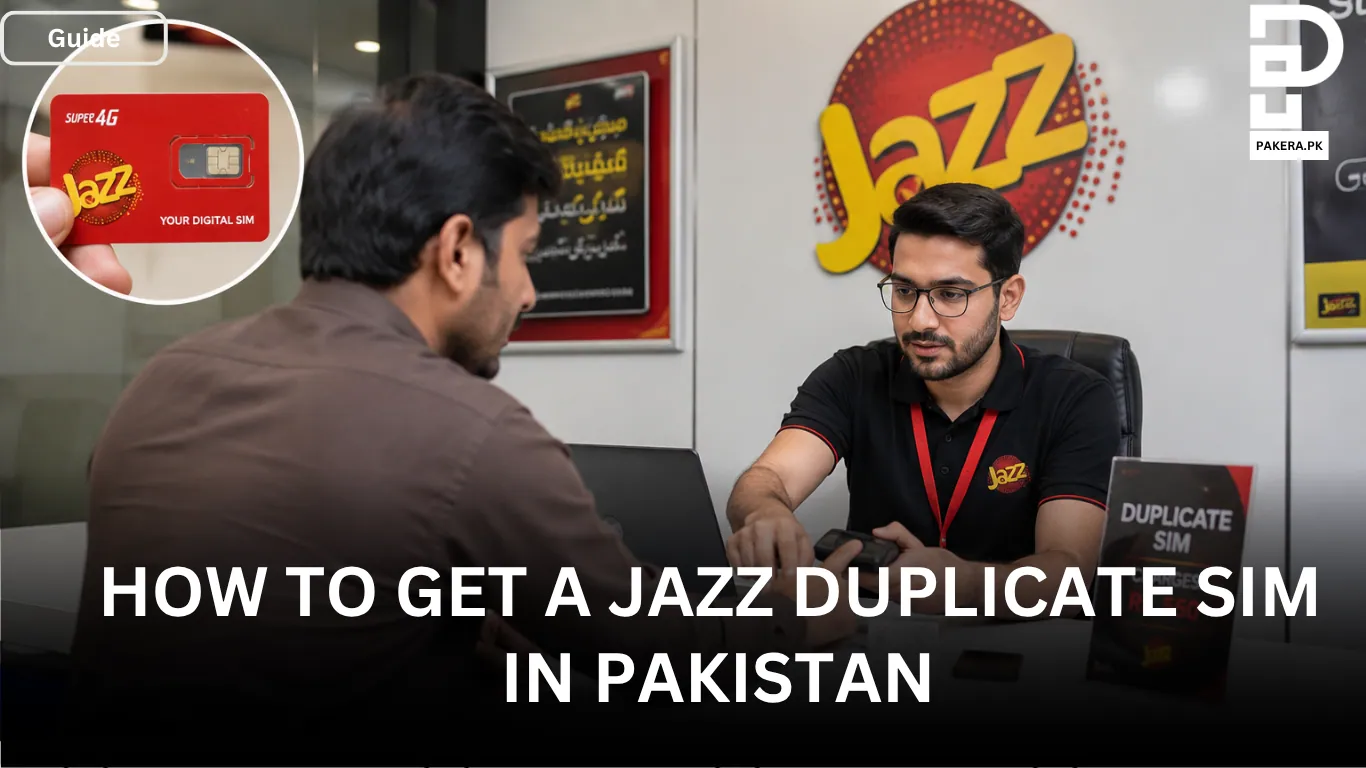
One of the most reliable ways to reactivate a blocked Jazz SIM is by visiting a Jazz franchise or help center.
Visit a Jazz Franchise or Help Center
Go to the nearest Jazz franchise or customer service center and inform the representative that you want to reactivate your blocked SIM.
Bring Your Original CNIC
You must carry your original CNIC because Jazz will verify that you are the registered owner of the SIM.
Complete Biometric Verification
Biometric verification is required before the SIM can be reactivated. For this reason, the actual owner of the SIM must visit the franchise personally.
SIM Reactivation
Once your identity and ownership details are successfully verified, the Jazz representative will reactivate your SIM. In most cases, the activation is completed immediately after verification.
How to Reactivate a Self-Blocked Jazz SIM Online
Jazz also offers online and self-service options that may help users reactivate their blocked SIM without visiting a franchise.
Method 1: Reactivate Through USSD Code
This is one of the quickest methods available for Jazz users.
First, open your phone’s dial pad and dial *8822# from any active Jazz number. After dialing the code, enter the blocked SIM number along with the CNIC number of the SIM owner.
Once the verification process is completed successfully, your blocked SIM will be reactivated.
Method 2: Use the SIMOSA App
Another option is to use the SIMOSA App.
Start by downloading and installing the SIMOSA App on another smartphone. After installation, log in or register using any active Jazz number.
Navigate to the support or self-service section within the application. From there, report the blocked SIM and submit a reactivation request. Follow the on-screen instructions to complete the process.
Things to Remember Before Reactivating a Jazz SIM
Before starting the reactivation process, keep the following points in mind:
- The SIM must be registered in your name.
- Your original CNIC may be required for verification.
- Biometric verification is mandatory when visiting a franchise.
- The SIM owner must personally complete the verification process.
- Ensure that the CNIC information provided matches the registration details of the SIM.
Frequently Asked Questions
You can reactivate a self-blocked Jazz SIM by visiting a Jazz franchise with your original CNIC and completing biometric verification. Alternatively, you may use the *8822# service or the SIMOSA App if the option is available for your account.
Yes, biometric verification is usually required when reactivating a blocked Jazz SIM through a Jazz franchise or help center.
No, the registered owner of the SIM must visit the franchise personally because biometric verification is required.
You should bring your original CNIC, which will be used to verify ownership of the SIM.
In most cases, the SIM is activated immediately after successful identity and biometric verification.
Conclusion
Reactivating a self-blocked Jazz SIM is a simple process when you have access to the required verification details. Whether you choose to visit a Jazz franchise for biometric verification or use available self-service options such as *8822# or the SIMOSA App, the key requirement is proving that you are the registered owner of the SIM. Once verification is completed, your Jazz number can usually be restored quickly so you can continue using your services without interruption.

Ali Akhtar is a young and curious voice here at Pakistan Era. He is currently pursuing his A-Levels and has a growing interest in Pakistan’s changing industrial landscape and educational trends. Ali likes to write in a way that helps him explain and explore the world around him. His writing reflects the perspective of the new generation navigating the evolving trends of Pakistan where technology, youth innovation, and shifting opportunities are reshaping the country’s future.