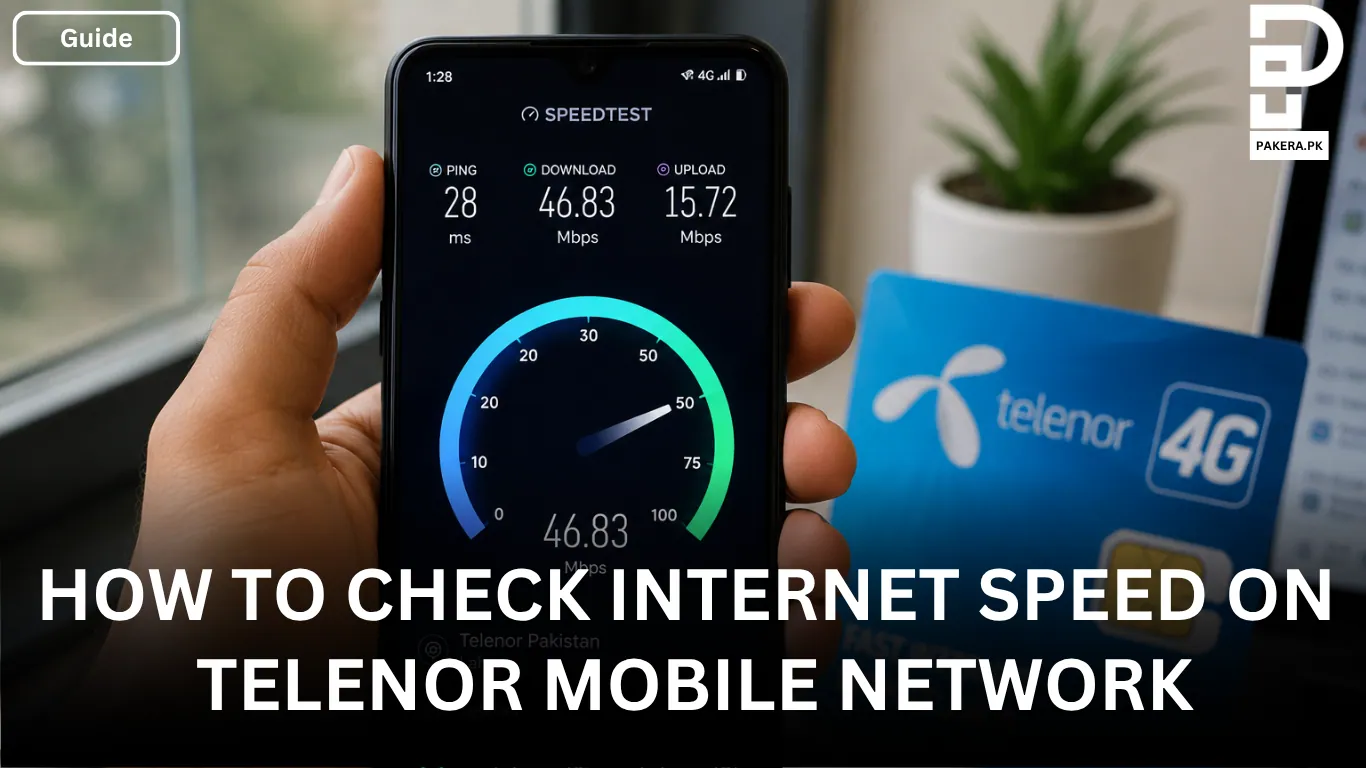
A slow internet connection can make everything from browsing websites to streaming videos feel frustrating. If you’re using the Telenor mobile network and want to know whether you’re getting the speed you’re supposed to, running a quick internet speed test is the easiest way to find out.
A speed test gives you a clear picture of your current connection by measuring your download speed, upload speed, and ping latency. Whether you’re using Telenor 4G or 3G, checking your internet speed only takes a few seconds and helps you identify if your connection is performing as expected.
How to Check Telenor Internet Speed
Checking your Telenor internet speed is simple. Before you begin, make sure your phone is connected to the Telenor mobile network and that Wi-Fi is turned off. This ensures the test measures your mobile data speed instead of your Wi-Fi connection.
Next, open your preferred web browser and visit SpeedTester.pk or Ookla Speedtest. Once the website loads, tap the Start or Go button to begin the test. Within a few moments, you’ll see your current download speed, upload speed, and ping latency displayed on the screen.
Tips to Get Accurate Speed Test Results
The accuracy of your speed test depends on your network connection during the test. For the most reliable results, stay connected only to the Telenor 4G or 3G mobile network and avoid switching between Wi-Fi and mobile data.
If you’re using SpeedTester.pk or the Speedtest by Ookla app on Android or iPhone, the service will automatically connect to a nearby testing server. This helps provide more consistent and reliable speed measurements.
Understanding Your Speed Test Results
After the test is complete, you’ll see three main values. Understanding what each one means makes it easier to evaluate your internet connection.
Ping (ms)
Ping measures how quickly your device communicates with the server. Lower values indicate a more responsive connection, which is especially important for online gaming, video calls, and other real-time activities. As a general reference, a ping below 50 ms is considered good for most online tasks.
Download Speed (Mbps)
Download speed shows how fast your device can receive data from the internet. This affects activities such as browsing websites, streaming videos, downloading files, and using social media.
Upload Speed (Mbps)
Upload speed measures how quickly your device can send data to the internet. Faster upload speeds are helpful for video calls, uploading photos and videos, backing up files, and sharing content online.
Monitor Your Internet Speed in Real Time
If you want to keep an eye on your internet speed while using your phone, you don’t have to run a speed test every time. Many Android phones include a built-in network speed indicator that displays your current internet speed in the status bar.
If your phone doesn’t offer this feature, you can install a third-party app such as Internet Speed Meter Lite. These apps show your live internet speed while you’re browsing, streaming, or downloading, making it easier to monitor your connection throughout the day.
Frequently Asked Questions
Turn off Wi-Fi, connect to the Telenor mobile network, visit SpeedTester.pk or Ookla Speedtest, and tap Start to measure your download speed, upload speed, and ping.
Yes. Turning off Wi-Fi ensures the test measures your Telenor mobile data speed instead of your Wi-Fi connection.
A ping below 50 ms is generally considered good for most online activities, including browsing, video calls, and online gaming.
Both SpeedTester.pk and Ookla Speedtest are reliable options. They automatically select a nearby server to provide more accurate and consistent test results.
Conclusion
Checking your Telenor internet speed is a quick way to see how your mobile connection is performing. By testing your download speed, upload speed, and ping while connected only to the Telenor network, you can get a clear picture of your internet performance. If you want to monitor your connection throughout the day, enabling your phone’s network speed indicator or using an app like Internet Speed Meter Lite can make it even easier to keep track of your internet speed.

Ali Akhtar is a young and curious voice here at Pakistan Era. He is currently pursuing his A-Levels and has a growing interest in Pakistan’s changing industrial landscape and educational trends. Ali likes to write in a way that helps him explain and explore the world around him. His writing reflects the perspective of the new generation navigating the evolving trends of Pakistan where technology, youth innovation, and shifting opportunities are reshaping the country’s future.