How to Add Video Structured Data With the Creator Property to a Pakistani Website
Google added the creator property to video documentation on 24 September 2026. See the 3 required fields, the watch page rule and how to test your video markup.
Short answer: To mark up a video for Google Search, put the video on its own watch page and add VideoObject structured data with three required properties: name, thumbnailUrl and uploadDate. Add contentUrl or embedUrl, and the creator property that Google's video documentation updated on 24 September 2026. Then test the page and watch the Search Console video report.
A Lahore cooking channel publishes a recipe video inside a long blog post. Google may show the page, but it may not show the video as a video result. The reason is often simple: the page has no clear video markup, or the video is not the main purpose of that page.
We read Google's video structured data page, its video best practices page and the Search documentation change log on 12 October 2026. The change log lists a 24 September 2026 entry that added support for the creator property and updated the interactionStatistic text. We did not test markup on a live site for this guide. This is a reading of Google's rules.
Google needs a watch page before it considers video markup
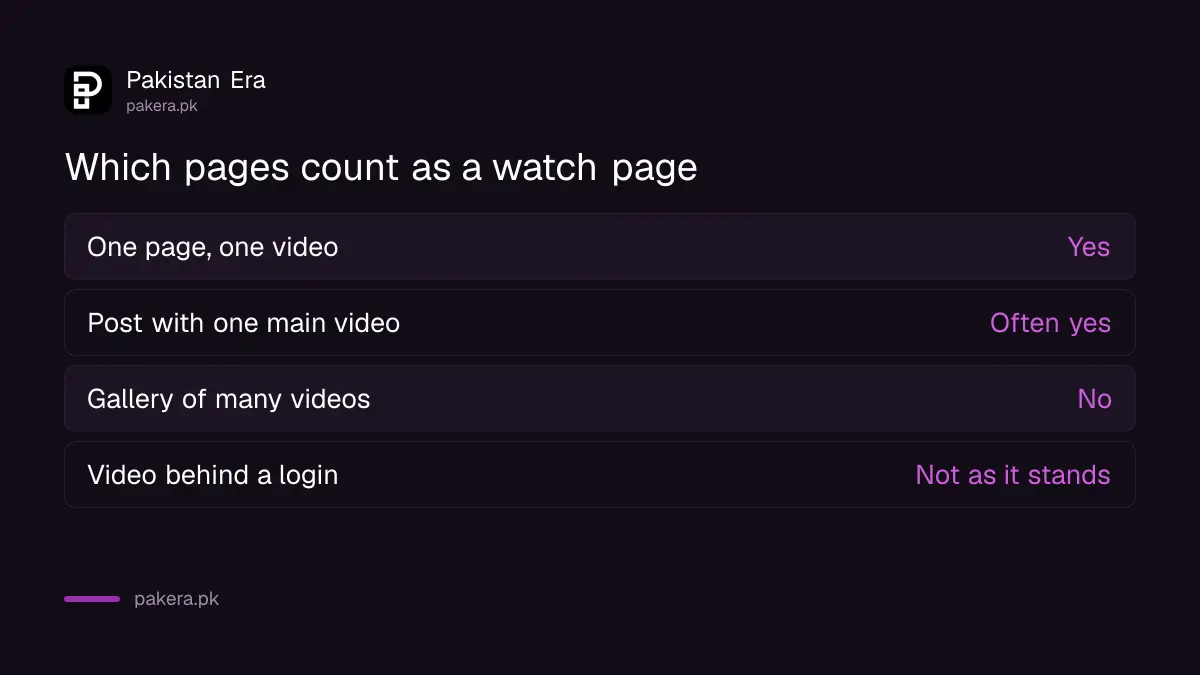
Google says a video must sit on a watch page, a page whose main purpose is to show one video. Each watch page needs its own title and description. A page that lists ten videos is not a watch page for any one of them.
Google finds videos through the HTML tags video, embed, iframe and object. Videos inside other elements may not be found. It also supports video sitemaps and Open Graph metadata as extra signals.
| Page type | Watch page? | What to do |
|---|---|---|
| One page, one video, own title | Yes | Add VideoObject markup |
| Blog post with one main embedded video | Often yes | Make the video the clear focus, then add markup |
| Gallery page with many videos | No | Give each video its own page |
| Video behind a login or paywall | Not as it stands | Use Google's paywalled content markup |
Three properties are required and the rest are recommended
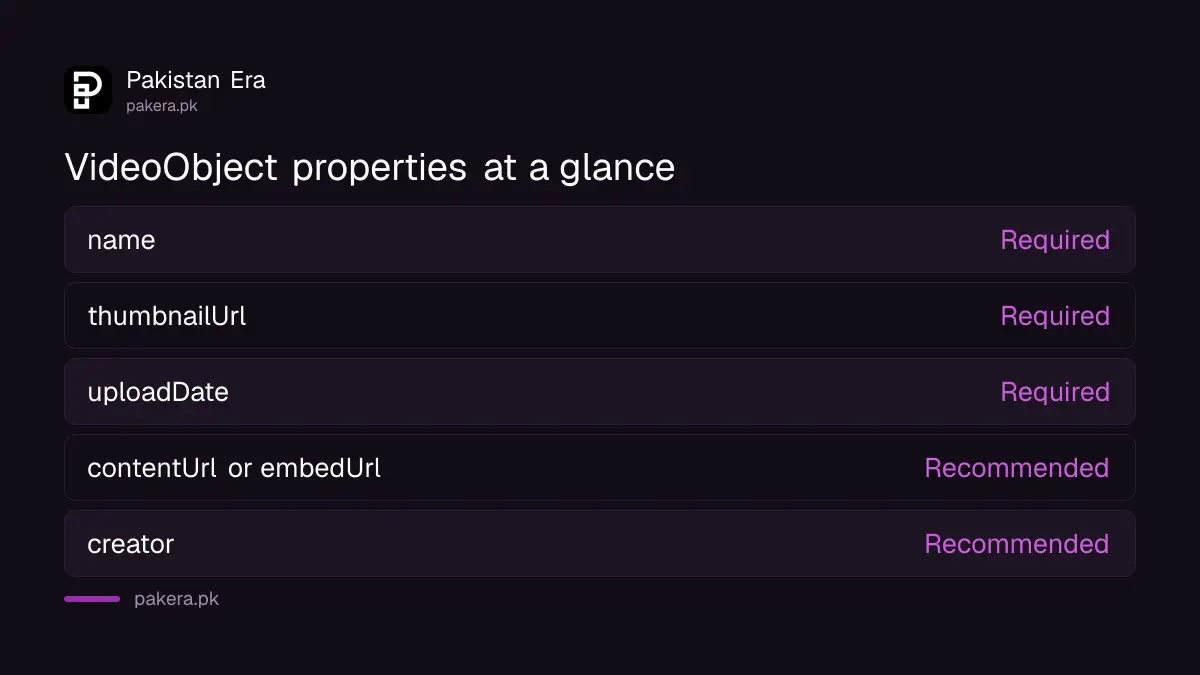
Google lists name, thumbnailUrl and uploadDate as required for VideoObject. The name should be unique for each video, the thumbnail must be the video's own image, and the upload date should be in ISO 8601 format, ideally with a time zone.
Recommended properties help Google fetch and understand the video. contentUrl points to the video file and is the most useful for fetching. embedUrl is the alternative when you embed a player. The creator property names the person or organisation behind the video and needs a name or alternate name. interactionStatistic carries counts such as views, likes, comments or shares, using actions such as WatchAction.
| Property | Status | What to put |
|---|---|---|
| name | Required | A unique title for this video |
| thumbnailUrl | Required | Link to this video's own thumbnail |
| uploadDate | Required | ISO 8601 date, for example 2026-10-12T09:00:00+05:00 |
| contentUrl or embedUrl | Recommended | The video file or the player address |
| creator | Recommended | Person or organisation, with a name |
| interactionStatistic | Recommended | Counts such as WatchAction, only if they are real |
The thumbnail and file must be reachable by Google
Google says the thumbnail must be accessible to Googlebot and Googlebot Images at a stable address, without a robots.txt block or login. The smallest size it lists is 60 by 30 pixels, and larger is better. Supported thumbnail formats include JPEG, PNG, WebP and AVIF.
Video file types Google lists include MP4, WebM, MOV and M3U8. If the thumbnail address changes each visit, or the file sits behind a login, the video is unlikely to be indexed. Check these two things before you blame the markup.
A robots.txt rule that blocks the thumbnail folder is a common cause on small sites. Our guide to checking robots.txt and noindex shows how to read the file.
How to add the markup and test it
Place one JSON-LD block on the watch page, fill in the properties, publish and test the page. Use only values that are true. Do not invent view counts, and do not mark up a video that is not on the page.
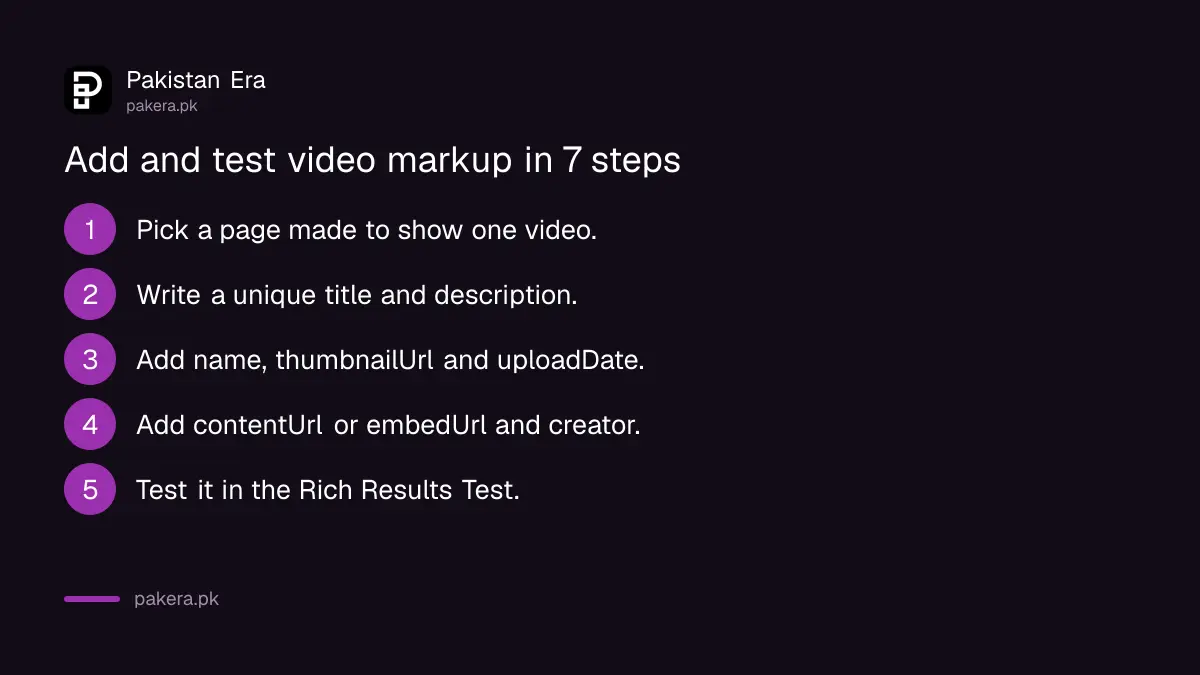
- Pick the page that exists mainly to show one video.
- Write a unique title and description for that page.
- Add a VideoObject JSON-LD block with name, thumbnailUrl and uploadDate.
- Add contentUrl or embedUrl, plus creator with the channel or brand name.
- Publish the page and test it with Google's Rich Results Test.
- Inspect the page in Search Console and request indexing if it is new.
- Open the video indexing report a few days later and read the reasons for any failures.
If the page does not appear at all, start with fixing pages that are not indexed in Search Console. A video cannot be indexed when its watch page is not. If you also publish on social platforms, Search Console platform properties show how that content performs.
What markup cannot do
Google says structured data must follow its general guidelines, and it does not promise a video result. Markup helps Google understand the page. It does not force a rich result, and it does not raise a page's rank. We found no page that says otherwise.
For a YouTube channel, the video lives on YouTube's own watch page, so markup applies to your own site only when you host or embed the video there. Creators who earn from YouTube should also read the 2027 YouTube Partner Program changes.
Common questions
Which VideoObject properties are required by Google?
Name, thumbnailUrl and uploadDate are required. Google marks contentUrl or embedUrl, creator and interactionStatistic as recommended.
What changed in Google's video documentation on 24 September 2026?
The change log says Google added creator property support and updated the interactionStatistic documentation for VideoObject. We read the entry, and we did not find a deadline or a penalty attached to it.
Do I need a video sitemap?
No, it is optional. Google says it supports video sitemaps, structured data and Open Graph metadata as ways to describe videos. A sitemap can help when you have many videos.
Can a blog post with an embedded video get video results?
It can, if the video is the main purpose of the page and the page has a unique title and description. A long post with several unrelated videos is less likely to qualify.
Will VideoObject markup make my page rank higher?
No promise is made. Google says markup helps it understand the video. It is not a ranking switch.
Where do I see video indexing problems?
Google names the video indexing report in Search Console. It lists indexed watch pages and the reasons videos were not indexed. A separate video rich results report covers the structured data itself.
How we verified this
What we checked, where we read it, and what we could not confirm.
We read Google's video structured data documentation, its video best practices page and the Search documentation updates list on 12 October 2026. Google edits these pages without notice, so check them on the day you publish.
About the author

Founder and Editor
Umer Kureshi founded Pakistan Era in July 2024 and runs it as administrator, SEO lead and writer, overseeing website operations, search growth, content strategy and coverage of technology and current affairs.