Delete LinkedIn Account Permanently in Pakistan: 5 Steps, the 14 Day Reopen Window and What Blocks Closing
Delete your LinkedIn account in 5 steps from Settings and Privacy. Cancel Premium and hand over groups first. You can reopen within 14 days, but not everything.
To delete your LinkedIn account, click Me, then Settings & Privacy, Account preferences, and Change next to Close account. Pick a reason, enter your password and confirm. You can usually reopen it within 14 days. First cancel any Premium plan and hand over any group you own, or LinkedIn will not let you close.
People close LinkedIn for good reasons: a duplicate profile from university days, an old account full of scam connection requests, or simply a fresh start. Closing is quick, but it deletes your connections, messages and recommendations, and some of that never comes back even if you reopen. We read LinkedIn Help's close account page and its enterprise blocker page on 31 October 2026.
Clear three blockers before LinkedIn lets you close
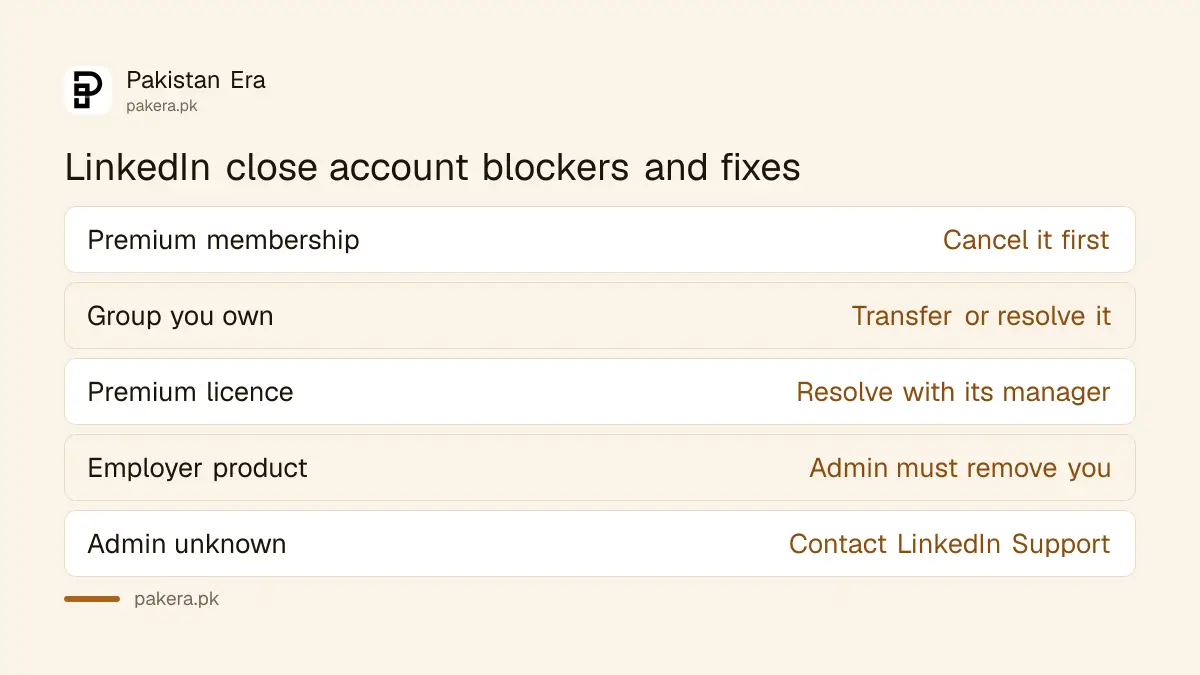
LinkedIn will not close a Basic account while you still hold a Premium membership, own a LinkedIn group, or have a Premium account licence. Accounts tied to an employer's Recruiter, Learning or Sales Navigator product must first be removed by that account's administrator.
| Blocker | What to do |
|---|---|
| Premium membership | Cancel Premium first; you keep a free Basic account until you close it |
| A group you own | Transfer ownership or resolve the group |
| Premium account licence | Resolve the licence with whoever manages it |
| Employer enterprise product | Ask the admin, even a former employer, to remove you |
| Admin unknown or still blocked | Contact LinkedIn Support, then try again |
The enterprise case catches people who left a job. If your old employer gave you LinkedIn Learning or Sales Navigator, the admin there has to remove you. LinkedIn's close account blocker page says to contact Support if you do not know who the admin is.
Close your LinkedIn account on a computer in 5 steps
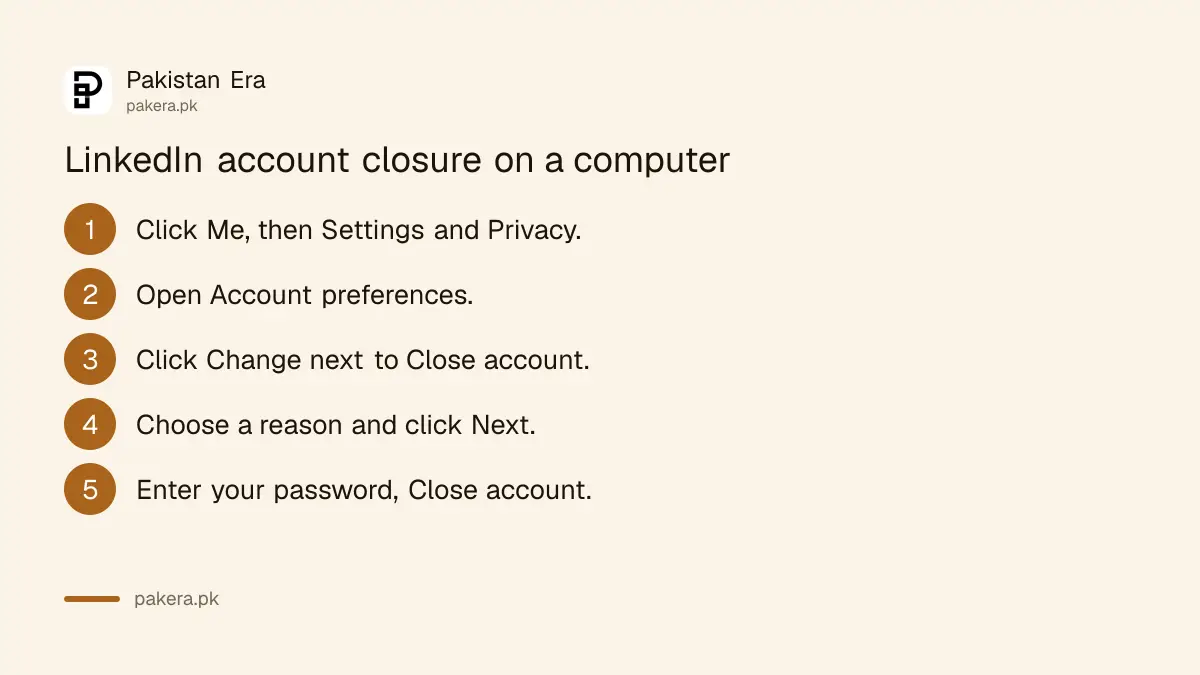
Click the Me icon, choose Settings & Privacy, open Account preferences and find Account management. Click Change next to Close account, choose a reason, click Next, then enter your password and click Close account.
- Click the Me icon at the top of your LinkedIn homepage.
- Select Settings & Privacy.
- Under Account preferences, find Account management and click Change next to Close account.
- Choose your reason for closing and click Next.
- Enter your password and click Close account.
On the phone app, tap your profile picture, then Settings, then Account preferences. Tap Close account, then Continue, choose a reason, tap Next, enter your password and tap Done. The same steps work in a mobile browser.
Download your data before you close
LinkedIn suggests downloading a copy of your data before closing, because you lose access to your connections and account information once it is gone. That includes your contacts list, which is often the only record of professional contacts you made years ago.
LinkedIn links its own data download guide from the close account page. If you only want to stop the noise, not lose the contacts, think about closing later.
Your purchase history also becomes inaccessible after closing. If you ever paid for Premium and might need the receipts, for example for a tax return, save them first. Freelancers who claim software costs against income, as described in filing a freelancer tax return in Pakistan, should keep those records.
Reopening works within 14 days, but not everything returns
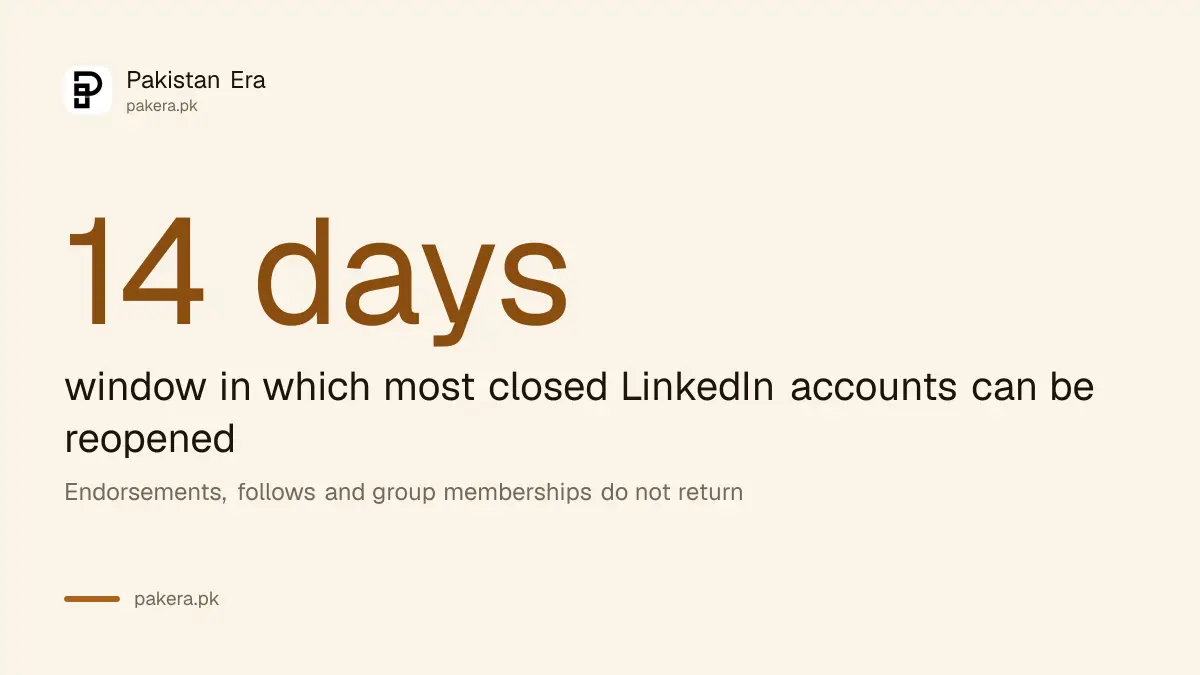
LinkedIn says you can reopen in most cases if the account was closed less than 14 days ago. Even then, endorsements and recommendations, pending or ignored invitations, the people and companies you followed, and group memberships do not come back.
After 14 days, treat the account as gone. Closing deletes recommendations and endorsements you gave or received, your messages and your connections, as set out in section 4.3 of LinkedIn's privacy policy. Your profile stops showing on LinkedIn.
Search engines are slower. LinkedIn notes that Google, Bing and Yahoo may still show your old profile for a while, because of how they collect and refresh data. That fades on its own over time.
Close a duplicate account, or close because of a hack
If you have two LinkedIn profiles, our suggestion is to keep the one with more connections and close the other. If you want to close because someone hacked the account, recover it first, since closing needs your password.
A hacked account should be recovered, not abandoned, because a hacker can keep using it to message your contacts. The steps are under LinkedIn account hacked. If LinkedIn has restricted the account, sort out the restriction through LinkedIn ID verification before you try to close it.
Closing LinkedIn is a bigger step than deleting most social apps, because recruiters search there. If you are job hunting, a cleaned-up profile usually beats no profile. If you are sure, the steps above take two minutes.
Common questions
How do I permanently delete my LinkedIn account?
Go to Settings & Privacy, Account preferences, and Close account. After 14 days it generally cannot be reopened.
Can I reopen a closed LinkedIn account?
In most cases, yes, within 14 days. Endorsements, recommendations, follows, invitations and group memberships are not restored.
Why can't I close my LinkedIn account?
You probably still have Premium, own a group, hold a Premium licence, or are linked to an employer's Recruiter, Learning or Sales Navigator product.
Do I need to cancel LinkedIn Premium first?
Yes. Cancel Premium, which leaves you on a free Basic account, then close that account.
Will my LinkedIn profile still show on Google?
For a while. LinkedIn says search engines may show your information temporarily after you close.
Does closing LinkedIn delete my messages?
Yes. LinkedIn says closing deletes your messages and connections.
How we verified this
What we checked, where we read it, and what we could not confirm.
Last checked 31 October 2026. We read LinkedIn Help's "Close and delete your LinkedIn account" and "Next steps to close and delete a LinkedIn account" pages on linkedin.com on 31 October 2026. LinkedIn links a separate data download article that we did not read in full. We did not close an account to test the steps.
About the author

Technology Journalist & Multimedia Producer
Ahmad Ali is a technology journalist and multimedia producer at Pakistan Era, joining the team in October 2026. He covers consumer technology and digital life for Pakistani readers, combining research with hands-on product testing.