Delete Telegram Account Permanently in Pakistan: 5 Steps, the Self-Destruct Timer and What You Lose
Delete a Telegram account permanently in Pakistan at telegram.org/deactivate, see what you lose, or use the 18-month self-destruct timer or a data delete.
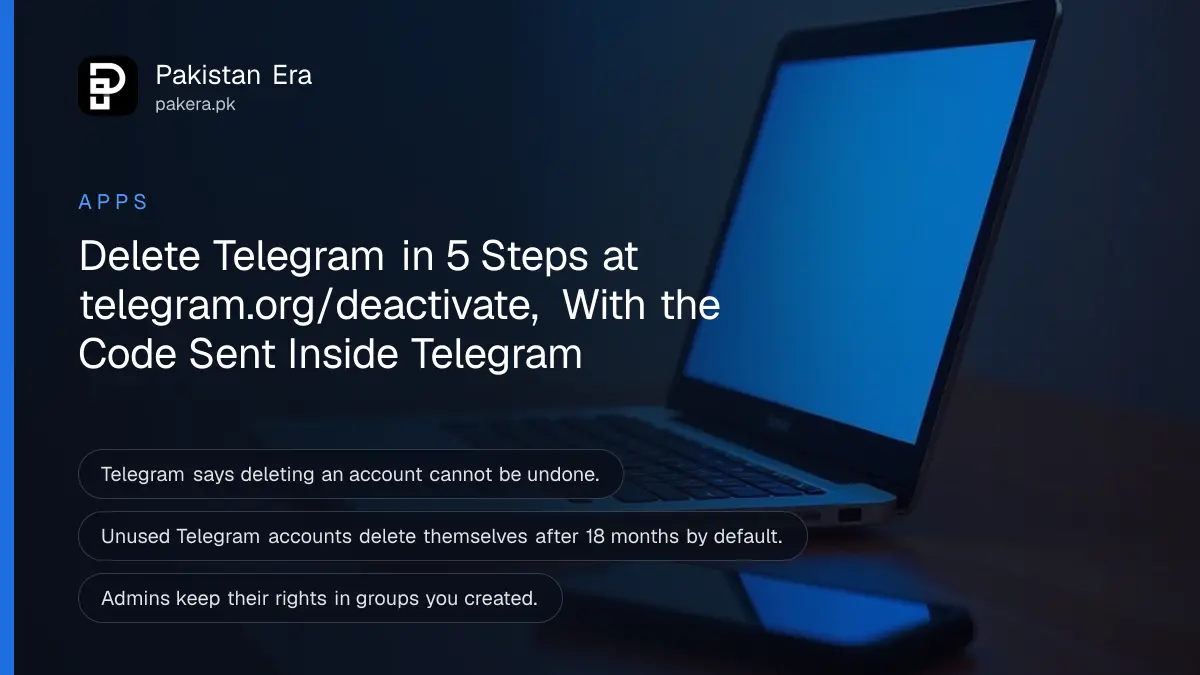
To delete a Telegram account permanently, open telegram.org/deactivate in a computer browser, enter your number as +92 followed by the number without its first zero, type the code Telegram sends to your Telegram app (not by SMS), and confirm. The deletion cannot be undone. If you only want to stop using Telegram, there are two softer options: the self-destruct timer and deleting your data while keeping the account.
People delete Telegram after joining too many spam groups, before selling a phone, or after a number has been misused. We read the account sections of Telegram's FAQ and its deactivation page on 27 October 2026. Every step below comes from Telegram's own pages.
Telegram deletes accounts only through its deactivation page
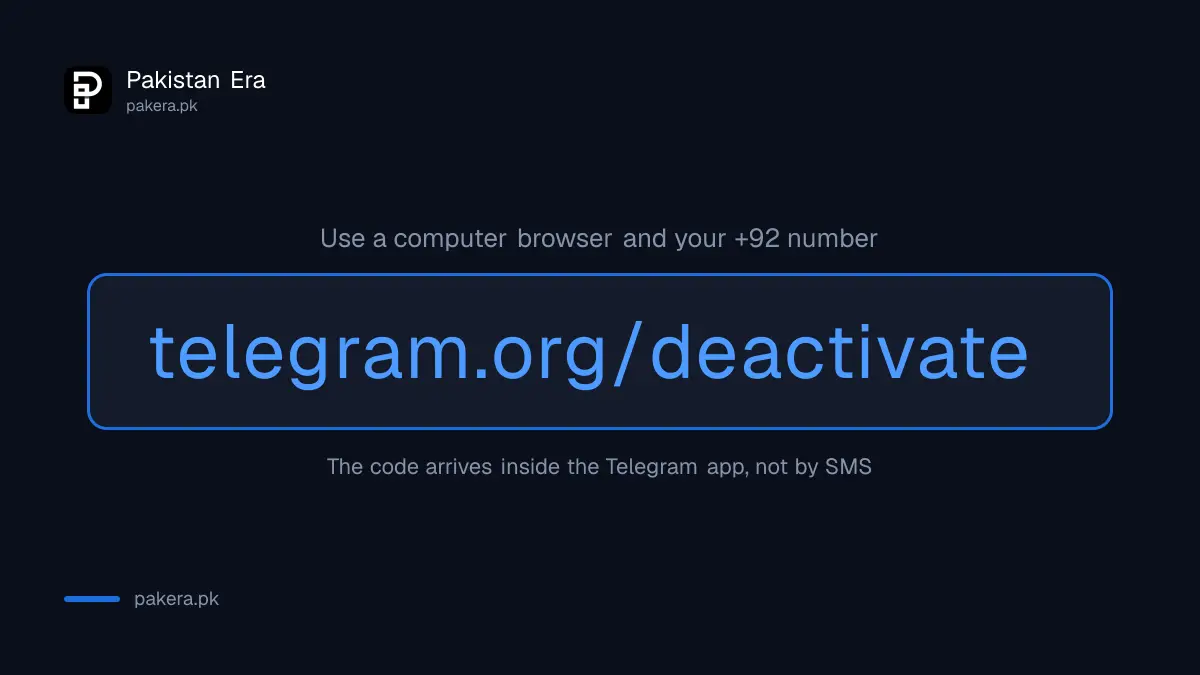
There is no delete button inside the Telegram app that removes the account at once. Telegram's FAQ sends you to its deactivation page, which signs you in to My Telegram. The code arrives inside Telegram on a device where you are logged in, not as an SMS.
That second point is the one that trips people up. If you no longer have Telegram open on any phone or computer, you cannot receive the code, and the page cannot finish. Keep the app logged in until you are done.
Telegram recommends using a non-mobile browser for this. A laptop or desktop works best, with the phone beside you to read the code.
Delete your Telegram account in 5 steps
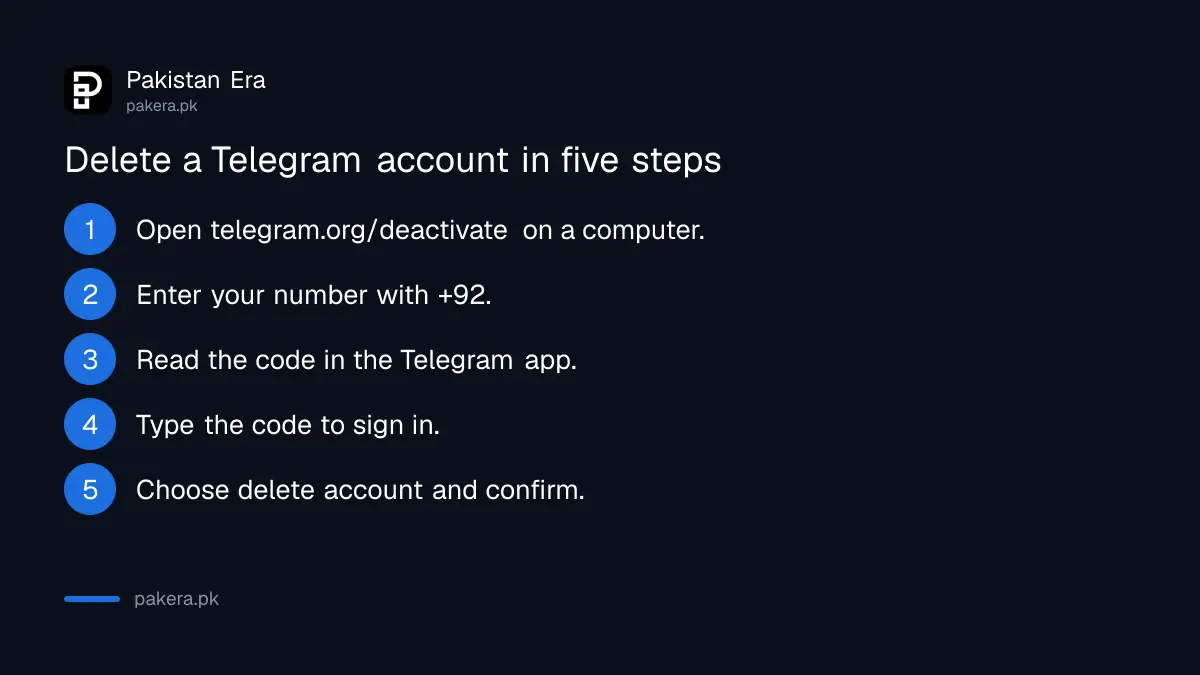
The process is short when Telegram is open on another device. You enter the number in international format, read the code in the Telegram app, sign in, and choose to delete the account. Telegram asks you to confirm because the step is final.
- On a computer, open telegram.org/deactivate.
- Enter your number in international format, for example +92 300 1234567.
- Open Telegram on your phone and find the code in the chat from Telegram.
- Type the code on the page to sign in.
- Choose to delete the account and confirm.
Before step 5, export anything you want to keep. Telegram Desktop has a data export option under Settings, and once the account is deleted there is nothing left to download.
Deleting removes your messages and contacts for good
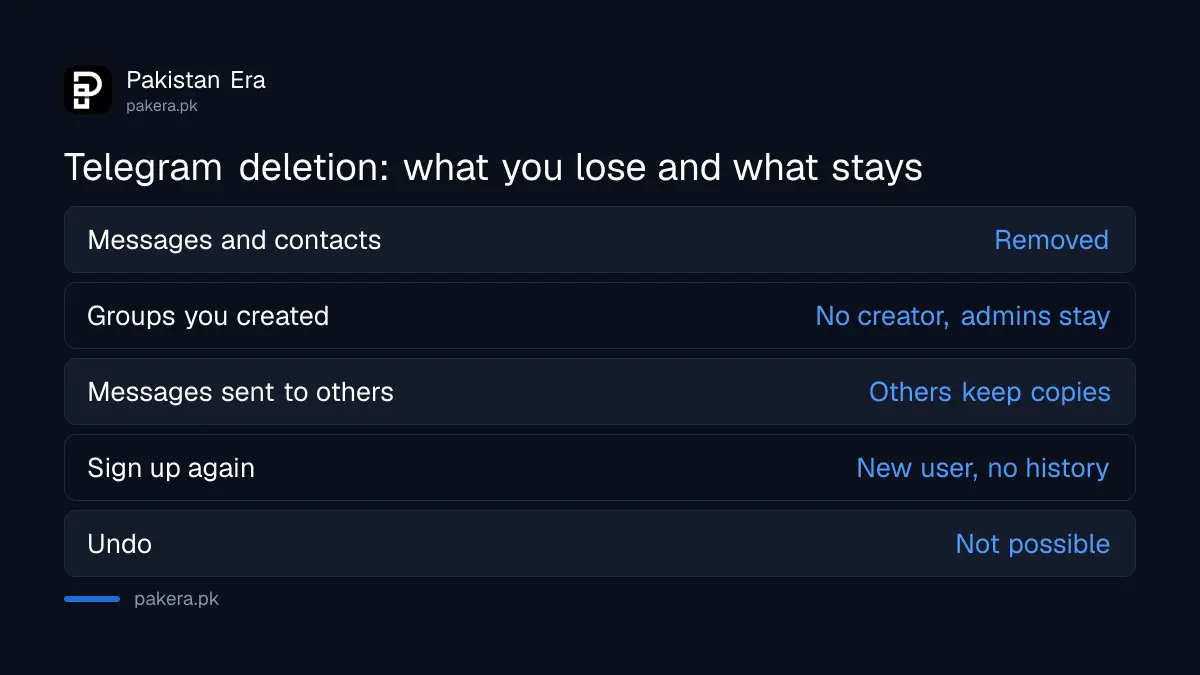
Telegram says deleting your account permanently removes all your messages and contacts. Groups and channels you created lose their creator, but admins keep their rights. Other people still keep their own copies of messages you sent them.
| Item | After you delete the account |
|---|---|
| Your messages and contacts | Removed from Telegram |
| Groups and channels you created | Left without a creator; admins keep their rights |
| Messages you sent to others | Others keep their copy |
| Signing up again with the same number | You appear as a new user with no history |
| Contacts who saved your number | Notified when you sign up again |
If you run a channel with followers, appoint a trusted admin before you delete. Telegram says admins keep their rights, so the channel can carry on. Without an admin, nobody can post to it again.
The self-destruct timer deletes an unused account by itself
Telegram deletes accounts that stay offline for a set period, 18 months by default. You can change that period in Settings. When it runs out, Telegram deletes the account with its messages, media and contacts, just like a manual deletion.
Shortening the timer suits someone who wants to stop using Telegram but cannot reach the deactivation page today, for example because they have only a phone. Set the shortest period the app offers, log out of every device, and the account removes itself.
You can delete your data and keep the account
Telegram lets you delete most of your data without deleting the account. You can delete any message or whole chat for both sides, delete synced contacts, delete cloud drafts and turn off suggested frequent contacts in Settings, then Privacy and Security.
This is the better route if the real problem is old chats or a contact list you uploaded years ago. For spam, a limited account or unwanted strangers, deleting is not needed: tightening Telegram's privacy settings or using a secret chat with a self-destruct timer may solve it.
Changing your number is another alternative. Telegram keeps all chats, contacts and media when you move the account to a new number in Settings. If a different Telegram account already exists on the new number, delete that one first.
A lost phone needs the SIM back before you can delete
Telegram says whoever has the number has the account. If your phone is stolen and you are still logged in on a laptop, terminate the old phone's session in Settings, then Devices, and turn on two-step verification. You can then delete the account from that laptop.
If you are logged in nowhere else, Telegram says to get a replacement SIM with the same number from your network first, then log in and end the old session. Your network's duplicate SIM process applies, such as the one for a Telenor duplicate SIM.
Common questions
Can I delete Telegram from the app on my phone?
Telegram's FAQ sends you to telegram.org/deactivate and recommends a non-mobile browser. The app itself offers the self-destruct timer, not instant deletion.
Why did I not get an SMS code?
Telegram sends the deletion code inside the Telegram app, not by SMS. Open Telegram on a device where you are logged in.
Can I recover a deleted Telegram account?
No. Telegram says deletion is irreversible. If you sign up again, you start as a new user with no history.
How long until an unused Telegram account deletes itself?
18 months by default. You can change the period in Settings.
What happens to my Telegram channel if I delete my account?
It loses its creator, but admins keep their rights. Add an admin before you delete.
How we verified this
What we checked, where we read it, and what we could not confirm.
We read the Your Account section of the Telegram FAQ and opened the Telegram deactivation page on 27 October 2026. We did not delete an account, so we could not see the exact wording of the confirmation screen after sign-in. The export tip refers to Telegram Desktop's own export option, which Telegram's FAQ does not cover.
About the author

Technology Journalist & Multimedia Producer
Ahmad Ali is a technology journalist and multimedia producer at Pakistan Era, joining the team in October 2026. He covers consumer technology and digital life for Pakistani readers, combining research with hands-on product testing.