Fix a Phone That Will Not Charge or Charges Slowly in Pakistan: Apple and Google Steps
Phone not charging or charging slowly? Follow Apple and Google's order: swap the cable and adapter, clean the port, restart, wait 30 minutes, then get service.
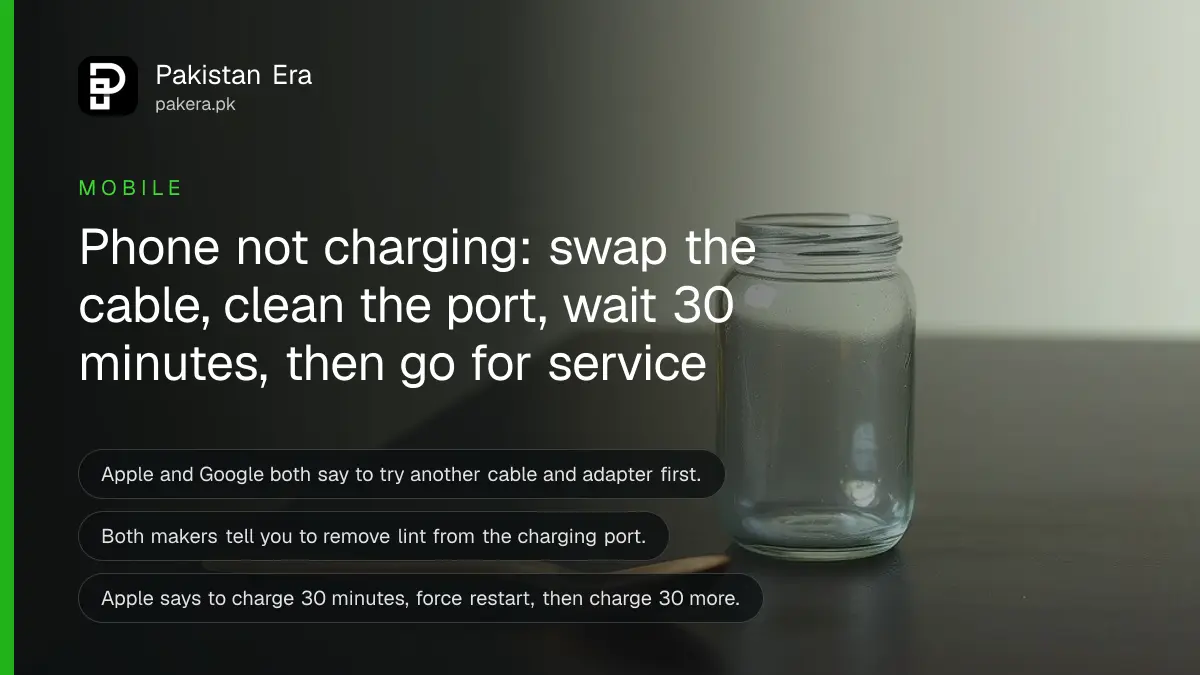
Short answer: If your phone will not charge, try another cable and adapter, clean the charging port of lint, restart the phone, and leave it on a working charger for 30 minutes. Apple and Google both give this order. If it still fails, the port or battery needs a service centre, not another cheap cable.
The phone is at 3 percent, the socket is live and nothing happens. Or it charges, but so slowly that it loses ground while you use it. Both problems are common, and most of them come down to the cable, the adapter, or lint in the port.
We read Apple's support page for an iPhone that will not charge and Google's Android Help page for a device that will not charge or turn on, on 12 October 2026. The steps below follow those two pages, with our own notes marked.
Swap the cable and adapter before you blame the phone
Both makers start with the accessories. Apple says to check the cable and adapter for damage such as breakage or bent prongs, and to use a wall socket with firm connections. Google says to try another cable or power adapter, and to charge another device with your adapter to test it.
A worn cable is the usual cause, and Pakistani households tend to reuse one cable until it frays. A cable that works only when held at an angle is finished. If you replace it, read how to check a fake phone charger or cable first, so the new one is not worse than the old.
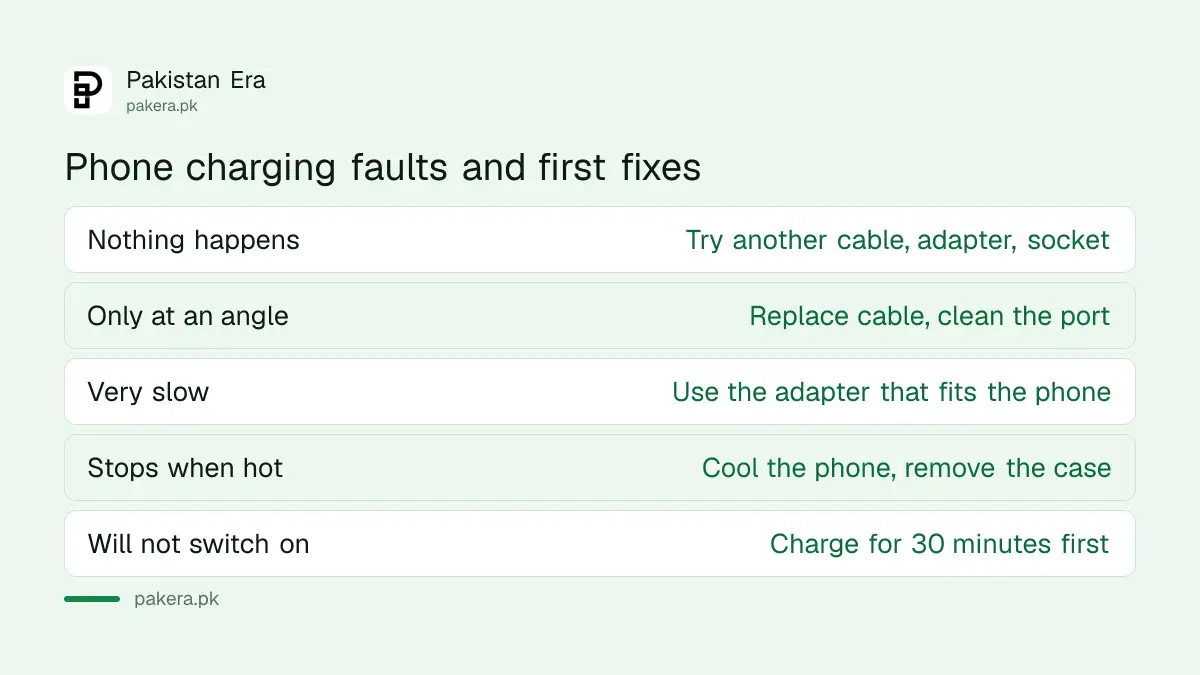
| Symptom | Likely cause | First fix |
|---|---|---|
| Nothing happens on charge | Cable, adapter or socket | Try another cable, adapter and socket |
| Charges only at an angle | Worn cable or dirty port | Replace the cable, clean the port |
| Charges very slowly | Weak adapter or a computer port | Use a wall adapter that suits the phone |
| Stops when hot | Heat protection | Cool the phone and remove the case |
| Phone will not switch on | Battery fully empty | Charge for 30 minutes, then restart |
Clean the charging port and restart the phone
Apple says to remove any debris from the charging port, then plug the cable in firmly. Google says to check that there is nothing in the port, like dust or lint, and to restart the phone by holding the power button for 5 to 7 seconds. These two steps fix many cases.
Our own caution, not the makers': use a wooden toothpick or a soft brush, never a metal pin, and switch the phone off first. A metal pin can scratch the contacts and make the problem worse.
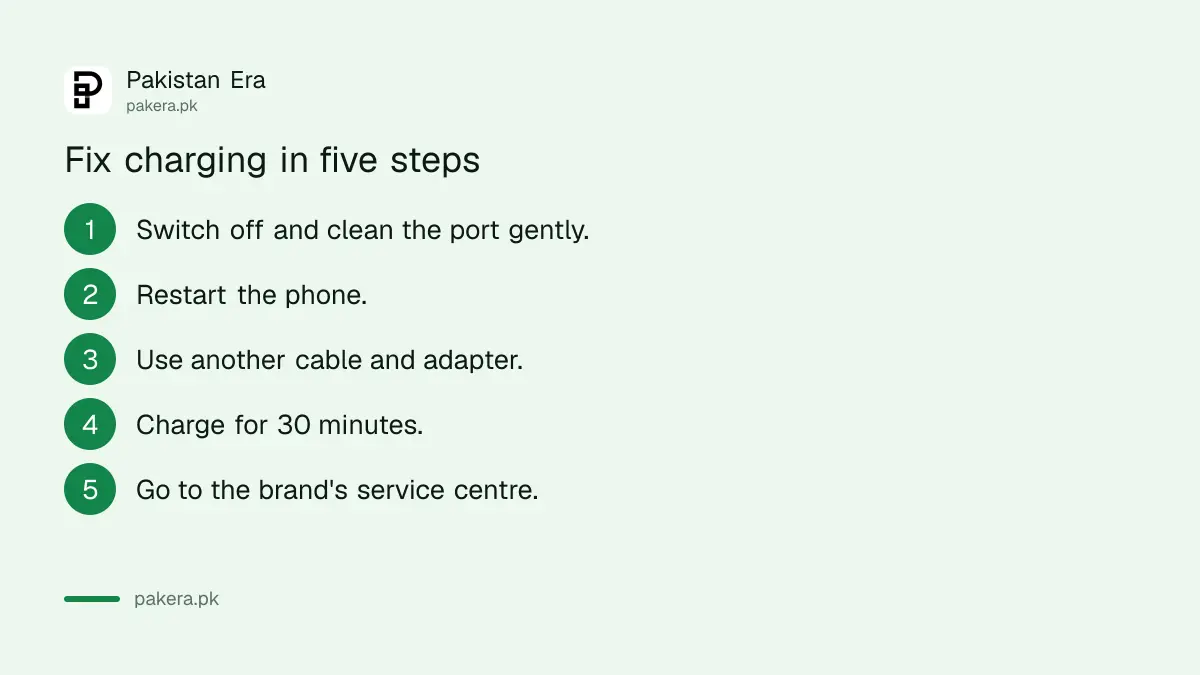
- Unplug the cable and switch the phone off.
- Look into the port with a light and remove lint gently.
- Restart the phone.
- Plug in a different cable and adapter, firmly.
- Leave it for 30 minutes before you judge.
An empty phone needs 30 minutes before it responds
Apple says to let the iPhone charge for 30 minutes, then force restart it if it still shows no power, then charge another 30 minutes. Google says to charge for at least 30 minutes if a red light appears, and to wait one minute after plugging in to look for the battery icon.
Many people unplug after two minutes because the screen stays black. A deeply drained battery can take a while to show anything. Be patient on a wall socket, not a computer port.
Google also gives button steps. Press and hold the power button for about 35 seconds to reboot, then wait about 2 minutes. Another method holds the volume down and power buttons together for at least 20 seconds with the phone plugged in. Button combinations vary by phone, so check your model's manual before trying them.
Charging is slow when the adapter does not match the phone
Google says to use the power adapter that came with your phone, because others may charge slowly or damage the device. Apple lists adapters from 5W to 20W. A 5W adapter is much slower than a 20W one on a phone that supports fast charge.
So check the adapter's rating. A drawer adapter from an old phone is often 5W. Also check that the phone is not hot, since heat can slow charging. If it is, see how to stop a phone overheating while charging.
Charging from a laptop USB port is often slower than a wall adapter. Use the wall when you can.
Power cuts and voltage swings are part of life in Pakistan, and they are hard on cheap adapters. Plugging a good adapter into a surge protector is our suggestion, not a maker's rule.
Know when it is the battery or the port, not the cable
If a different cable, adapter and socket still do nothing after 30 minutes, the port or battery is at fault. Apple says you may need service. Google says to contact your local authorised repair centre. Check battery wear first, then go to the brand.
A phone that drops from 40 percent to off in seconds usually has a worn battery. Our guide to checking battery health on Android and iPhone shows how to read it. If the back cover is lifting, stop and read the steps for a swollen phone battery.
If a phone is bought used and fails to charge soon after, check what you were sold, with how to check phone warranty in Pakistan by IMEI. A phone stuck after an update is another problem, covered in fixing a phone stuck after an update.
Common questions
Why is my phone not charging when plugged in?
Most often it is the cable, the adapter or lint in the port. Try another cable and adapter and clean the port, as Apple and Google advise.
How long should I charge a dead phone before it turns on?
Apple says charge for 30 minutes, force restart, then charge another 30 minutes. Google says at least 30 minutes if a red light appears.
Can lint in the port stop charging?
Yes. Both Apple and Google tell you to remove debris from the port. Use a wooden toothpick, not metal, with the phone off.
Why does my phone charge so slowly?
The adapter may be too weak, the cable worn, or the phone hot. Google says to use the adapter that came with your phone.
When should I go to a service centre?
When another cable, adapter and socket and a 30 minute charge change nothing. Apple says you may need service, and Google points to an authorised repair centre.
How we verified this
What we checked, where we read it, and what we could not confirm.
Last checked on 12 October 2026 against Apple's iPhone will not charge page and Google's Android will not charge or turn on page. Notes on toothpicks, surge protectors and wall sockets are our own advice.
About the author

Technology Journalist & Multimedia Producer
Ahmad Ali is a technology journalist and multimedia producer at Pakistan Era, joining the team in October 2026. He covers consumer technology and digital life for Pakistani readers, combining research with hands-on product testing.