How to Fix a Soft 404 and Broken Pages With 301 Redirects on Your Pakistani Website
Fix a soft 404 in Search Console on a Pakistani website: test the live URL, return a real 404 for gone pages, use a 301 only to a close match, then validate.
Short answer: A soft 404 is a page that says "not found" to visitors but tells Google "all fine". Fix it by returning a real 404 code for pages that are gone, and a 301 redirect to the new page when the content moved. Use Search Console's live URL test to see what Google gets.
You delete an old product page from your Pakistani online shop. A visitor lands on it and sees "Sorry, product not available" in a nice design. Everything looks right to the person. But the server answered "200 OK", the code for a working page. Google sees a page with almost nothing on it and flags it as a soft 404.
We read Google's Search Console page on indexing issues and its pages on HTTP status codes and redirects on 13 October 2026. The steps below follow those pages.
A soft 404 shows an error to people but a success code to Google
Google's help page defines a soft 404 as a page that returns a friendly "not found" message without a real 404 response code. In Search Console you see it under page indexing as "Soft 404".
It matters for two reasons. These pages waste Google's visits to your site, and they pile up in your reports so the real problems are hard to see. A soft 404 is also not indexed, so if the page was meant to rank, it will not.
Find out what Google really gets from the page
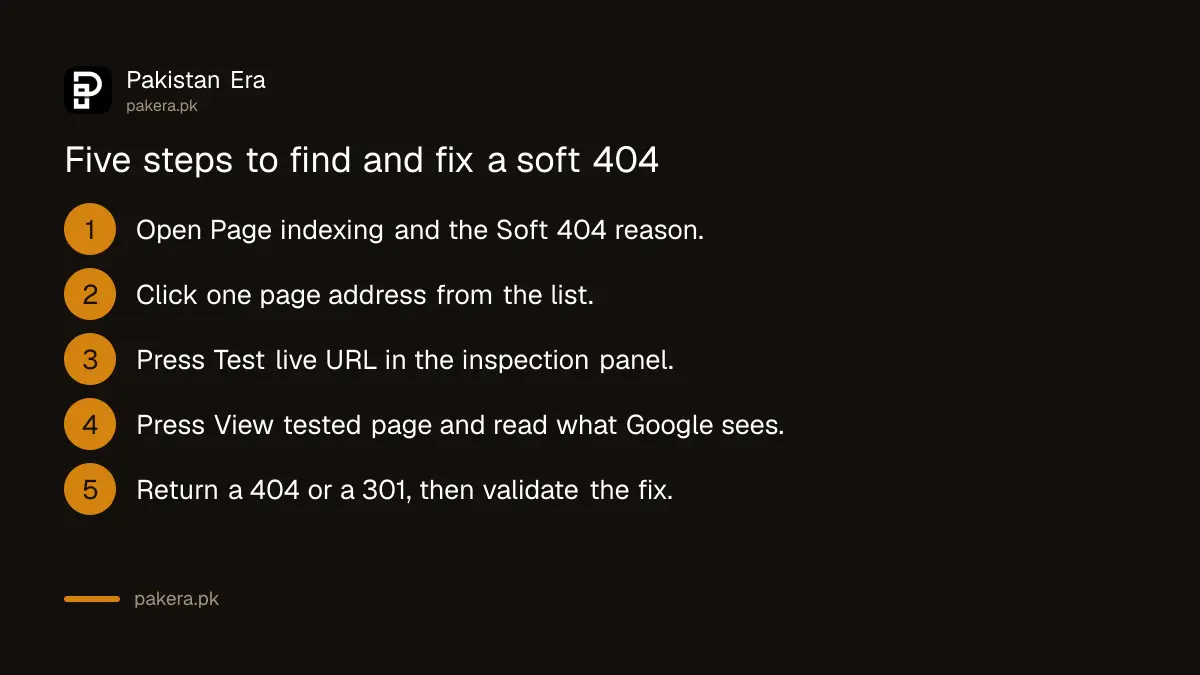
Do not guess from how the page looks. Ask Google. Google's own fix steps for a soft 404 start with a live URL inspection test and then "View tested page" to see how Google renders it.
- Open Search Console, then Page indexing, then the Soft 404 reason.
- Click one page address from the list.
- Press Test live URL in the inspection panel.
- Press View tested page and read what Google sees.
- Decide: is the page truly gone, moved, or real content that is too thin?
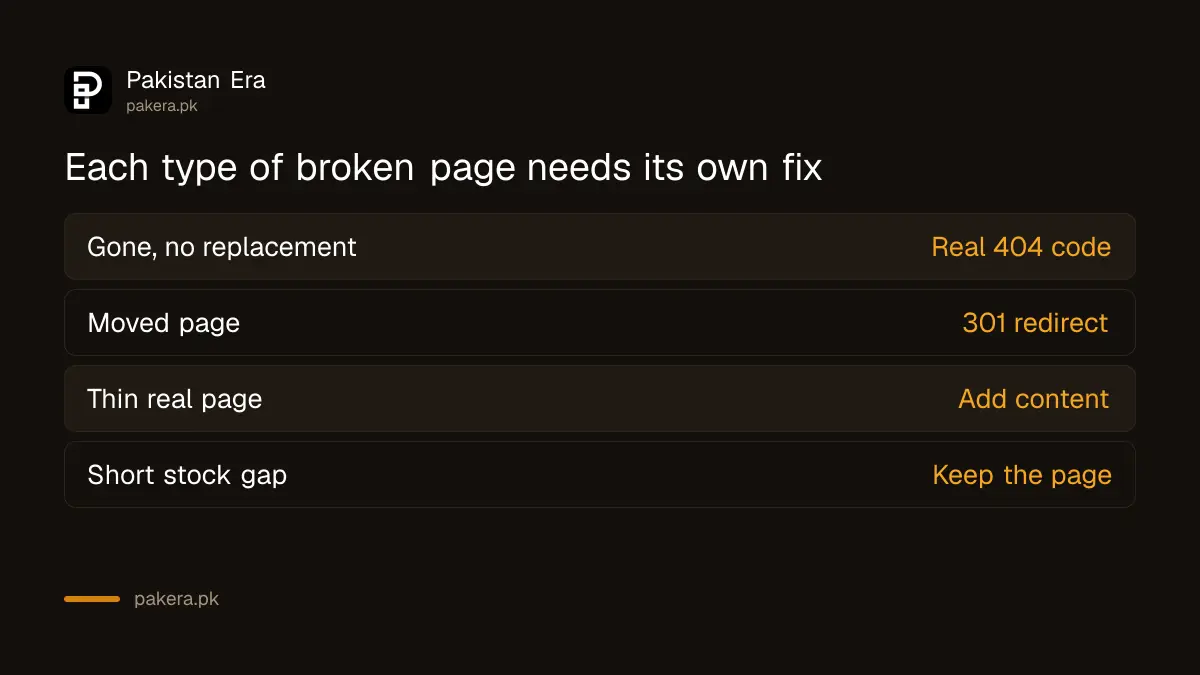
The answer to step 5 tells you which fix to use. The table below sets them side by side.
| What the page really is | Right fix | What Google does |
|---|---|---|
| Gone for good, no replacement | Return a real 404 (or 410) code | Does not index it and drops it if indexed |
| Moved to a new address | Permanent 301 redirect to it | Treats the new address as the main one |
| Real page with almost no content | Add useful content | Can index it again after a re-crawl |
| Out of stock for a few weeks | Keep the page, show stock status | Keeps the page indexed |
Return a real 404 for pages that are gone
Google's help page says to return a 404 response code for truly not found pages. Google's status code page adds that it does not index URLs that return a 4xx code, and drops already indexed ones.
On WordPress this is usually a setting or plugin issue. A theme can show a "no results" page with a 200 code. Ask your developer or hosting support to make deleted pages return 404. Keep your custom 404 page too: a helpful design with links is good for visitors, as long as the code underneath is 404.
A 404 itself is not a penalty. Google's page says that if a page was removed and has no replacement, no action is needed, and Google will slowly stop visiting it.
Use a 301 redirect only when there is a close match
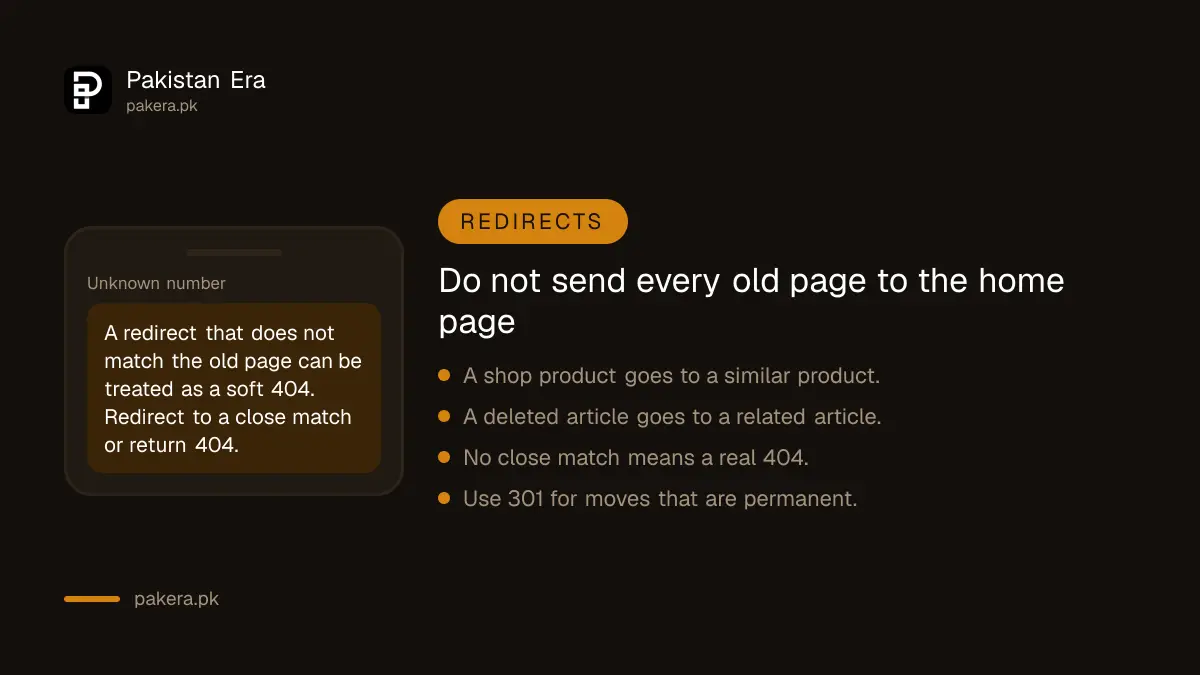
If the content moved, Google says to use a 301 redirect to the new location. Google's redirect page explains that permanent redirects such as 301 and 308 signal that the content moved for good, and the new address is shown in results. Temporary ones such as 302 and 307 keep the old address in results.
The trap is to send every deleted page to the home page. Google treats a redirect that does not match the old content as a soft 404 too. A deleted page on "iPhone 13 cases" should go to the nearest case page, not to the home page. If there is no close match, return 404.
When you change page names or move a site, plan redirects before launch. The guide on fixing pages not indexed in Search Console shows where these problems show up in reports, and the one on a different canonical covers duplicate pages.
Ask Google to check again after the fix
After the fix, go back to the Soft 404 report and press Validate fix. Google will re-check the pages and tell you the result by email. It can take days, so do not repeat the request.
Keep your sitemap clean too. Remove deleted pages from it, then resubmit as in the guide to submitting a sitemap. A sitemap full of dead pages keeps sending Google to the same errors.
Common questions
Is a soft 404 bad for my whole site?
Not by itself. It wastes crawl visits and clutters your reports, but one soft 404 does not lower the rest of your site. Fix them so real issues are easier to see.
Should I redirect every deleted page to the home page?
No. Redirect only to a close match. Google may treat an unrelated redirect as a soft 404, so return a real 404 when there is no replacement.
What is the difference between 301 and 302?
A 301 says the move is permanent, and Google treats the new address as the main one. A 302 says the move is temporary, so Google keeps the old address in results.
Does a 404 page hurt my SEO?
No. Google says a page with no replacement needs no action, and it will slowly stop visiting it. A 404 is the correct answer for a page that is gone.
How do I know if a page is a soft 404?
Run the live URL test in Search Console. If the page looks like an error to a visitor but the test shows it was fetched as a normal page, it is a soft 404.
How we verified this
What we checked, where we read it, and what we could not confirm.
Last checked on 13 October 2026, Pakistan time. We read Google's Search Console page indexing report help, its page on HTTP status codes and its page on redirects. The statement that an unrelated redirect can be treated as a soft 404 is our summary of Google's general soft 404 guidance and we did not read it in those exact words on these pages. We did not test the steps on a live property.
About the author

Founder and Editor
Umer Kureshi founded Pakistan Era in July 2024 and runs it as administrator, SEO lead and writer, overseeing website operations, search growth, content strategy and coverage of technology and current affairs.