Gmail Sending Limit Per Day in Pakistan: 500 on Free Gmail, 2,000 on Workspace, and the Fix
Gmail sending limit per day in Pakistan: 500 on free Gmail, 2,000 on Workspace, how to fix the limit for sending mail error, mail merge and bulk sender rules.
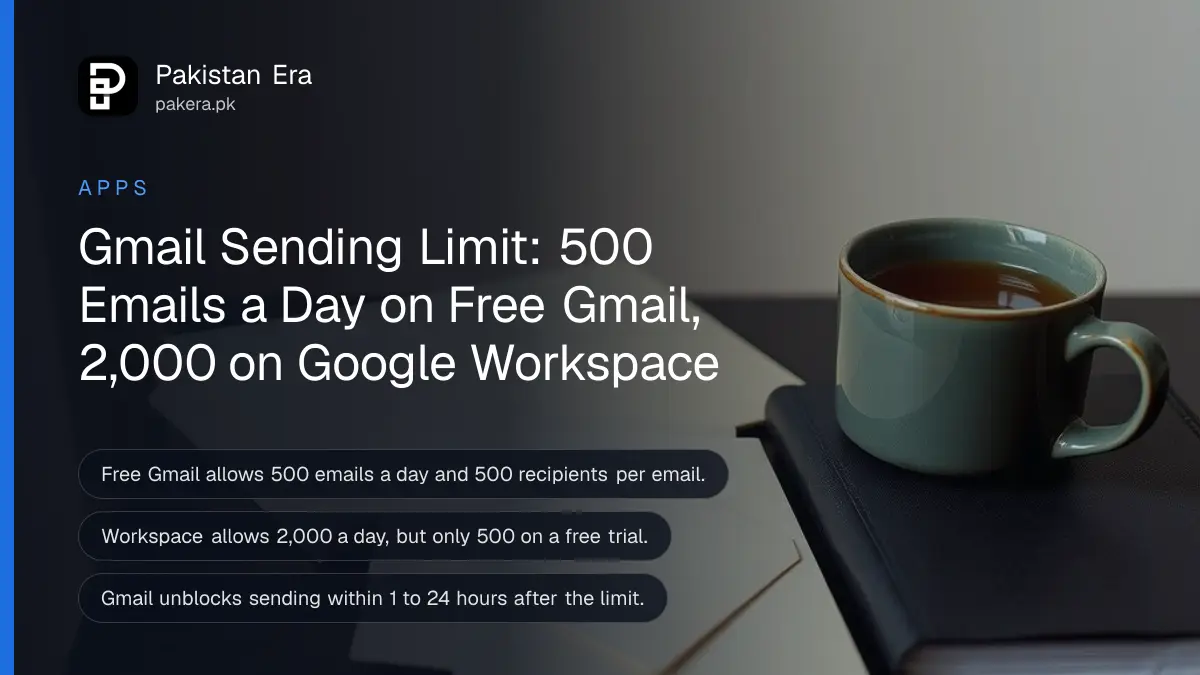
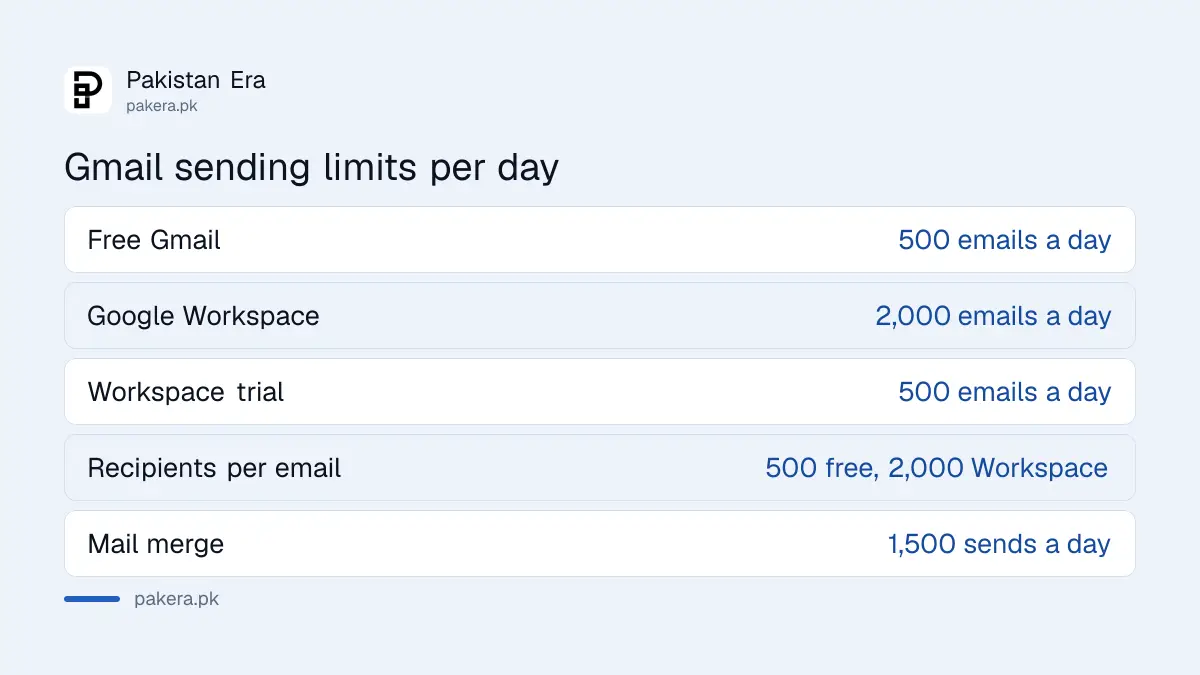
A free Gmail account can send up to 500 emails a day, and one email can go to at most 500 recipients. A paid Google Workspace account can send 2,000 a day. Go over the limit and Gmail shows "You have reached a limit for sending mail", and you can send again within 1 to 24 hours. Google counts Workspace limits over a rolling 24 hours, not from midnight Pakistan time.
Shops, schools and tutors in Pakistan hit this wall most often in December, when winter sale notices, fee reminders and year-end greetings all go out at once. The table below shows the exact numbers before you plan a big send.
| Limit | Free Gmail | Google Workspace |
|---|---|---|
| Emails per day | 500 | 2,000 (500 on a free trial) |
| Recipients in one email | 500 | 2,000, of which 500 external |
| Total recipients per day | Not published | 10,000 |
| External recipients per day | Not published | 3,000 |
| Mail merge | Not available | Up to 1,500 sends a day |
| Blocked for | 1 to 24 hours | Up to 24 hours |
Free Gmail allows 500 emails a day and 500 recipients per email
Google sets two limits on a personal Gmail account. You cannot send more than 500 emails in a day, and a single email cannot have more than 500 recipients across To, Cc and Bcc.
The recipient limit catches people who paste a whole customer list into Bcc. A message to 600 addresses fails even if it is your only email that day. Split the list into batches of under 500, or follow Google's own suggestion and send to a Google Group address that holds the members.
On Workspace, the window is a rolling 24 hours, so the clock starts with each email you send. If you sent 300 emails at 3 pm yesterday, those 300 still count until about 3 pm today. The safe habit on any account is to treat the last 24 hours, not the calendar day, as your budget.
Google Workspace allows 2,000 a day, with lower limits on a trial
A paid Google Workspace account gets 2,000 emails per user per day, 10,000 total recipients a day and 3,000 external recipients a day. Free trial accounts are capped at 500 emails a day until the domain has paid at least 100 US dollars, which can take up to 75 days.
- Per email: 2,000 recipients in total, but no more than 500 outside your organisation.
- Unique recipients: 3,000 a day, of which 2,000 external. On a trial, only 500 external.
- Through Outlook or another app using SMTP: 100 recipients per email.
- Change without notice: Google says these limits can change at any time.
New Workspace customers in Pakistan often hit the trial cap in their first week, right after setting up business email on their own domain. Ending the trial early and paying for the first month does not lift the cap at once. It rises automatically after the 100 dollar total is reached.
Fix the "limit for sending mail" error
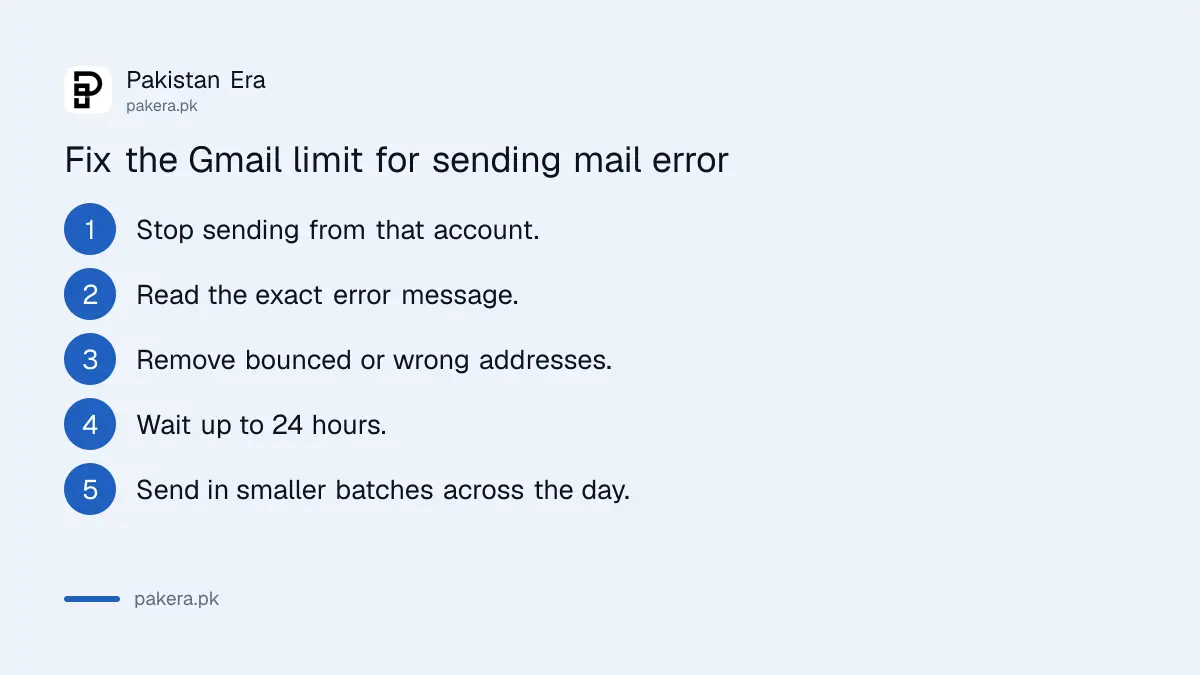
When you pass a limit, Gmail blocks sending but still lets you receive mail. Free Gmail usually unblocks within 1 to 24 hours. A Workspace user is blocked for up to 24 hours. Nothing speeds this up, so the fix is to wait and send smaller batches.
- Stop sending from that account. Retrying adds to the count.
- Check the error wording. "You have reached a limit for sending mail" is the daily or recipient limit.
- If the error says "Messages you sent couldn't be delivered", many emails bounced. Clean wrong addresses out of your list before trying again.
- Wait up to 24 hours. Receiving mail and other Google apps keep working meanwhile.
- Resume with batches well under the limit, spread across the day.
| Error message | What it means | Fix |
|---|---|---|
| You have reached a limit for sending mail | Daily or per-email limit passed | Wait 1 to 24 hours, then send in smaller batches |
| Messages you sent couldn't be delivered | Too many bounces | Remove wrong or dead addresses; wait about 24 hours |
| The user you are trying to contact is receiving mail at a rate that prevents additional messages | The recipient's inbox is overloaded | Contact that person another way |
Use mail merge or an email service for customer newsletters
Gmail is built for person-to-person mail, not mass marketing. For regular customer emails, use Workspace mail merge, which sends each person a separate, personalised copy with an unsubscribe link. For bigger lists, move to a dedicated email marketing service.
Mail merge works on Workspace Individual, Business Standard and Plus, Enterprise and Education plans. It does not exist on free Gmail.
- In Gmail, click Compose, then Use mail merge next to the To line.
- Turn on Mail Merge and click Add from a spreadsheet.
- Pick your Google Sheet, then the Email and First name columns, and click Finish.
- Type @ in the message to insert a merge tag such as the first name.
Mail merge allows up to 1,500 recipients per message and 1,500 merge sends a day. Those count towards the 2,000 daily limit, leaving 500 for normal email. Gmail adds an unsubscribe link to each copy automatically, and emails you whenever someone unsubscribes.
Bulk senders must meet Gmail's stricter rules
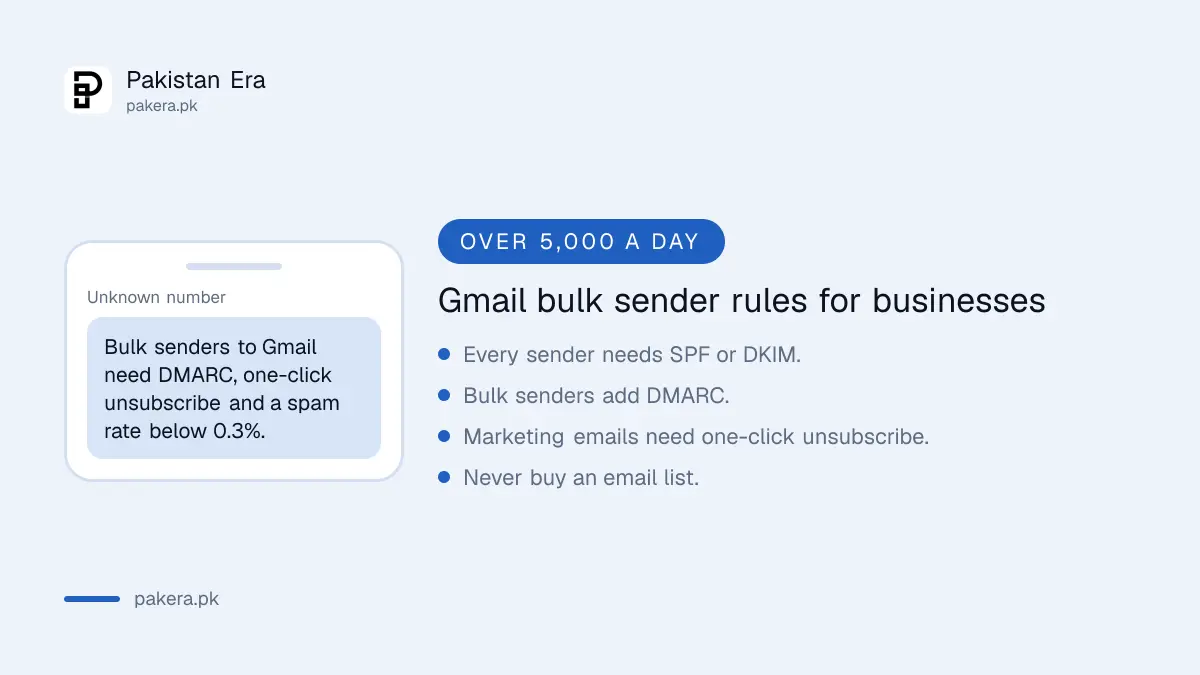
Once you send more than 5,000 messages a day to Gmail addresses, Google treats you as a bulk sender. You then need SPF, DKIM and DMARC on your domain, one-click unsubscribe on every marketing email, and a spam rate below 0.3%. Google's target is below 0.1%.
Every sender, even a small one, needs SPF or DKIM on the sending domain. Without them, your emails to Gmail users land in spam or get rejected. Setting up SPF, DKIM and DMARC walks through the DNS records.
- Email only people who agreed to hear from you, such as customers who ticked a box at checkout.
- Put a clear unsubscribe link in every newsletter, and honour it.
- Never buy an email list. Bought lists bounce, and bounces trigger blocks.
- If your messages start landing in spam with customers, the steps for Gmail not receiving emails help the people on the other end check their spam folder and filters.
Common questions
How many emails can I send per day from Gmail?
500 a day from a free Gmail account, and 2,000 a day per user on a paid Google Workspace account. Workspace trials are capped at 500.
How long does the Gmail sending limit block last?
Free Gmail says you should be able to send again within 1 to 24 hours. Workspace users can be blocked for up to 24 hours.
Does the Gmail limit reset at midnight?
Do not count on it. Google measures Workspace limits over a rolling 24 hours, so each email counts for a full day after you send it. Plan free Gmail sends the same way.
Can I use mail merge on free Gmail?
No. Mail merge needs an eligible Google Workspace plan, such as Business Standard or Workspace Individual.
How many people can I Bcc in one Gmail email?
On free Gmail, 500 recipients in total across To, Cc and Bcc. On Workspace, 2,000, with no more than 500 outside your organisation.
Who counts as a bulk sender for Gmail?
Anyone sending more than 5,000 messages a day to Gmail accounts. Bulk senders need DMARC and one-click unsubscribe as well as SPF and DKIM.
How we verified this
What we checked and where we read it.
Last checked 24 November 2026. Free Gmail limits and error messages come from Gmail Help, Limits for sending and getting mail. Workspace limits come from Google Workspace Admin Help, Gmail sending limits in Google Workspace. Mail merge details come from Gmail Help's mail merge article, and bulk sender rules from Google's Email sender guidelines. Google does not publish total daily recipient numbers for free Gmail.
Free on WhatsApp
Get last dates and rule changes on WhatsApp
We post new last dates, fee changes and fixes for common problems, a few short posts a day.
Follow Pakera on WhatsAppOther followers cannot see your number.
Pakera Solves It
Which online process wasted your time this week?
A portal that will not load, a form nobody explains, a complaint that went nowhere. Tell us. Every week we pick one, solve it step by step and publish the answer.
About the author

Technology Journalist & Multimedia Producer
Ahmad Ali is a technology journalist and multimedia producer at Pakistan Era, joining the team in October 2026. He covers consumer technology and digital life for Pakistani readers, combining research with hands-on product testing.