How to Send a WhatsApp Business Broadcast in Pakistan: 256 Contacts, Saved Number Rule and Paid Broadcasts
Send a WhatsApp Business broadcast in Pakistan: 256 contacts a list, why unsaved customers miss it, paid business broadcasts, and the 3-day spam suspension.
To send a WhatsApp Business broadcast, open the WhatsApp Business app, tap Chats, then the menu, then Business Broadcast (or Tools, then Business Broadcast), select your customers and send. A free broadcast reaches only people who saved your number in their phone. To reach customers who have not saved it, WhatsApp offers paid business broadcasts. A standard broadcast list holds up to 256 contacts, and you can make as many lists as you like.
The saved-number rule is why so many Pakistani shop owners think broadcasts are "not working". The message goes out without error, but anyone who never saved your number simply does not get it. No warning appears on your side.
| Rule | What it means |
|---|---|
| Contacts per broadcast list | Up to 256 |
| Number of lists | No limit |
| Who receives a free broadcast | Only people who saved your number |
| Replies | Arrive as normal one-to-one chats |
| Reach unsaved customers | Paid business broadcasts, where available |
| Phone needed | Lists are not supported on WhatsApp Web, Windows or Mac |
Create a broadcast list in the WhatsApp Business app
A broadcast list is a saved group of customers you can message together, again and again, without picking them each time. Each customer gets your message as a private chat from you. They cannot see each other, and their replies come only to you.
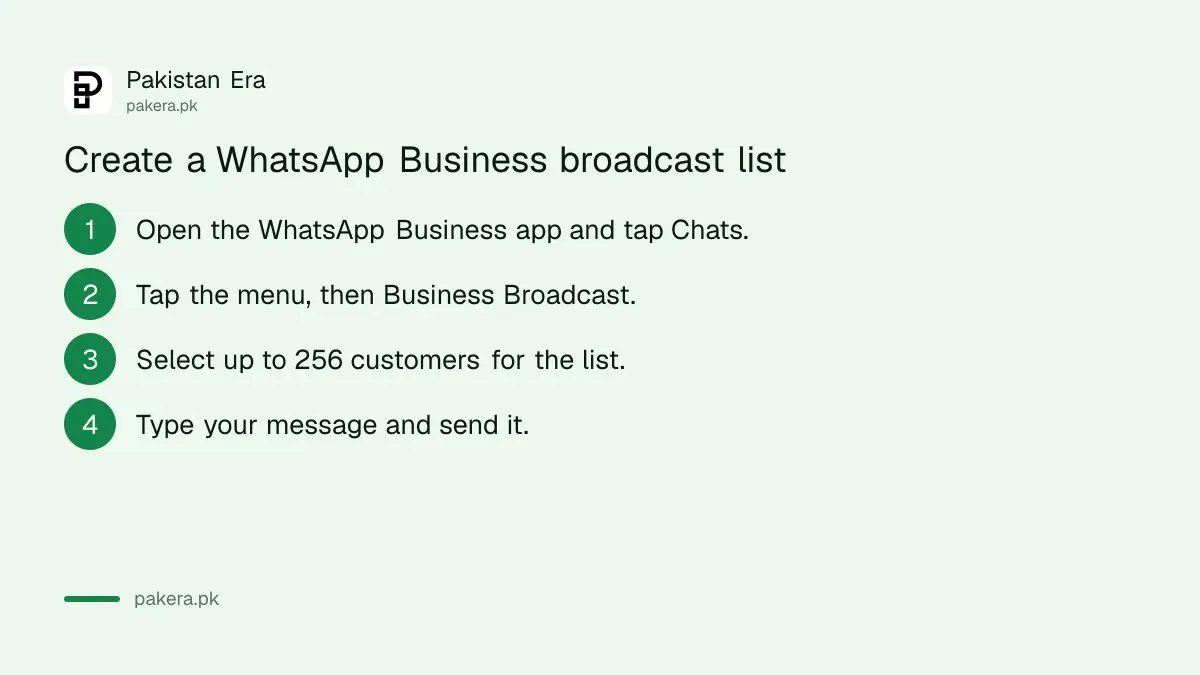
- Open the WhatsApp Business app and tap Chats.
- Tap the menu (three dots), then Business Broadcast. You can also go through Tools > Business Broadcast.
- Tap the new list button and search for or select the customers to add.
- Confirm with the tick, type your message and send.
Already sort customers with labels such as "New order" or "Wholesale"? Tap Chats, then the menu, then Lists, pick a label, and choose Send business broadcast. Labels come from the app's setup tools, and setting up the WhatsApp Business app and catalogue covers them.
To edit a list, open it, tap the menu and choose Audience info. From there you can rename it, add or remove customers, or delete it.
Customers must save your number to get a free broadcast
WhatsApp delivers a free broadcast only to contacts who have added your number to their phone's address book. If a customer says they never got your offer, the fix is almost always the same: ask them to save your business number, then send again.
Make saving easy. Put "Save this number to get our offers" on your receipts, shop counter and Instagram bio. Share your WhatsApp short link or QR code so customers can start a chat in one tap. A customer who messages you first is also far less likely to report you as spam.
Remember what a broadcast is not. It is one-to-many. If you want customers to talk to each other, such as a wholesale buyers' group, make a group chat instead. If you want one-way updates for thousands of followers, a WhatsApp channel has no saved-number rule at all.
Paid business broadcasts reach customers who did not save you
WhatsApp's business broadcasts, called marketing messages in some countries, can reach customers who have not saved your number. You build the message with a photo and an optional button, Meta reviews it, and you pay per delivered message after your free messages run out.
- Tap the menu, then Business broadcasts, or Tools > Business broadcasts. On first use, tap Continue.
- Select your audience from your contacts or imported customer lists.
- Add a photo, text and an optional button: Catalog, Custom reply, Phone call or Website.
- Tap Next to preview it.
- Review the price and recipients, then tap Send now or Schedule.
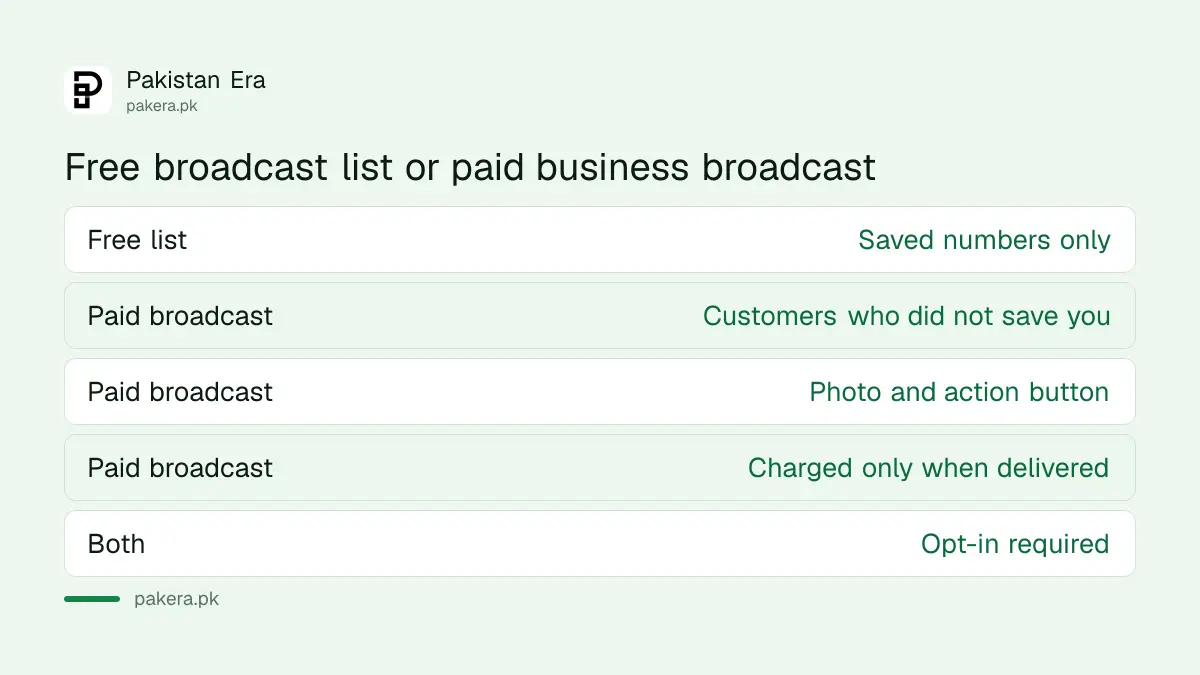
Payment works like a deposit. When you add a payment method, WhatsApp asks for your email, sends a six-digit code, and asks your country, currency and time zone. It reserves an amount for every contact you selected, charges only for delivered messages, and credits back any broadcast not delivered within 5 days. A Meta Verified subscription includes some free messages.
Business broadcasts are still rolling out to a limited set of countries. If your app shows "Marketing messages" instead, the flow is close to the same. If you see neither, the feature is not on your account yet. You will need a card Meta accepts, and paying Meta from a Pakistani card explains which cards go through.
Spam reports can suspend your broadcasts for 3 days
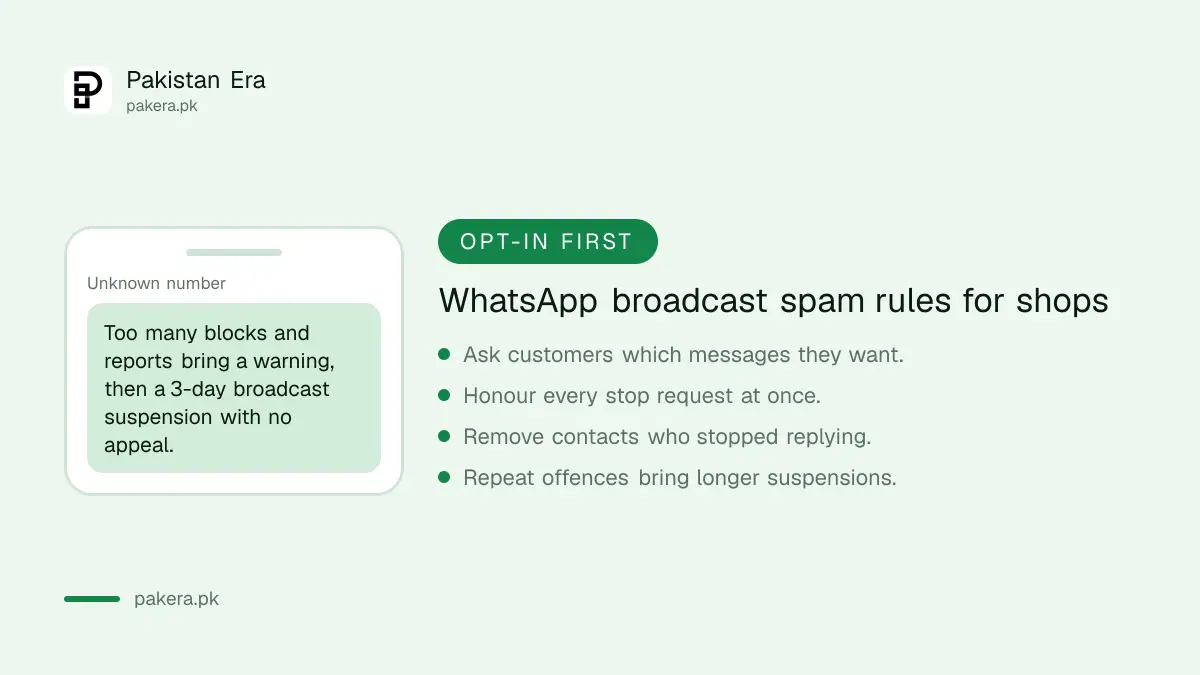
WhatsApp watches how many people block or report your business. A high number brings a warning first. Keep sending unwanted messages and business broadcasts are suspended for three days, with no appeal. Repeat offences bring longer suspensions, and scheduled broadcasts in that period are cancelled.
| Problem | Likely cause | Fix |
|---|---|---|
| Customer did not get a broadcast | Your number is not saved in their phone | Ask them to save it, or use a paid business broadcast |
| Cannot find broadcast lists on a laptop | Not supported on Web, Windows or Mac | Use the phone app |
| Business broadcasts option missing | Not available in your country yet | Use free lists, status or a channel |
| Broadcasts suspended | Too many blocks and spam reports | Wait 3 days; then message only opted-in customers |
| Scheduled broadcast never sent | Phone offline, or account restricted | Stay online at send time; check for a restriction |
WhatsApp's terms require opt-in. Ask customers which messages they want, such as order updates or offers, and honour every "stop" at once. Remove contacts who have not interacted with you recently. If your whole number gets banned rather than just the feature, a blocked WhatsApp Business account needs a different fix.
Common questions
How many contacts can I add to a WhatsApp broadcast list?
Up to 256 contacts per broadcast list. You can create as many lists as you want, so split larger customer bases into several lists.
Why are my WhatsApp broadcast messages not delivered?
The recipient has not saved your number in their phone contacts. Only people who saved your number receive a free broadcast.
Can I send a WhatsApp broadcast from my computer?
No. WhatsApp says broadcast lists are not supported on WhatsApp Web, Windows or Mac. Create and send them from the phone app.
Do customers see who else got my broadcast?
No. Each customer gets the message as a private chat from you, and their reply comes only to you.
Is there a monthly limit on WhatsApp broadcasts?
On regular WhatsApp, some countries now see 35 free broadcast messages a month. Check under Settings, then Broadcasts. Businesses get more through the Business app.
Can I appeal a WhatsApp business broadcast suspension?
No. WhatsApp says the three-day suspension cannot be appealed. Access returns automatically at the time shown in the app.
How we verified this
What we checked and where we read it.
Last checked 24 November 2026. Rules come from the WhatsApp Help Center: How to use broadcast lists, How to use broadcast lists on the WhatsApp Business app, How to create and send a business broadcast, Can't send business broadcasts and About broadcast limits. WhatsApp marks business broadcasts and the monthly limit as rolling out in limited countries.
Free on WhatsApp
Get last dates and rule changes on WhatsApp
We post new last dates, fee changes and fixes for common problems, a few short posts a day.
Follow Pakera on WhatsAppOther followers cannot see your number.
Pakera Solves It
Which online process wasted your time this week?
A portal that will not load, a form nobody explains, a complaint that went nowhere. Tell us. Every week we pick one, solve it step by step and publish the answer.
About the author

Technology Journalist & Multimedia Producer
Ahmad Ali is a technology journalist and multimedia producer at Pakistan Era, joining the team in October 2026. He covers consumer technology and digital life for Pakistani readers, combining research with hands-on product testing.