How to Set Up Business Email on Your Own Domain With Google Workspace in Pakistan
Set up business email on your own domain with Google Workspace in Pakistan: plan prices in dollars, the MX record to add and the 72 hour wait before testing.
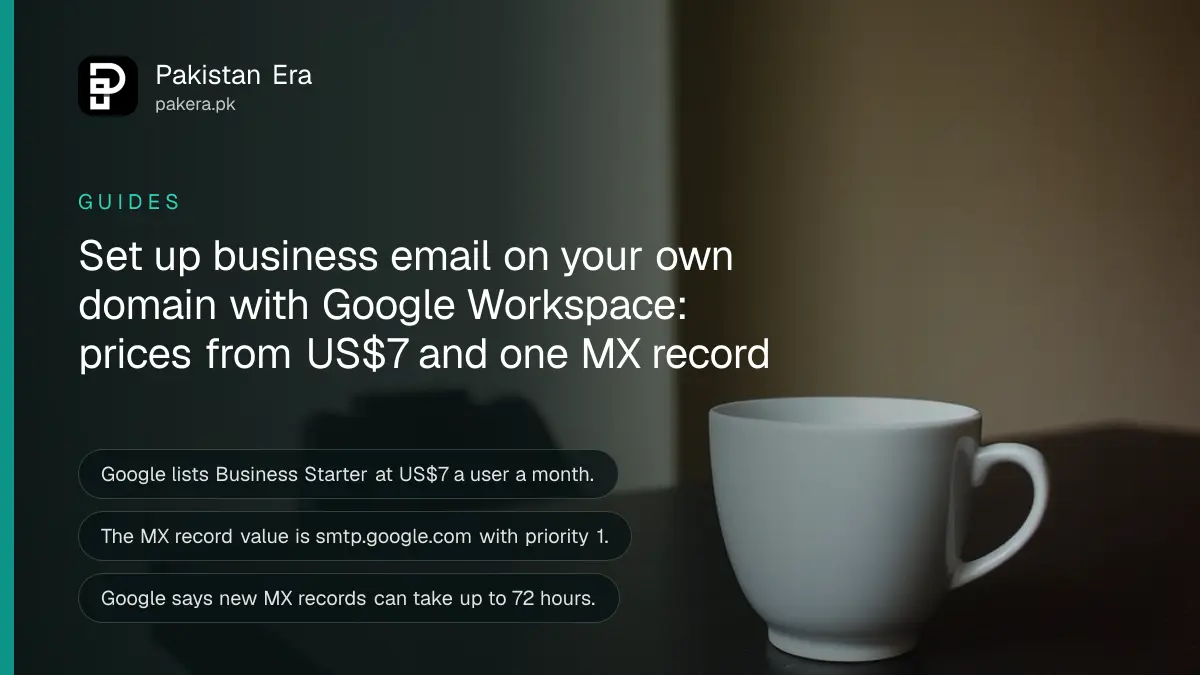
Short answer: To get email like name@yourshop.pk, you buy a Google Workspace plan, prove you own the domain, then add one MX record, smtp.google.com with priority 1, at your domain registrar. Google says it can take up to 72 hours to work. Remove every old MX record first.
A Lahore furniture seller sends quotes from a Gmail address with her name and a number in it. Buyers hesitate. An address that ends in her own domain looks like a real business. The setup takes under an hour of work, then a wait. We read Google's own Workspace pages on 13 October 2026 for the prices and the DNS steps below.
Google Workspace gives you Gmail on your own domain
Google Workspace is Google's paid business suite. It gives each user Gmail on your own domain, plus Drive, Docs, Meet and Calendar. You need a domain first. A .pk domain is covered in the guide to registering a .pk domain with PKNIC.
Google's pricing page lists new customers a 14-day free trial. All plans bill monthly. The page lists prices in US dollars. Your own price may show differently at checkout, so read the final screen before you pay.
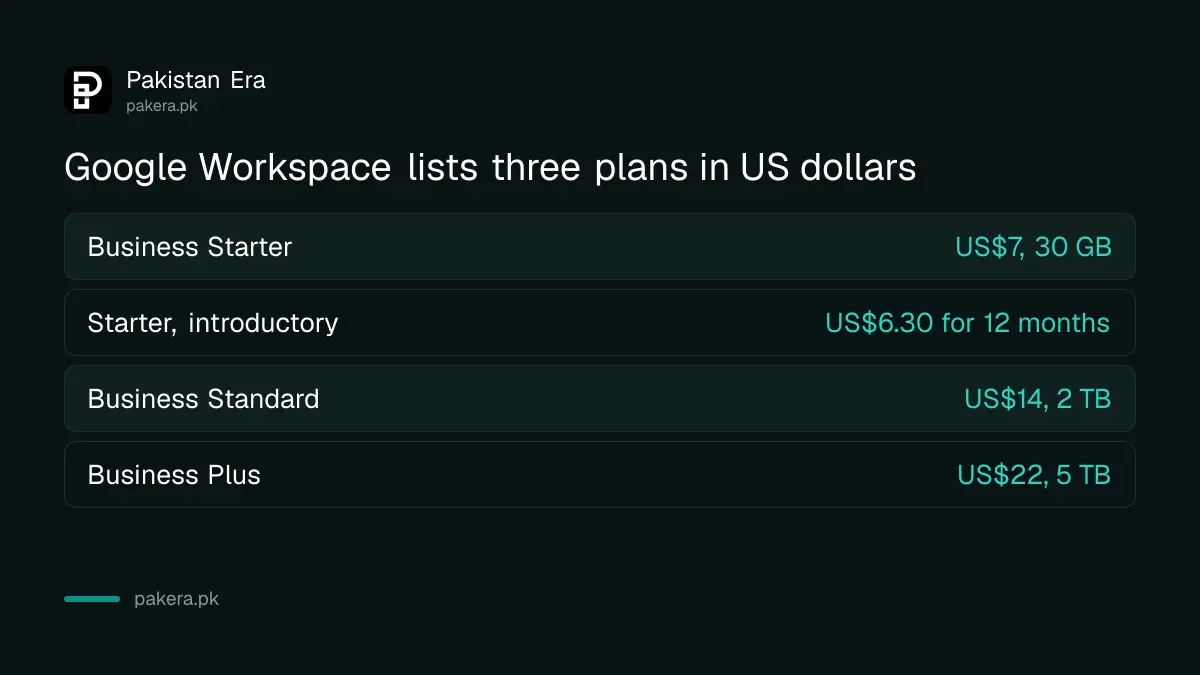
| Plan | Price per user a month (USD) | Storage per user |
|---|---|---|
| Business Starter | 7.00, or 6.30 introductory for up to 20 users for 12 months | 30 GB |
| Business Standard | 14.00, or 12.60 introductory | 2 TB |
| Business Plus | 22 | 5 TB |
For a small shop, Business Starter is usually enough. It includes email and video meetings with up to 100 people, according to the page.
Prove you own the domain before anything else
Google tells you to confirm domain ownership first. Workspace gives you a short code, and you add it at your registrar as a record. That proves the domain is yours. Do this step before you touch the MX records.
Log in to the place where you bought the domain and find the DNS settings. Names differ by company. Look for "DNS", "DNS zone" or "manage records". If you cannot find them, ask your registrar's support for the DNS page.
Write down every record you change, with its old value. If something goes wrong, you can put it back. Take a screenshot of the DNS page before you edit it, and keep it in a folder with your domain receipt.
Add the MX record and remove the old ones
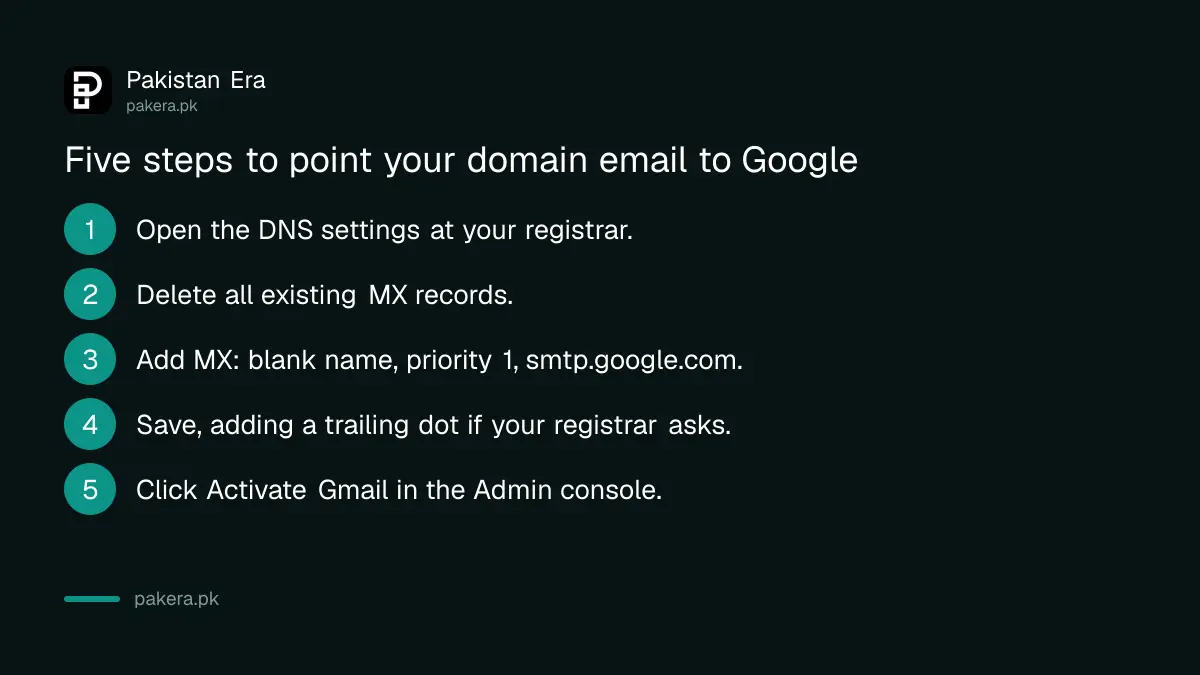
Google's setup page says to create one MX record with the value smtp.google.com and priority 1. Leave the name blank or enter @. Use your registrar's default TTL. Google warns to remove any other MX records, or email may not work correctly.
- Open the DNS settings of your domain at your registrar.
- Delete all existing MX records.
- Add a new MX record: name blank or @, priority 1, value smtp.google.com.
- Save. Some registrars need a trailing period, smtp.google.com. with a dot at the end.
- In the Google Admin console, go to Account, then Domains, then Manage domains, and click Activate Gmail.
Before you delete old MX records, check whether you already receive email on the domain from another provider. Deleting its record will stop that mail. Move or save those messages first.
Wait up to 72 hours and test
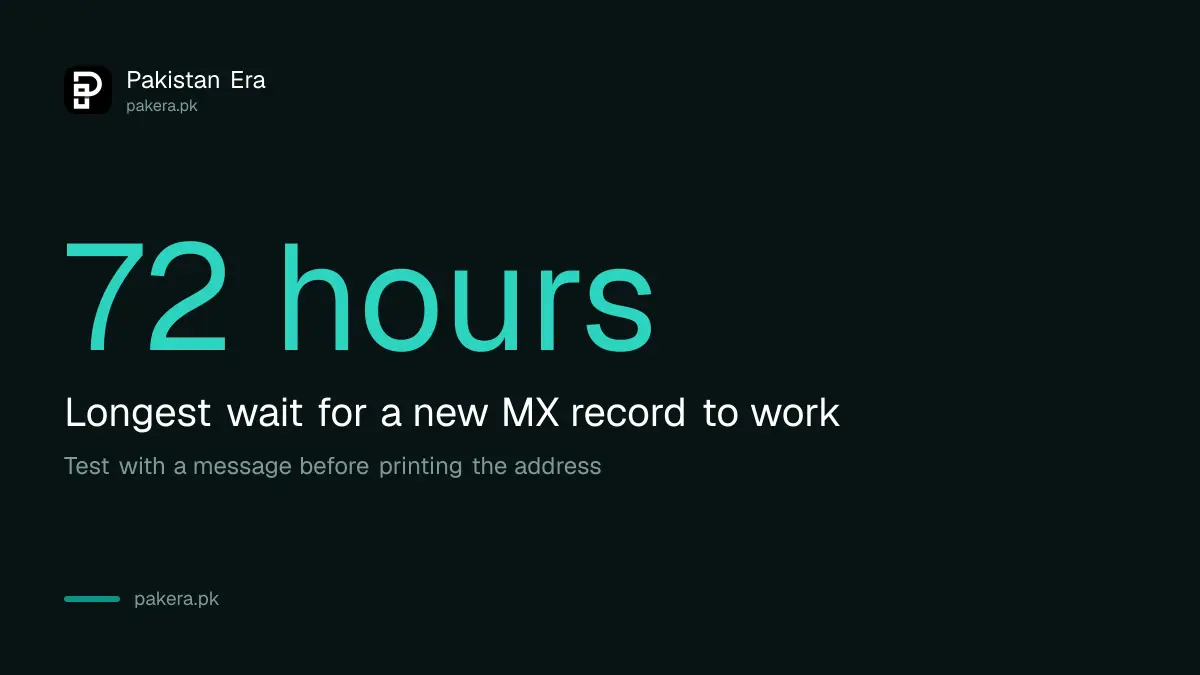
Google says it can take up to 72 hours for the new MX records to be recognised. Plan for the full time. Do not print the new address on your cards until you have sent and received a test email.
Send a message to the new address from a different account. Then reply from the new address. If a message does not arrive, Google points to its Admin Toolbox Dig tool, which checks that your published MX record matches the required value.
Turn on two step verification for every user, as in the guide to turning on two-step verification. A business mailbox is a high value target. Keep your login steps safe, and know how to recover a Google account if you are locked out.
Keep the setup simple and cheap
Start with one user and add more as staff join. Workspace bills per user per month, so each extra mailbox adds to the cost. A shared address such as info@ may count as a user, so check the checkout screen before you add one.
Add your new address to your Google profile and your listing. The steps for a shop are in putting your shop on Google Maps.
Common questions
What MX record do I add for Google Workspace?
One record: value smtp.google.com, priority 1, name blank or @. Google says to remove all other MX records.
How long does business email take to start working?
Google says up to 72 hours for the new MX records to be recognised. Test with a message before you rely on it.
Is there a free trial?
Google's pricing page lists a 14-day free trial for new customers. Check the checkout screen for the terms you get.
Do I need a .pk domain?
No. Workspace works with any domain you own. A .pk domain suits a Pakistani business and shows who you are.
Can I keep my old email provider as well?
Not on the same domain. Google says to remove other MX records, because old ones can stop mail working. Move your mailbox first.
How we verified this
What we checked, where we read it, and what we could not confirm.
Last checked on 13 October 2026, Pakistan time. We read Google's Workspace pricing page and its MX record setup page. Prices are the US dollar list prices and may differ at checkout in Pakistan. We did not set up a live account, and registrar screens vary by company.
About the author

Technology Journalist & Multimedia Producer
Ahmad Ali is a technology journalist and multimedia producer at Pakistan Era, joining the team in October 2026. He covers consumer technology and digital life for Pakistani readers, combining research with hands-on product testing.