Google Photos Locked Folder in Pakistan: Hide Private Photos on Android and iPhone, Backup Steps and What You Can Lose
Hide private photos in Google Photos Locked Folder on Android or iPhone. See the 6 setup steps, how to turn on backup, what it blocks and why photos can vanish.
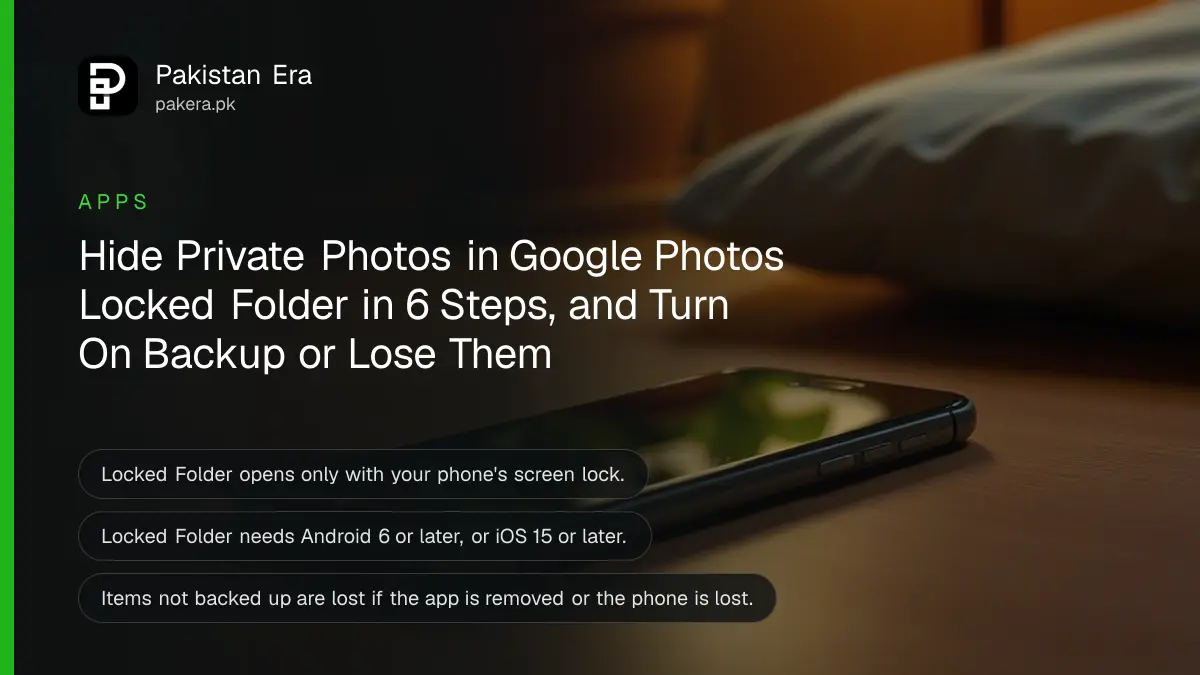
To hide private photos in Google Photos, open the app, tap Collections, then Locked, and choose Set up Locked Folder. Then select any photo, tap Add to, then Move to Locked Folder, and tap Move. The folder opens only with your phone's screen lock, and its photos disappear from your main gallery, search and other apps.
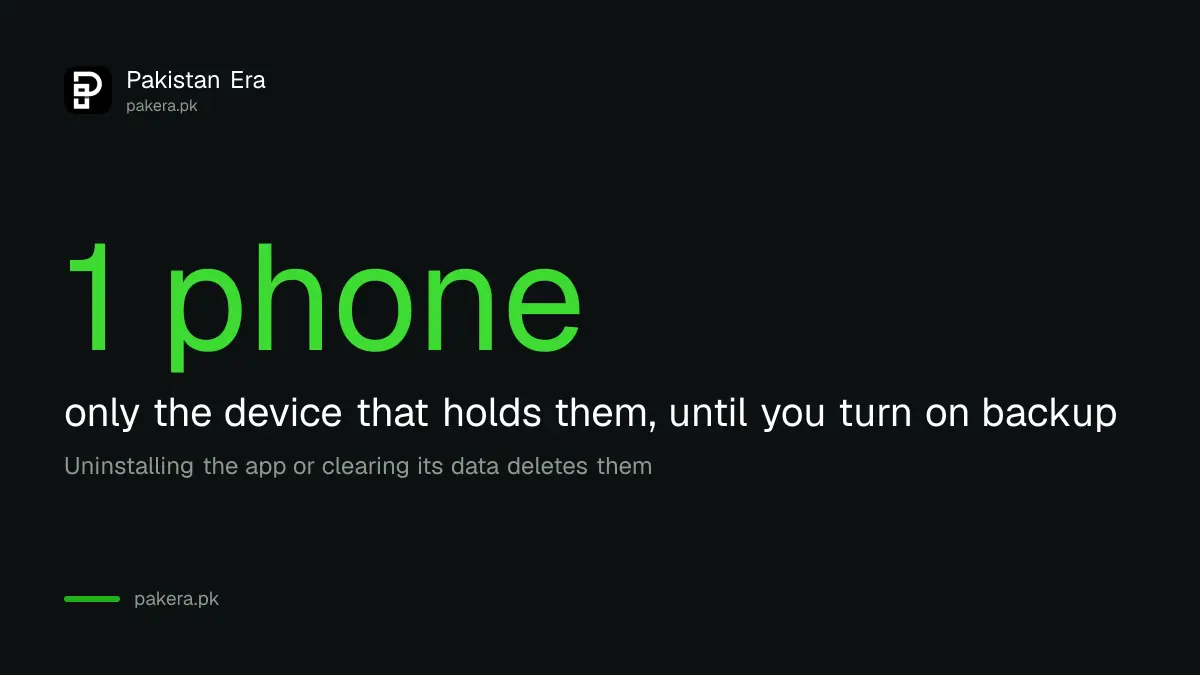
There is one trap. Unless you switch on Locked Folder backup, those photos live only on that one phone. Uninstall Google Photos, clear its data or lose the phone, and they are gone. Below are the steps for Android and iPhone, how to back the folder up, what it cannot do, and when it is the wrong tool. We read Google's Photos help pages on 28 October 2026.
Locked Folder hides photos behind your phone's screen lock
Locked Folder is a private space inside Google Photos protected by the same PIN, pattern, fingerprint or Face ID that unlocks your phone. Photos moved there do not show in your Photos grid, in search, in albums or in other apps like WhatsApp, Instagram or Facebook.
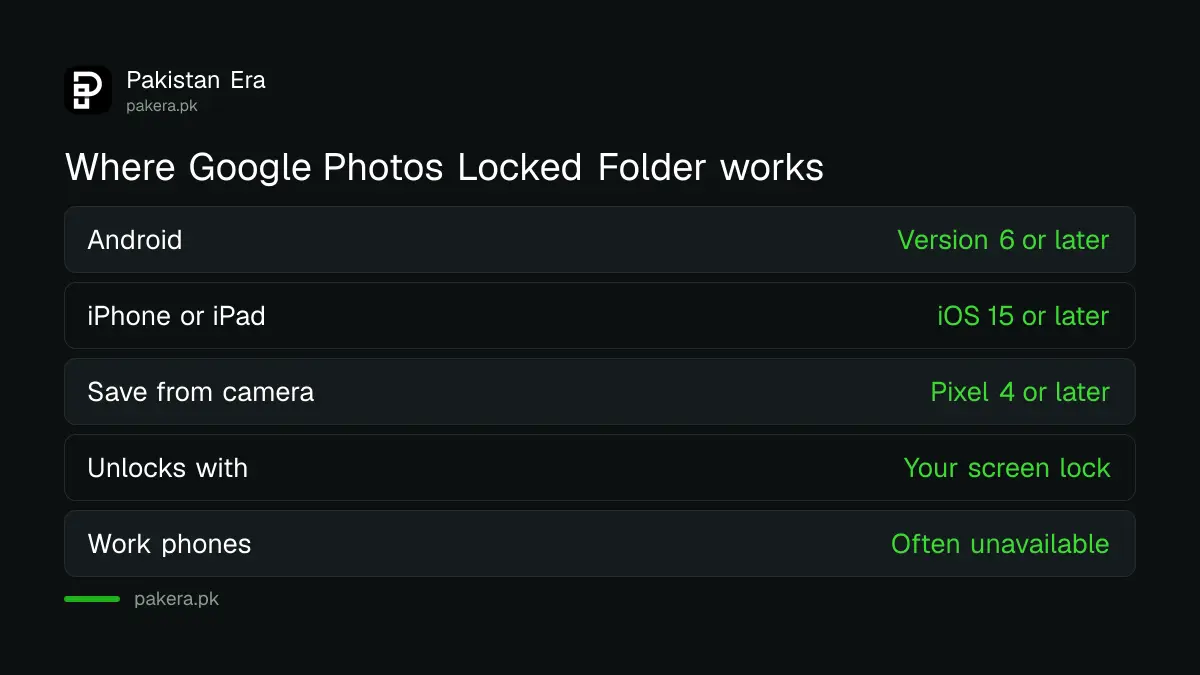
| Device | Needs | Unlocks with |
|---|---|---|
| Android phone or tablet | Android 6 or later | Your screen lock PIN, pattern or fingerprint |
| iPhone or iPad | iOS 15 or later | Face ID, Touch ID or the device passcode |
| Pixel camera saving straight in | Pixel 4 or later | Screen lock |
| Computer | Google Photos on the web | Open Locked Folder from the Photos menu |
Google says anyone who knows your screen lock can open Locked Folder. There is no separate password. So if your younger brother knows your phone PIN, Locked Folder hides nothing from him. Change the PIN first.
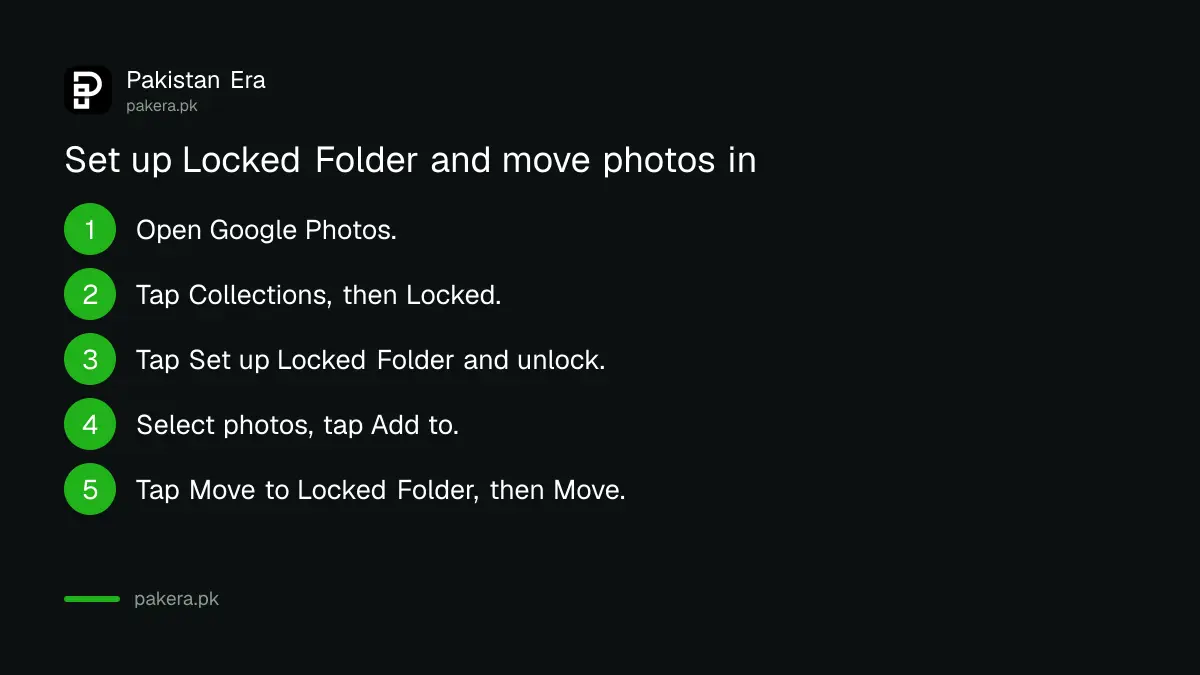
Set up Locked Folder and move photos in on Android or iPhone
Open Google Photos, tap Collections, then Locked, then Set up Locked Folder, and unlock your phone when asked. To move a photo, select it in the Photos tab, tap Add to, then Move to Locked Folder, and tap Move. The steps are the same on Android and iPhone.
- Open the Google Photos app.
- Tap Collections at the bottom, then Locked.
- Tap Set up Locked Folder and unlock your phone when prompted.
- Go back to the Photos tab and select the photos or videos to hide.
- Tap Add to at the bottom, then Move to Locked Folder.
- Tap Move. The items leave your main gallery.
Two small details. Photos in the Trash must be restored before they can be moved in. And on iPhone, Google says edited copies and shared versions of a photo are not moved with the original, so check for duplicates afterwards.
Pixel 4 and newer phones can save straight from the camera: touch and hold the preview of your last shot, then tap Locked Folder in the pop-up.
Turn on Locked Folder backup or risk losing everything in it
Backup is off unless you turn it on. Tap your profile picture, then Photos settings, Backup, Back up Locked Folder, unlock, and switch it on. Without it, Google says the items exist only on that device and are lost if the app is removed or the phone is lost.
- Turn on all backup: tap your profile picture, then Photos settings, then Backup, then Back up Locked Folder. Unlock and switch it on.
- Back up some items only: open Collections, Locked, unlock, long-press the items and tap Back up.
- iPhone note: Google says automatic Locked Folder backup on iPhone needs normal Google Photos backup switched on first.
Backed-up items count against your Google storage like any other photo. If your 15 GB is close to full, the tips for Google Photos backup and free storage show where the space has gone.
Locked Folder photos cannot be shared, edited or searched
Google says items in Locked Folder cannot be shared from Google Photos or to other apps, added to albums or photo books, edited, or moved to the Trash, and they do not appear in search. To share or edit one, move it out of Locked Folder first.
That is the point of the feature, but it surprises people who try to send a hidden photo on WhatsApp and find it missing from the picker. Move it out, send it, then move it back.
Google describes deleting from Locked Folder as permanent. Because the Trash is not used, a deleted item does not sit there waiting to be restored. The usual steps to recover deleted photos on Android and iPhone will not bring it back.
Locked Folder is missing on some phones and accounts
Google says Locked Folder is not available on fully managed devices or for some account types. That covers many work phones set up by an employer and some school accounts. Older phones below Android 6 or iOS 15 also cannot use it.
If the Locked option does not appear under Collections, update Google Photos first. Then check whether the phone is managed by an office or school. If it is, keep private photos off it altogether. An employer's phone is not a private place.
And if someone is threatening to share private photos of you, hiding them is not enough. That is a crime under Pakistani law. Report it to NCCIA on 1799, and keep screenshots of the threats; the steps to report online blackmail with private photos explain the evidence they ask for.
Common questions
Where is Locked Folder in Google Photos?
Open Google Photos, tap Collections at the bottom, then Locked.
Can I set a separate password for Locked Folder?
No. Google says Locked Folder uses your phone's screen lock, Face ID, Touch ID or passcode.
Are Locked Folder photos backed up?
Only if you turn on Back up Locked Folder in Photos settings. Otherwise they stay on that phone only.
What happens to Locked Folder if I uninstall Google Photos?
Items you have not backed up are lost. Google says the same applies if you clear the app's data or the phone is lost or damaged.
Does Locked Folder work on iPhone?
Yes, on iOS 15 or later, inside the Google Photos app. It unlocks with Face ID, Touch ID or the passcode.
Can I share a photo from Locked Folder on WhatsApp?
Not directly. Move it out of Locked Folder first, then share it.
How we verified this
What we checked, where we read it, and what we could not confirm.
Last checked 28 October 2026. We read Google's help page Hide sensitive photos and videos in Locked Folder in its general, Android and iPhone versions on 28 October 2026 for the steps, device versions, backup settings, limits and loss warnings. We did not set up a Locked Folder on a test phone. The point that deleted Locked Folder items cannot be restored from the Trash is our reading of Google's statement that Locked Folder items cannot be moved to the Trash, not a quoted rule. NCCIA's 1799 helpline is from our earlier reads of NCCIA's own pages.
About the author

Technology Journalist & Multimedia Producer
Ahmad Ali is a technology journalist and multimedia producer at Pakistan Era, joining the team in October 2026. He covers consumer technology and digital life for Pakistani readers, combining research with hands-on product testing.