HESCO Bill Check Online in Hyderabad, Sindh, With Free Duplicate Bill
Check a HESCO bill online with the 14 digit reference number and print a free duplicate. We tested the portal and read HESCO's 118 and 8118 complaint lines.
To check a HESCO bill online, open bill.pitc.com.pk/hescobill, type the 14 digit reference number from an old bill, fill the captcha and press Search. The bill opens free and the printout is your duplicate. HESCO's helpline is 118, and SMS complaints go to 8118.
We opened the HESCO portal on 28 September 2026 and it loaded first time, titled HESCO Web Bill. HESCO's own website links to the same page under Duplicate Bill.
Hyderabad Electric Supply Company, or HESCO, runs power distribution across lower Sindh outside Karachi, from Hyderabad to Thatta, Badin and Tharparkar. A HESCO bill check online works the same way as for every other company on the PITC system. What differs is the help around it, and HESCO's site hides most of that in pictures rather than text.
How to check your HESCO bill online
Open bill.pitc.com.pk/hescobill, keep Reference No selected, type the 14 digit reference number, complete the captcha and press Search. The bill shows on screen with no login and no fee. PITC, the state billing company, runs the page for HESCO.
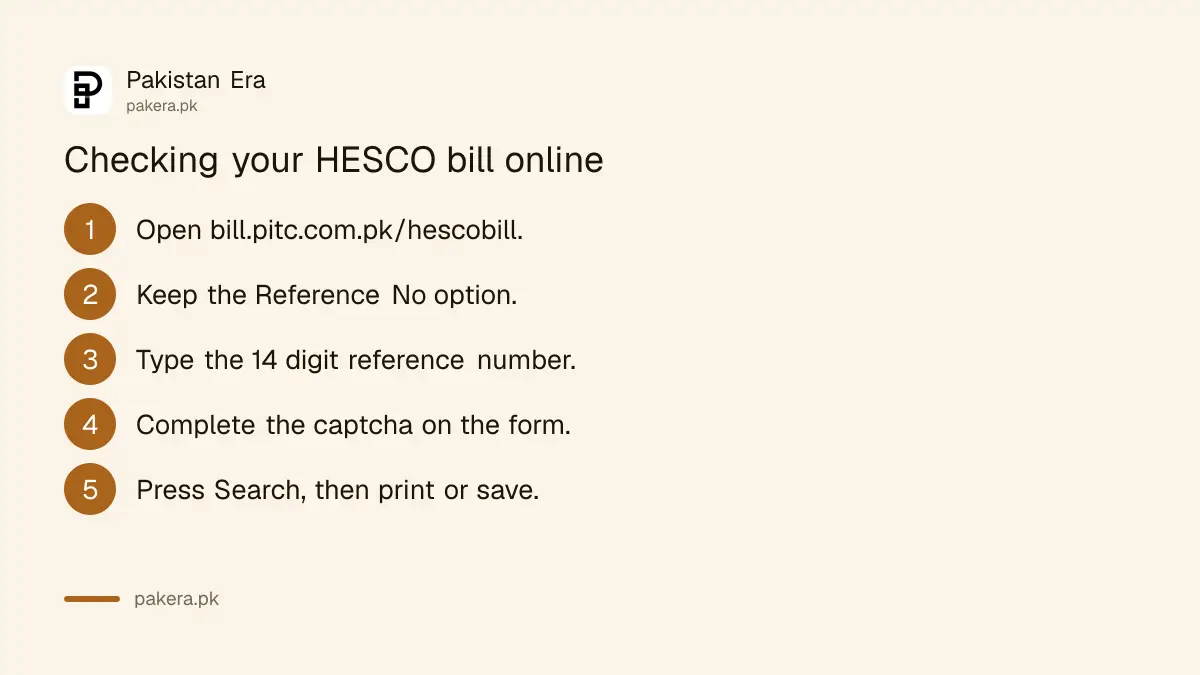
- Open bill.pitc.com.pk/hescobill. Type it in yourself rather than trusting a search advert.
- Keep the Reference No option. It is already ticked.
- Type the reference number. The box says "Enter 14-digit valid reference no" and stops at 14 characters.
- Complete the captcha. No captcha, no search.
- Press Search. Print the bill or save it as a PDF.
Type digits only. A reference copied from a phone photo often brings spaces with it, and the page code rejects anything that is not 10 to 14 plain digits, with the message "Given Ref/App No is invalid".
If the reference on your old bill is unreadable, switch to the Customer ID option on the same form. There is also a U and R drop-down that the page never explains, so we leave it alone.
HESCO helpline 118 and SMS 8118
HESCO's homepage shows its helpline as 118 for power complaints and information, with SMS complaints on 8118 or through the Roshan Pakistan mobile app. Written complaints go online through PITC's complaint system, CCMS, which HESCO's Complaints page links.
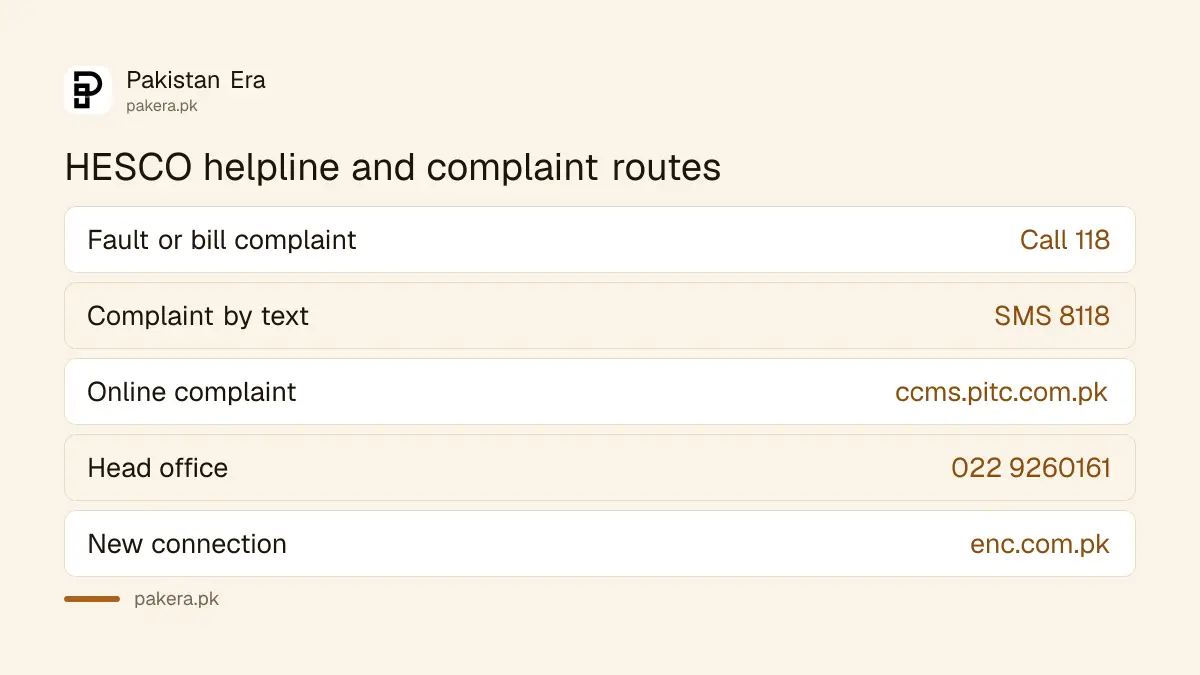
Here is the catch. On hesco.gov.pk the 118 number is shown only inside images, a banner and a small graphic, not as text. Someone searching the page for "118" finds nothing. We read the images, and they say 118 for calls and 8118 for SMS.
| Need | Where to go | Where HESCO shows it |
|---|---|---|
| Power fault or bill complaint | Call 118 | Homepage banner |
| Complaint by text | SMS 8118 | Homepage banner |
| Online complaint | ccms.pitc.com.pk | Complaints page |
| Head office | 022 9260161 | Contact Us page |
| New connection | enc.com.pk | Homepage |
We opened the CCMS complaint form. It finds your account by the 14 digit reference number or a 12 digit mobile number starting with 92, and it has a Track by Ticket option. Save the ticket number. We did not ring 118.
Reporting electricity theft to HESCO
HESCO's homepage runs an Urdu notice asking people to report electricity theft to three senior officers by phone. It says the informer's name stays secret and up to 10 per cent of the fine recovered from the thief goes to the informer as a reward.
The three numbers HESCO gives are:
- Chief Internal Auditor: 0333 3700024
- Chief Commercial Officer: 0333 3700017
- Director Surveillance and Investigation: 0333 3700041
These are for theft reports, not for your own bill. HESCO's site also holds an older complaint cell notice in Sindhi, marked 2018, with circle officer numbers. We have not copied those, because a number from 2018 may no longer reach the right desk.
Getting a HESCO duplicate bill and paying it
The bill the portal shows is your duplicate. Print it and pay at a bank counter, or pay online in a bank app or mobile wallet with the 14 digit reference number. Pay by the due date to avoid a late payment surcharge.
- Bank app or internet banking: open the electricity bill menu, pick HESCO, and enter the reference number.
- Mobile wallet: the same number works in the bill payment menu.
- Bank counter: take the printed bill.
Each route is set out in paying utility bills online. We did not make a test payment. If one month's bill is too big to clear, NEPRA's rules allow electricity bill instalments, with no surcharge on the first part paid by the due date.
Reading the HESCO bill and fixing a wrong one
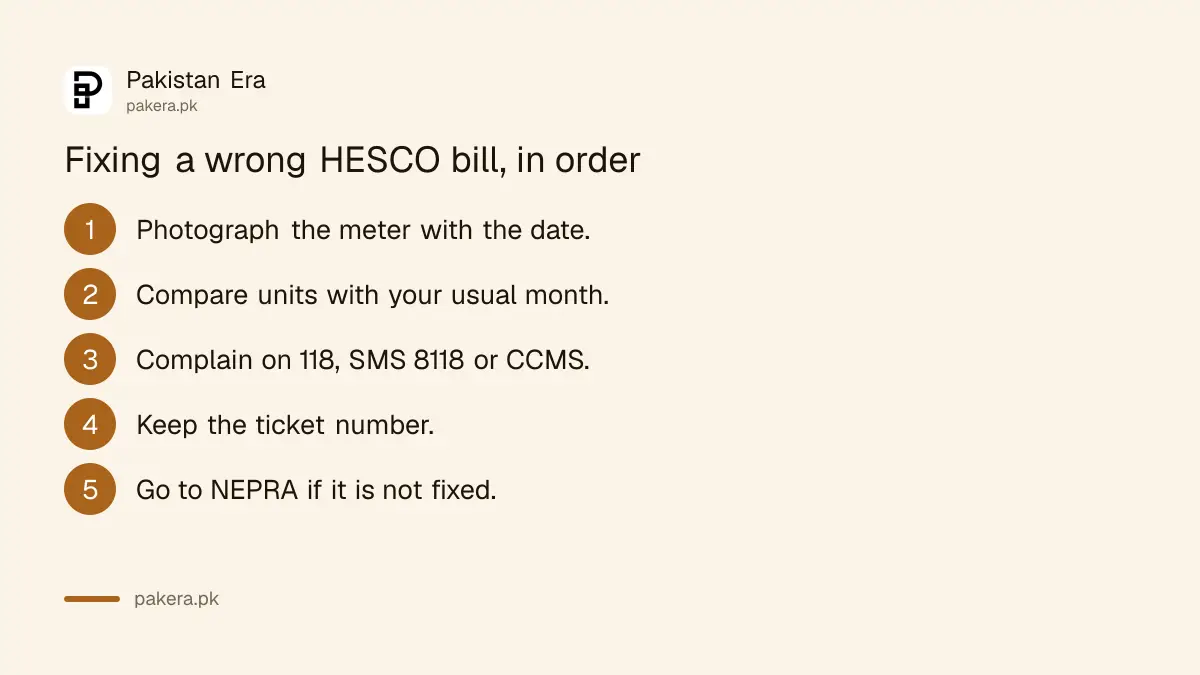
Look at the units, the reading dates and the taxes. If units jump far above normal, photograph the meter with the date, then complain on 118 or CCMS before the due date. If HESCO does not correct it, take the complaint to NEPRA.
Many lines on a bill are taxes and adjustments rather than power. The bill line items are the same every month, so one careful read saves a lot of worry later.
A fast meter can be tested on request, and NEPRA's rules fix the fee and the time limit for a faulty meter check. When the company will not fix a bill, a NEPRA complaint is the next step. Take your ticket number and meter photo.
Where HESCO supplies
HESCO's jurisdiction map, on its own website, shows four circles: Hyderabad, Laar, Nawabshah and Mirpurkhas. Together they cover Hyderabad, Thatta, Badin, Sujawal, Sanghar, Nawabshah, Matiari, Mirpur Khas, Umerkot and Tharparkar towns such as Mithi and Nagarparkar.
On the map, Laar circle runs from Sehwan and Kotri down through Thatta and Sujawal to Keti Bandar and Shah Bandar on the coast. Nawabshah circle takes in Sanghar, Shahdadpur and Hala. Mirpurkhas circle reaches Umerkot, Mithi, Diplo and Nagarparkar.
Karachi is not HESCO. It has its own company and a different number format, set out in the K-Electric bill check. Upper Sindh, around Sukkur, is SEPCO. All the PITC company links are in the electricity bill check online table. The pages work the same way for MEPCO and GEPCO in Punjab.
Common questions
How do I check my HESCO bill online?
Open bill.pitc.com.pk/hescobill, type the 14 digit reference number, complete the captcha and press Search.
What is the HESCO helpline number?
118 for calls, and 8118 for SMS complaints. The head office number on HESCO's contact page is 022 9260161.
How do I get a HESCO duplicate bill?
Print the bill the portal shows. It is free and accepted for payment.
Can I check a HESCO bill without the reference number?
Yes. Choose the Customer ID option on the same form. The CCMS complaint system can also find an account by a registered mobile number.
Is Karachi covered by HESCO?
No. Karachi is served by K-Electric, which uses its own 13 digit account number and its own website.
How do I report electricity theft to HESCO?
HESCO lists three officers' mobile numbers on its homepage for theft reports and says the informer's name is kept secret.
How we verified this
What we checked, where we read it, and what we could not confirm.
Last checked on 28 September 2026. We opened bill.pitc.com.pk/hescobill and read the form: Reference No and Customer ID options, the 14 character box, the captcha, and page code accepting 10 to 14 digits. On hesco.gov.pk we read the homepage helpline banner and graphic showing 118 and SMS 8118 with the Roshan Pakistan app, the Urdu theft notice with three officers' numbers and the 10 per cent reward, and the Duplicate Bill and ENC links. The CCMS link is on HESCO's Complaints page, the head office address and 022 9260161 on its Contact Us page, and the four circles on the jurisdiction map on its Area of Operation page. The address hesco.gov.pk loaded; www.hesco.gov.pk did not connect in our test. We did not enter a live reference number, ring any number or make a payment.
About the author

Tax, Bills and Technology Writer
Ali Akhtar is a young and curious voice here at Pakistan Era. He is currently pursuing his A-Levels and has a growing interest in Pakistan’s changing industrial landscape and educational trends. Ali likes to write in a way that helps him explain and explore the world around him. His writing reflects the perspective of the new generation navigating the evolving trends of Pakistan where technology, youth innovation, and shifting opportunities are reshaping the country’s future.