How to Find Your Zong Number
Dial *8# to see your Zong number, or send MYNO to 777. For a Zong device, use *6767# from the master number. All read on Zong's own pages.
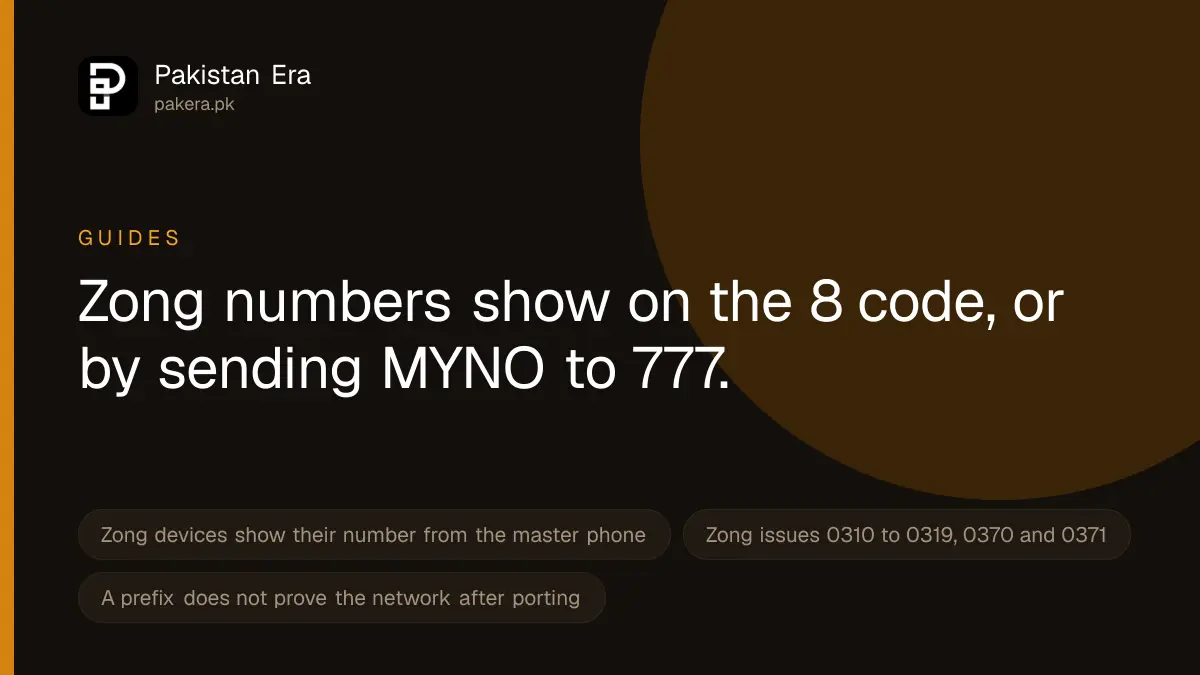
To find your Zong number, dial *8# from the Zong SIM. Zong's own help pages list this code, and its Chinese language help page also lists sending MYNO by SMS to 777. For a Zong internet device, dial *6767# from the linked Zong phone and choose "Show MBB Number", or open 192.168.8.1 while connected to the device. If no code works, your phone's settings can show the number with no code at all.
We read Zong's device help page, its Chinese language self-care page and its Book Your Number portal on 22 September 2026. The same phone settings method lets you check your own mobile number on any network.
Every way to find a Zong number
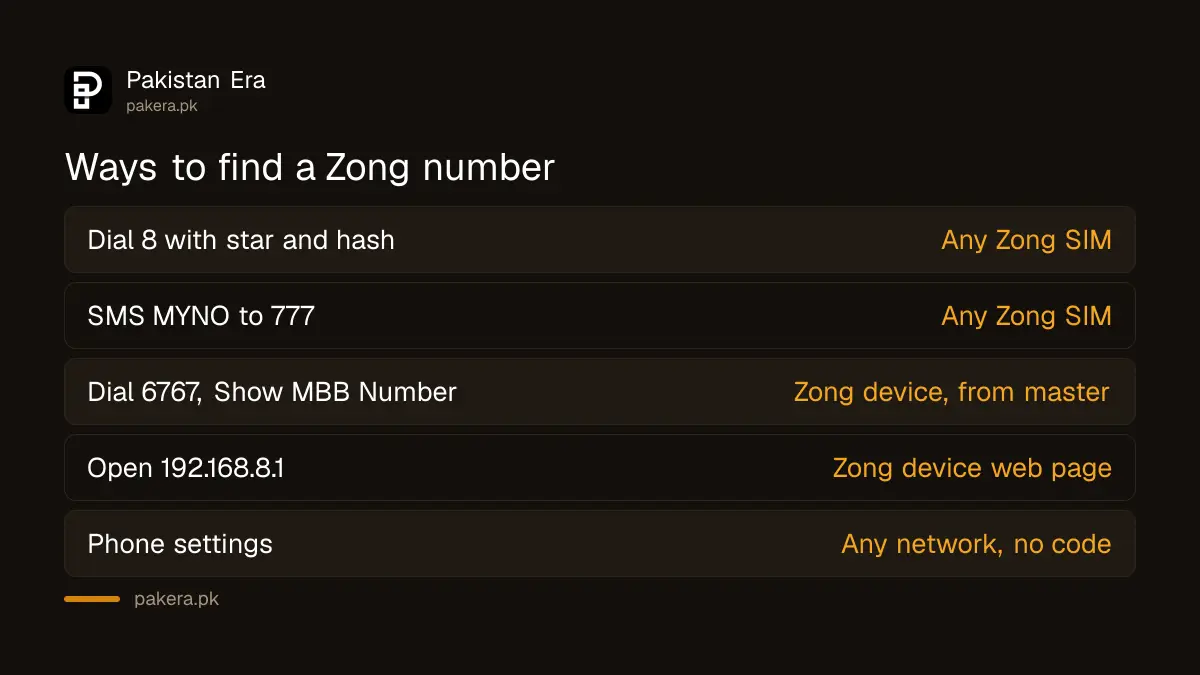
| Method | Where it is listed | Works for |
|---|---|---|
| Dial *8# | Zong device help page and Chinese self-care page | Any Zong SIM in a phone |
| SMS MYNO to 777 | Zong Chinese self-care page | Any Zong SIM in a phone |
| *6767#, then "Show MBB Number" | Zong device help page | A Zong internet device, from its master number |
| 192.168.8.1, "Show my MBB Number" | Zong device help page | A Zong internet device, from a laptop or phone on its WiFi |
| My Zong App | Zong app page | Numbers you have linked |
| Phone settings | Your phone maker | Any network, no code needed |
Some websites also give *2#, *100#, a blank SMS to 700, and a call to 310 as ways to see your number. None of these appear on the Zong pages we read, so treat them as unconfirmed. Calling 310 connects you to Zong's helpline, which Zong says costs Rs 2 plus tax once you reach an officer. It does not display your number.
How to find your number with *8#
- Make sure the Zong SIM has signal.
- On a two SIM phone, choose the Zong SIM for calls.
- Dial *8# and press call.
- Your number appears on screen. Write it down or save it in your contacts.
If *8# gives no reply, try the SMS. Type MYNO and send it to 777. Zong lists this route on its Chinese language help page, which is written for Chinese customers but applies to every Zong SIM. Zong does not list a charge for either method.
Finding the number of a Zong internet device
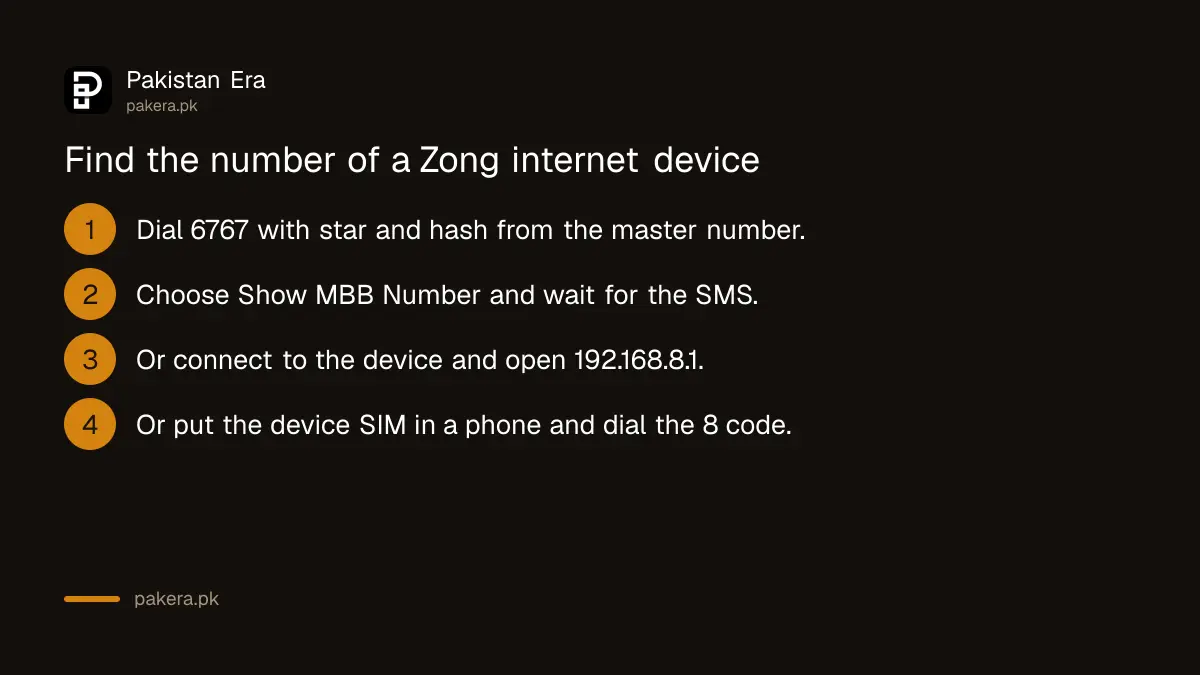
A Zong wingle, Bolt or home device has its own SIM with its own number, called the MBB number. You need it to recharge the device or buy a bundle for it. Zong's device help page gives three ways.
- From the master number. This is your Zong phone number linked to the device. Dial *6767# and choose "Show MBB Number". Zong sends the MBB number by SMS to the master number.
- From the device's web page. Connect a laptop or phone to the device. Zong says the portal usually opens by itself. If it does not, type 192.168.8.1 in the browser and click "Show my MBB Number".
- From the device SIM. If both fail, take the SIM out of the device, put it in any phone, and dial *8#. Then put it back in the device.
Zong also says you can change the master number linked to a device on *6363#.
What your number tells you
Zong's Book Your Number portal offered these prefixes on 22 September 2026: 0310 to 0319, 0370 and 0371. A number starting with one of these was issued by Zong.
But a prefix does not prove which network a number is on today. Anyone can move a number to another network and keep it. This is called MNP, mobile number portability. So a 0312 number may now be on another network, and a 0300 number may now be on Zong. If you need to know the network, ask the person, or check the network name on your own SIM.
Check who a number is registered to
Knowing your number is different from knowing whose CNIC it is registered on. That matters if you use a SIM a relative bought for you. You can check every SIM on your own CNIC.
Do not use sites or apps that offer to show the owner of someone else's number. Those "SIM owner database" services sell data they should not have, and using them can break Pakistan's cybercrime law.
When nothing shows your number
- No signal. Codes and SMS need the network. Use phone settings instead. On iPhone, look in Settings, then Phone, then My Number. On Android, look in Settings, About phone, then SIM status, though the path varies by phone maker.
- The SIM asks for a PUK. It is locked, and you need to unblock the Zong SIM with a PUK.
- The SIM does not work at all. Work through the common fixes for a Zong SIM that is not working.
- Still nothing. Call a friend and read the number off their screen. Or send "help" to 310, which Zong says is free, and ask by phone on 310.
A safety note. Never dial a code, or send an SMS, because a caller told you to "confirm your number". Some codes forward your calls or start paid services. Only use codes from Zong's own pages.
Common questions
What is the code to check a Zong number?
*8#. Zong's device help page and its Chinese self-care page both list it.
Can I check my Zong number by SMS?
Yes. Zong's Chinese self-care page says to send MYNO to 777.
How do I check a Zong device number?
Dial *6767# from the linked master number and choose "Show MBB Number", or open 192.168.8.1 while connected to the device.
Can I check my Zong number without balance?
Zong does not list a charge for *8# or the MYNO SMS. The phone settings method always works without balance or signal.
Which numbers belong to Zong?
Zong issues 0310 to 0319, 0370 and 0371 numbers. Because of number porting, the prefix does not prove the network a number is on now.
Does calling 310 show my Zong number?
No. 310 is Zong's helpline. An officer can help, but the call itself does not display your number.
How we verified this
What we checked, where we read it, and what we could not confirm.
Last checked 22 September 2026. *8#, *6767# with "Show MBB Number", the 192.168.8.1 portal, the SIM swap method and *6363# are from zong.com.pk/devices/mbb-faqs. MYNO to 777 and *8# are from zong.com.pk/about-zong/customer-self-care-chinese, which we read and translated. The prefixes are from the Book Your Number portal at byn.zong.com.pk/byn. The app's linked numbers are from zong.com.pk/my-zong-app. The 310 charges and free help SMS are from zong.com.pk/contact-us. We could not dial *8# or send the SMS ourselves, as we have no Zong SIM, so we describe what Zong publishes. The codes *2#, *100# and 700, which other websites give, were not found on any Zong page.
About the author

Tax, Bills and Technology Writer
Ali Akhtar is a young and curious voice here at Pakistan Era. He is currently pursuing his A-Levels and has a growing interest in Pakistan’s changing industrial landscape and educational trends. Ali likes to write in a way that helps him explain and explore the world around him. His writing reflects the perspective of the new generation navigating the evolving trends of Pakistan where technology, youth innovation, and shifting opportunities are reshaping the country’s future.