Connection Problem or Invalid MMI Code on Jazz, Zong, Ufone or Telenor: How to Fix It
Fix connection problem or invalid MMI code in Pakistan: check the code, airplane mode, choose the right SIM, turn off Samsung Auto Blocker, or use the app.
"Connection problem or invalid MMI code" means your dial code did not reach the network. Check the code ends with #, dial it from the right SIM, turn airplane mode on for 10 seconds and off, and restart. On a Samsung phone, turn off Auto Blocker under Settings, Security and privacy. These steps fix the error on Jazz, Zong, Ufone and Telenor in most cases.
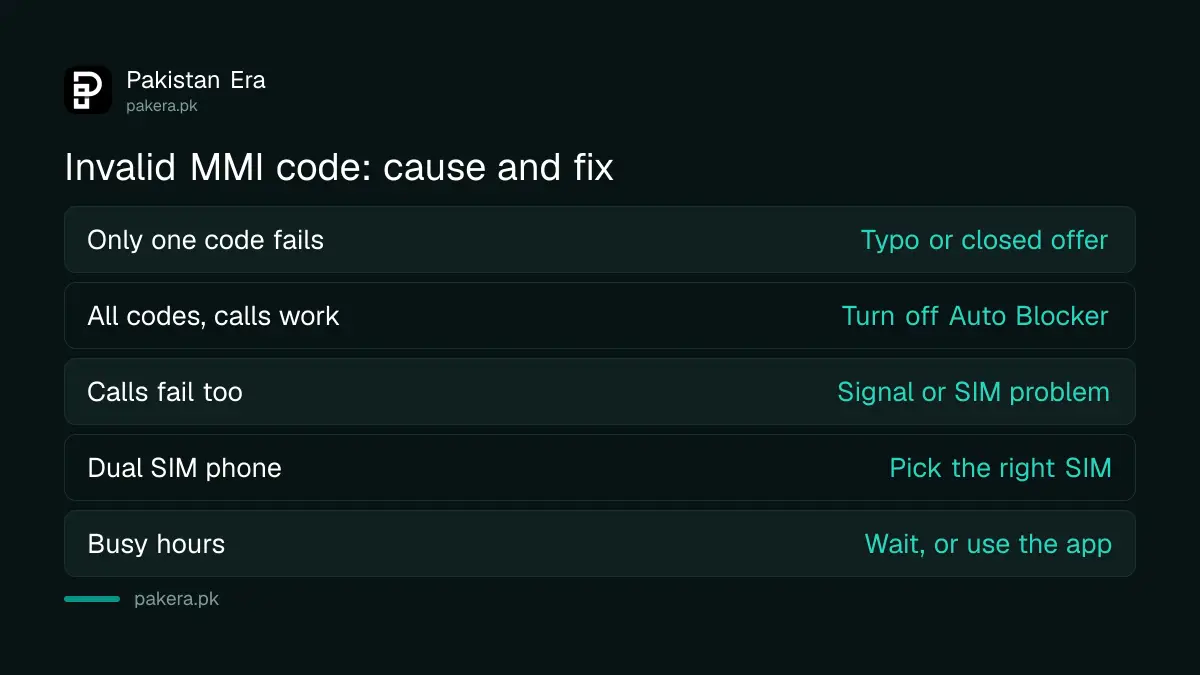
MMI codes, also called USSD codes, are the star and hash codes such as *222# for Zong balance or *706# for Ufone MBs. When one fails, the cause is either the code itself, your phone, or the SIM's link to the network. The table below tells you which.
| When it happens | Likely cause | Fix |
|---|---|---|
| Only one code fails | Typo, or the code was closed | Check the code on the operator's list |
| Every code fails, calls work | Phone setting such as Auto Blocker | Turn Auto Blocker off, restart |
| Every code fails, calls fail too | No signal or SIM blocked | Check signal, then the SIM |
| Fails on a dual SIM phone | Wrong SIM chosen | Pick the SIM before dialling |
| Fails at busy hours | Network busy | Wait 5 minutes, or use the app |
Check the code itself first
Many errors come from a small typo or a code that no longer exists. A USSD code must start with * and end with #, with no spaces. Operators also close old offers, and their codes stop working the day the offer ends.
- Type it in the phone dialler, not in a messaging app or the calculator.
- Check every star and hash. *345*363# is not the same as *345*36#.
- Remove spaces if you copied the code from a message or web page.
- Check the code is still live. For example, Telenor closed Monthly Ultra Plus (*303#) and Mega Monthly (*29#) from 24 October 2026, so those codes fail now. The Telenor offer closures list the replacements.
Current codes are kept in one place for each network: the Zong codes list, the Ufone codes list and the Jazz codes list. Try an easy code like the balance check. If that works, the problem is only with the other code.
Restart the connection to the network
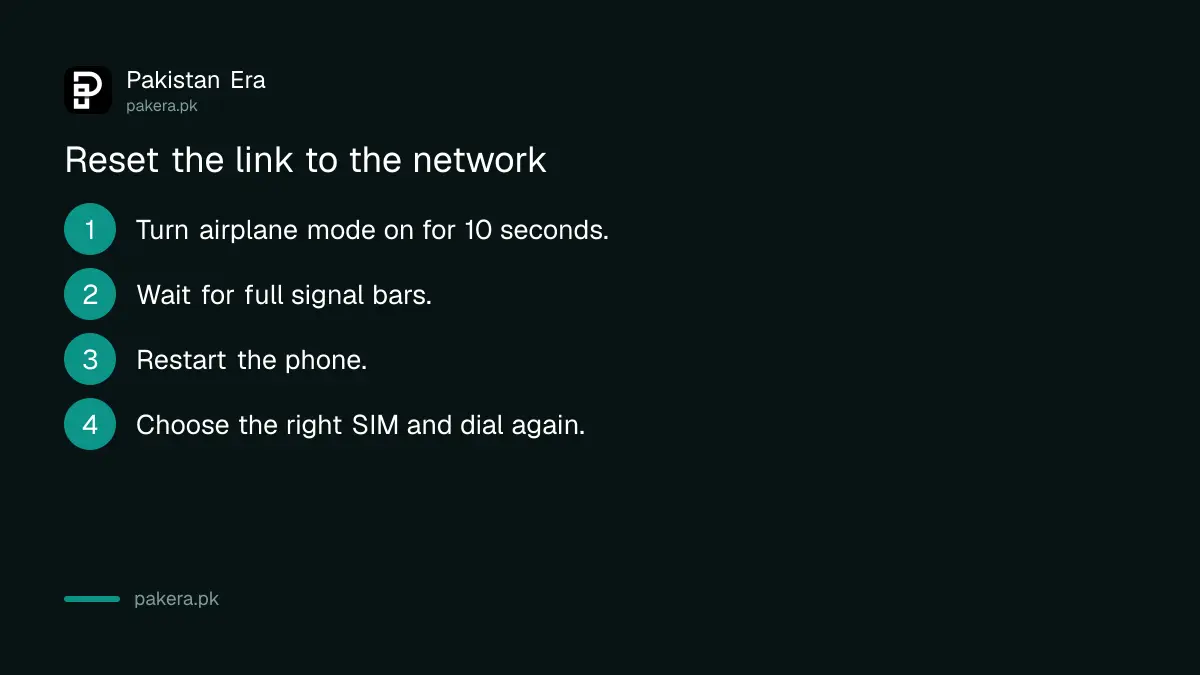
If every code fails, refresh the phone's link to the network. Turn airplane mode on, wait 10 seconds and turn it off, then restart the phone. Wait for full signal bars before you dial again. This clears most temporary errors.
- Turn airplane mode on, wait 10 seconds, turn it off.
- Wait until the network name and signal bars show.
- Restart the phone.
- On a dual SIM phone, tap the SIM button in the dialler, or set "Ask every time" for calls, then dial again.
- If it still fails, take the SIM out, check it is clean and seated, and put it back.
Turn off Samsung Auto Blocker
On many Samsung Galaxy phones, Auto Blocker stops dial codes from working. Samsung's own support team advises turning it off when codes give the MMI error: open Settings, Security and privacy, Auto Blocker, and switch it off. You can switch it back on after you finish.
- Open Settings.
- Tap Security and privacy.
- Tap Auto Blocker and turn it off.
- Restart the phone and dial the code again.
Samsung's moderators also suggest trying Safe Mode to see whether an app is causing it, and resetting network settings. A reset clears saved Wi-Fi passwords, so note them first. The steps are in resetting network settings on iPhone and Android.
On other brands, check any security, call blocking or "app lock" setting you turned on recently. An app that controls calls, such as a caller ID or call recorder app, can also block codes. Remove its call permission and test again.
When calls fail too, check the SIM
If you get the MMI error and you also cannot make normal calls, the SIM has no working link to the network. The SIM may have no signal, be in a slot that is turned off, or be blocked. Test the SIM in another phone to find out which.
- Signal: move near a window or outside and try again.
- SIM slot: in Settings, SIM manager, make sure the SIM is turned on.
- Old SIM: where 3G has been switched off, an old 3G SIM can lose service. Replace it at a franchise with your CNIC.
- Blocked SIM: a SIM can stop working if its biometric verification lapses. See a SIM blocked for biometric verification.
Use the operator app when codes keep failing
Every network has an app that shows balance, MBs and packages without any code. Use it while you fix the code problem: the SIMOSA app for Jazz, My Zong for Zong, UPTCL for Ufone and My Telenor for Telenor. Most also let you buy bundles.
If codes still fail after every step, call your helpline from that SIM: 111 on Jazz prepaid, 310 on Zong, 333 on Ufone or 345 on Telenor. Ask them to check that USSD service is active on your number. If it is not fixed, take the complaint number and contact PTA on 0800-55055.
Common questions
What does "invalid MMI code" mean?
MMI stands for man machine interface. The message means the phone sent your star and hash code but the network did not accept it, or the code never left the phone.
Why does *#06# give an MMI error on my phone?
*#06# shows your IMEI and does not need the network. If it fails, a phone setting is blocking codes. On Samsung, turn off Auto Blocker and try again.
Why do Zong codes work on one SIM but not the other?
On a dual SIM phone, the code goes through the SIM chosen for calls. Choose the Zong SIM before you dial, or set calls to "Ask every time".
Does the error mean my SIM is blocked?
Not by itself. If calls and SMS still work, the SIM is fine. Only when calls fail too should you check for a blocked or inactive SIM.
Do USSD codes cost money?
Some do. Zong charges 10 paisa plus tax for *102#, and Telenor charges Rs 0.24 for its balance checks.
Can I check my balance without a code?
Yes, in your network's app: SIMOSA for Jazz, My Zong, UPTCL for Ufone and My Telenor. The My Zong app shows balance and MBs free.
How we verified this
What we checked and where we read it.
We read the Auto Blocker advice from a Samsung Customer Support moderator on Samsung's community forum on 24 November 2026; Samsung's moderators in related threads also suggest Safe Mode and network resets. Zong's *102# charge is from Zong's FAQs, read the same day. The Telenor closure dates, the Telenor Rs 0.24 charge and the other operators' codes are from each operator's own pages as recorded in the linked guides. The MMI and USSD procedures are defined in the 3GPP standard TS 22.030.
About the author

Technology Journalist & Multimedia Producer
Ahmad Ali is a technology journalist and multimedia producer at Pakistan Era, joining the team in October 2026. He covers consumer technology and digital life for Pakistani readers, combining research with hands-on product testing.