Set Up JazzCash Tap and Pay on Your Android Phone in Pakistan: What You Need and 7 Steps
Set up JazzCash Tap and Pay on an NFC Android phone in Pakistan. See what you need, the 7 activation steps and what to do if your phone will not tap it.
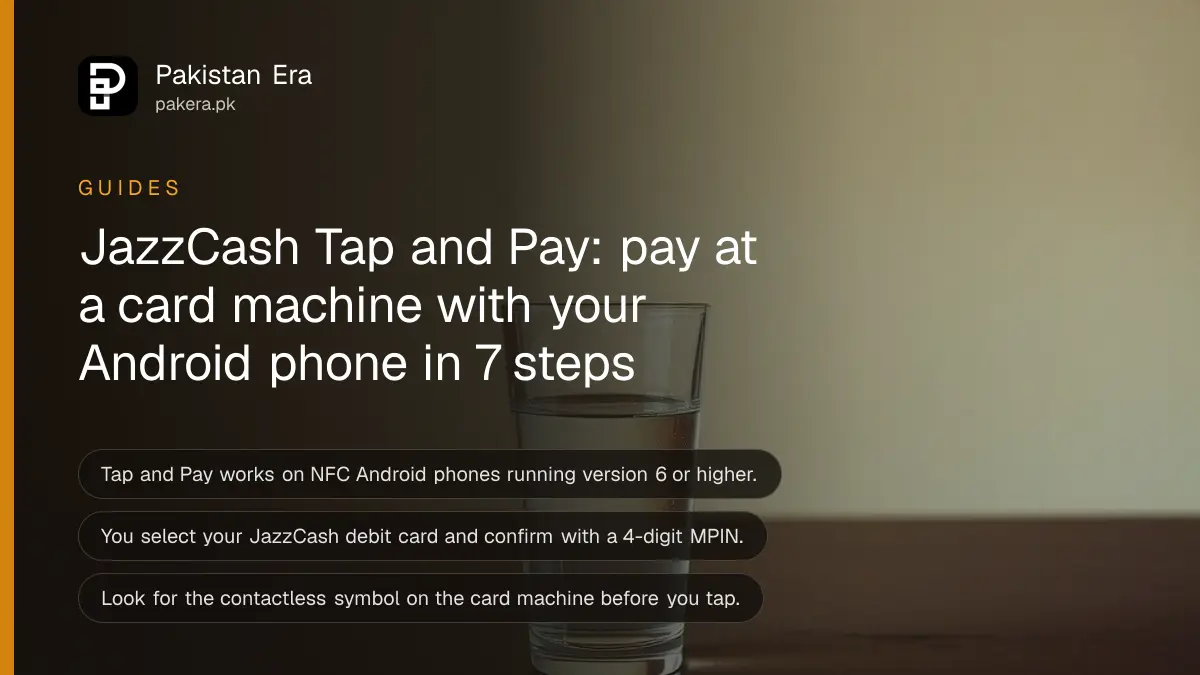
Short answer: JazzCash Tap and Pay lets you pay at a shop by tapping your Android phone on the card machine. You need a JazzCash debit card, an NFC-enabled Android phone running version 6 or later, and your 4-digit MPIN. In the app, tap the contactless symbol on the home screen and follow the steps.
The cashier holds out a card machine. You would normally reach for a card or scan a QR code. With Tap and Pay you unlock your phone, hold it near the machine and you are done.
We read JazzCash's own Tap page on 12 October 2026. We did not test the feature on a phone, so this guide reports what JazzCash says and where it stops. Here is what you need, the steps to switch it on and what to do if it does not work.
Tap and Pay needs a JazzCash debit card and an NFC Android phone
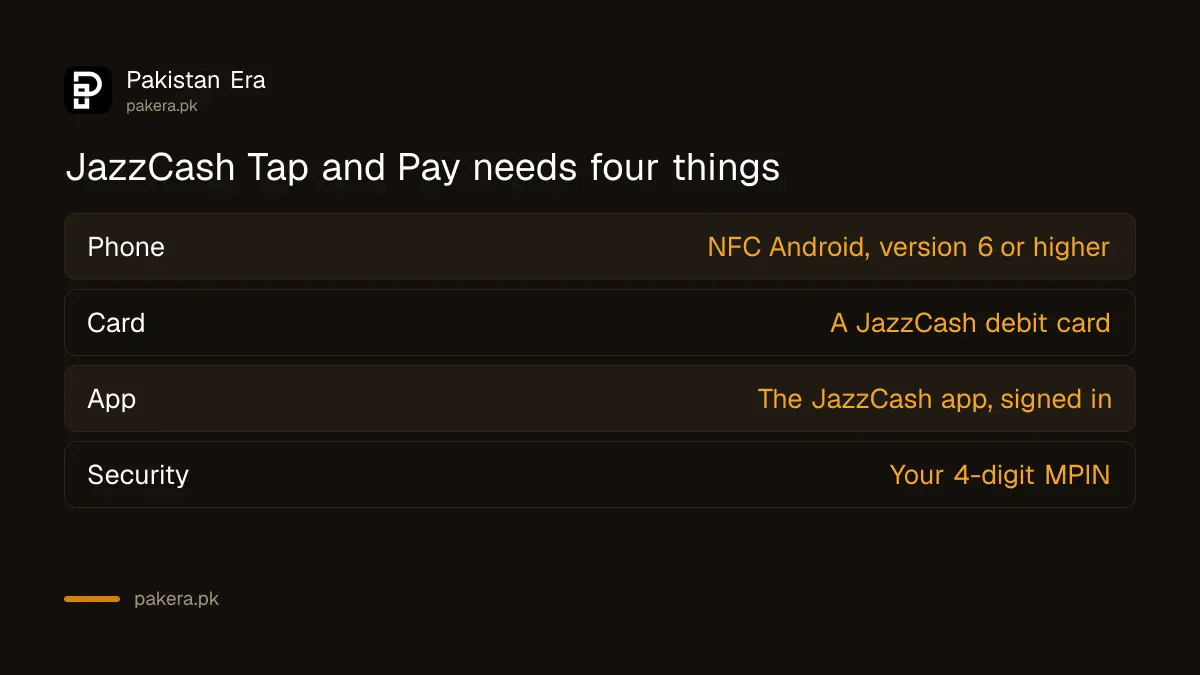
JazzCash says Tap and Pay is only available on NFC-enabled Android smartphones running version 6 or higher. You also pick a JazzCash debit card during setup, so you need one first. The page lists no iPhone support.
NFC stands for near field communication. It is the same short-range radio used in contactless bank cards. Many Android phones have it. Look in the phone settings for an NFC or contactless option.
| What you need | Detail from JazzCash |
|---|---|
| Phone | NFC-enabled Android, version 6 or higher |
| Card | A JazzCash debit card |
| App | The JazzCash app, signed in |
| Security | Your 4-digit MPIN to activate |
| Where it works | Any POS machine with the contactless symbol |
If you do not have the card yet, order it first. JazzCash says delivery takes 15 working days after you place the order in the app, so start early.
How to switch on Tap and Pay in the JazzCash app
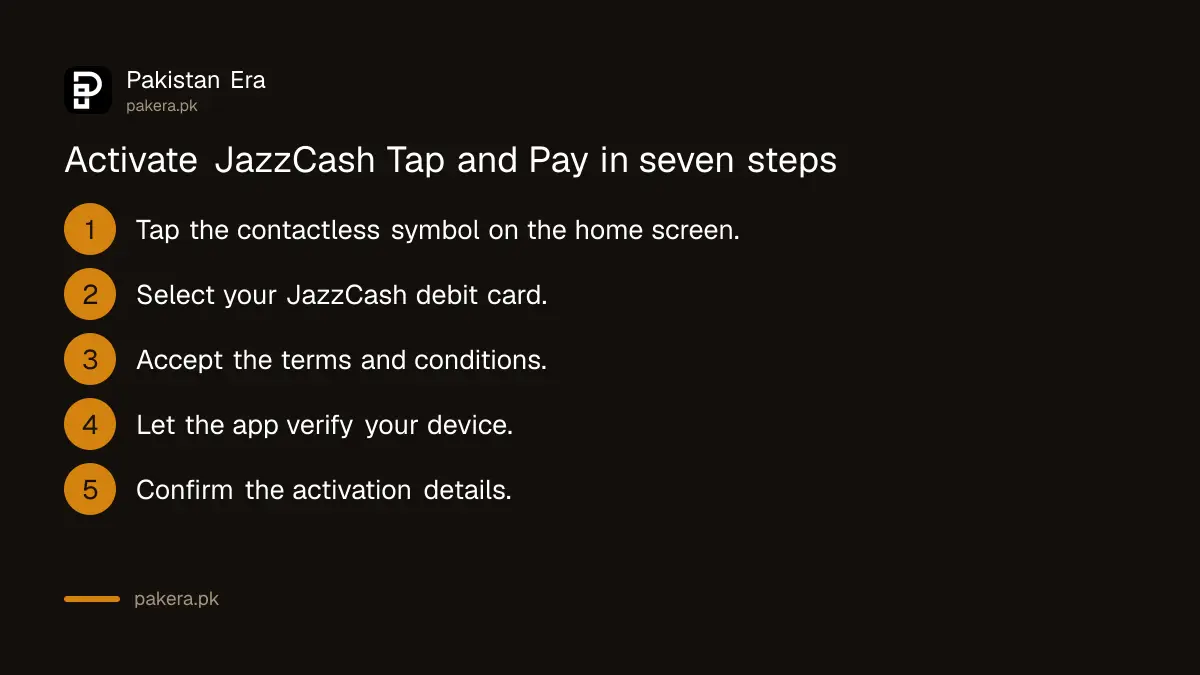
Open the app and tap the contactless symbol on the home screen. Select your JazzCash debit card, accept the terms, let the app check your device, confirm the activation details and enter your MPIN. JazzCash then shows that Tap and Pay is activated.
- Open the JazzCash app and tap the contactless symbol on the home screen.
- Select your JazzCash debit card.
- Accept the terms and conditions.
- Let the app verify that your device is eligible.
- Confirm the activation details.
- Enter your 4-digit MPIN.
- Wait for the message that Tap and Pay is activated.
The device check is where a phone can fail. If the app says your device is not eligible, NFC may be off or the phone may not be supported. JazzCash does not publish the list, so we cannot say which models pass.
How to pay at the shop with your phone
Look for the contactless symbol on the card machine, unlock your phone, open the JazzCash app and tap the phone on the machine. Hold it still for a second or two until the machine confirms. That is the whole payment.
- Check that the machine shows the contactless symbol.
- Unlock your phone and open the JazzCash app.
- Hold the back of the phone against the machine.
- Wait for the confirmation on the machine and keep the receipt.
JazzCash does not state a per-payment limit on this page. Daily and monthly wallet limits still apply to the account, as listed in how to increase your JazzCash transaction limits. If a larger payment is declined, check those limits first.
What to do if Tap and Pay does not work
Four things are worth checking: NFC may be switched off, the phone may not be supported, the card may not be active or the machine may lack contactless support. Check each in that order before you contact JazzCash.
- Switch NFC on in the phone settings and try again.
- Move the phone slowly over the machine, because the antenna sits in a different place on each model.
- Check that the card is active and not blocked.
- Try another machine to rule out a faulty terminal.
If you cannot tap, you still have two ways to pay. You can scan a QR code from the app, as shown in how to pay a shop by Raast QR from your wallet app. Other tap options exist too. We cover Bank Alfalah Tap to Pay and what works on Samsung Wallet in Pakistan.
Mobile payment is safe only if the phone is. Keep a screen lock on, and if the phone is lost, block the card at once. The way to do that is in how to order and block a JazzCash debit card.
Common questions
Does JazzCash Tap and Pay work on iPhone?
JazzCash's page says Tap and Pay is available only on NFC-enabled Android phones with version 6 or higher. It lists no iPhone support.
Do I need a JazzCash debit card for Tap and Pay?
Yes. The activation steps ask you to select your JazzCash debit card, so you need one before you start.
Do I need internet to tap and pay?
JazzCash does not say on its page. You open the app to pay, so keep mobile data on to be safe.
Which machines accept Tap and Pay?
JazzCash says to look for the contactless symbol on the POS machine. Machines without that symbol will not read your phone.
How do I know Tap and Pay is active?
The last activation step ends with a message that Tap and Pay was activated successfully, after you enter your MPIN.
What if I forget my MPIN during setup?
Reset it first, then start again. The steps are in how to reset a forgotten JazzCash MPIN.
How we verified this
What we checked, where we read it, and what we could not confirm.
We read JazzCash's Tap and Pay page, including its steps and FAQ, on 12 October 2026. We did not test the feature on a device. Payment limits and supported phone models are not published there, so confirm them with the JazzCash helpline before relying on it.
About the author

Technology Journalist & Multimedia Producer
Ahmad Ali is a technology journalist and multimedia producer at Pakistan Era, joining the team in October 2026. He covers consumer technology and digital life for Pakistani readers, combining research with hands-on product testing.