How to Hide, Report and Control Ads in WhatsApp Status and Channels in Pakistan
WhatsApp ads appear only in Status and Channels, never in chats. Hide or report them in two taps, change ad preferences and get your ads report in Pakistan.
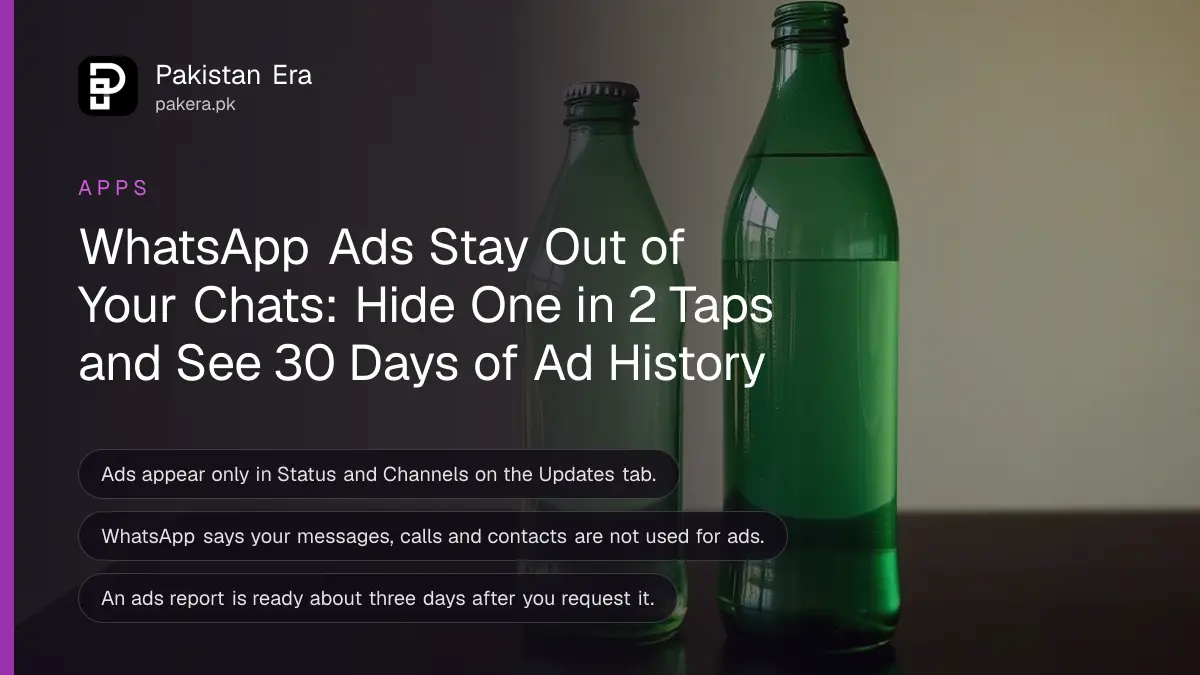
WhatsApp shows ads only in the Updates tab, inside Status and Channels, never in your personal chats or calls. To control them, go to Settings, Account, Ad preferences for Status and Channels. To hide one ad, tap Sponsored then Hide ad on a channel ad, or the three dots then Not interested on a Status ad. WhatsApp says ads are rolling out gradually, so you may not see any yet in Pakistan.
When people hear "WhatsApp ads", many worry their chats are being read for advertising. WhatsApp's help pages say the opposite, and they list exactly what it does and does not use. We read WhatsApp's help page on ads in Status and Channels and its pages on ad preferences, hiding, reporting and the ads report on 20 October 2026.
Ads appear in Status and Channels, not in your chats
WhatsApp says that if you use it only for personal messaging, you will not see ads. Ads sit in the Updates tab, in Status and in Channels. Your messages, calls and Status updates stay end-to-end encrypted and cannot be used to pick ads.
Ads do not change who can see your own Status. That is still set in your privacy settings, as in the steps to hide your WhatsApp Status from certain contacts.
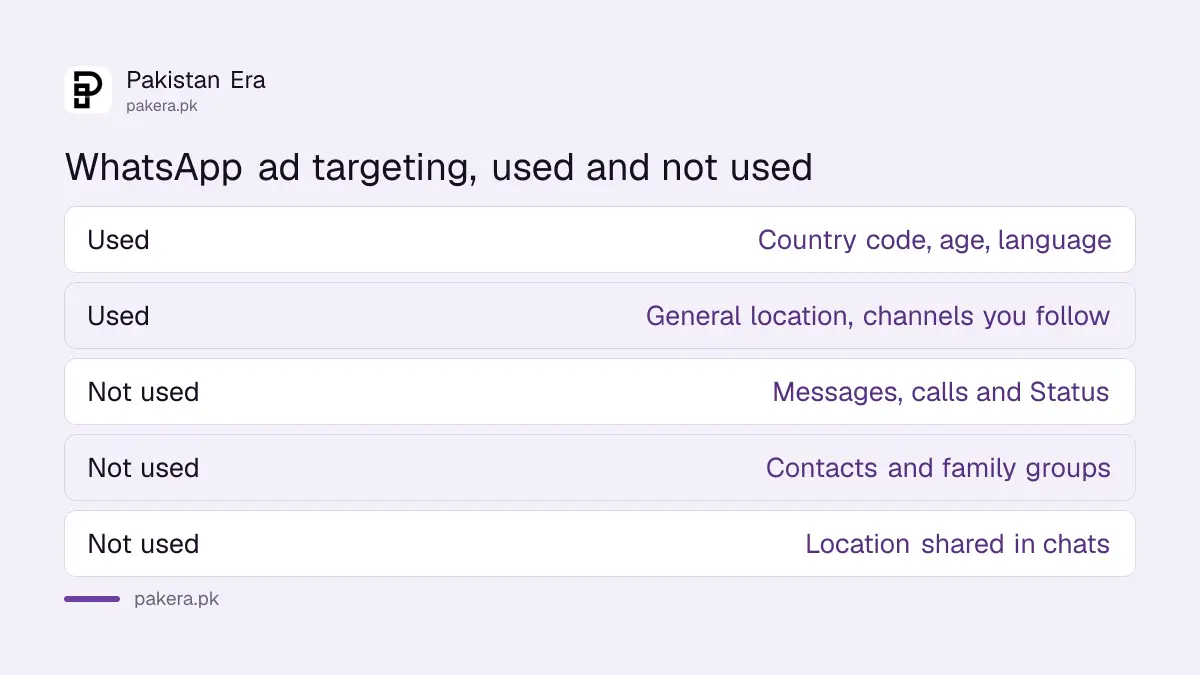
WhatsApp lists what it uses to choose an ad, and what it does not. The difference is worth knowing before you decide how much to worry.
| Used to choose ads | Not used to choose ads |
|---|---|
| Country code and age, where given | Your personal messages and calls |
| Device language | Your Status updates |
| General location, such as city or country | Location you share in chats |
| Channels you follow and what you engage with there | Your phone contacts |
| Ads you clicked in Status or Channels | Your groups with friends and family |
WhatsApp also says it does not share your phone number with Meta for ads. That changes if you add WhatsApp to your Meta Account, the new name for Accounts Center. Then your Meta ad preferences apply, and information across your linked accounts is used for ads. Adding WhatsApp there is optional.
How to see and change your WhatsApp ad preferences
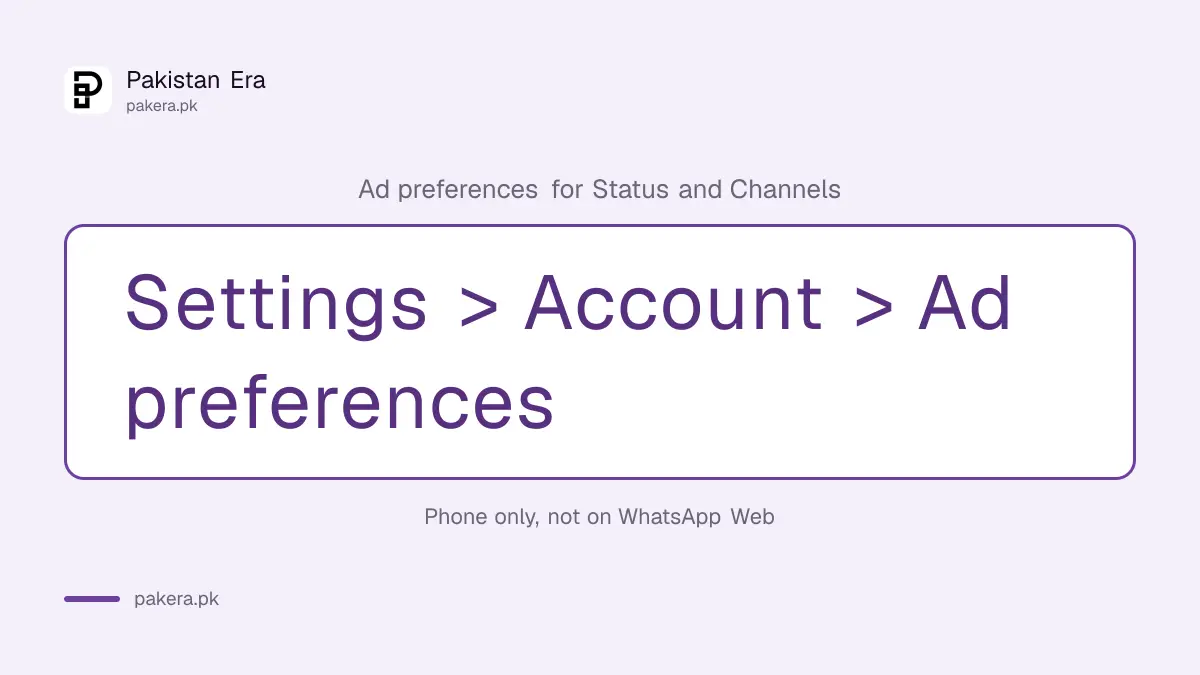
Open the Updates tab, tap the menu, then Ad preferences. Or go to Settings, Account, Ad preferences for Status and Channels. You will see Recent ad activity and Advertisers you've seen for the past 30 days, and you can ask for fewer ads from any advertiser.
- Open WhatsApp on your phone, not WhatsApp Web.
- Go to Settings, then Account, then Ad preferences for Status and Channels.
- Tap Recent ad activity to see the ads shown to you in the last 30 days.
- Tap Advertisers you've seen to browse the businesses behind them.
- Tap an advertiser and choose Hide ads from this advertiser if you do not want them.
- If you linked WhatsApp to a Meta Account, go to Settings, Meta Account, Ad preferences instead.
WhatsApp says ad preferences cannot yet be changed on WhatsApp Web or other platforms. Use the phone where your account lives. The pages we read offer no switch to turn ads off completely. You can only hide, report and tune them.
How to hide an ad, and see why you got it
On a channel ad, tap the word Sponsored, then Hide ad. On a Status ad, tap the three dots, then Not interested, and pick a reason. To see why an ad reached you, tap Sponsored or the three dots and choose "Why you're seeing this ad".
The "why" screen is more useful than it sounds. WhatsApp's example is an advertiser targeting people whose phone country code matches the country. So ads are often matched to the country of your phone number, chosen by businesses that want to reach people there.
| Action | Channel ad | Status ad |
|---|---|---|
| Hide it | Sponsored, then Hide ad | Three dots, then Not interested |
| See why | Sponsored, then Why you're seeing this ad | Three dots, then Why you're seeing this ad |
| Report it | Ad, then Report ad, then Report | Three dots, then Report ad, then Report |
Report scam ads and the websites they open
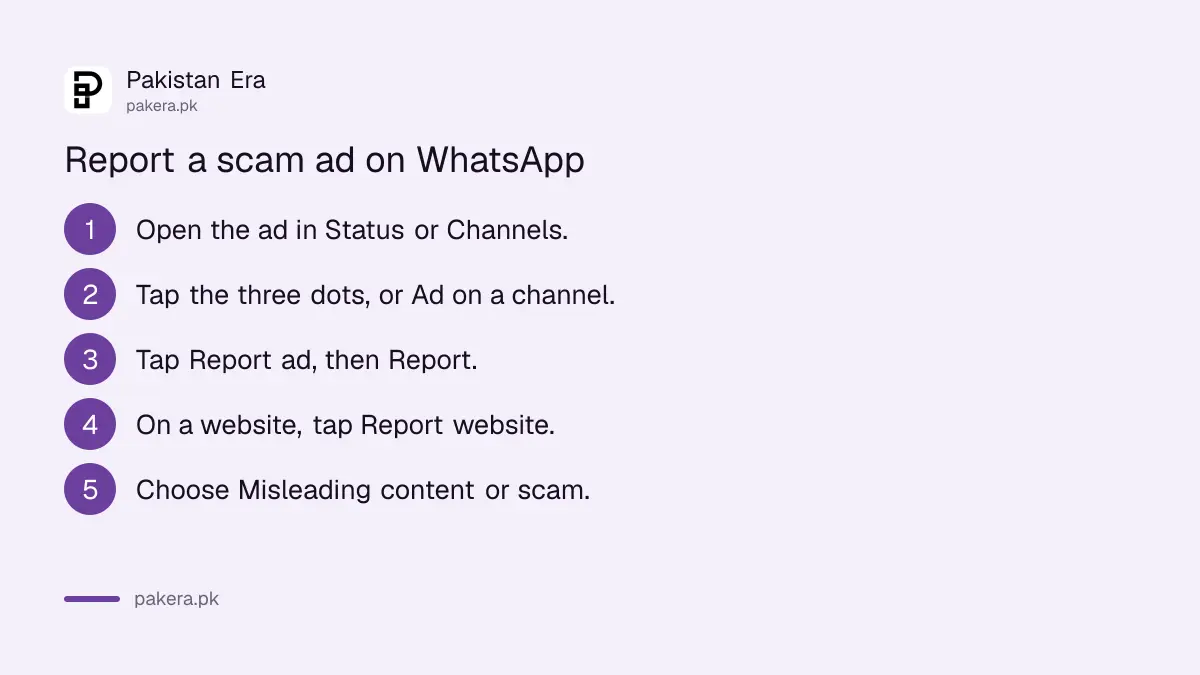
If an ad looks like a scam, report it, as set out on WhatsApp's page on hiding or reporting an ad. On a Status ad, tap the three dots, then Report ad. On a channel ad, tap Ad below the promoted channel, then Report ad. If the ad opened a website, tap the three dots on that page, choose Report website, and pick "Misleading content or scam".
Be careful with any ad that promises a free laptop, a government grant, a cheap iPhone or easy daily earnings. Those are the same tricks that arrive by SMS and phone calls. Never enter your CNIC number, bank card or OTP on a page opened from an ad. If a number then messages you about the same "offer", block and report the scam number on WhatsApp.
You can follow your reports in Settings, Help and feedback, Reports. WhatsApp shows active and completed reports there.
Download a record of the ads WhatsApp showed you
Go to Settings, Account, Request account info, then Request an ads report. WhatsApp says it is ready in about three days. When it is, tap Download ads report, then export the ZIP file. You only have a limited time to download it before it is deleted.
The ads report does not include your messages, your account settings or your channels. Those have their own exports. WhatsApp warns that the report holds private information, so do not upload it anywhere you do not trust.
Ads on Google work separately from WhatsApp. If you also want fewer targeted ads in Search and YouTube, the steps to turn off Google ad personalisation cover that side.
Common questions
Will WhatsApp show ads in my chats?
No. WhatsApp says ads appear only in Status and Channels, separate from personal chats and calls.
Does WhatsApp read my messages to show ads?
No. WhatsApp says personal messages, calls and Status are end-to-end encrypted and are not used for ads.
Are WhatsApp ads live in Pakistan?
WhatsApp says they are rolling out gradually and may not be available in your region yet. We could not confirm a start date for Pakistan.
Can I turn off WhatsApp ads completely?
The help pages we read give no full off switch. You can hide ads, hide advertisers, report ads and adjust preferences.
Can I change ad settings on WhatsApp Web?
Not yet. WhatsApp says to use your primary phone.
How long does the WhatsApp ads report take?
About three days, according to WhatsApp. Check the Ready by date in Request account info.
How we verified this
What we checked, where we read it, and what we could not confirm.
Last checked 20 October 2026. We read WhatsApp's help pages "About ads in WhatsApp Status and Channels", "Ads in WhatsApp Status and Channels", "How to view and adjust your ad preferences", "How to hide or report an ad or website" and "How to request an ads report" on faq.whatsapp.com on 20 October 2026. We did not check whether ads are already showing on Pakistani numbers, and menu labels may vary slightly between Android and iPhone.
About the author

Technology Journalist & Multimedia Producer
Ahmad Ali is a technology journalist and multimedia producer at Pakistan Era, joining the team in October 2026. He covers consumer technology and digital life for Pakistani readers, combining research with hands-on product testing.