How to Turn Off Google Ad Personalisation in Pakistan and Stop Targeted Ads
Turn off Google ad personalisation in Pakistan: where the setting is, what changes in Gmail and other Google apps, what stays the same and what to check next.
Short answer: Open the Google Ads Settings page while signed in and switch Ads personalisation to Off. You will still see ads in Gmail and other Google services, but they will not be based on personal data that Google links to your Google Account. Google says it does not scan your Gmail messages to show ads.
You search for a phone price once, and for days every site shows phone ads. Many Pakistanis also feel uneasy about what Google knows. There is a setting that cuts the link between your account data and the ads you see.
We read Google's help page on Gmail ads on 13 October 2026. This guide explains what the switch does, what it does not do and what else to check.
The switch is in your Google Ads Settings
Google Ads Settings is a page where you control whether ads use data from your Google Account. When you turn personalisation off, Google says you may still see Gmail ads, but they will not be based on personal data that Google has associated with your Google Account.
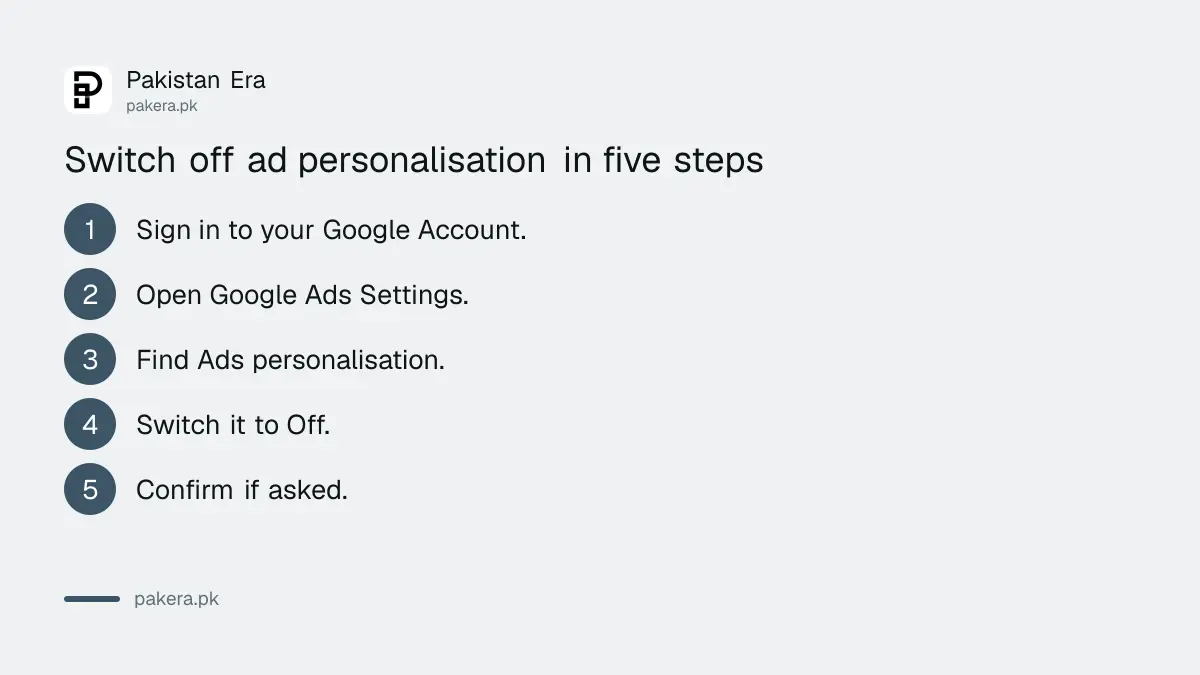
- Sign in to your Google Account.
- Open the Google Ads Settings page (google.com/settings/ads/preferences).
- Find Ads personalisation.
- Switch it to Off.
- Confirm if Google asks you to.
You will still see ads, but different ones
Turning the switch off does not remove ads. They will be more general, such as ads based on the page you are reading or your approximate area. The aim is less tracking by account, not an ad free screen.
| Before | After switching off |
|---|---|
| Ads based on your account data | Ads not based on account data |
| Gmail ads shown | Gmail ads still shown |
| Number of ads | About the same |
| Your emails | Not scanned for ads, before or after |
Do not expect an instant change. Ads already loaded on a page stay until you refresh. Sign out of other devices if you use a shared computer.
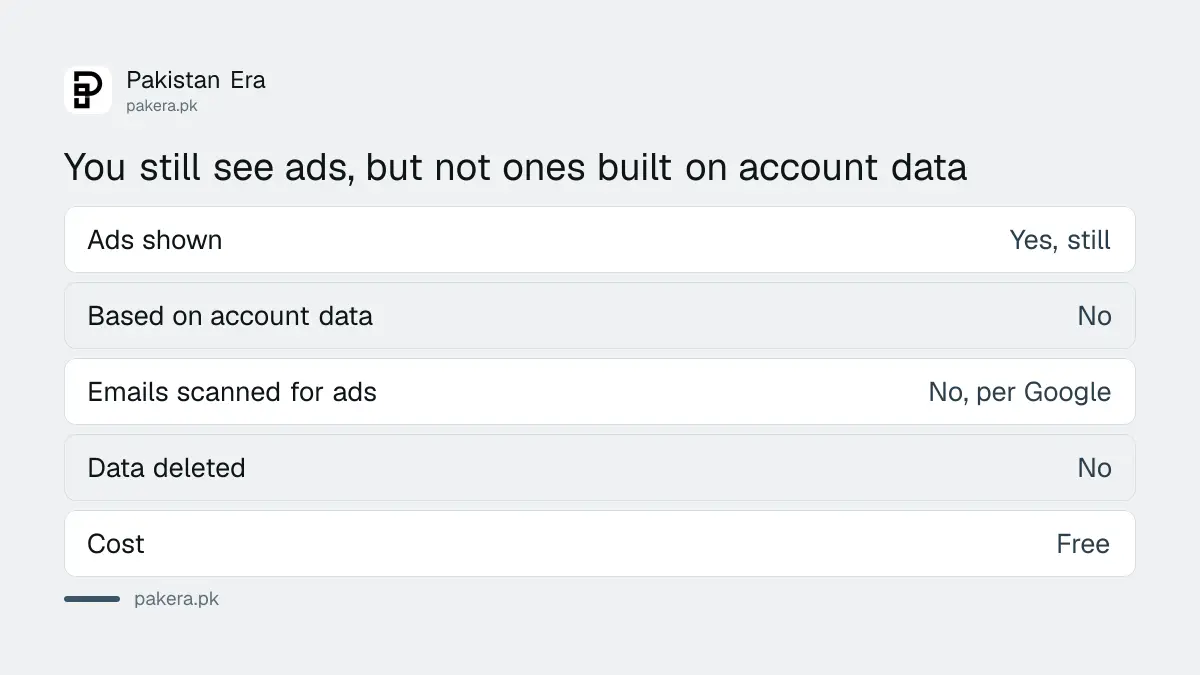
Google says it does not scan emails for ads
Google's help page says it does not scan your email messages to show ads, whatever your personalisation setting. So the setting is about other account data, such as activity linked to your account, and not about the contents of your inbox.
This matters because many people believe the opposite. We can report what Google states on its page. We cannot audit how Google handles data inside, and this guide does not claim to.
If you worry about the data itself, the better step is to delete it. Read how to delete your Google location history and set auto delete and how to pause or delete YouTube watch history.
Pair it with a quick account security check
Privacy settings help little if someone else can sign in to your account. Take five minutes to look at your devices and linked apps, and add a second step to your login. These steps protect your data better than any ad setting.
Follow the guide to sign out unknown devices and linked apps and turn on two step verification. To remove your phone number and address from search results, see removing personal details from Google Search.
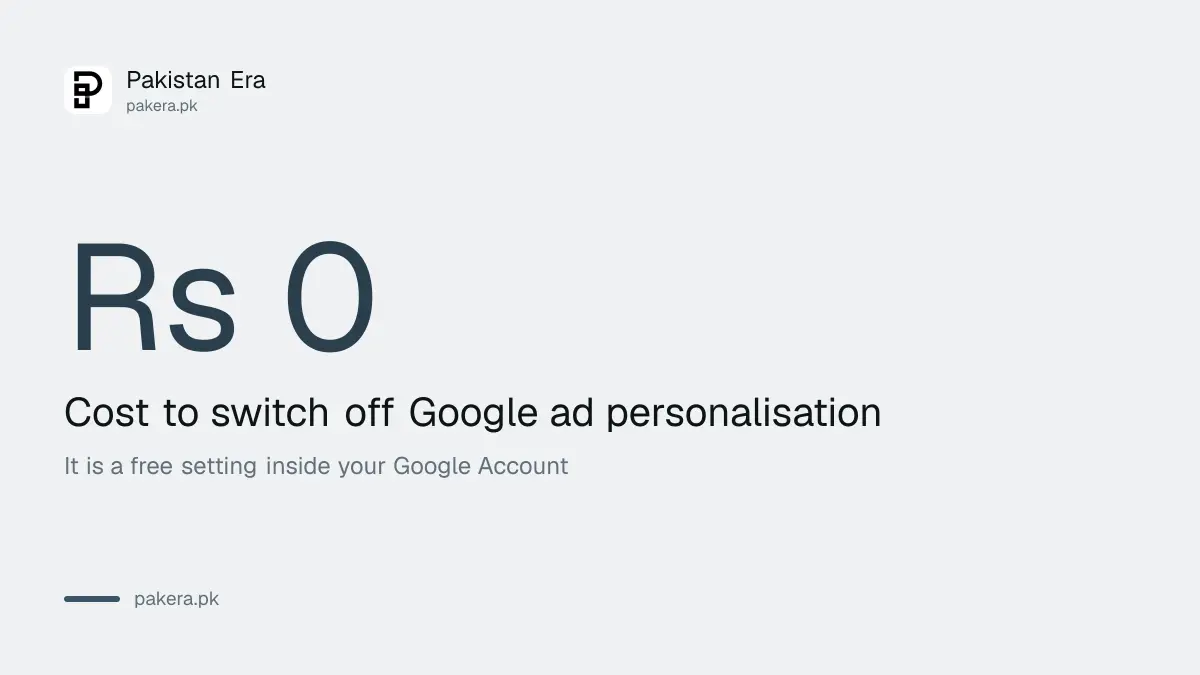
Limits of this setting
This setting covers ads linked to your Google Account. It does not stop other companies from tracking you on websites and apps. It does not stop phone makers, mobile networks or social apps from using their own data. Treat it as one useful step.
If you use Facebook, Instagram or TikTok, each has its own ad settings. Set them one by one. Use the privacy checks we have written for Facebook and Instagram.
Do not install an app that promises to remove tracking for a fee. The switch above is free and comes from Google itself.
Review the page every few months, and again after any big Google update. Check the setting again after you change phones or reset your account. Some people also use a separate Google Account for shopping and one for work, which keeps the ads for each apart and makes the setting easier to check.
Common questions
How do I turn off personalised ads on Google?
Sign in and open Google Ads Settings, then switch Ads personalisation to Off.
Will I stop seeing ads in Gmail?
No. Google says you may still see Gmail ads, but they will not be based on personal data linked to your Google Account.
Does Google read my emails to show ads?
Google's help page says it does not scan your email messages to show ads, regardless of your personalisation setting.
Does this delete my Google data?
No. It changes how ads use your data. To delete data, use your activity controls such as location history and watch history.
Will ads on other websites change too?
The setting is tied to your Google Account. It cannot control what other companies do on their own sites and apps.
Do I need to pay to turn it off?
No. It is a free setting on a Google page. Be careful of anyone who asks for money to do it.
How we verified this
What we checked, where we read it, and what we could not confirm.
Last checked on 13 October 2026, Pakistan time. We read Google's help page on Gmail ads, which gives the Ads Settings route, the statement that ads may still appear after opting out, and the statement that Google does not scan email messages to show ads. We could not confirm how other Google apps are affected, and we did not audit Google's data handling.
About the author

Technology Journalist & Multimedia Producer
Ahmad Ali is a technology journalist and multimedia producer at Pakistan Era, joining the team in October 2026. He covers consumer technology and digital life for Pakistani readers, combining research with hands-on product testing.