MTMIS Punjab Vehicle Verification Online: Number and Registration Date, Plus Number Plate Info and Application Tracking (All 5 Tools)
MTMIS Punjab vehicle verification: type the number and registration date at mtmis.excise.punjab.gov.pk. Plus number plate info, tracking and no-record fixes.
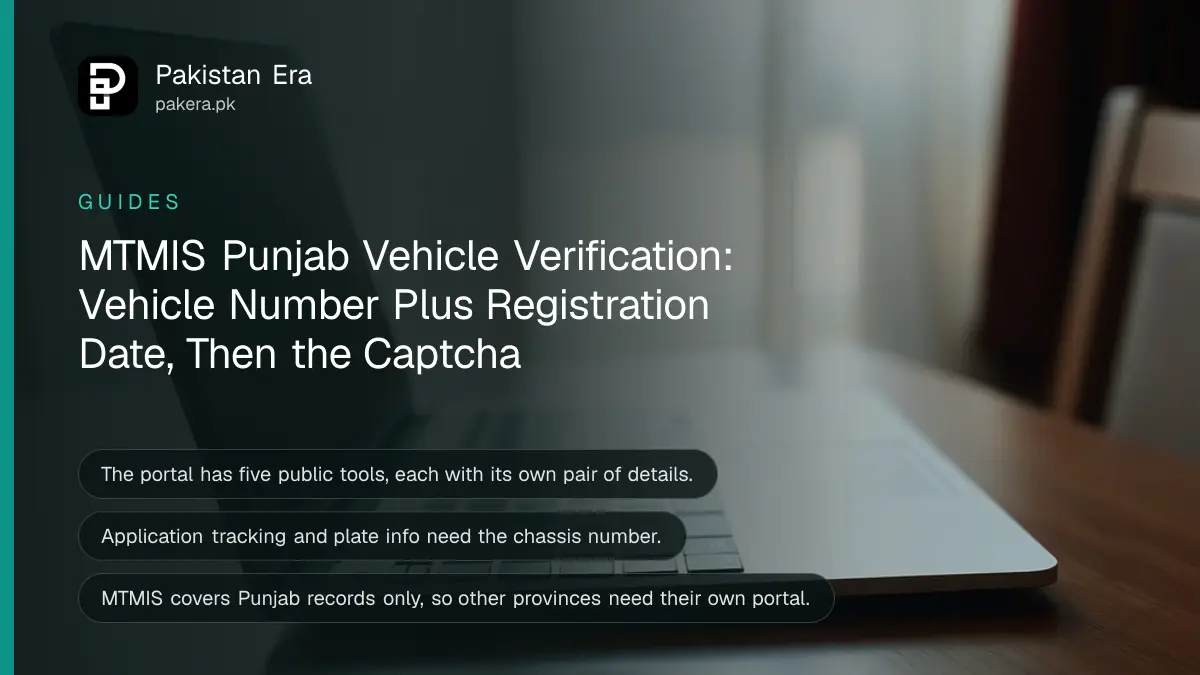
MTMIS Punjab vehicle verification now asks for two things: the vehicle number and its registration date. Open mtmis.excise.punjab.gov.pk, choose Vehicle Verification, type the number in any of the formats the page suggests (LXZ 123, LXZ 0123 or LXZ-07-1111), add the registration date, solve the captcha and search.
The registration date is the part that catches people out. With the number alone, the current form marks the date as required and will not search. We read the portal's own screens on 2 November 2026. Below is what each of its five tools asks for, what the result shows, and what to do when the search returns nothing.
MTMIS Punjab has five public tools, not one
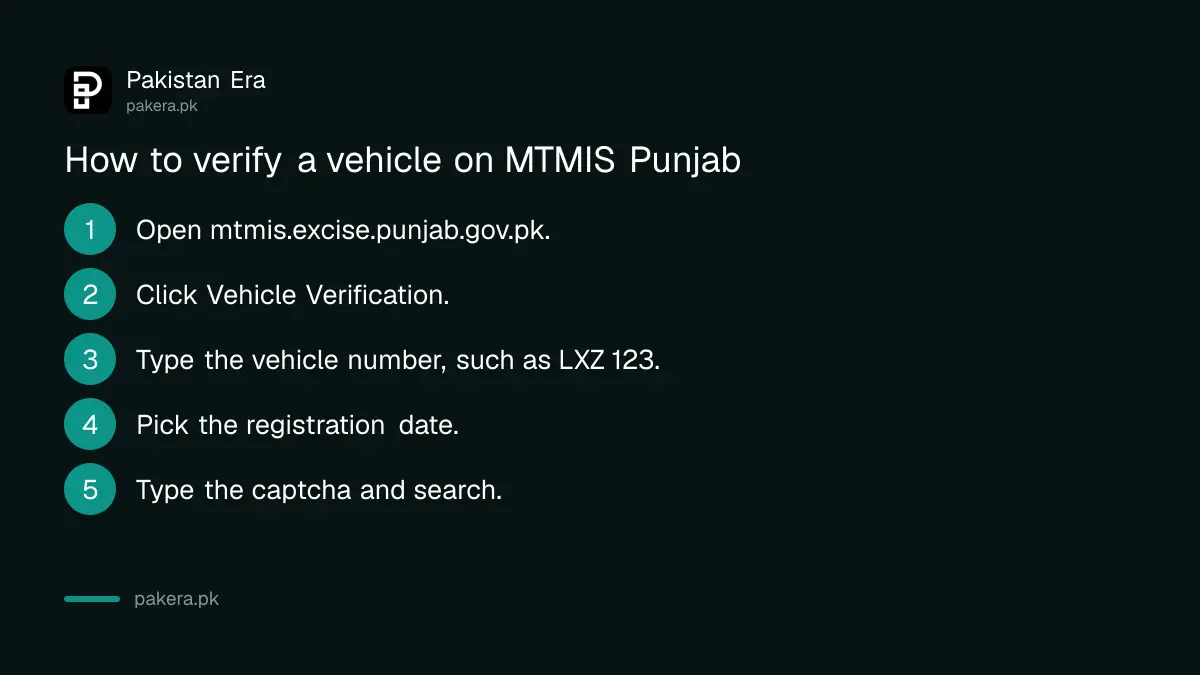
The menu at the top of mtmis.excise.punjab.gov.pk lists Vehicle Verification, Application Tracking, Vehicle Service, Vehicle Vanity Verification and Number Plate Info. Each one needs a different pair of details, and every search ends with a captcha.
| Tool | What you type | Use it to |
|---|---|---|
| Vehicle Verification | Vehicle number and registration date | See owner, payment and vehicle details |
| Application Tracking | Application number and chassis number | Follow a registration or transfer case |
| Vehicle Vanity Verification | Vanity number, vehicle number and chassis number | Check a choice or vanity number |
| Number Plate Info | Vehicle number and chassis number | Check the plate record for a vehicle |
| Vehicle Service | Shown on the portal | Excise services linked from the menu |
MTMIS is the vehicle record system of Punjab Excise. It is run by the Excise, Taxation and Narcotics Control Department with the Punjab Information Technology Board, whose names appear in the page footer.
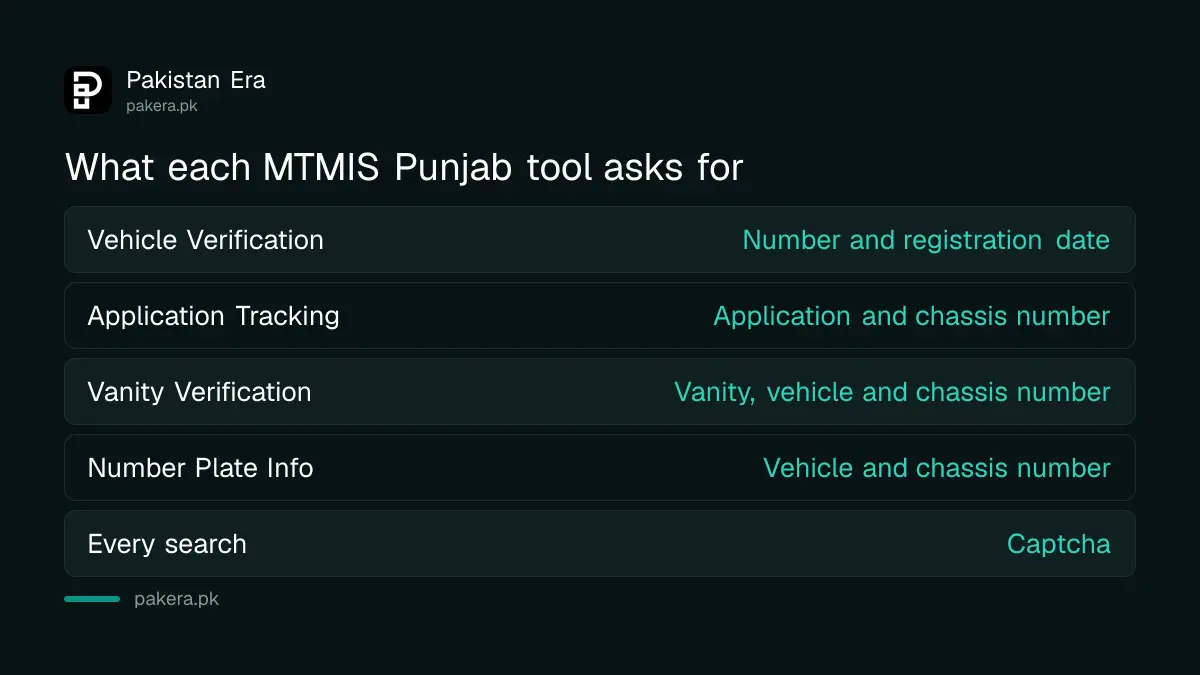
How to verify a vehicle on MTMIS Punjab
You need the registration number as printed on the plate or card, and the date of registration. The date is on the registration book or smart card. Without it, the current form will not run the search.
- Open mtmis.excise.punjab.gov.pk in a browser.
- Click Vehicle Verification in the top menu.
- Type the vehicle number. Try the formats the page suggests if one fails: LXZ 123, LXZ 0123, LXZ 1111 or LXZ-07-1111.
- Pick the registration date.
- Type the captcha and press Search.
The year format, such as LXZ-07-1111, matches older Punjab plates that carry a year. Use it only if your plate or card shows one.
What the MTMIS result shows about owner, tax and vehicle
The result screen is split into Owners Details, Latest Payment Details and Vehicle Details. It shows the owner name, father or husband name and city, the date, amount and type of the last payment, and the engine number, make, registration date, year of manufacture and vehicle price.
Use it the way a buyer should. Match the engine number with the one on the car. Match the owner name with the CNIC of the person selling. And look at the last payment date: if the token tax was last paid years ago, the arrears become your problem after transfer.
| Section | Fields on the screen | What to check |
|---|---|---|
| Owners Details | Owner name, father or husband name, owner city | Same as the seller's CNIC |
| Latest Payment Details | Date, amount, payment type | Recent token tax payment |
| Vehicle Details | Engine number, make, registration date, year, price | Same as the car in front of you |
A screen with all three sections filled is a good sign, not a guarantee. MTMIS does not show bank liens in this view, and it says nothing about traffic fines. Check those separately with an e-challan check in Punjab by CNIC or plate and the Safe Cities blacklist rules.
Track an application or a number plate with the chassis number
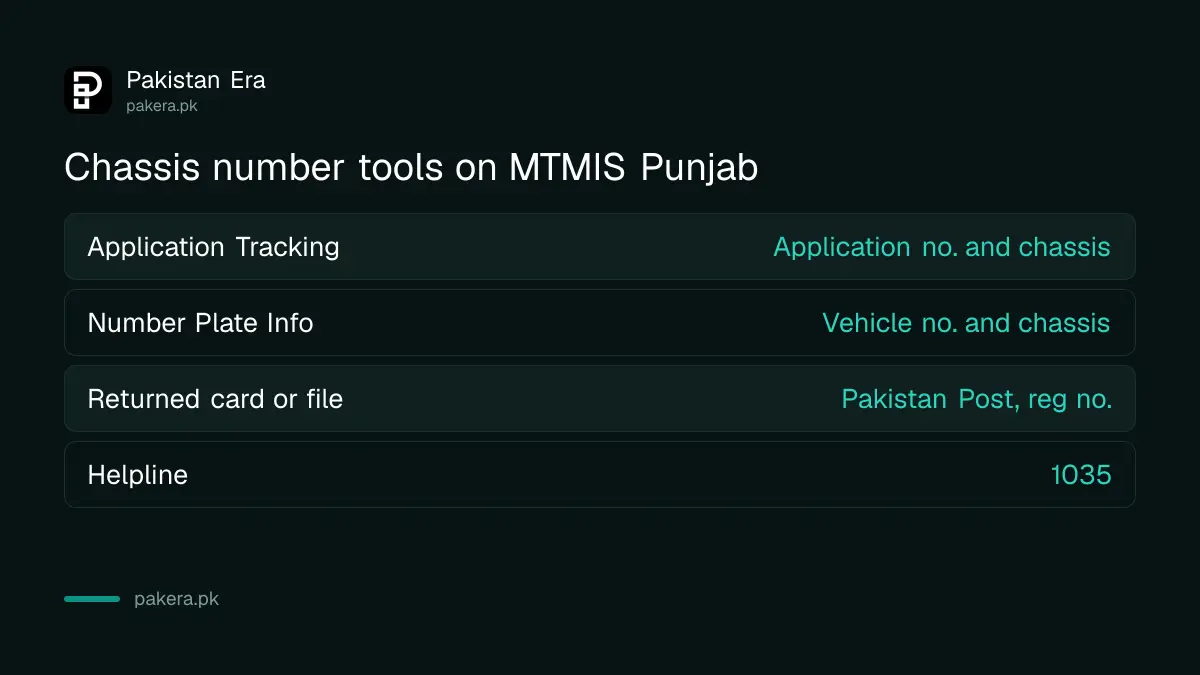
Application Tracking needs the application number from your Excise receipt and the vehicle's chassis number. Number Plate Info also needs the chassis number, together with the vehicle number. The chassis number is on the registration book and stamped on the car.
Application Tracking shows the business process, the phase it has reached, the phase status and the overall application status. That is the screen to watch after a transfer or new registration, before you go to the office. For the older tracking route, see e-MTTS Punjab application tracking.
If your registration card or file was sent by post and came back, Punjab Excise says to track the return shipment on Pakistan Post's tracking page at ep.gov.pk, using your vehicle registration number as the shipment number. Delivery of a new card is covered in the Punjab vehicle smart card status steps.
When MTMIS shows no record, check these four things
Most failed searches come from the wrong number format or the wrong date. Try every suggested format, then check the date on the registration book, before you assume the car is not registered.
- Format: add or drop the leading zero (LXZ 123 and LXZ 0123 are different entries) and add the year for older plates.
- Date: use the registration date, not the purchase or transfer date.
- Province: MTMIS only holds Punjab records. An Islamabad car needs the Islamabad Excise verification, and other provinces are listed in vehicle verification for every province.
- Still nothing: call the Punjab Excise helpline 1035, which is printed on the department's website.
A seller who cannot give you the registration date, or whose papers show a different engine number, is a reason to stop. Before paying for a used bike, the used bike checklist covers the rest.
Common questions
Can I check a Punjab vehicle on MTMIS by number only?
Not on the current form. It asks for the vehicle number and the registration date, then a captcha.
Can I search MTMIS Punjab by CNIC?
We found no public CNIC search on the five public tools. A CNIC search appears only behind the portal's sign-in.
Where do I find the registration date?
On the vehicle's registration book or smart card. Ask the seller for it before you visit.
Is MTMIS Punjab free?
Yes. We saw no fee on any of the five public tools.
Does MTMIS show if the car is on a bank lease?
Not on the verification screen. Ask for the bank's no objection letter and check the registration book.
How we verified this
What we checked, where we read it, and what we could not confirm.
Last checked 2 November 2026. We opened mtmis.excise.punjab.gov.pk and read the labels, fields and examples on each public screen, and the Punjab Excise website for the helpline, services list and the return shipment notice. We did not run a live search, because each one needs a real vehicle's details and a captcha, so we have not seen a filled result screen.
About the author

Global Affairs & Political Economy Writer
Muhammad Hatim is a book lover who started writing because he enjoys it. At Pakistan Era he writes about international relations, geopolitics and the global economy, with a particular interest in South Asia and the forces behind current events.