Remove My AI From Snapchat in Pakistan: Unpin, Clear, Mute or Delete Its Data (Every Option)
Remove My AI from Snapchat in 4 taps: unpin it or clear it from Chat. Clearing does not delete your data, so here is the Settings path that does, plus muting.
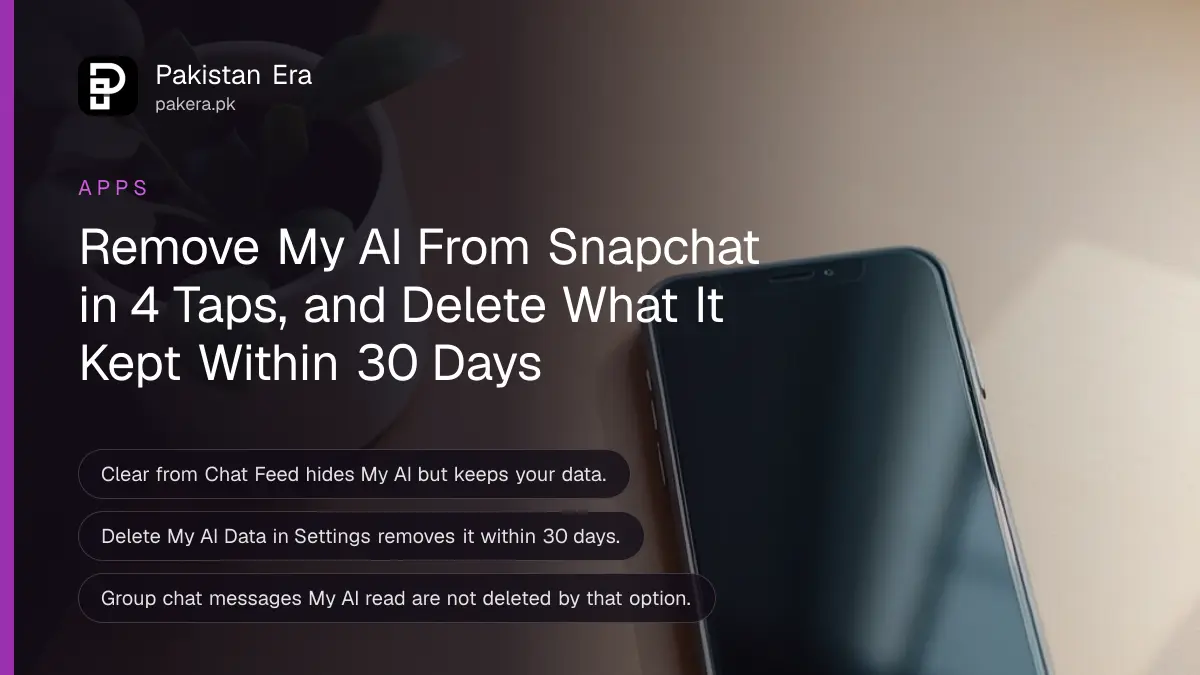
To remove My AI from Snapchat, go to Chat, press and hold My AI, tap Chat and Notification Settings, then tap Clear from Chat Feed. To delete what you told it, open Settings and choose Delete My AI Data (the label is Clear My AI Data in some versions). Clearing hides the chat; only the data option wipes Snapchat's copy.
Most people who search this want My AI gone from the top of their chats, or want to know what it kept. Those are two jobs with two different buttons. Below are all of them: unpin, clear, mute, delete recent messages, delete everything, and the group chat catch. We read Snapchat Support's My AI articles on 31 October 2026.
Snapchat gives you four ways to deal with My AI
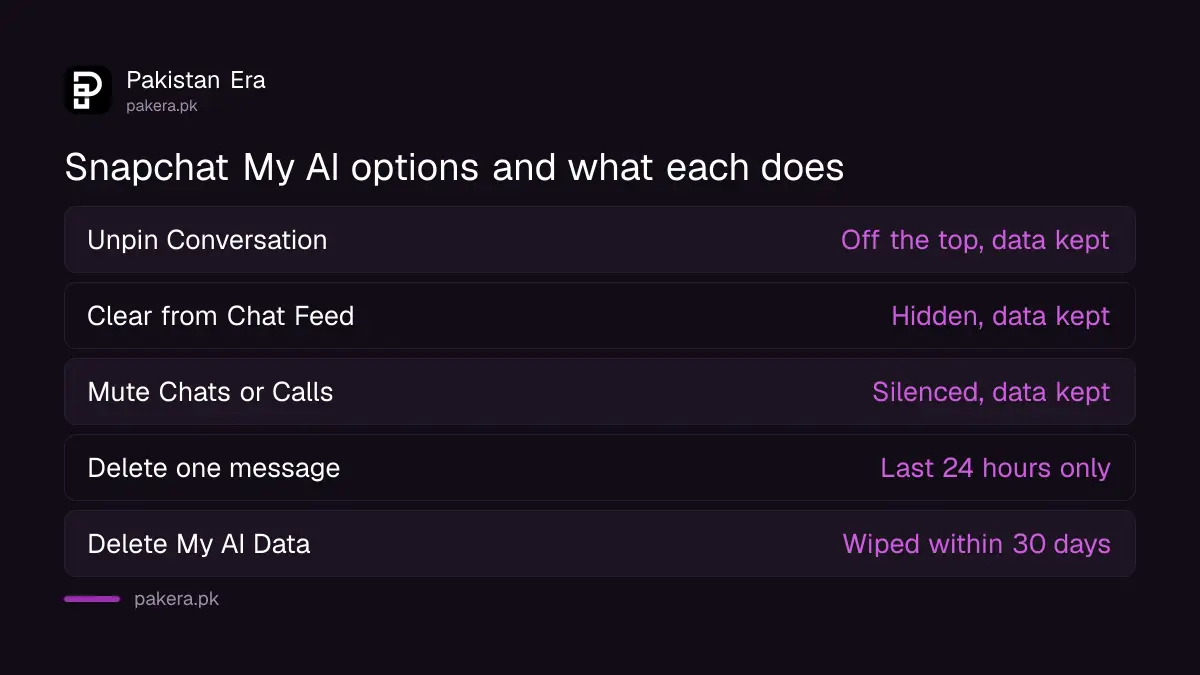
You can unpin My AI, clear it from your Chat feed, mute its notifications, or delete the data you shared with it. Only the last one removes anything from Snapchat's servers. The first three change what you see on your phone.
| Option | What it does | Deletes data? | Where |
|---|---|---|---|
| Unpin Conversation | Moves My AI off the top of Chat | No | Hold My AI, Chat and Notification Settings |
| Clear from Chat Feed | Removes the My AI chat from your feed | No | Hold My AI, Chat and Notification Settings |
| Mute Chats or Calls | Stops My AI notifications for a time you pick | No | Chat and Notification Settings, Notification Settings |
| Delete one message | Removes a message from the last 24 hours | That message | Press and hold the message |
| Delete My AI Data | Wipes past content you shared with My AI | Yes, within 30 days | Settings, Privacy Controls or Account Actions |
Unpin or clear My AI from your Chat feed in 4 steps
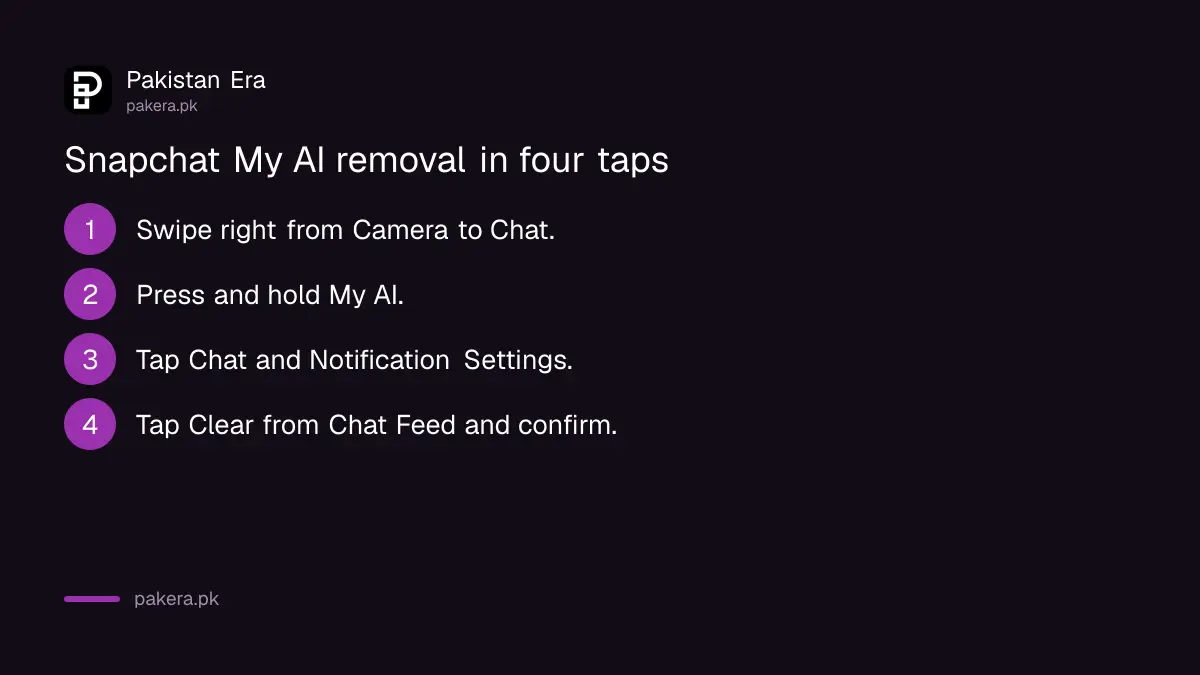
Swipe right from the Camera to Chat, press and hold My AI, and tap Chat and Notification Settings. Then tap Unpin Conversation to drop it from the top, or Clear from Chat Feed to remove the chat from your list entirely.
- From the Camera screen, swipe right to open Chat.
- Press and hold My AI.
- Tap Chat and Notification Settings.
- Tap Unpin Conversation, or tap Clear from Chat Feed and confirm.
Snapchat's unpin or remove My AI article is clear on one point: clearing My AI "does not delete data you've previously shared with My AI." It only tidies your screen. If you want it back later, Snapchat has a separate re-pin option.
The current article lists these steps without saying a Snapchat+ subscription is needed. If your app asks you to subscribe before it lets you unpin, your app version is likely older, so update Snapchat from Google Play or the App Store first.
Delete My AI data from Settings, not from the chat
On iPhone, open your Profile, tap the gear icon, go to Privacy Controls and choose the My AI data option. On Android, go to Account Actions instead. Confirm, and Snapchat says removal from its servers can take up to 30 days.
Here is the exact path from Snapchat's data article, which we read on 31 October 2026:
- iPhone: Profile, gear icon, Privacy Controls, Delete Data, then Delete My AI Data, and confirm.
- Android: Profile, gear icon, Account Actions, Delete My AI Data, and confirm.
Snapchat's two articles do not agree on the words. One says Delete Data and Delete My AI Data. The other says Clear Data and Clear My AI Data. Your app will show one of the two. They do the same job, so tap whichever your screen shows.
For something you sent in the last 24 hours, there is a quicker way. Press and hold that message in the My AI chat and tap Delete. Content shared with My AI shows in Chat for 24 hours, so this only works inside that window.
Snap keeps your My AI chats until you delete them
Snapchat says it stores what you share with My AI until you delete it, and uses those chats to improve and personalise the bot. Clearing the chat from your feed does not change that. Only the Delete My AI Data option does.
Two more things stay behind. First, messages to Team Snapchat are stored separately if you accepted its AI pop-up, and need their own clear: Settings, Privacy Controls, Clear Data, Clear Conversations, then Team Snapchat. Second, Clear My AI Data only covers your one-to-one chat. If My AI was added to a group, it can read the messages there, and those group messages are not deleted by this option.
That second point matters for family and class groups. If you do not want the bot reading a group, ask whoever added it to remove it. Parents who want more control can use the steps for Snapchat Family Center, and the setting that keeps a child's location private is explained under Snap Map location settings.

Mute My AI if you only want the pings to stop
Press and hold My AI in Chat, tap Chat and Notification Settings, then Notification Settings. Turn on Mute Chats, Mute Calls or both, and pick how long. The chat stays where it is, and nothing is deleted.
This is the lightest option. It suits people who use My AI now and then but do not want alerts from it at night. It is also reversible in seconds.
Meta's assistant on WhatsApp works differently and has its own delete route, covered under deleting Meta AI chats on WhatsApp. And if you want Snapchat gone altogether, not just My AI, the 30 day process to delete a Snapchat account permanently is the route.
Common questions
Can I remove My AI from Snapchat for free?
Yes. Snapchat's current article gives the unpin and clear steps without mentioning Snapchat+. Update the app if it asks you to pay.
Does clearing My AI delete my chats?
No. Clear from Chat Feed only removes it from your list. Use Delete My AI Data in Settings to remove the content from Snapchat's servers.
How long does Snapchat take to delete My AI data?
Up to 30 days, according to Snapchat's data article.
Does My AI read my group chats?
Only groups it has been added to. Snapchat says My AI can read messages in a group that includes it, and deleting your My AI data does not remove those group messages.
How do I get My AI back after clearing it?
Snapchat has a separate article on re-pinning or adding My AI back to your Chat feed, listed under Managing My AI on its support site.
Can I stop My AI notifications without removing it?
Yes. Mute Chats or Mute Calls in its Notification Settings and choose a duration.
How we verified this
What we checked, where we read it, and what we could not confirm.
Last checked 31 October 2026. We read Snapchat Support's articles on unpinning or removing My AI, deleting My AI data, whether Snap saves content shared with My AI, and muting My AI notifications, all on help.snapchat.com, on 31 October 2026. The two data articles use different labels (Delete versus Clear), which we report as found. We did not test the steps on a handset, and menu names can differ between app versions.
About the author

Technology Journalist & Multimedia Producer
Ahmad Ali is a technology journalist and multimedia producer at Pakistan Era, joining the team in October 2026. He covers consumer technology and digital life for Pakistani readers, combining research with hands-on product testing.