Delete Snapchat Account Permanently in Pakistan: 4 Steps, the 30-Day Window and How to Reactivate
Delete a Snapchat account permanently in Pakistan in 4 steps at accounts.snapchat.com, save your Memories first, and reactivate it within 30 days if needed.
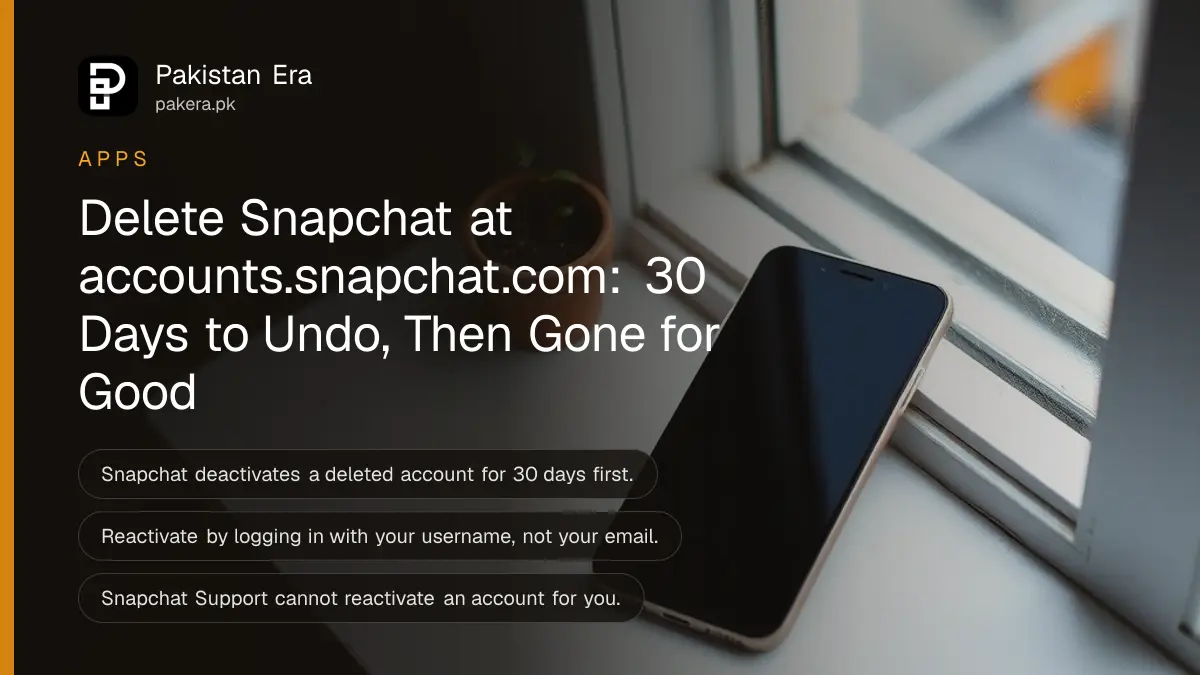
To delete a Snapchat account permanently, log in at accounts.snapchat.com, tap Delete my account, enter your password and tap Continue. Snapchat first deactivates the account for 30 days, when you can still bring it back, and then deletes it permanently after 30 more days. Below are the steps for Android, iPhone and web, how to download your Memories first, and how to undo the deletion inside the 30 days.
Parents closing a child's account, students taking a break before exams, and people leaving after harassment all use the same process. We read Snapchat Support's pages on deleting, deactivating and reactivating accounts on 27 October 2026, and every step here comes from them.
Snapchat deletes in two stages: 30 days deactivated, then deletion
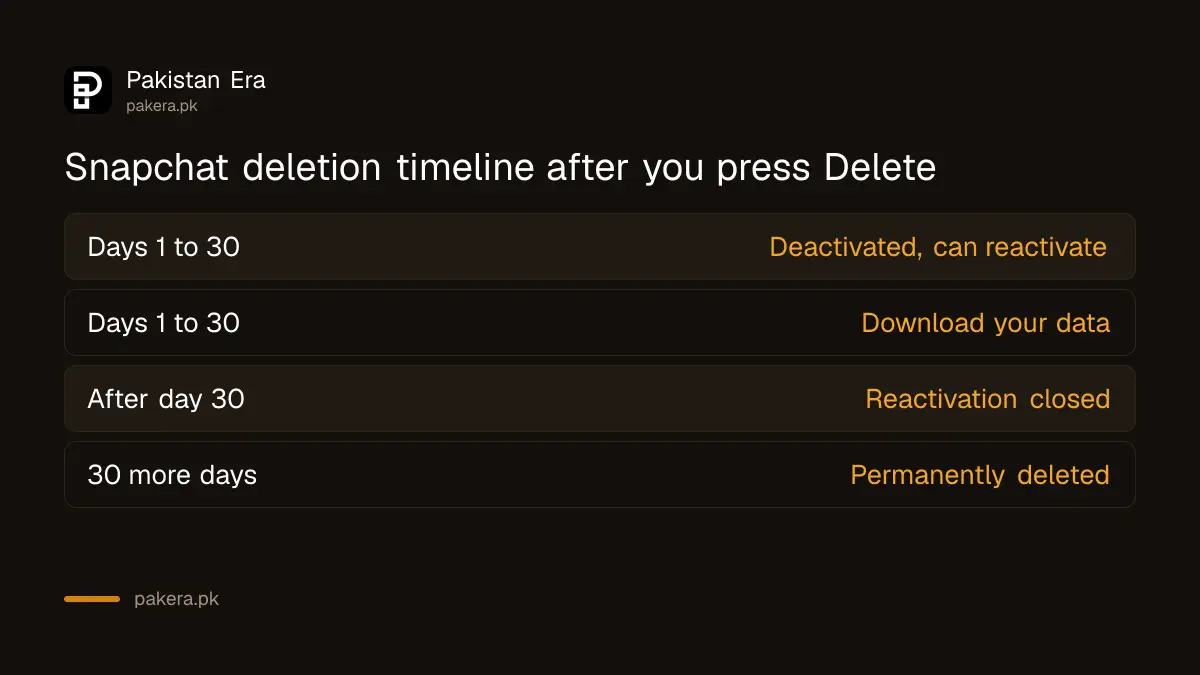
Deleting does not happen at once. Snapchat deactivates the account for 30 days, and during that time you can reactivate it. After 30 more days the account is permanently deleted. Friends cannot reach you while it is deactivated.
| Stage | When | What you can do |
|---|---|---|
| Deactivated | Days 1 to 30 after you delete | Reactivate by logging in with your username |
| Data download window | Days 1 to 30 | Download your data |
| Waiting for deletion | After day 30 | Nothing; reactivation window has closed |
| Permanently deleted | 30 days after the deactivation period | Nothing; the account cannot come back |
Snapchat's page has a different timeline for users in India, with a longer final wait under local rules. That India rule does not apply in Pakistan, so the standard 30 plus 30 day timeline is the one to plan around.
Delete your Snapchat account in 4 steps
Every route ends at the Snapchat accounts portal, accounts.snapchat.com. On Android and on the web you go there directly. On iPhone you can start from Settings in the app, which opens the same portal. You need your password either way.
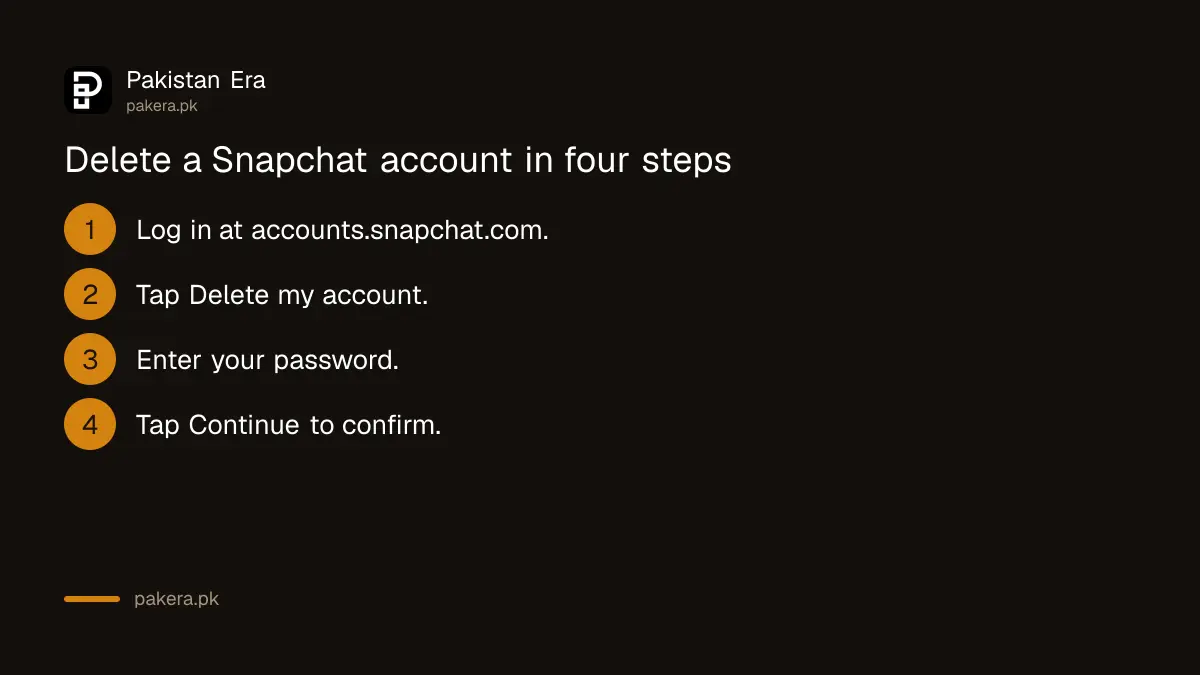
- Log in to accounts.snapchat.com with your username and password.
- Tap Delete my account.
- Enter your password again.
- Tap Continue to confirm the deactivation and deletion.
On iPhone, open the app, tap the gear icon on your profile to open Settings, scroll to Account Actions and tap Delete Account. Then follow the four steps above in the portal that opens.
If you cannot log in because you forgot the password, Snapchat says to reset it at accounts.snapchat.com first. If the account was hacked and the password changed, follow the steps to recover a hacked Snapchat account before deleting it.
Download your Memories before the 30 days run out
After you delete, Snapchat gives you 30 days to download your data. If you do not log in or download it within those 30 days, Snapchat permanently deletes the data after 60 days. Memories saved only in Snapchat are lost with it.
The safer order is to download first and delete second. Wedding clips and children's photos saved only in Snapchat Memories have no other copy. Request your data in the accounts portal under My Data, wait for the email, and save the file on a laptop or Google Drive before you press Delete.
Snapchat also says it keeps some data after deletion for legal, security and business reasons, such as records of purchases you made and when you accepted its Terms of Service and Privacy Policy. Deletion does not erase those records.
Reactivate a deleted Snapchat by logging in within 30 days
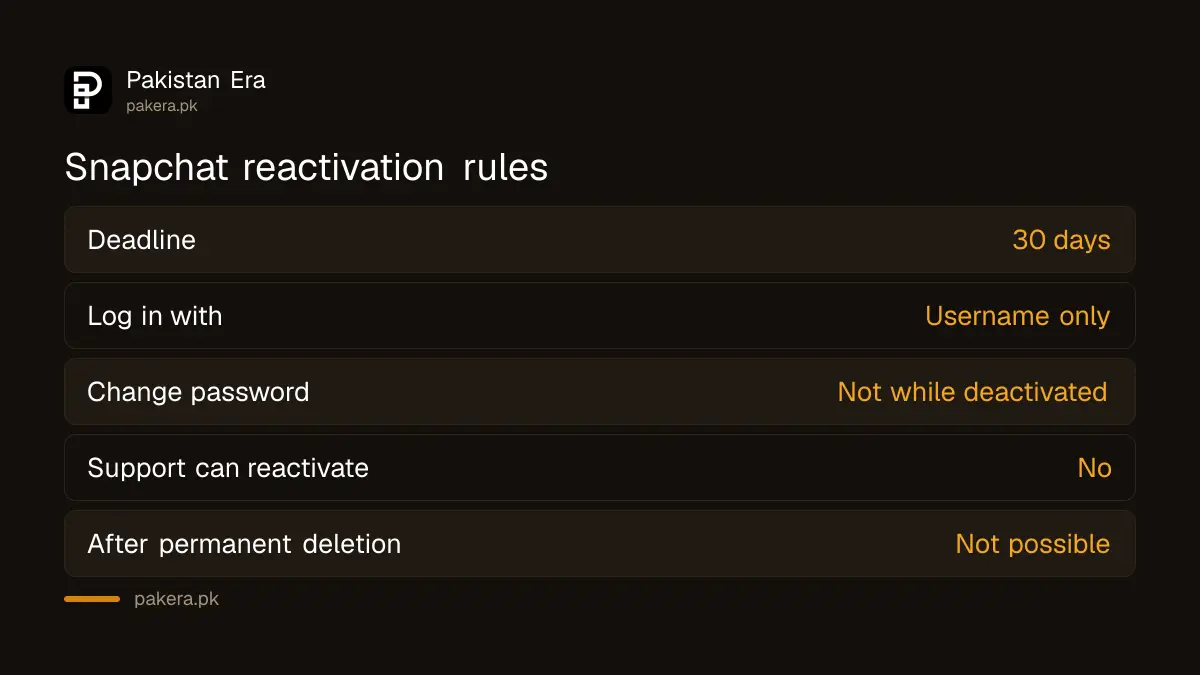
To undo a deletion, log in to the Snapchat app with the username of the account within 30 days. Snapchat says you cannot use your email or phone number to log in while it is deactivated, and you cannot change the password during that time.
Only you can reactivate the account; Snapchat Support cannot do it for you. Once the account is permanently deleted, it cannot be reactivated at all. So if you only want a break, write your username down somewhere safe before deleting.
Cancel paid subscriptions and check linked apps separately
Snapchat's delete page does not say what happens to a paid subscription such as Snapchat+. If you pay through Google Play or the App Store, check that store's subscription list yourself; the steps for cancelling a Google Play subscription apply on Android.
Also think about what else uses your Snapchat login, such as games or apps that let you sign in with Snapchat. Change those to an email login before you delete, or you may lose access to them too.
Deleting is not the only fix for unwanted contact
If the reason is a stranger or a bully, deleting may not be needed. Snapchat lets you block a person, leave a group chat, report abuse and limit who can contact you. Parents can see a teen's friend list through Snapchat Family Center and hide location with Snap Map settings.
If someone is threatening to share private photos, keep the evidence before deleting anything, then report it to the NCCIA. A deleted account can make it harder to show what was sent.
Common questions
How long does Snapchat take to delete an account?
Snapchat deactivates it for 30 days, then deletes it permanently after 30 more days.
Can I delete Snapchat from the app?
On iPhone, start from Settings, then Account Actions, then Delete Account. On every device the deletion is confirmed at accounts.snapchat.com.
How do I get my deleted Snapchat back?
Log in to the app with your username within 30 days. You cannot use your email or phone number while it is deactivated.
Can Snapchat Support restore my deleted account?
No. Snapchat says only you can reactivate it, and permanently deleted accounts cannot be restored at all.
Does Snapchat keep any of my data after deletion?
Yes, some. Snapchat keeps records such as purchases and when you accepted its terms, for legal, security and business needs.
How we verified this
What we checked, where we read it, and what we could not confirm.
We read Snapchat Support's How do I deactivate or delete my Snapchat account and I deleted my account and want to reactivate it pages on 27 October 2026. We did not delete an account, so we could not confirm how Snapchat+ subscriptions behave after deletion; the subscription advice is ours, not Snapchat's.
About the author

Technology Journalist & Multimedia Producer
Ahmad Ali is a technology journalist and multimedia producer at Pakistan Era, joining the team in October 2026. He covers consumer technology and digital life for Pakistani readers, combining research with hands-on product testing.