Sign Up for WhatsApp on an iPad Without a Linked Phone in Pakistan
WhatsApp says you can now register on an iPad directly, with no linked phone. See what the announcement confirms, what it omits and how to protect the account.
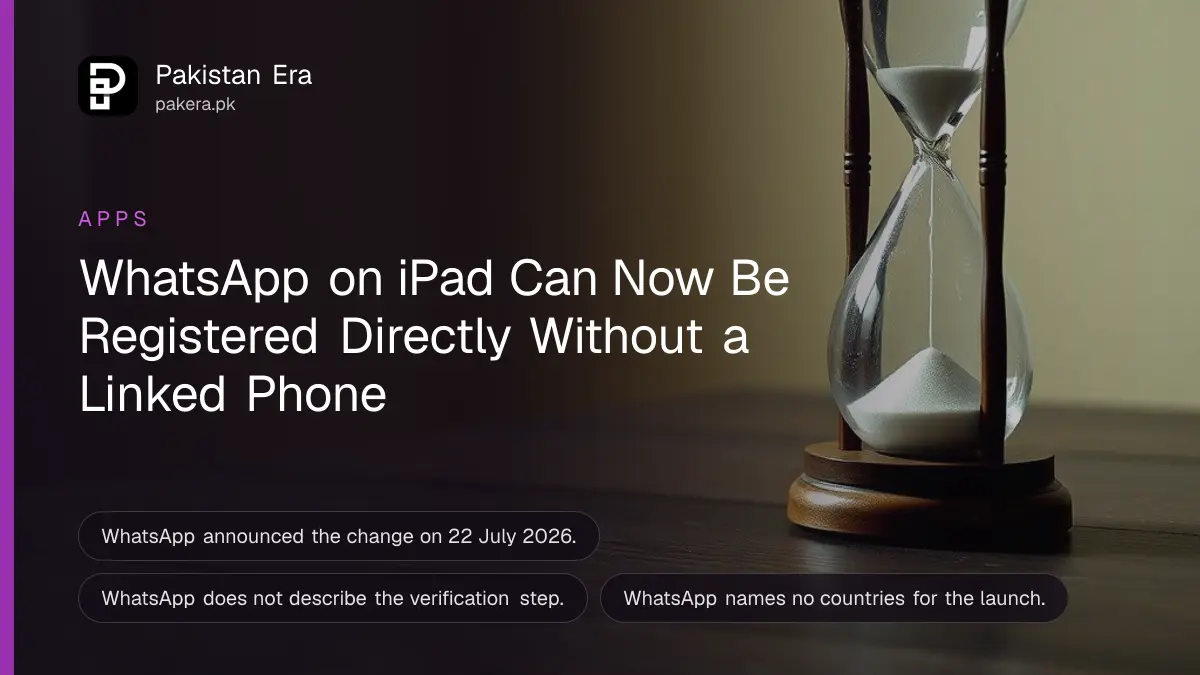
You can now create a WhatsApp account directly on an iPad, without linking it to a phone. WhatsApp announced this on 22 July 2026: register in the iPad app, set up the account, and start. WhatsApp has not said which countries get it first, so update the app and look for the sign up screen.
Before this, WhatsApp on iPad worked only as a companion to a phone. That left families with a tablet, but no spare smartphone, stuck. We read WhatsApp's announcement on 21 October 2026. It is short, so this guide lists what it says, what we could not confirm, and the safety checks worth doing before you register.
WhatsApp on iPad can now be set up as its own account
WhatsApp says it has heard that people wanted to create an account directly on their iPad "without needing to link to their phone". Now you can: register in the iPad app, set up your account, and you are in.
WhatsApp for iPad was first announced in 2025. This change lets the tablet stand alone. It does not say the account loses any feature, and it gives no fees.
You still need a phone number that can get the code
WhatsApp's announcement does not describe the verification step. Every WhatsApp account has been tied to a phone number. So expect to enter a number and a code. We could not confirm this for iPad, so check what the app asks you to do.
Use a SIM registered in your own name. Check which numbers are on your CNIC before you start, and never use a number you do not own.
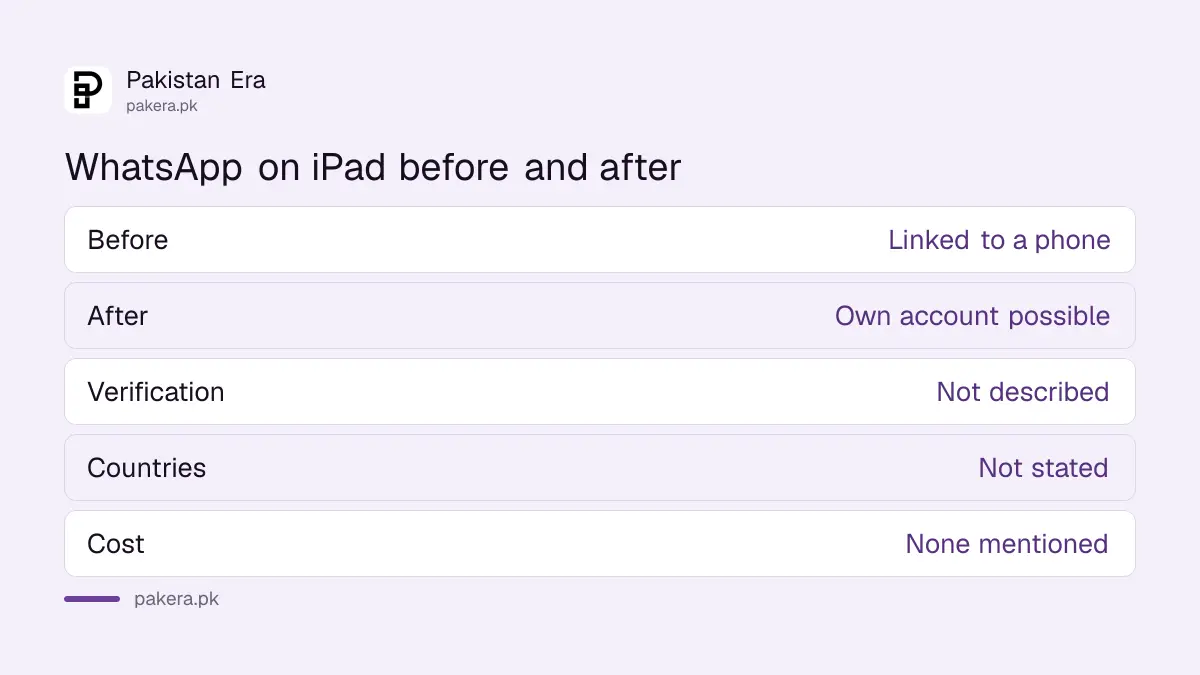
| Question | What WhatsApp says |
|---|---|
| Register on iPad directly | Yes, since the 22 July 2026 update |
| Need to link to a phone | No, per WhatsApp |
| Verification method | Not described in the announcement |
| Countries at launch | Not stated |
| Cost | None mentioned |
How to try signing up on an iPad
These steps are our suggestion, based on how WhatsApp normally registers. WhatsApp did not publish a numbered list. Do this at home on your own Wi-Fi, with the SIM at hand.
- Update WhatsApp for iPad from the App Store.
- Open the app and look for the option to register or sign up on this iPad.
- Enter your own phone number when asked.
- Type the verification code you receive.
- Set your name and picture, then turn on two step verification.
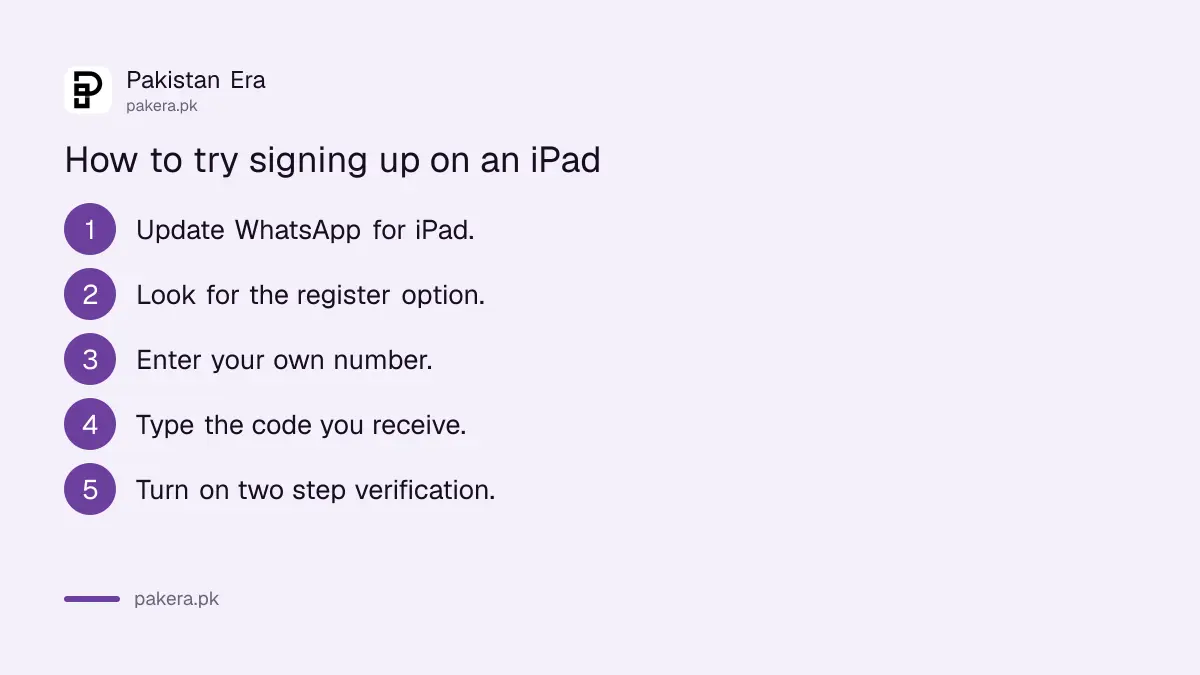
If the app only shows a QR code to link to a phone, the update has not reached your account yet. We have not run these steps on an iPad.
Protect the account the same day
An iPad can be lost easily, and anyone who picks it up could open your chats. Set a screen lock on the iPad. Turn on a passkey as in setting up a WhatsApp passkey. Then review who has access with checking linked devices on WhatsApp.
Never share the verification code with anyone. Scammers call and say they sent it by mistake. If you lose control of the account, use recovering a hacked WhatsApp account.
A shared family iPad needs extra care
If children use the iPad, a standalone WhatsApp account is risky, since everything on it is in their hands. WhatsApp announced optional parental controls for teens on 30 September 2026. See setting up WhatsApp parental controls. Those controls may not be available in Pakistan yet.
Pakistani buyers can see iPad models and prices in iPad prices in Pakistan. WhatsApp's announcement names no minimum iPad model.
Calls and larger screens
The same announcement lists other changes for large screens, like opening PDFs on web and desktop. For computer calls, see WhatsApp web calling on a computer. WhatsApp did not say whether iPad has call limits that differ from the phone.
What WhatsApp confirms and what it leaves open
WhatsApp confirms that you can register on the iPad app and that it works without linking to a phone. It leaves open the verification method, supported iPad models, countries and cost. Plan for a number that can receive a code, and check the app before you rely on it.
For a family with one phone and one tablet, this could be useful. A grandparent could have WhatsApp on a tablet at home while the phone goes to work with someone else. But each account still belongs to one person and one number, so never register someone else on your own SIM without telling them.
If the tablet is shared, keep the app locked and log out when you hand the iPad over. Do not leave the chat list open on a table in a shop or office.

Common questions about WhatsApp on iPad
Can I use WhatsApp on iPad without a phone?
Yes. WhatsApp says you can register directly on the iPad app, without linking to a phone.
Do I still need a SIM or number?
WhatsApp's announcement does not describe verification. Expect to need a phone number that can receive a code, but check the app.
Is it free?
WhatsApp mentions no charge for the feature.
Is it available in Pakistan?
Not confirmed. WhatsApp names no countries. Update the app and see.
Can the same number be on an iPad and a phone?
WhatsApp's announcement does not say. Check the app's prompts before you register.
Is the iPad account end to end encrypted?
WhatsApp's announcement does not discuss it. WhatsApp states elsewhere that personal messages are end to end encrypted.
How we verified this
What we checked, where we read it, and what we could not confirm.
Last checked 21 October 2026. We read WhatsApp's announcement New Feature Roundup: Sign up on iPad, WhatsApp in your car, and more, dated 22 July 2026. We did not test it on an iPad. Verification steps, device limits and country availability are not stated, so the steps above are our own suggestion.
About the author

Technology Journalist & Multimedia Producer
Ahmad Ali is a technology journalist and multimedia producer at Pakistan Era, joining the team in October 2026. He covers consumer technology and digital life for Pakistani readers, combining research with hands-on product testing.