Telegram Account in Pakistan: Sign Up With +92 and Fix a Code That Never Arrives
Make a Telegram account in Pakistan with your number in +92 format, find a login code sent inside Telegram, and fix the numbers Telegram refuses or limits.
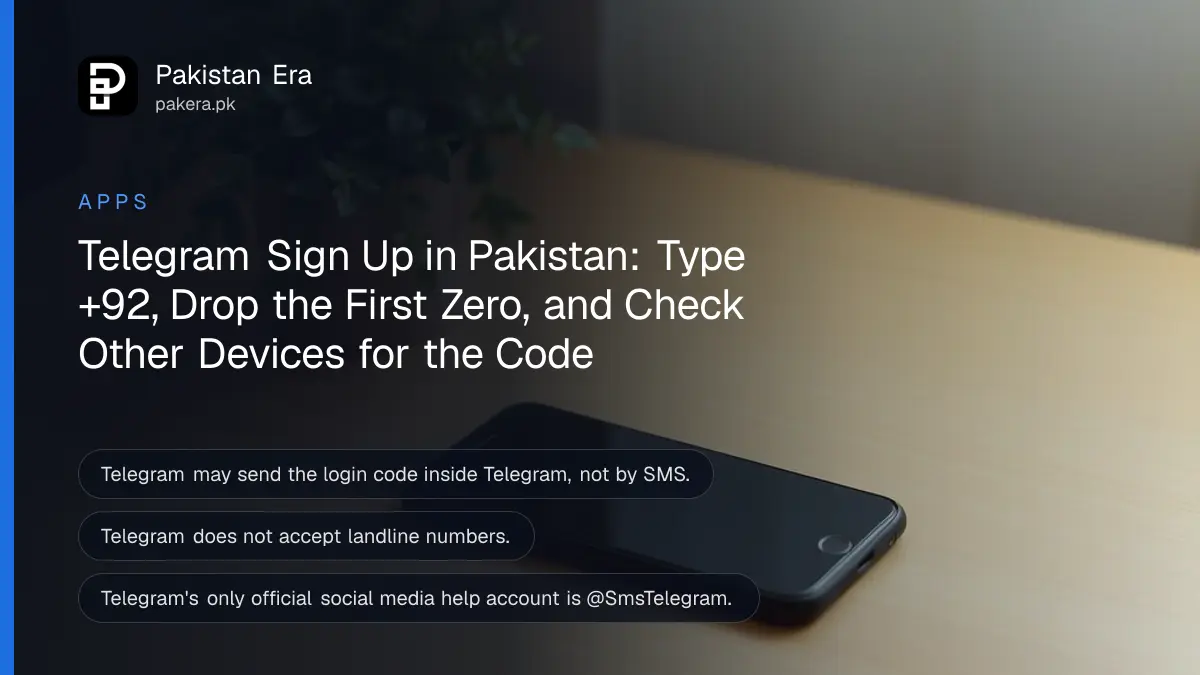
To make a Telegram account in Pakistan, install Telegram from the official app store and sign up with your mobile number in international format: +92, then the number without its first zero, such as +92 3001234567. If the code does not come, check Telegram on any other device first, because Telegram may send it there instead of by SMS. The other fixes, the official help channels, and the numbers that do not work are below.
Telegram's FAQ points to three common causes of a failed sign-up: the number typed with a leading zero, a code sent to another device, or a number Telegram does not accept. We read Telegram's own FAQ, its spam FAQ and its support page on 27 October 2026, and the steps below come from them.
Telegram needs your number in international format, +92 first
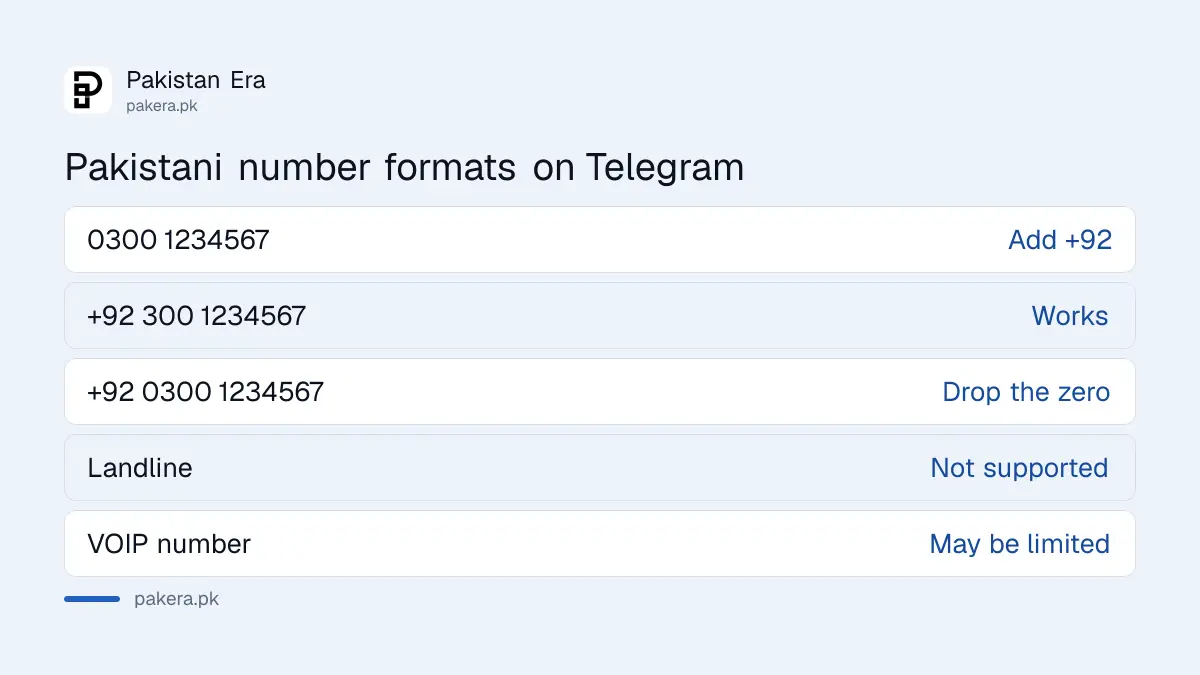
Telegram's FAQ says to enter your mobile number in international format: plus sign, country code, then the carrier code and number. For a Pakistani mobile that means +92, then the 10 digits after the first zero. Typing 0300 instead of +92 300 is the most common mistake.
| How you write it | Example | Works on Telegram? |
|---|---|---|
| Local format with zero | 0300 1234567 | No, add the country code |
| International format | +92 300 1234567 | Yes |
| Country code with the zero kept | +92 0300 1234567 | No, drop the zero |
| Landline number | A PTCL home number | No, Telegram does not support landlines |
| Virtual or VOIP number | An internet calling number | May be limited by Telegram |
The example number is made up. Use your own Jazz, Zong, Telenor or Ufone mobile number, and make sure the SIM is in a phone you can reach, because Telegram treats the number as your identity.
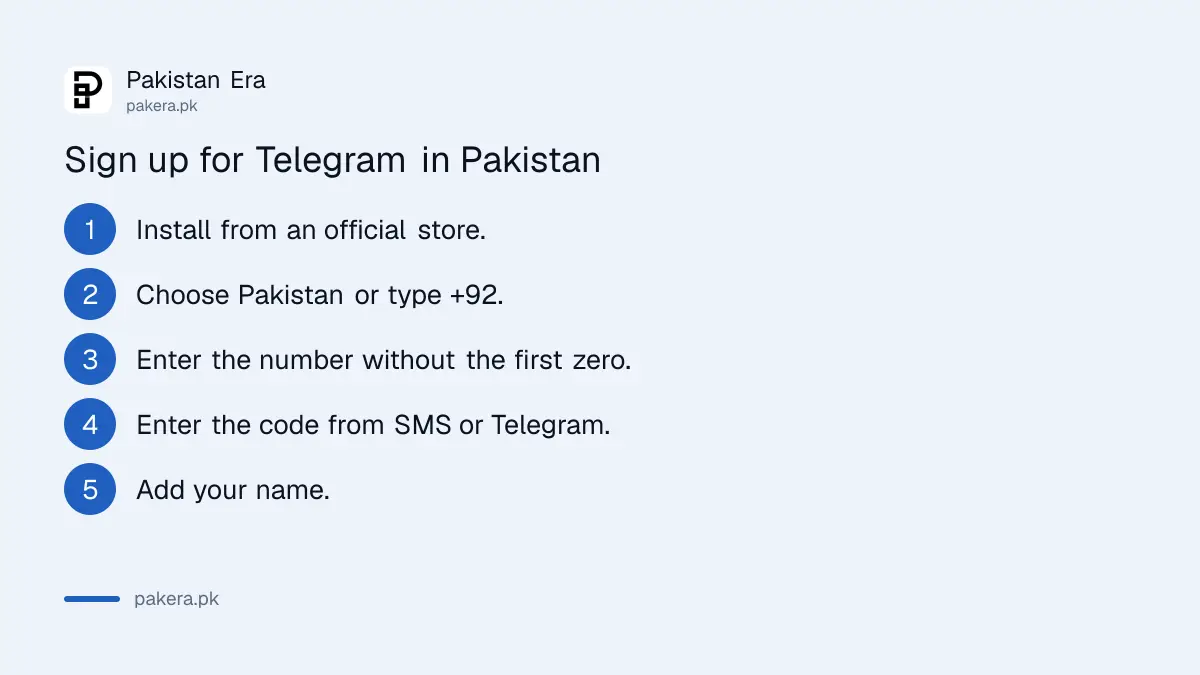
Sign up for Telegram in 5 steps
Telegram lists its official apps for Android, iPhone, desktop and web on telegram.org. Install from Google Play, the App Store or that page, never from an APK shared in a WhatsApp group. The sign-up itself takes a phone number, a code and a name.
- Install Telegram from Google Play, the App Store or telegram.org/apps.
- Open the app and choose Pakistan, or type +92.
- Enter your number without the first zero.
- Enter the code Telegram sends by SMS or inside Telegram on another device.
- Add your name. A username and profile photo are optional.
Each phone number is a separate Telegram account. If you have a work SIM and a personal SIM, you can make an account on each and switch between them in one app without logging out, as Telegram's FAQ describes.
A missing code is often waiting inside Telegram
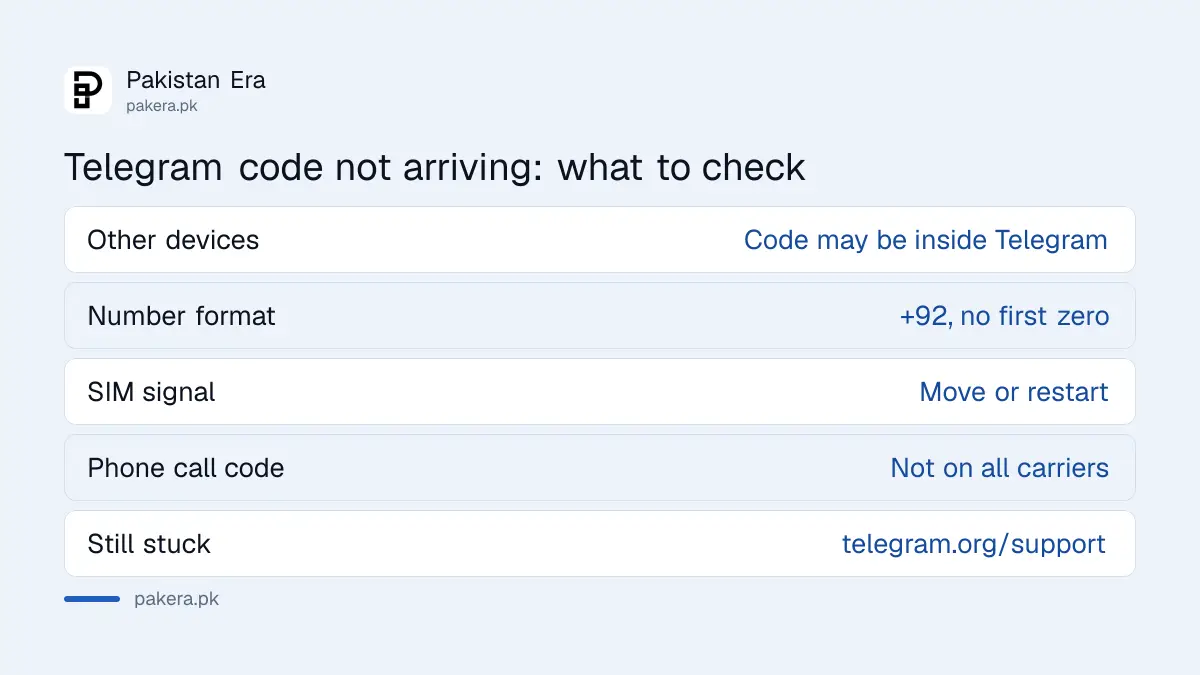
Telegram says that if you used one of its apps recently on another device, or another Telegram app on the same device, it may send the login code through Telegram instead of SMS. Look in the chat from Telegram, a verified profile with a blue tick.
That catches people who once installed Telegram Desktop on an office computer or an old phone. The code goes there, not to the SIM. Check every device where you may still be logged in before you ask for another code.
- Check Telegram on your laptop, tablet or old phone for a message from the verified Telegram profile.
- Confirm the number is in international format with +92.
- Make sure the SIM has signal and the phone has room for an SMS.
- Ask for a code by phone call if the app offers it. Telegram says call codes may be unavailable on some carriers or may need two-step verification.
- Wait before asking again. Repeated requests rarely help.
If you never asked for a code and one arrives, someone may be trying to get into your number's account. Do not share it with anyone; the same rule applies to a WhatsApp code you did not request.
Telegram's official help is a form and one X account
For registration or login problems, Telegram's FAQ points to the support form at telegram.org/support. It also names one official account for login help on X, @SmsTelegram. Telegram says it has no other support accounts on social media.
That last line is the one to remember. A "Telegram support" page on Facebook or a WhatsApp number offering to fix your login is not Telegram. Telegram also says that support relies on volunteers, so answers can take time. Write once, clearly, with your number in international format.
A new account can be limited if the number was misused before
Telegram's spam FAQ says some numbers trigger a harsh response because of what a previous owner did, or because they are certain virtual or VOIP numbers. A brand new account can then find it cannot message people who have not saved its number.
Mobile numbers in Pakistan are often reissued after a SIM is closed, so a new SIM can carry an old user's history. If your account is limited before you sent a single message, Telegram says to contact @SpamBot and explain. The fuller steps are under Telegram limited and frozen accounts.
Protect the account the day you make it
Telegram says whoever has the number has the account. Turn on two-step verification in Settings, then Privacy and Security, so a stolen or swapped SIM alone cannot open your chats. Telegram also supports passkeys, letting you log in with your phone's PIN or fingerprint.
The full set of settings, including active sessions and who can see your number, is covered under securing a Telegram account. Telegram also lets you hide your number: by default only people who saved it as a contact can see it.
Common questions
Can I make a Telegram account without a phone number?
No. Telegram says accounts can only be connected to a mobile number, and landline numbers are not supported.
Why does Telegram not send me an SMS code?
It may have sent the code inside Telegram on another device you used. Check there first, then check the +92 format and your signal.
Can I use two Telegram accounts on one phone?
Yes. Each number is a separate account, and Telegram lets you switch between accounts in one app.
Where do I contact Telegram about login problems?
Use the form at telegram.org/support, or the official @SmsTelegram account on X. Telegram says it has no other support accounts on social media.
Do I need a username on Telegram?
No. A username is optional. It lets people find you without your phone number.
How we verified this
What we checked, where we read it, and what we could not confirm.
We read the Telegram FAQ, including its Login and SMS, Your Account and Telegram Support sections, and the Telegram spam FAQ on 27 October 2026. We did not register a new Pakistani number, so we could not confirm whether SMS codes or call codes reach each Pakistani network today.
About the author

Technology Journalist & Multimedia Producer
Ahmad Ali is a technology journalist and multimedia producer at Pakistan Era, joining the team in October 2026. He covers consumer technology and digital life for Pakistani readers, combining research with hands-on product testing.