How to Turn On Android Earthquake Alerts in Pakistan: Settings Path and the 3 Alert Levels
Android earthquake alerts work in Pakistan for quakes of magnitude 4.5 and above. Turn them on in Settings, Safety and emergency, and learn the 3 alert levels.
To turn on earthquake alerts on an Android phone in Pakistan, open Settings, tap Safety and emergency, then Earthquake alerts, and switch it on. If you do not see Safety and emergency, go to Location, then Advanced, then Earthquake alerts. Wi-Fi or mobile data must be on. Google's help page lists Pakistan as a country where the Android Earthquake Alerts System is active, and alerts cover quakes of magnitude 4.5 and above.
Pakistan feels tremors often: PMD reported 33 earthquakes from 1 September to 9 October 2026, nine of them inside the country. A few seconds of warning is enough to get under a table or away from a window. We read Google's Android earthquake alerts help page and its 15 October 2026 announcement on 20 October 2026, and checked the country list for Pakistan.
Pakistan is on Google's list of countries with Android earthquake alerts
Google's help page lists Pakistan among the places where the Android Earthquake Alerts System works, along with Afghanistan, India, Iran, Nepal and Tajikistan. On 15 October 2026 Google said the system had grown from 98 countries and regions to more than 200.
Google describes the system as the largest mobile-based earthquake detection network in the world. In simple terms, Android phones help detect the shaking, and phones nearby get the warning. Google says it has sent more than one billion alerts since the system launched in 2021.
Alerts are on by default, according to Google. But many people switch them off by mistake while clearing notifications, or buy a second-hand phone where the last owner did. So it is worth checking.
How to turn earthquake alerts on
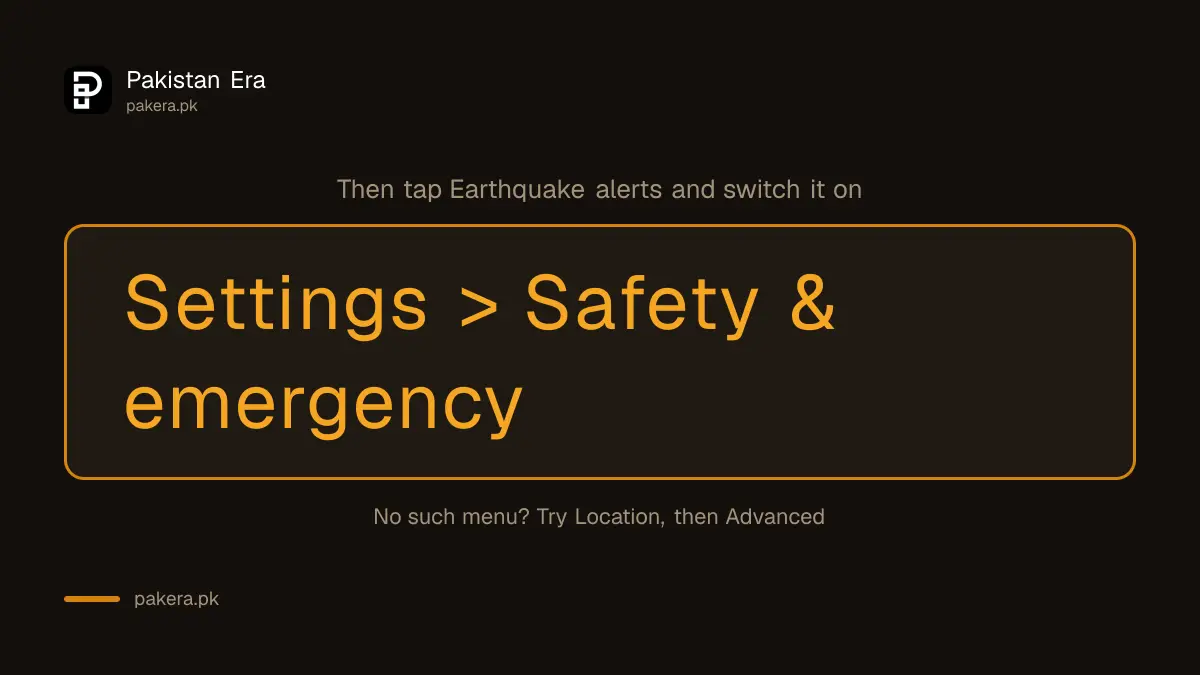
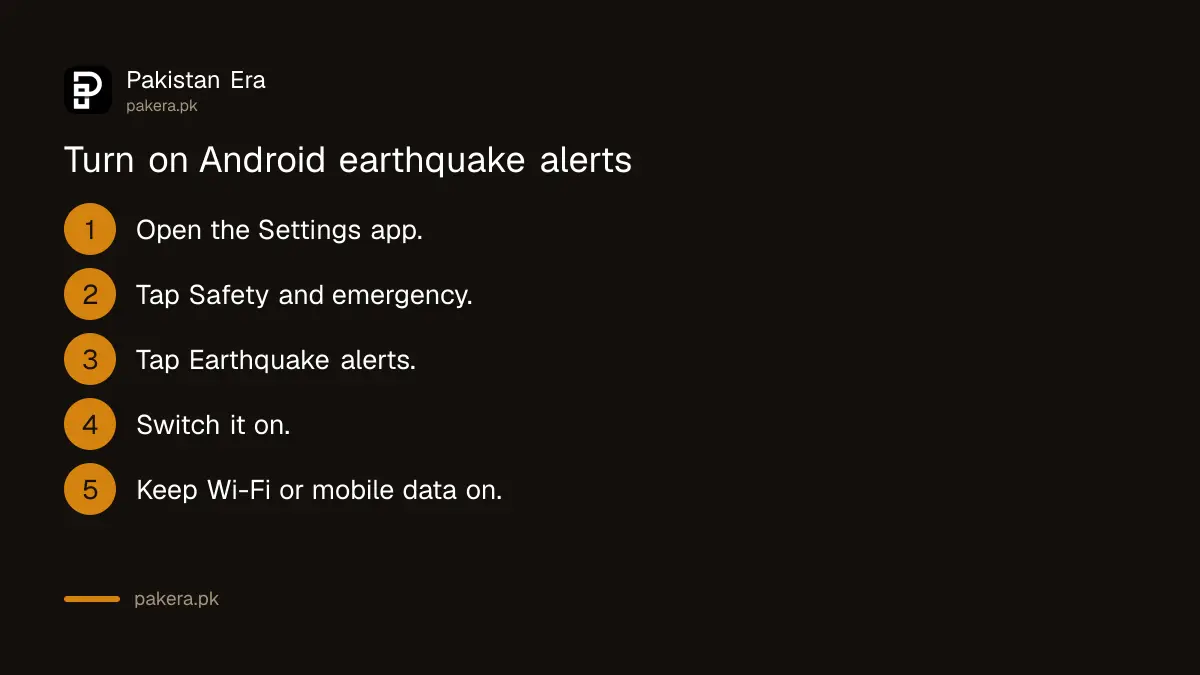
Open your phone's Settings app, tap Safety and emergency, tap Earthquake alerts and turn it on. On phones without a Safety and emergency menu, the switch is under Location, then Advanced, then Earthquake alerts. Keep Wi-Fi or mobile data on so alerts can reach you.
- Open the Settings app on your Android phone.
- Tap Safety and emergency.
- Tap Earthquake alerts.
- Turn Earthquake alerts on.
- If step 2 is missing, go back and tap Location, then Advanced, then Earthquake alerts.
- Keep Wi-Fi or mobile data switched on, especially at night.
Menu names change a little between brands. On some Samsung, Xiaomi, Oppo, Vivo, Tecno and Infinix phones the words differ, so if you cannot find it, type "earthquake" in the search bar at the top of Settings. We did not test each brand, so we cannot list every exact path.
The three alerts mean light, stronger and heavy shaking
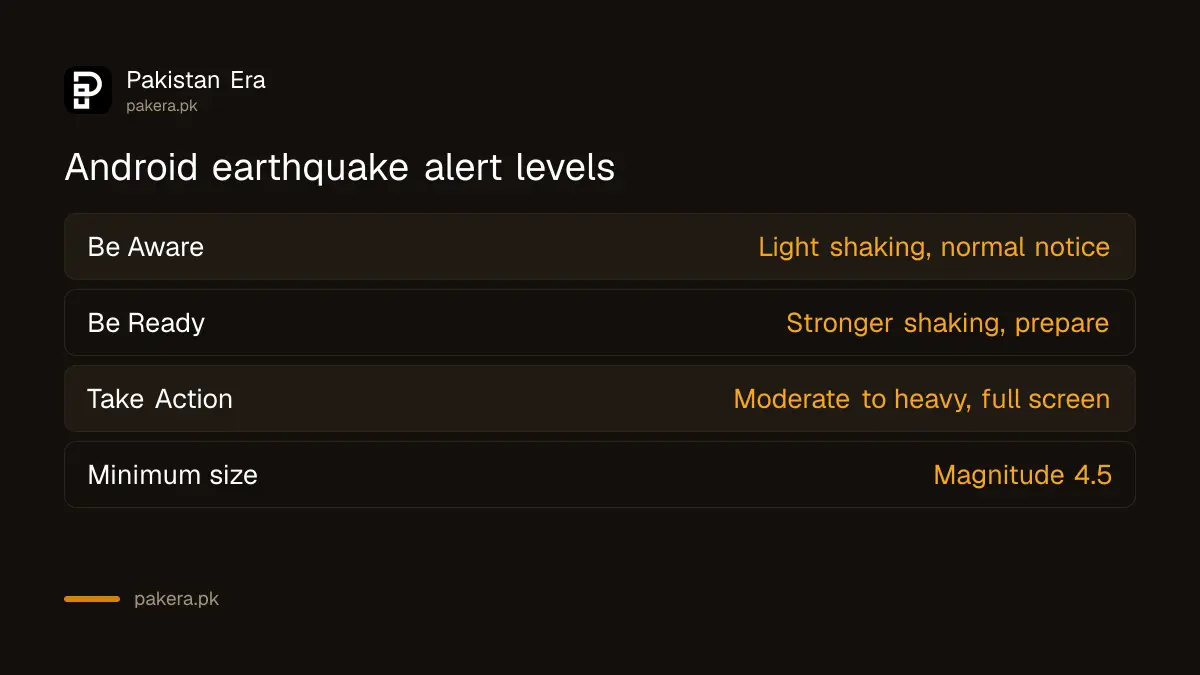
Google sends one of three alerts. Be Aware is a simple notice for light shaking. Be Ready warns of stronger shaking and tells you to prepare. Take Action fills the whole screen for moderate to heavy shaking and gives you safety steps straight away.
| Alert | Shaking Google expects | What it looks like | What to do |
|---|---|---|---|
| Be Aware | Light | A normal notification | Stay alert, no need to move |
| Be Ready | Stronger | A detailed alert | Get ready to take cover |
| Take Action | Moderate to heavy | Full screen, overrides what you are doing | Drop, cover and hold on now |
Google said on 15 October 2026 that the Be Ready alert will add a map of where shaking was detected, an estimated magnitude and suggested actions "in the coming months". Google gave no date for those extras.
When a Take Action alert comes, act first and read later. The steps NDMA teaches, drop, cover and hold on, take seconds and are worth practising with children once.
Alerts can come late, or not at all
Google is clear that the system has limits. Not every earthquake is detected. Magnitude and shaking estimates can be wrong. And an alert can arrive before, during or after the shaking starts. Near the epicentre, the quake may reach you before any warning does.
Google also says you might sometimes get an alert and feel nothing where you are. Treat the alert as a helpful extra, not a promise. A home that is already prepared matters more than any phone. The checks in preparing your home for an earthquake cover heavy shelves, gas cylinders and a go bag.
Government emergency broadcasts, called Wireless Emergency Alerts on Android, always show on top of earthquake alerts. Ordinary app notifications come last.
Your location stays approximate
Google says it uses only coarse, approximate location to decide which phones get an alert, and does not use it to identify you. If you do not want your phone to help detect quakes, turn off Google Location Accuracy. You can still check recent quakes by searching "earthquake in" and your city.
After a tremor, the official record for Pakistan comes from the Pakistan Meteorological Department, not from Google. To see the magnitude, depth and epicentre PMD reports, use the steps to check an earthquake on PMD. That is the figure to trust when numbers differ between your phone, social media and the news.
iPhones do not have this Android system. If someone in your family uses an iPhone, they will need to rely on official channels and news alerts.
Common questions
Does Android earthquake alert work in Pakistan?
Yes. Google's help page, which we read on 20 October 2026, lists Pakistan as a country where the Android Earthquake Alerts System is active.
What size of earthquake triggers an alert?
Google says alerts are for nearby earthquakes of magnitude 4.5 and above.
Do I need internet for earthquake alerts?
Yes. Google's help says you must have Wi-Fi or mobile data turned on to get alerts.
Why did I not get an alert during a tremor?
Not every quake is detected, it may have been under 4.5, alerts may be off on your phone, or your data may have been off.
Can I get alerts on an iPhone?
No. This is an Android system. Google's page covers Android phones only.
Can I turn earthquake alerts off?
Yes, from the same Earthquake alerts switch in Safety and emergency. We would leave it on.
How we verified this
What we checked, where we read it, and what we could not confirm.
Last checked 20 October 2026. We read Google's Android help page on emergency and safety features, including "Get alerts for nearby earthquakes", "Turn earthquake alerts on or off" and the country list, and Google's blog post "Android earthquake alerts now available in more than 200 regions", dated 15 October 2026, both on 20 October 2026. We did not test the menu path on each phone brand, and we could not confirm when Pakistan was first added to the list.
About the author

Technology Journalist & Multimedia Producer
Ahmad Ali is a technology journalist and multimedia producer at Pakistan Era, joining the team in October 2026. He covers consumer technology and digital life for Pakistani readers, combining research with hands-on product testing.