WhatsApp Replaces Advanced Chat Privacy With Restricted Chat: What Changes in Pakistan
WhatsApp says Restricted chat replaces Advanced chat privacy and also blocks linked devices in a chat. See what it stops, who can turn it on and where it fails.
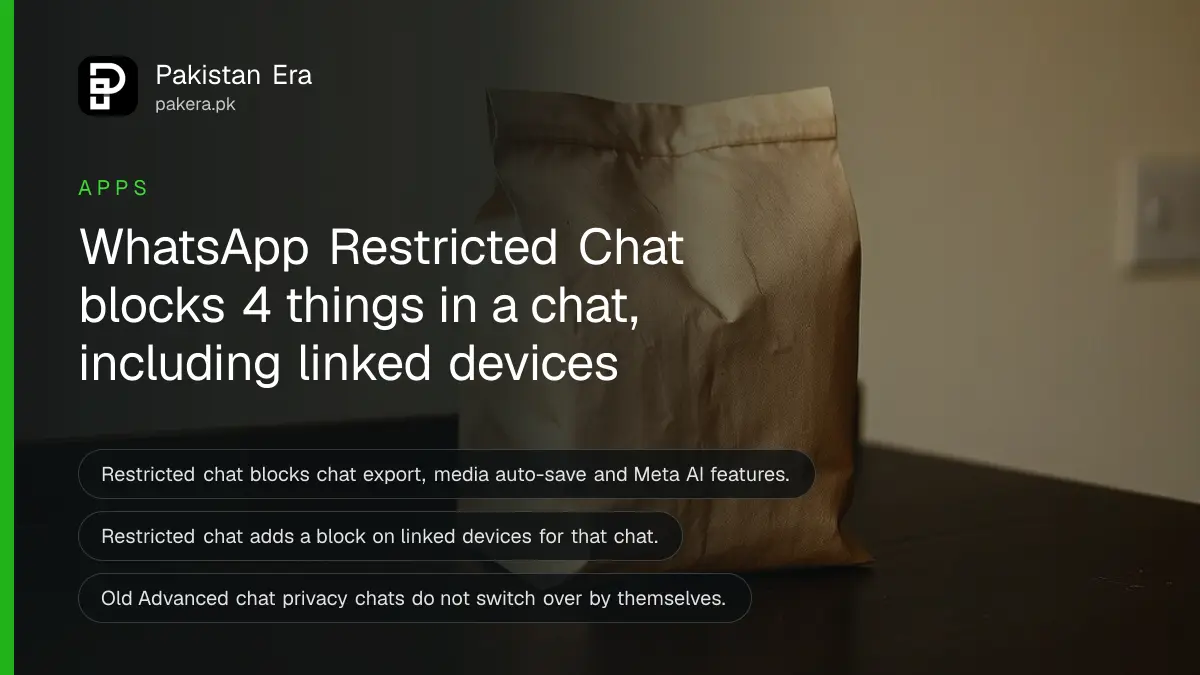
Short answer: WhatsApp's Help Center now says Advanced chat privacy is being replaced by Restricted chat. It blocks the same three things (chat export, automatic media saving, Meta AI features) and adds one more: people in the chat cannot use linked devices for that chat. Turn it on chat by chat, on your main phone.
Think of a family group in Lahore where a cousin you barely know has joined. You trust the group, but you do not want its photos to land in someone's gallery or its text exported into another app. That is the problem this setting tries to solve, and WhatsApp has just changed how it works.
We opened the WhatsApp Help Center page "About restricted chat" on 12 October 2026. The page carries no date, so we cannot tell you the day the change began. We did not test it on a Pakistani account. Everything below comes from WhatsApp's own text.
Restricted chat takes over from Advanced chat privacy
WhatsApp says that on the latest version of the app, Advanced chat privacy is being replaced by a new and wider setting called Restricted chat. The new setting adds one control: it stops people in the chat from using linked devices there. The old setting is not removed from chats that already use it.
Our earlier guide on how to lock a WhatsApp chat and turn on Advanced chat privacy described the old name. The steps are close, but the label you see on your phone may now say Restricted chat. WhatsApp's page on privacy settings also says that if you turn Advanced chat privacy off, the setting will appear as Restricted chat from then on.
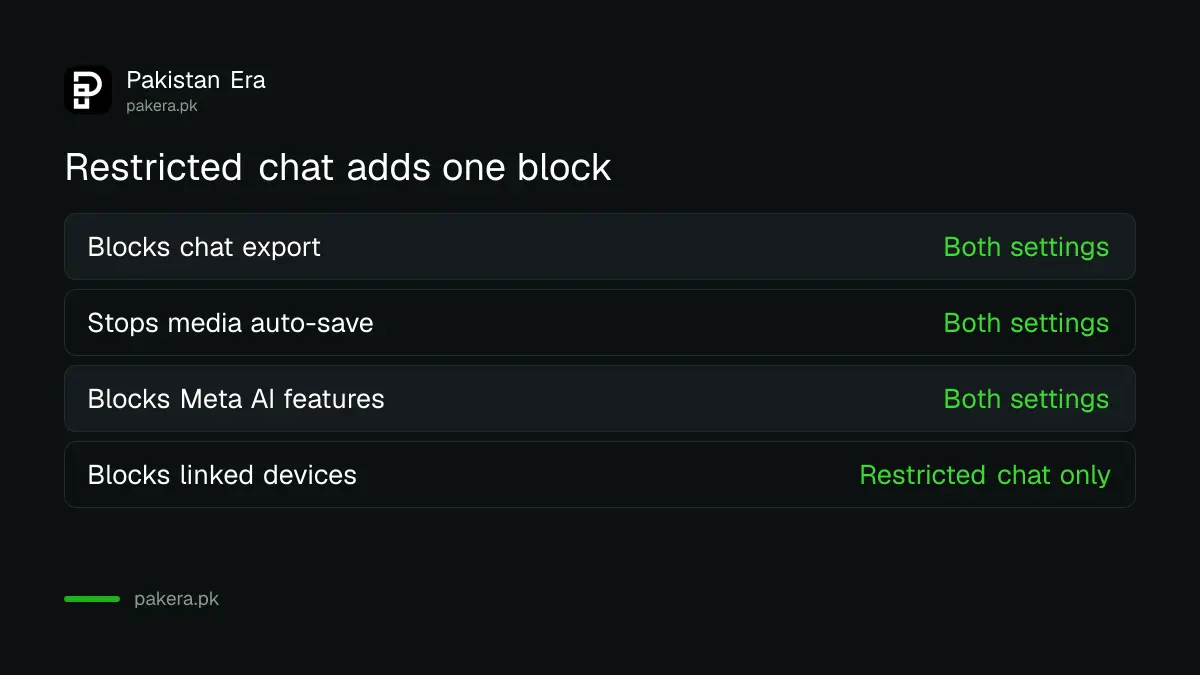
| What the setting does | Advanced chat privacy | Restricted chat |
|---|---|---|
| Blocks chat export | Yes | Yes |
| Stops media saving to the gallery automatically | Yes | Yes |
| Blocks Meta AI features in the chat | Yes | Yes |
| Blocks use of linked devices for the chat | No | Yes |
| Updates itself from the old setting | Not applicable | No, you must switch it |
The new control targets unofficial apps and AI agents
WhatsApp says the linked-device block helps stop people in a chat from using unofficial clients or AI agents to read it. These are programs that sign in to a chat as an extra device. A person can add one without anyone else in the group knowing.
A linked device is a computer, tablet or second phone that shows your chats after you scan a code. Normal linked devices belong to the account owner. The worry here is a copy of the chat reaching software that the other members never agreed to.
That matters most in a group with many members. One careless member can pass the whole chat to a tool you have never heard of. Restricted chat closes that door for the chat where it is on.
What Restricted chat stops once it is on
When Restricted chat is on, people in the chat cannot save media to their gallery automatically, cannot export the chat, cannot use Meta AI features in it, and cannot use linked devices for it. WhatsApp says it applies to all messages in the chat.
Look at the limits as well. WhatsApp does not say the setting blocks screenshots, so assume a person can still take one. It also does not stop someone from retyping what they read. Share only what you would accept being repeated.
Your messages stay end-to-end encrypted whether the setting is on or off. WhatsApp also says Meta AI can read only the messages people choose to send to it. If you want to clear earlier AI chats, the guide on deleting Meta AI chats on WhatsApp shows how.
Who can turn it on and where it works
In a group, an admin turns Restricted chat on. In a one-to-one chat, either person can turn it on. It must be switched on for each chat separately, and it can only be turned on or off from your primary phone, not from a linked device.
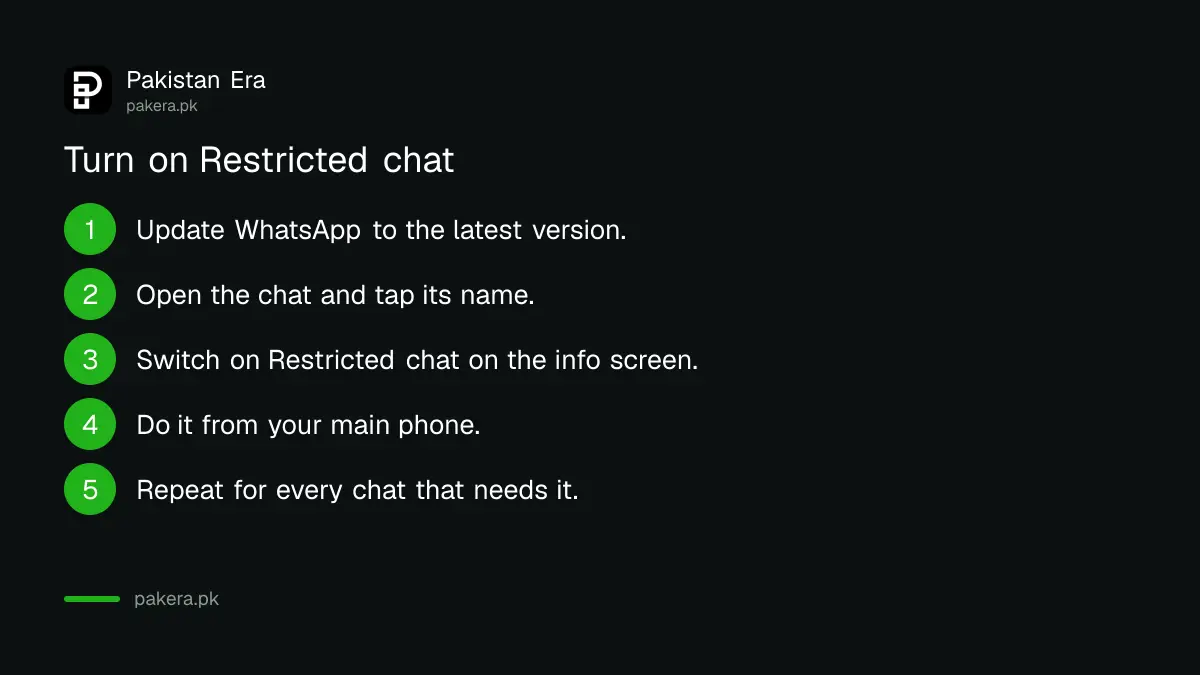
- Update WhatsApp from the Play Store or App Store, because the setting is only on the latest version.
- Open the chat you want to protect.
- Tap the name of the person or group at the top.
- Find Restricted chat on the info screen and switch it on.
- Repeat for each chat that needs it. Chats that had Advanced chat privacy must be switched over by hand.
WhatsApp's page names the setting but does not list each tap, and menu wording can differ between Android and iPhone. If you cannot see it, your app is not on the latest version yet.
Where the setting does not protect you
Restricted chat only works fully when everyone is on the latest version of WhatsApp. WhatsApp says people on older versions may still be able to use unofficial clients or AI agents, and you will not be told if someone in the chat is on an old version.
It is also not available in chats with businesses that let Meta store their messages and reply for them. In a business chat you will not find the setting.
So use it as one layer, not the only one. Switch on a WhatsApp passkey so nobody can take over the account with a code, and review your linked devices to remove any you do not know.
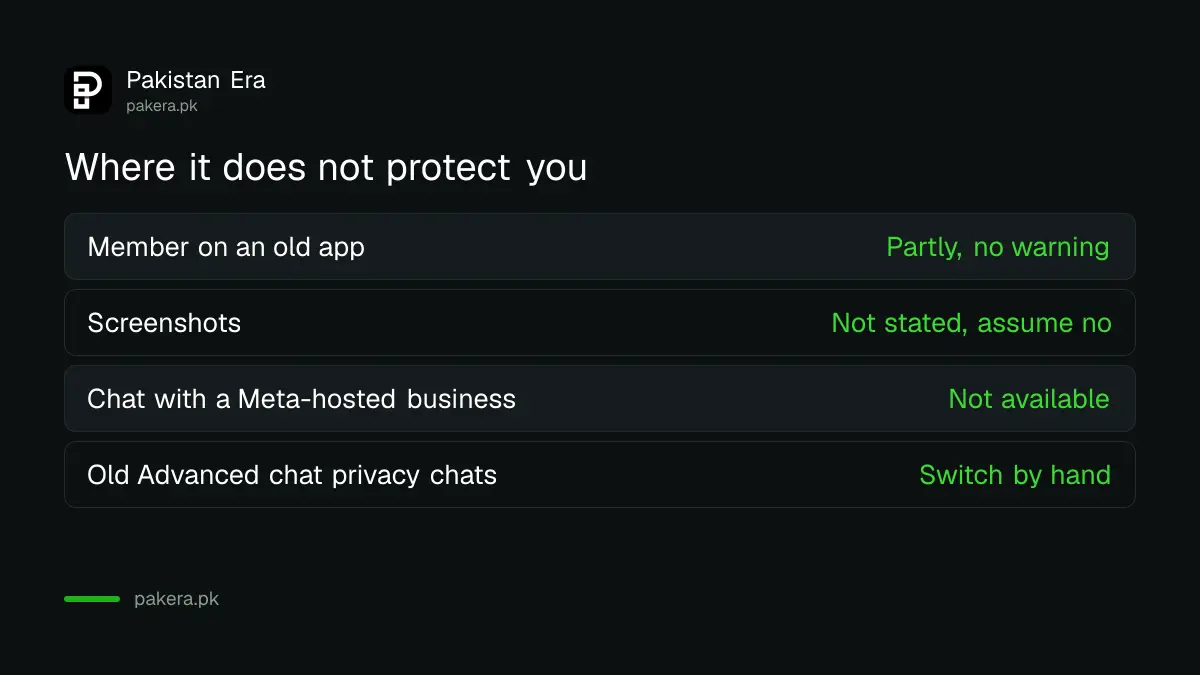
| Situation | Does Restricted chat help? |
|---|---|
| A member auto-saves photos to the gallery | Yes, it blocks automatic saving |
| A member exports the whole chat | Yes, it blocks export |
| A member takes a screenshot | Not stated by WhatsApp, assume no |
| A member is on an old WhatsApp version | Only partly, and you are not warned |
| A chat with a business that uses Meta storage | Not available |
Common questions
Is Restricted chat the same as Advanced chat privacy?
No. It is the newer and wider version. It blocks export, automatic media saving and Meta AI features like the old one, and it also blocks use of linked devices in the chat.
Will my old chats switch to Restricted chat by themselves?
No. WhatsApp says a chat that already has Advanced chat privacy does not update to Restricted chat automatically. You have to switch it over yourself.
Who can turn Restricted chat on in a group?
A group admin. In a one-to-one chat, either person can turn it on. It can be changed only from your primary device.
Does Restricted chat stop screenshots?
WhatsApp does not say it does. Its page lists export, media saving, Meta AI and linked devices. Treat screenshots as still possible.
Is Restricted chat free in Pakistan?
WhatsApp's page names no fee and no country limit. It says only that the setting is on the latest version of the app. We did not test it on a Pakistani number.
When did WhatsApp make this change?
The help page we read has no date, so we cannot say. We read it on 12 October 2026. Check the app on your phone to see which label you have.
How we verified this
What we checked, where we read it, and what we could not confirm.
We read the WhatsApp Help Center pages "About restricted chat", "How to change your privacy settings" and "How to change group privacy settings" on 12 October 2026, at faq.whatsapp.com. The pages carry no publication date. We did not test the setting on a handset, and WhatsApp does not publish the exact taps, so menu names may differ on your version.
About the author

Technology Journalist & Multimedia Producer
Ahmad Ali is a technology journalist and multimedia producer at Pakistan Era, joining the team in October 2026. He covers consumer technology and digital life for Pakistani readers, combining research with hands-on product testing.