YouTube Made for Kids Setting in Pakistan: Change It in Studio, the 14 Features You Lose and the Effect on Earnings
Change the YouTube made for kids setting in Studio for a channel or many videos at once. See the 14 features it turns off, the effect on ads and the one appeal.
To change the YouTube "made for kids" setting, open studio.youtube.com, go to Settings, Channel, Advanced settings, and choose your audience under Audience. For single videos, use Content, tick the videos, then Edit, Audience. Made for kids videos lose 14 features, including comments, the notification bell and personalised ads. If YouTube set the label itself, you get one appeal per video.
Pakistani creators who make cartoons, rhymes, Quran lessons for children or toy videos meet this setting sooner or later. Get it wrong one way and earnings drop. Get it wrong the other way and YouTube can override you. We read YouTube Help's two made for kids articles on 31 October 2026, and this is what they say.
YouTube makes every creator choose an audience
YouTube requires every creator to say whether videos are made for kids, because of an agreement with the US Federal Trade Commission and the US children's privacy law, COPPA. It applies to Pakistani channels too, since the setting is global and part of YouTube's rules.
COPPA treats anyone under 13 as a child. YouTube says other countries may define it differently, and its help page says it cannot give legal advice. Our rough rule of thumb: if children are clearly the main audience the video was made for, mark it made for kids.
YouTube warns creators not to rely on its systems to set the audience for them. Its systems may miss content that regulators would treat as made for kids, and the creator carries the responsibility.
Made for kids videos lose 14 features
On made for kids videos, YouTube switches off comments, the notification bell, personalised ads, Super Chat, memberships, end screens, the miniplayer and more. If the whole channel is set as made for kids, posts and Ask Studio go too.
| Feature | Status on made for kids content |
|---|---|
| Comments | Off |
| Personalised ads | Off, so revenue may fall |
| Notification bell | Off |
| Channel memberships | Off |
| Super Chat and Super Stickers | Off |
| Live chat and live chat donations | Off |
| Cards and end screens | Off |
| Video watermarks | Off |
| Merchandise and ticketing | Off |
| Donate button | Off |
| Save to playlist and Watch later | Off |
| Playback in the Miniplayer | Off |
| Autoplay on home | Off |
| Likes and dislikes on YouTube Music | Off |
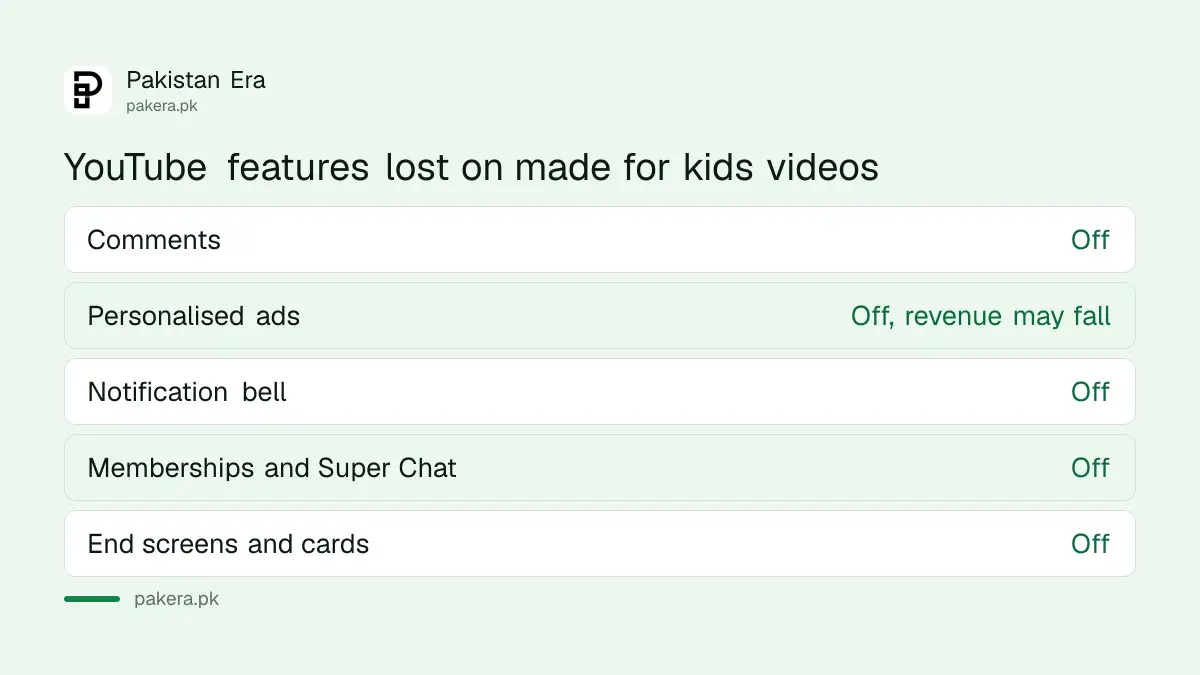
The money point is the personalised ads row. YouTube's set your audience page says it does not serve personalised ads on made for kids content and that creators may see revenue fall. Fan funding goes too, since memberships, Super Chat and Super Stickers are switched off. Those tools are explained under YouTube Super Chat, Super Thanks and memberships.
Set the audience for the whole channel in 4 steps
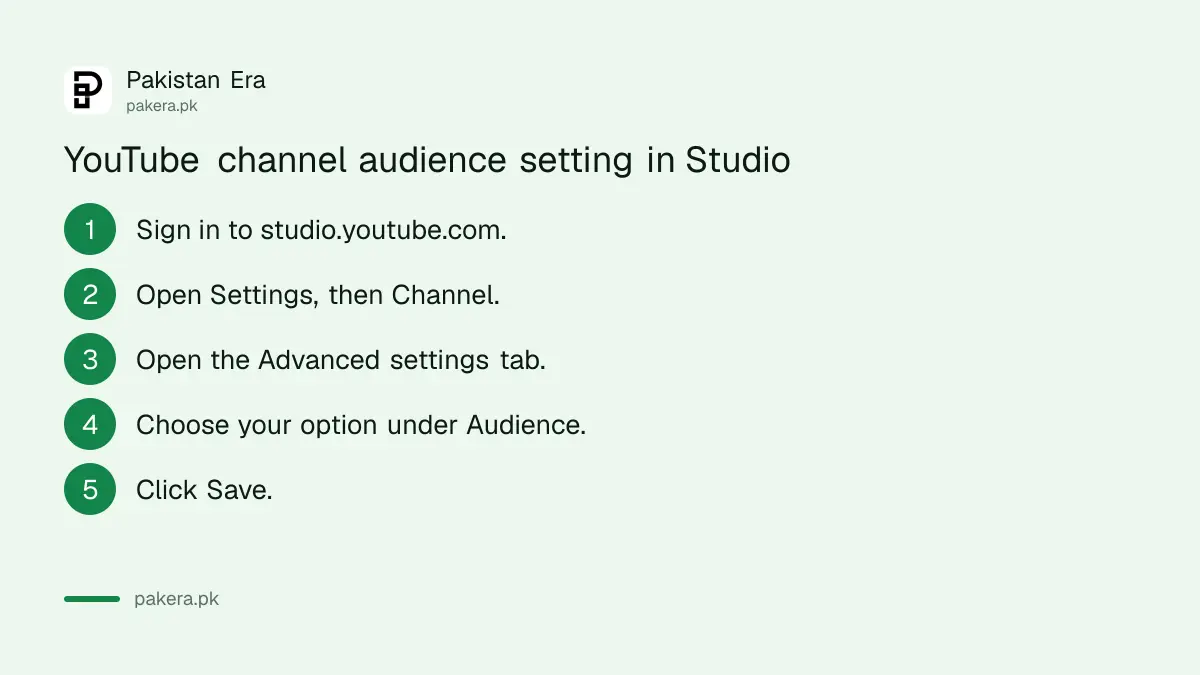
In YouTube Studio on a computer, click Settings, then Channel, then Advanced settings. Under Audience, choose made for kids, not made for kids, or review every video. Click Save. A video's own setting overrides the channel setting.
- Sign in to studio.youtube.com on a computer.
- Click Settings, then Channel, then the Advanced settings tab.
- Under Audience, choose "Yes, set this channel as made for kids", "No, set this channel as not made for kids", or "I want to review this setting for every video".
- Click Save.
A channel level choice changes existing and future videos. For a mixed channel, such as a family vlog with an occasional nursery rhyme, the third option is the honest one. Then you decide video by video.
Change single videos, or many at once
When uploading, choose the audience on the Basic info tab before you click Next. For old videos, open Content in Studio, tick the boxes, then Edit, Audience, choose the setting and click Update videos. Live streams are set in Live Control Room.
Bulk editing is the fast fix for a back catalogue. Tick the box next to Video at the top of the Content list to select every video on the page, then change them in one go. For archived live streams, use the Live tab under Content and the same Edit, Audience path.
YouTube says Creator Studio Classic does not support this setting, so use the current studio.youtube.com.
YouTube can override your choice, and you get one appeal
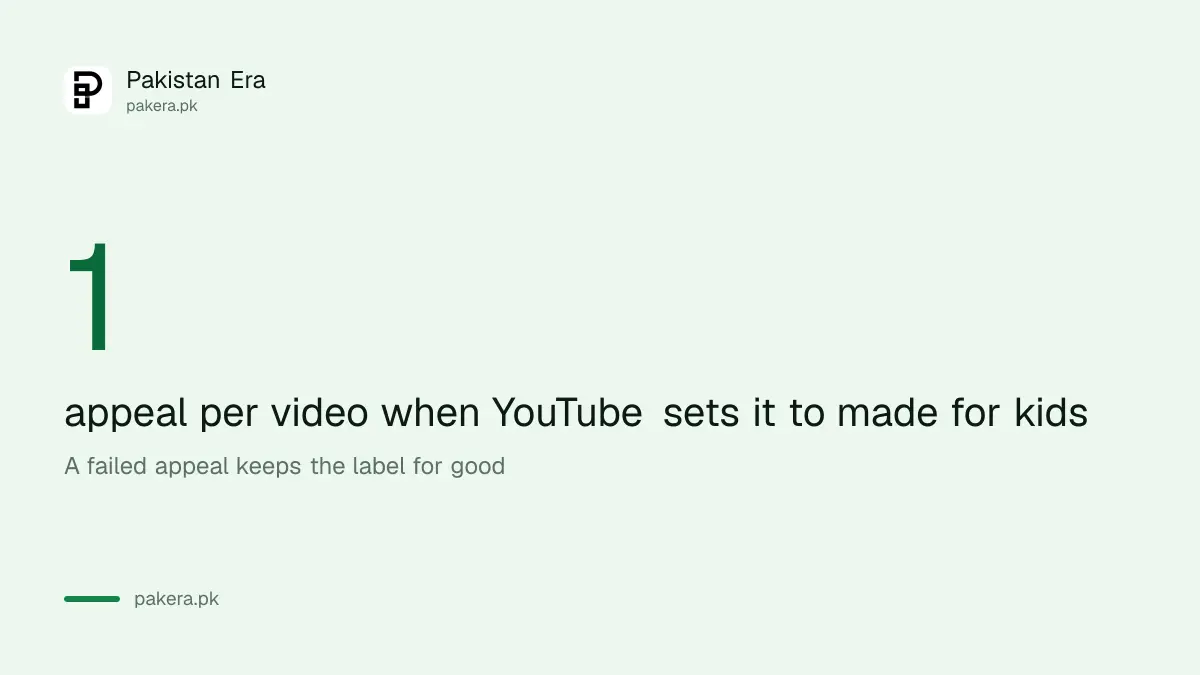
YouTube uses machine learning to find videos clearly aimed at children, and may override your choice in cases of error or abuse. Such a video shows "Set to Made for Kids" and you cannot change it yourself. You can appeal once per video.
A successful appeal removes the label. An unsuccessful one keeps it, and there is no second try for that video. So appeal only when the video is clearly aimed at adults or teenagers, and say why: the topic, the language, the audience you actually reach.
Marking adult content as made for kids is the opposite mistake and also a problem. YouTube says failure to set content appropriately can bring consequences on YouTube and legal consequences under COPPA and other laws. That is a different issue from Community Guidelines strikes, which are explained under YouTube Community Guidelines strikes.
Parents want the opposite setting
Made for kids is a creator setting. Parents who want a safe space for a child on YouTube need a supervised account or YouTube Kids. Made for kids videos are more likely to be recommended next to other children's videos.
For a parent, the setup steps are under YouTube Kids and supervised accounts. For a creator worried about earnings after switching, the general picture of what Pakistani channels earn is in YouTube earnings in Pakistan.
Common questions
How do I turn off made for kids on YouTube?
In YouTube Studio, go to Settings, Channel, Advanced settings, and choose "No, set this channel as not made for kids", or change single videos from Content, Edit, Audience.
Does made for kids reduce YouTube earnings?
It can. YouTube does not show personalised ads on made for kids content and says creators may see a drop in revenue.
Why can't I change the made for kids setting?
YouTube has probably set it itself after detecting error or abuse. The video shows "Set to Made for Kids" and you can appeal once.
Can I turn comments on for a made for kids video?
No. Comments are among the features YouTube switches off on made for kids content.
Does made for kids apply to Pakistani channels?
Yes. Every creator must choose an audience. The rule comes from US law, but YouTube applies the setting to all channels.
Is made for kids the same as age restriction?
No. YouTube says made for kids settings do not affect age restrictions, which limit a video to signed-in adults.
How we verified this
What we checked, where we read it, and what we could not confirm.
Last checked 31 October 2026. We read YouTube Help's "Set your channel or video's audience" and "Determining if your content is made for kids" on support.google.com on 31 October 2026. YouTube does not say how much revenue falls, so we give no figure. The examples of Pakistani children's content are our own. This is not legal advice on COPPA.
About the author

Technology Journalist & Multimedia Producer
Ahmad Ali is a technology journalist and multimedia producer at Pakistan Era, joining the team in October 2026. He covers consumer technology and digital life for Pakistani readers, combining research with hands-on product testing.