YouTube Shorts Length in Pakistan: Up to 3 Minutes, Upload Steps for Phone and Computer, and the Copyright Block
YouTube Shorts can now be up to 3 minutes if vertical or square. See the upload steps for phone and computer, the 1080p limit and why claimed clips get blocked.
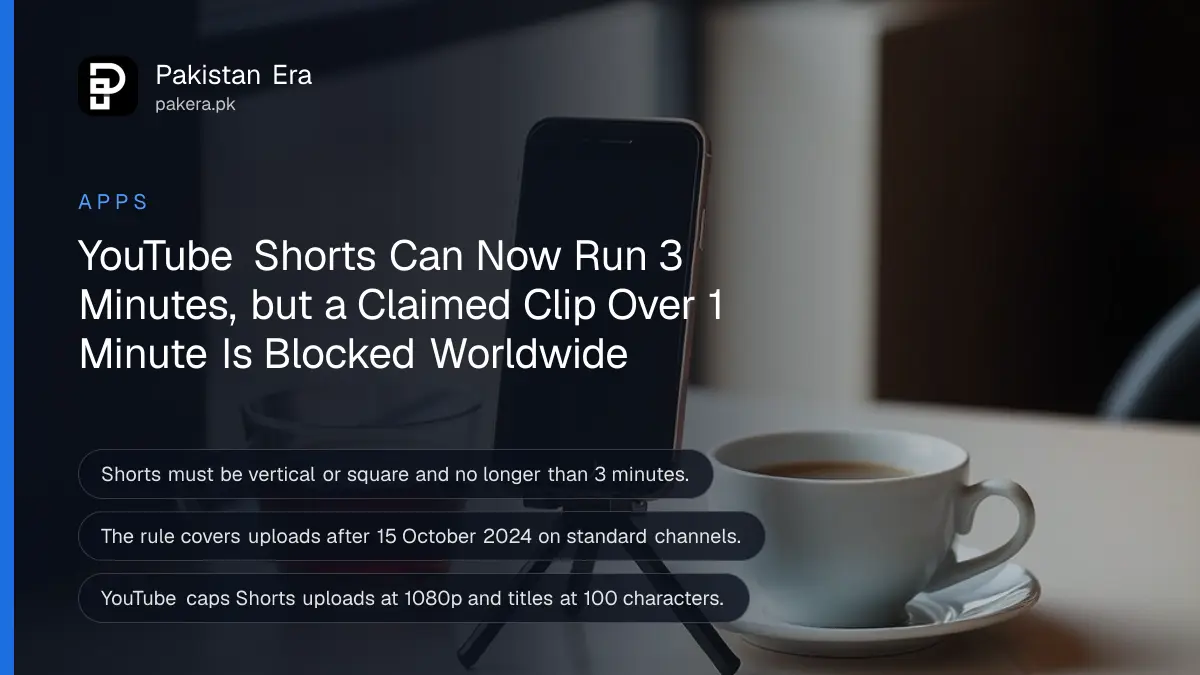
A YouTube Short can now be up to 3 minutes long, as long as the video is vertical or square. YouTube applies this to videos uploaded after 15 October 2024, and you can upload 3-minute Shorts from the YouTube app or from YouTube Studio on a computer. One catch matters more than the length: a Short longer than 1 minute with an active copyright claim is blocked worldwide.
Plenty of Pakistani creators still trim clips to 60 seconds out of habit. Below are the full length and shape rules, the steps on a phone and a computer, the copyright block that hits cricket and song clips hardest, and why a wide video never becomes a Short. We read YouTube's own help pages on 28 October 2026.
YouTube Shorts can run up to 3 minutes in a vertical or square frame
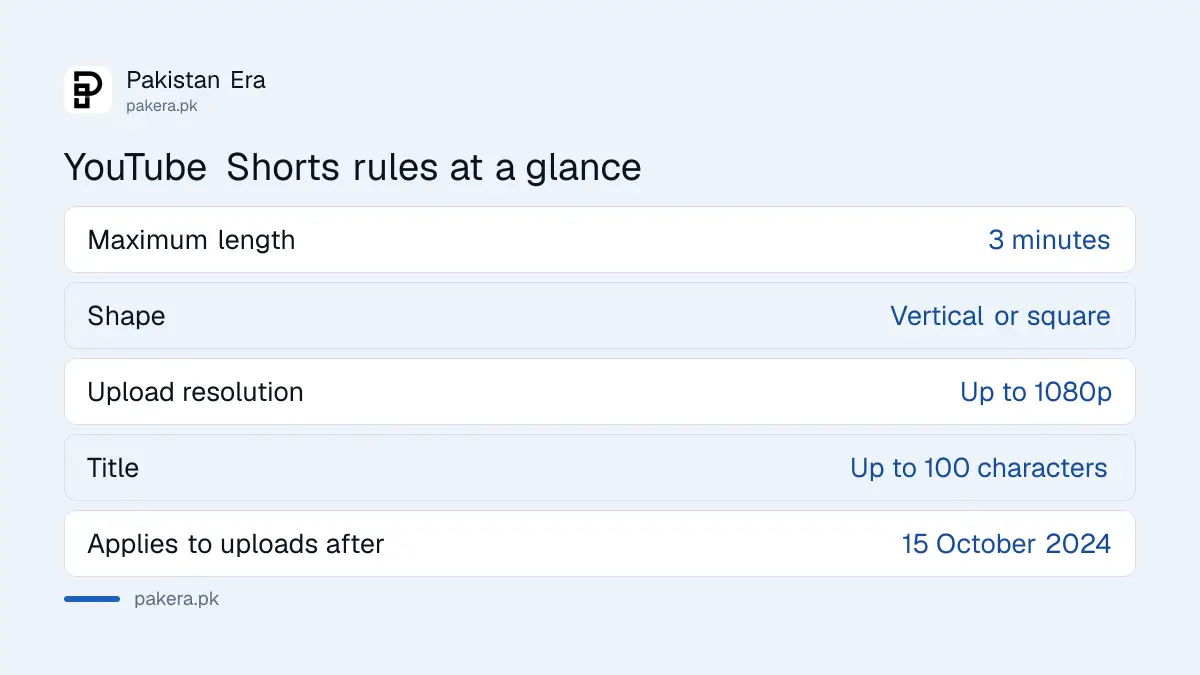
YouTube treats a video as a Short when it is vertical or square and no longer than 3 minutes. A wide 16:9 video stays a normal long-form video, whatever its length. The 3-minute rule covers uploads after 15 October 2024 on standard channels.
| Rule | What YouTube says |
|---|---|
| Maximum length | 3 minutes |
| Shape | Vertical or square; wider stays long-form |
| Applies to | Videos uploaded after 15 October 2024 (Official Artist Channels from 8 December 2025) |
| Upload resolution | Up to 1080p |
| Title | Up to 100 characters |
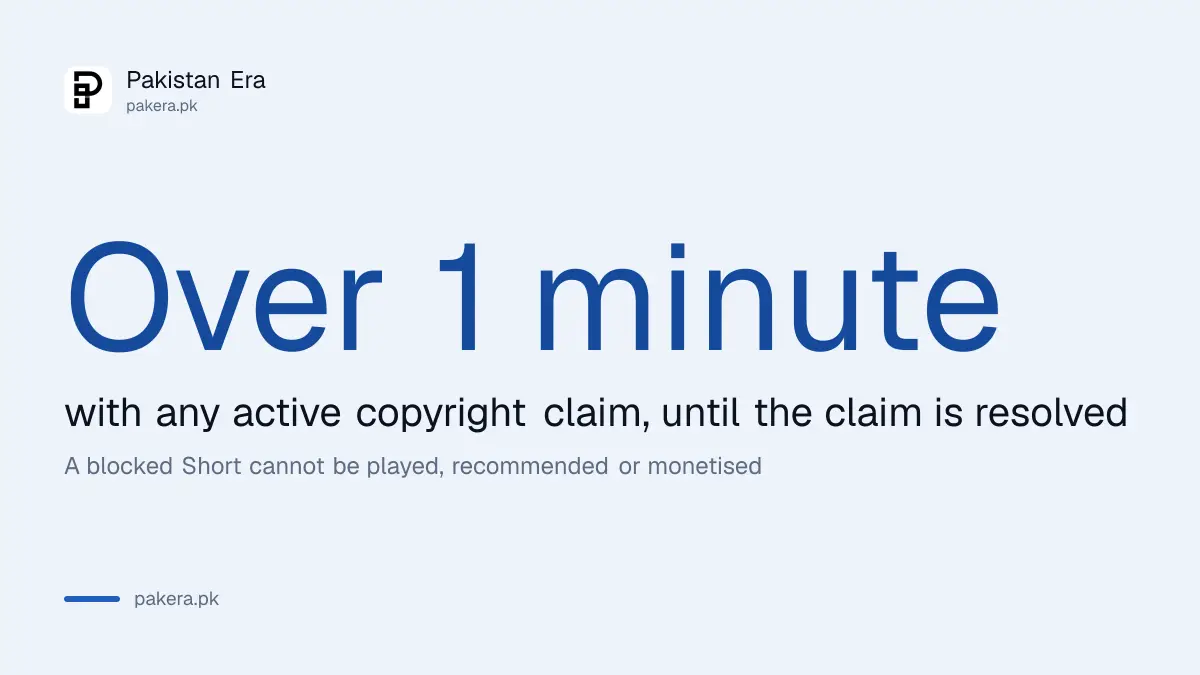
| Over 1 minute with a copyright claim | Blocked worldwide until the claim is resolved |
Older vertical videos between 1 and 3 minutes, uploaded before the cut-off date, do not turn into Shorts. YouTube's change looks forward only.
Record and upload a 3-minute Short from the YouTube app in 6 steps
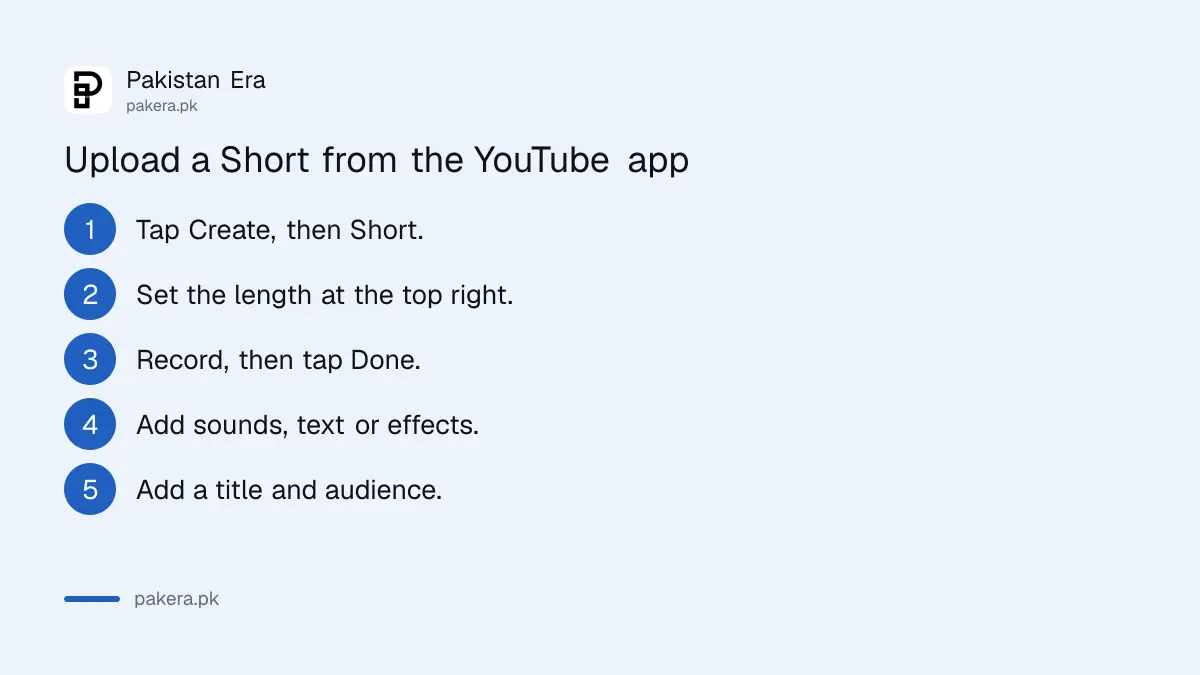
Open the YouTube app, tap Create, choose Short, set the length in the top right corner, record, add sounds or text, then add a title and audience setting and tap Upload Short. You can also save it as a draft to finish later.
- Sign in to the YouTube app and tap Create, then Short.
- Change the recording length in the upper right corner if you need more than the default.
- Hold or tap the capture button to record, and tap again to stop. Use Undo to remove the last clip.
- Tap Done to preview, then add music, text, text-to-speech, filters or effects.
- Tap Next, add a title of up to 100 characters, pick the privacy setting and say whether it is made for kids.
- Tap Upload Short, or Save draft to finish later.
For a clip you already shot in your phone's camera, YouTube says vertical videos saved on your phone can also be uploaded as Shorts. Keep it vertical. A clip filmed sideways will upload as a regular video.
Upload a Short from a computer through YouTube Studio
On a computer, upload a vertical or square video of 3 minutes or less through YouTube Studio, the same way you upload any video. YouTube says vertical videos saved on your computer or phone can be uploaded as Shorts. The shape and length decide it.
Edit on a laptop if you want finer control, export at up to 1080p, and upload. Exporting a 4K vertical file wastes your upload data, since YouTube says Shorts uploads are capped at 1080p. On a mobile data bundle that difference adds up fast.
If the finished Short looks soft after upload, it may still be processing. The fixes for a YouTube video that looks blurry after upload apply to Shorts as well.
A Short over 1 minute with a copyright claim is blocked worldwide
YouTube says any Short longer than 1 minute with an active copyright claim of any type is blocked globally. It cannot be played, recommended or monetised until the claim is resolved. A 50-second Short with the same claim is not hit by this rule.
This rule matters most for Pakistani channels posting cricket highlights, drama clips and film songs. Rights holders claim those often. A 2-minute Short of match highlights will most likely be blocked, while the same idea cut to 55 seconds may stay up with a claim attached.
- Your own footage, your own voice: go up to 3 minutes freely.
- Music from YouTube's own Shorts library: check whether the track allows the full length before going past 1 minute.
- TV, match or film clips: keep them under 1 minute or expect a block.
- Claim you think is wrong: the steps to dispute a YouTube Content ID claim apply to Shorts too.
Teen accounts start private, and every Short needs an audience setting
YouTube says Shorts from creators aged 13 to 17 are private by default, while creators aged 18 and over default to public. Every Short also needs a made-for-kids answer before it goes live. Both settings sit on the final screen before you upload.
Parents in Pakistan often ask why a teenager's Shorts get no views. The default private setting is the usual reason. The teenager can change it per Short, but it is worth a family conversation first.
Longer Shorts are not automatically better. YouTube now pushes original content harder, and re-uploads lose reach, as set out in the October change to Shorts reach. Three minutes of your own commentary will do better than three minutes of someone else's clip.
Common questions
How long can a YouTube Short be?
Up to 3 minutes, for vertical or square videos uploaded after 15 October 2024.
Why did my 2-minute vertical video not become a Short?
Check its shape and upload date. A wide 16:9 video stays long-form, and vertical videos uploaded before 15 October 2024 keep their old status.
Why is my 2-minute Short blocked?
It most likely has an active copyright claim. YouTube blocks Shorts over 1 minute with any claim until it is resolved.
Can I upload a Short from my laptop?
Yes. Upload a vertical or square video of up to 3 minutes in YouTube Studio.
What resolution should I export a Short in?
1080p. YouTube says Shorts uploads can be up to 1080p, so a 4K export only costs extra data.
How long can a Short title be?
Up to 100 characters, added on the Next screen before upload.
How we verified this
What we checked, where we read it, and what we could not confirm.
Last checked 28 October 2026. We read YouTube's help pages Understand three-minute YouTube Shorts (length, shape, dates, the copyright block over 1 minute) and Get started creating YouTube Shorts (app steps, 1080p, 100-character title, teen privacy defaults) on 28 October 2026. We did not upload a test Short. YouTube's pages do not give separate computer steps beyond uploading a vertical file in Studio, and the music library limit beyond 1 minute is our caution rather than a quoted rule. The examples about cricket and drama clips are our own illustration of how the claim rule plays out.
About the author

Technology Journalist & Multimedia Producer
Ahmad Ali is a technology journalist and multimedia producer at Pakistan Era, joining the team in October 2026. He covers consumer technology and digital life for Pakistani readers, combining research with hands-on product testing.