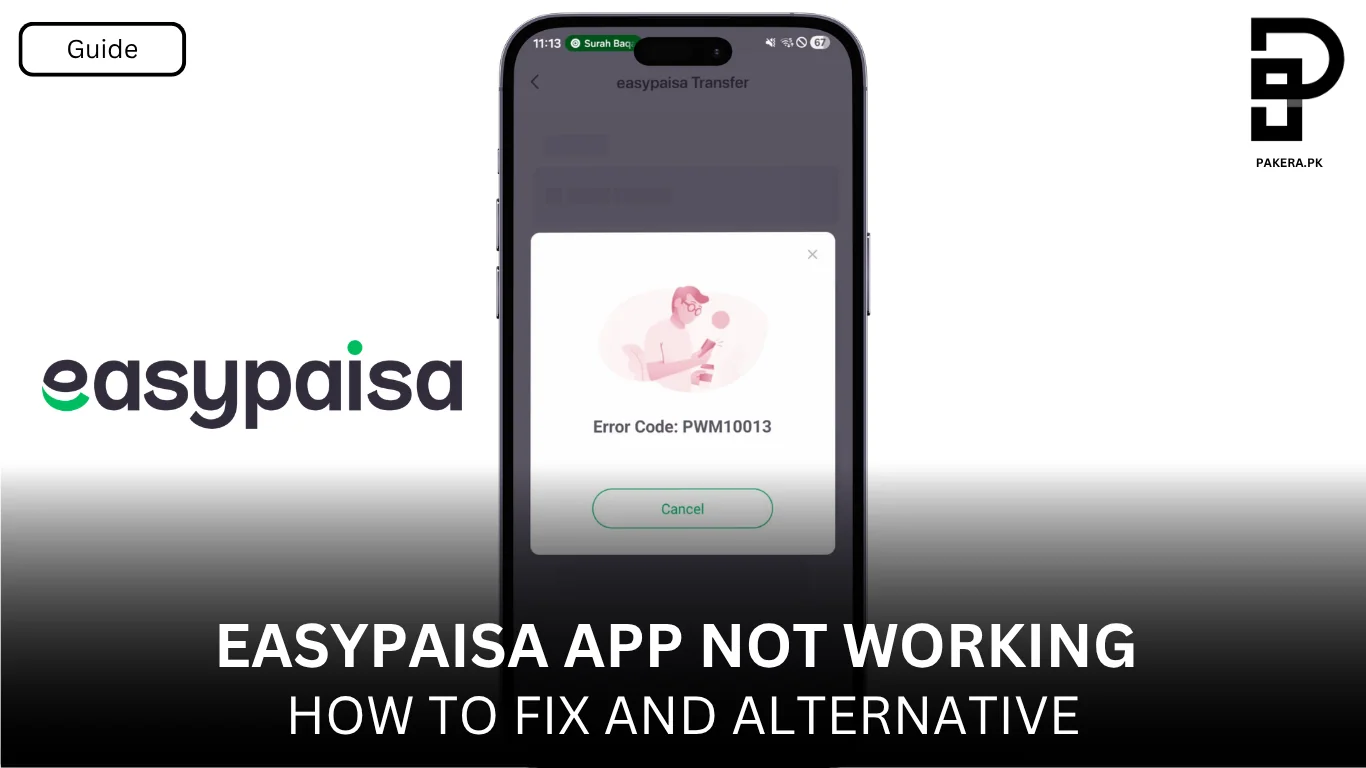
Recently we noticed that Easypaisa, the digital wallet most of us in Pakistan rely on for day‑to‑day transactions, isn’t playing nice. Many users tried to send money from Easypaisa account to another Easypaisa account and instead of the usual confirmation page, they are recieving a pink pop‑up carrying this rather cryptic message: “Error Code: PWM10013. Your transaction could not be processed due to some technical error. Please try again after some time.” The payment never went through, and some could log in but couldn’t send money, others couldn’t even sign into the app. At the time of writing, Easypaisa hasn’t issued an official update about this specific code or widespread outage.
What We Know About Easypaisa Outages
Past downtimes were caused by network or backend issues
Easypaisa has gone down before. In October 2022, ProPakistani reported that the Easypaisa app was down across Pakistan for several hours, showing a “Network Error” when users tried to log in. The company responded by acknowledging “technical difficulties with accessing Easypaisa services” and said its tech teams were working to resolve the issue. That outage was eventually fixed, but it highlights that even big digital wallets can experience backend problems.
Service downtimes can trigger money‑transfer errors
When Easypaisa’s servers are under maintenance or overloaded, the app may return an “invalid response” during transactions. In other words, you might see odd error codes or failed payments if you try to send money while the service is down. Money‑transfer errors can be isolated, sometimes a bank‑to‑bank transfer fails while other services work fine.
It’s often a combination of app and device issues
Easypaisa’s own app can also misbehave. Below are several common causes of the app not working:
| Potential cause | What happens | How to fix |
|---|---|---|
| Too much cache or temporary data | The app gets stuck on the loading page | Clear the Easypaisa app’s cache from your phone’s settings |
| OTP permissions not granted | You can’t sign up or verify transactions because the app can’t receive SMS | Allow SMS, phone and contacts permissions in your device settings |
| Wrong download method (sideloaded APK) | Incomplete or broken app functions | Install the official version from the Play Store or App Store |
| Service downtime | Transactions fail with error codes | Wait for the backend to recover; avoid retrying repeatedly |
These issues don’t explain the specific PWM10013 code, but they show that many Easypaisa errors have similar roots: overloaded servers, outdated apps or missing permissions.
So What’s Up With Error Code PWM10013?
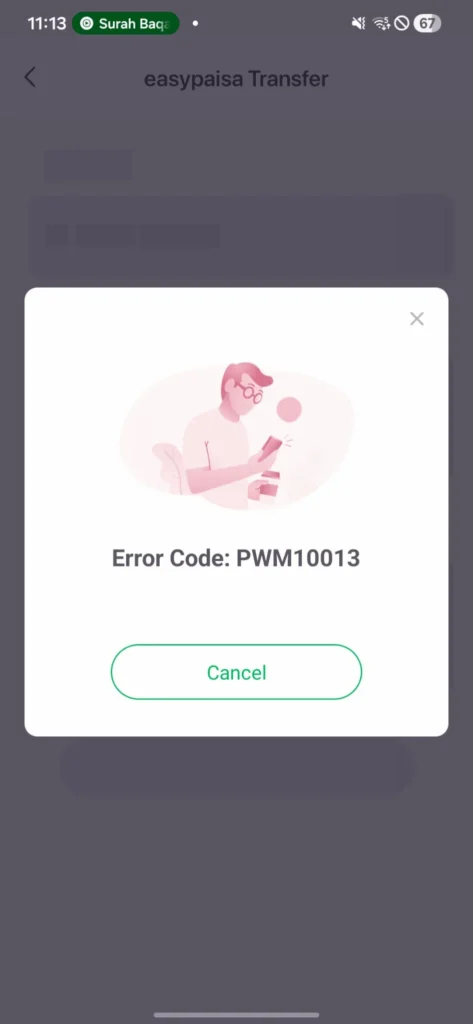
Easypaisa hasn’t publicly documented their internal error codes, so there isn’t an official definition of PWM10013. However, based on the pattern of errors described above and user reports (including my own), this particular code seems to be a generic transaction failure message. It appears when the app receives no proper response from Easypaisa’s server during the money‑transfer process. That could be due to:
- Temporary backend outages like the 2022 incident, but potentially shorter and affecting only some services.
- High server load transferring money during peak times (e.g., right after salary disbursal or around Eid) can overload the system. TopMobileBanks notes that heavy loads can cause service downtime and invalid responses.
- App or network glitches outdated app versions, poor internet connections or missing SMS/phone permissions can cause the transaction process to break mid‑way.
Troubleshooting Steps You Can Try
Because Easypaisa hasn’t given an official fix for PWM10013, the safest path is to treat it like any other transaction error. Here’s what you can do:
- Wait and retry later. The error message literally tells you to try again later. If the issue is on Easypaisa’s servers, it may resolve itself within minutes or a few hours. Avoid repeating the transfer immediately, you don’t want duplicate transactions or delayed reversals.
- Check your internet and device. Ensure you have a stable data connection and update the Easypaisa app to the latest version. If you installed the app from a third‑party site, uninstall it and download it from the official Play Store or App Store.
- Clear cache and allow permissions. Clearing the app’s cache often fixes odd app behaviour. Also verify that the app is allowed to receive SMS and access your phone/contacts, which is required for OTP verification.
- Monitor social media or Downdetector. Other users may be experiencing the same issue. Sites like Downdetector or posts on X (formerly Twitter) can indicate whether there’s a widespread outage. In the 2022 outage, complaints on Twitter prompted the company to respond.
- Contact Easypaisa support. If your transaction failed but the amount was deducted, call Easypaisa’s helpline (3737 from Telenor numbers or 042‑111‑003‑737 from other networks). During past outages, the company has assured users that they were working on a fix. Having your transaction ID and screenshots ready will speed up the resolution.
Final Thoughts
Digital wallets like Easypaisa have transformed payments in Pakistan, but they aren’t infallible. My experience with PWM10013 is a reminder that even big fintechs can stumble. As of 25 March 2026, there has been no official statement from Easypaisa regarding this specific error code, so users are left to troubleshoot on their own. Based on past outages and expert guides, the best approach is patience: keep your app updated, clear your cache, check your permissions and network, and wait for Easypaisa’s backend to stabilise. If your money gets stuck or isn’t refunded within 24 to 48 hours, contact Easypaisa support with your transaction details. In most cases, the issue resolves once the servers recover. Let’s hope Easypaisa acknowledges the problem and provides an update soon.