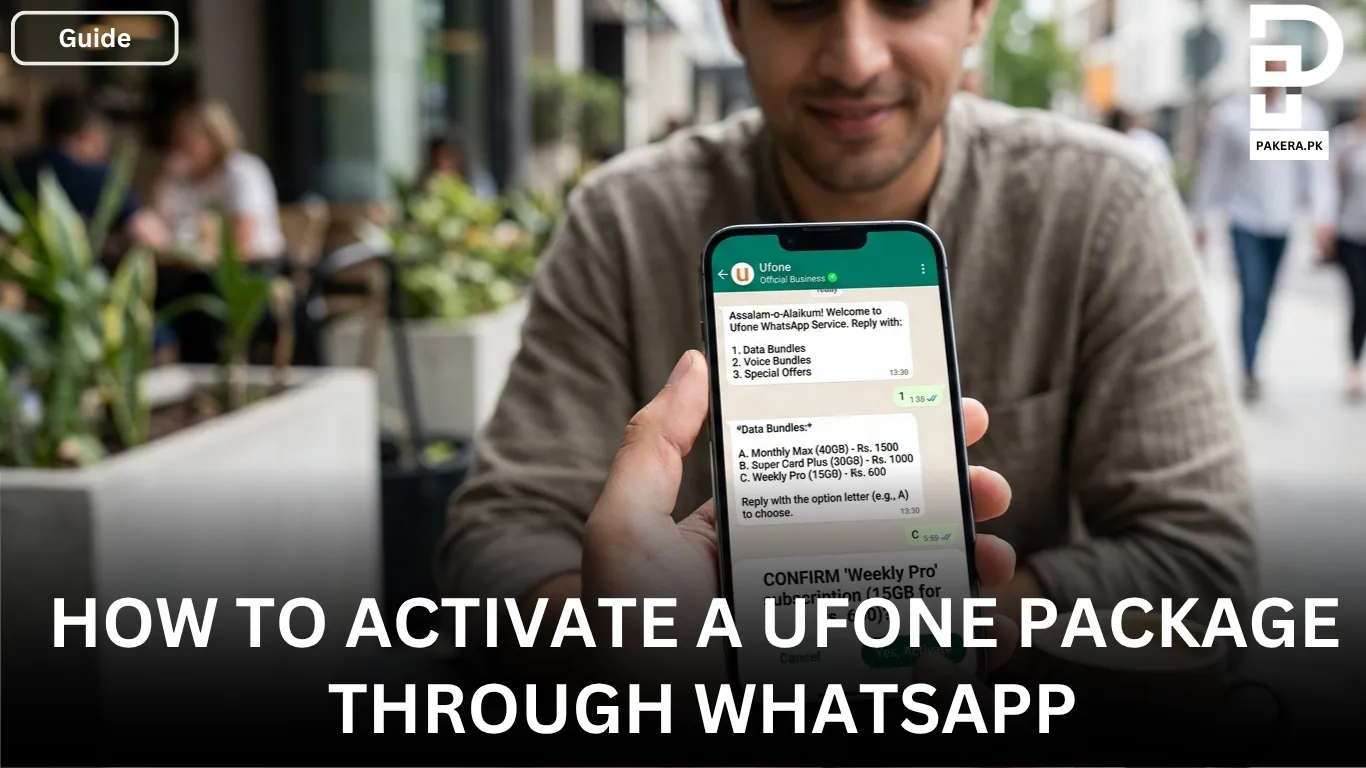
Activating a Ufone package does not always have to involve dialing codes or navigating complicated menus. For many users, finding the right package and activating it quickly can sometimes feel like a hurdle. To make the process easier, Ufone allows customers to activate packages directly through WhatsApp.
Using WhatsApp, you can browse available offers, select a suitable bundle, and activate it without leaving the chat. The process is simple and only takes a few minutes. If you already use WhatsApp regularly, this can be one of the easiest ways to manage your Ufone packages.
Activating a Ufone Package Through WhatsApp
To activate a Ufone package through WhatsApp, you first need to save the official Ufone WhatsApp number, 0331-1333100, in your phone’s contacts.
Once the number is saved, open WhatsApp and start a conversation with the contact. Send any message, such as “Hi,” to begin the process. After sending the message, you will receive a menu containing different options related to Ufone services.
The menu allows you to choose categories such as Data Bundles, Voice Bundles, and Package Activation. Select the option that matches the type of package you want to subscribe to.
After choosing the category, a list of available packages will appear. Browse through the offers and select the package that best suits your needs. Once you have selected your preferred package, add it to your cart and continue with the activation process.
Follow the instructions provided in the WhatsApp chat carefully. The system will guide you through the remaining steps. After completing all the prompts, your selected package will be activated successfully.
Step-by-Step Process
- Save 0331-1333100 in your contacts.
- Open WhatsApp and send a message such as “Hi”.
- Wait for the Ufone menu to appear.
- Select Data Bundles, Voice Bundles, or Package Activation.
- Choose the package you want.
- Add the package to your cart.
- Follow the instructions shown in the chat.
- Complete all prompts to activate the package.
Why Use WhatsApp for Ufone Package Activation?
WhatsApp package activation is convenient because it allows you to explore available bundles without remembering subscription codes. The chat-based system provides a user-friendly experience and guides you through each step.
It is especially useful for users who prefer messaging apps over dialing USSD codes. Since the entire process happens within WhatsApp, activating a package becomes quicker and more accessible.
Things to Keep in Mind
Before activating a package, make sure you have sufficient balance in your Ufone account. Also, ensure that you are chatting with the correct Ufone WhatsApp number to avoid any confusion.
If a package does not activate immediately, wait a few minutes and check for a confirmation message from Ufone. In most cases, the activation is completed shortly after following all the required prompts.
Frequently Asked Questions
The official Ufone WhatsApp number for package activation is 0331-1333100.
Yes, you can activate internet and data bundles through the WhatsApp menu by selecting the Data Bundles option.
Yes, voice bundles can also be activated through the WhatsApp chat by choosing the Voice Bundles option from the menu.
No, you can send any message, but sending “Hi” is the easiest way to receive the menu options.
There is generally no separate activation charge. However, you may need an active internet connection or WhatsApp access to use the service.
Conclusion
Activating a Ufone package through WhatsApp is a simple and convenient option for users who want to avoid subscription codes and lengthy menus. By saving the official Ufone WhatsApp number, starting a chat, and following the provided instructions, you can quickly browse available bundles and activate the package that best meets your needs. The entire process is straightforward, making package activation easier and more accessible for everyone.