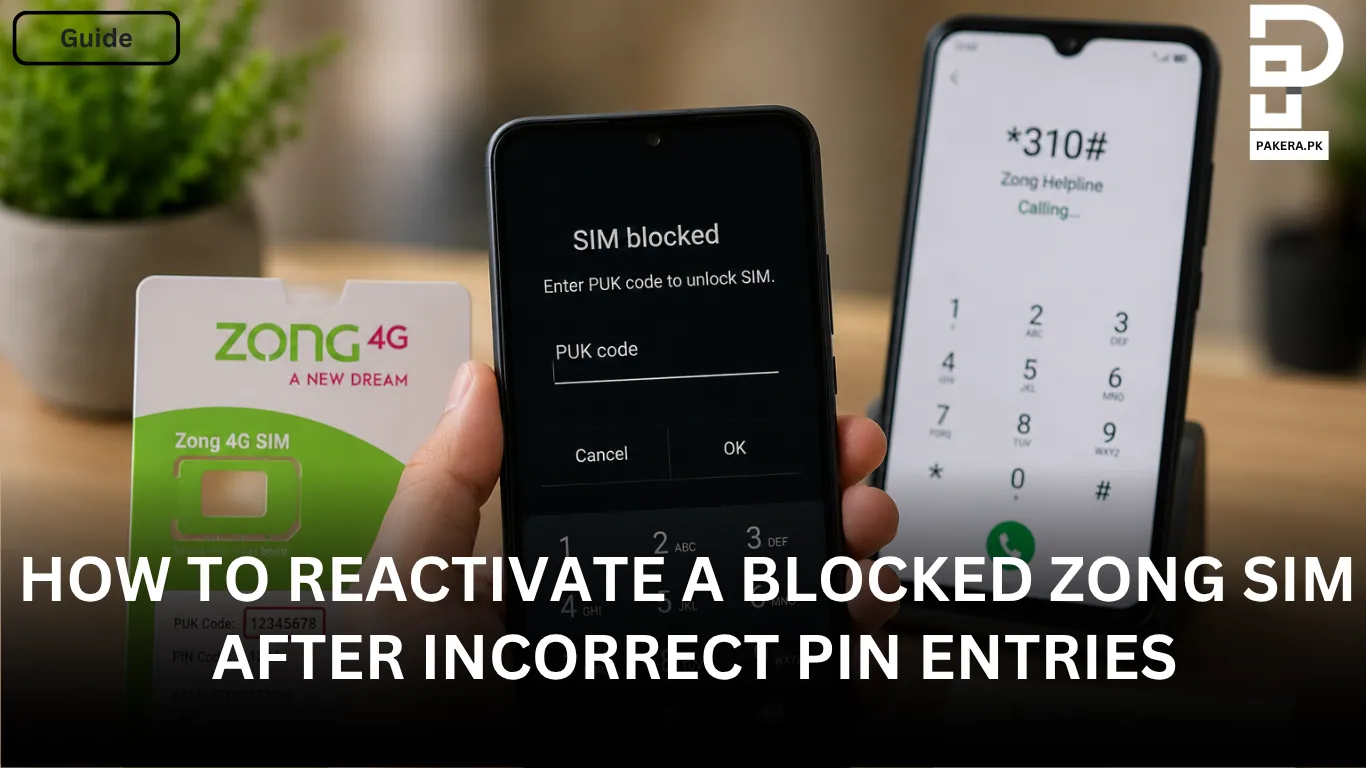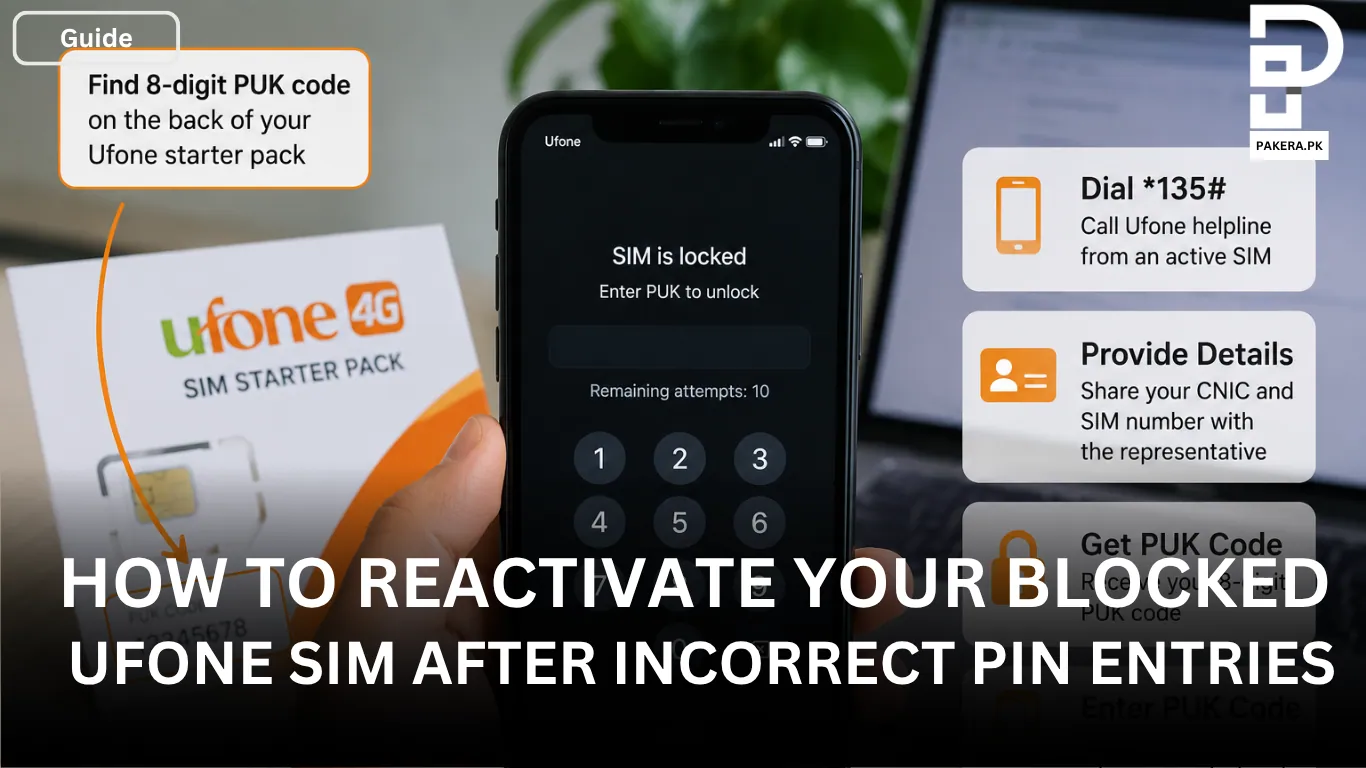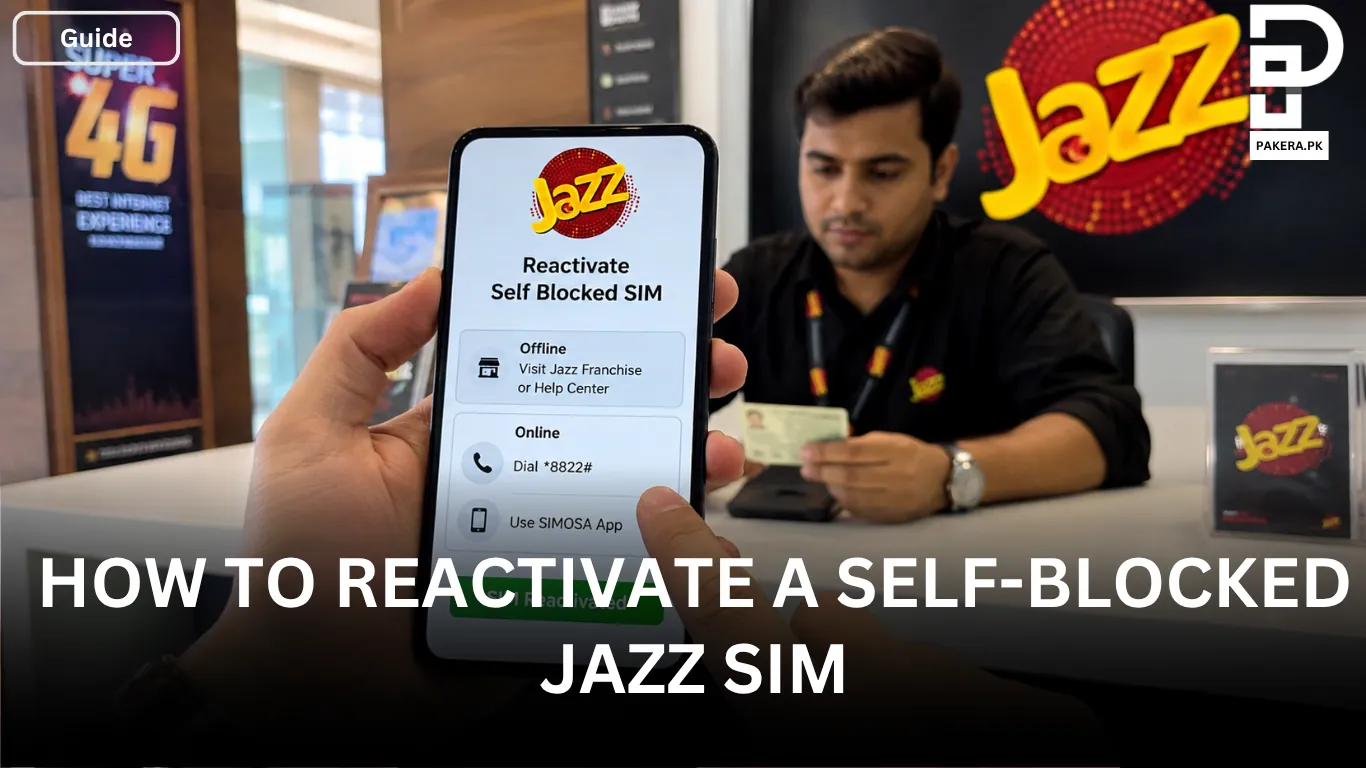
It can be frustrating when your Telenor SIM gets blocked after entering the wrong PIN multiple times. This usually happens when you forget your SIM PIN and make several unsuccessful attempts to unlock it. Once the maximum number of attempts is reached, the SIM becomes locked and asks for a Personal Unblocking Key (PUK) code.
Fortunately, a blocked Telenor SIM can usually be reactivated if you have access to the correct PUK code. In this guide, I’ll explain how to obtain your PUK code and use it to unlock your SIM so you can start using your number again.
Why Does a Telenor SIM Ask for a PUK Code?
A PUK (Personal Unblocking Key) code is a security feature designed to protect your SIM card from unauthorized access. If the wrong PIN is entered too many times, the SIM automatically locks itself and requires the PUK code before it can be used again.
Without the correct PUK code, the SIM cannot be unlocked, so the first step is obtaining the code from an official source.
How to Reactivate a Blocked Telenor SIM
If your screen displays a message asking for a PUK code, follow these steps to regain access to your SIM.
Check Your Original Telenor Starter Pack
The easiest way to find your PUK code is by checking the original Telenor SIM starter pack.
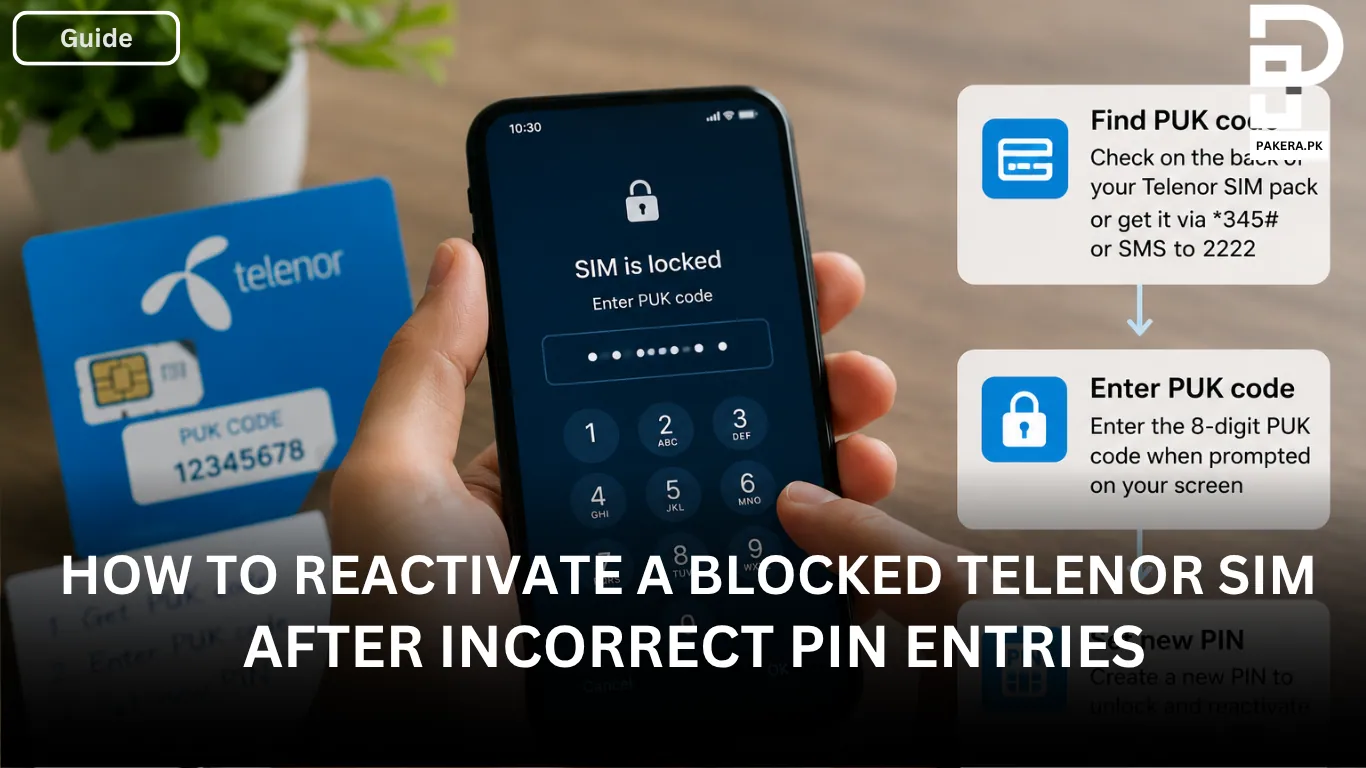
The 8-digit PUK code is usually printed on the back of the SIM packaging. If you still have the starter pack, locate the code and keep it ready for the unlocking process.
Contact Telenor Customer Support
If you no longer have the original SIM packaging, you can request the PUK code from Telenor customer support.
Dial *345# from an active Telenor SIM and contact the support team. You may be asked to provide:
- Your CNIC number
- The blocked Telenor SIM number
After verifying your ownership details, the representative can provide the PUK code required to unlock the SIM.
Get the PUK Code Through SMS
Another option is to send the PUK-blocked phone number via SMS to 2222.
Once the request is processed, you can receive the PUK code needed to unlock your SIM.
How to Unlock the SIM Using the PUK Code
After successfully obtaining the PUK code, insert the blocked SIM into your phone.
When the device prompts you for the PUK code, enter the code carefully. If the code is accepted, you will be asked to create a new SIM PIN. Choose a PIN that you can remember easily but that remains secure.
After setting the new PIN, the SIM should become active again and you can continue using your number normally.
Tips to Avoid SIM Blocking in the Future
To reduce the chances of your SIM getting blocked again:
- Store your SIM PIN in a secure location.
- Keep your original Telenor starter pack safe.
- Avoid guessing the PIN repeatedly if you are unsure of the correct code.
- Save your PUK code somewhere secure for future reference.
Frequently Asked Questions
A PUK (Personal Unblocking Key) code is a security code used to unlock a SIM card that has been blocked due to multiple incorrect PIN entries.
You can usually find the 8-digit PUK code on the back of your original Telenor starter pack. If you do not have the packaging, you can request the code through Telenor customer support.
No. Once a SIM is blocked and requests a PUK code, the correct PUK code is required to unlock it.
You may need to provide your CNIC number and the blocked SIM number so that Telenor can verify ownership before issuing the PUK code.
After entering the correct PUK code, you will be prompted to create a new SIM PIN. Once the new PIN is set, your SIM should be reactivated.
Conclusion
A blocked Telenor SIM caused by multiple incorrect PIN attempts can usually be reactivated with the correct PUK code. Whether you retrieve the code from your original starter pack, contact customer support, or request it through SMS, the process is straightforward. Once you enter the PUK code and create a new PIN, your SIM should be active again and ready to use.

Ali Akhtar is a young and curious voice here at Pakistan Era. He is currently pursuing his A-Levels and has a growing interest in Pakistan’s changing industrial landscape and educational trends. Ali likes to write in a way that helps him explain and explore the world around him. His writing reflects the perspective of the new generation navigating the evolving trends of Pakistan where technology, youth innovation, and shifting opportunities are reshaping the country’s future.