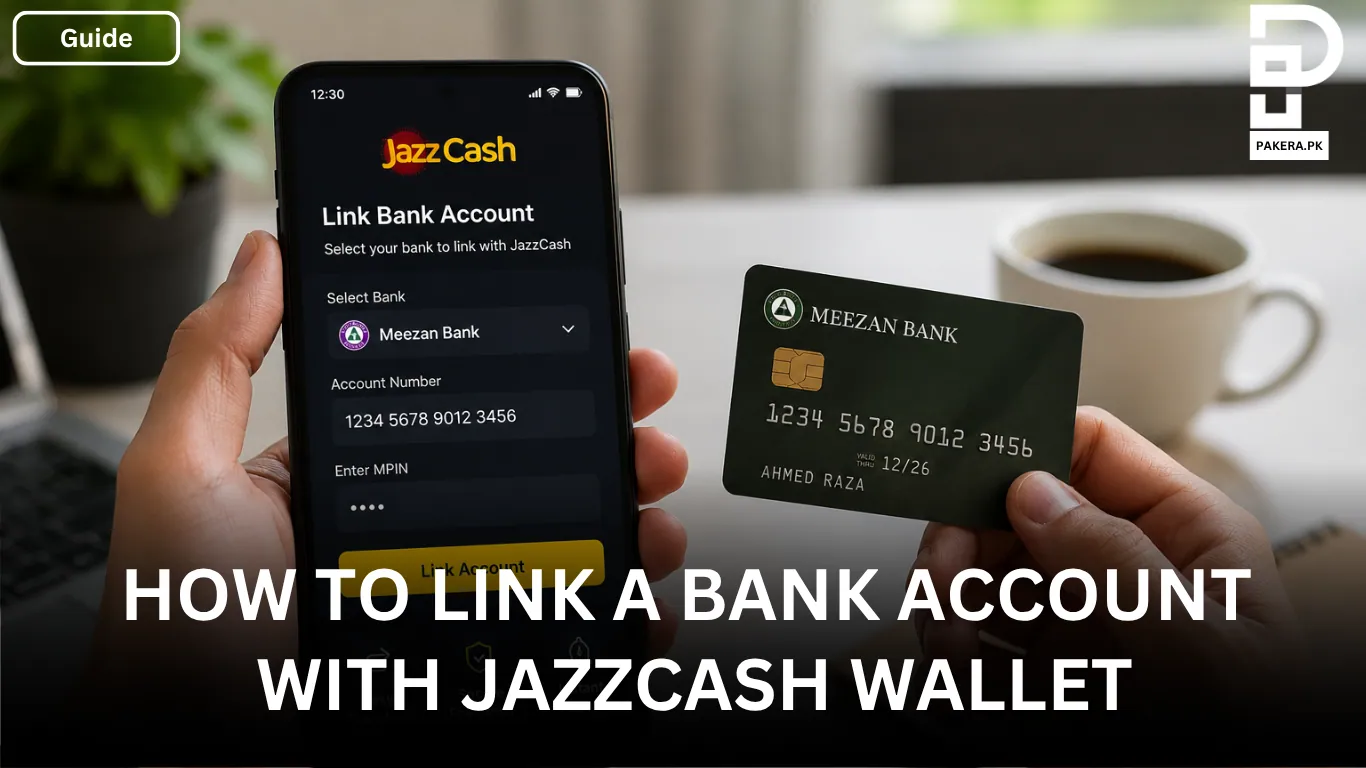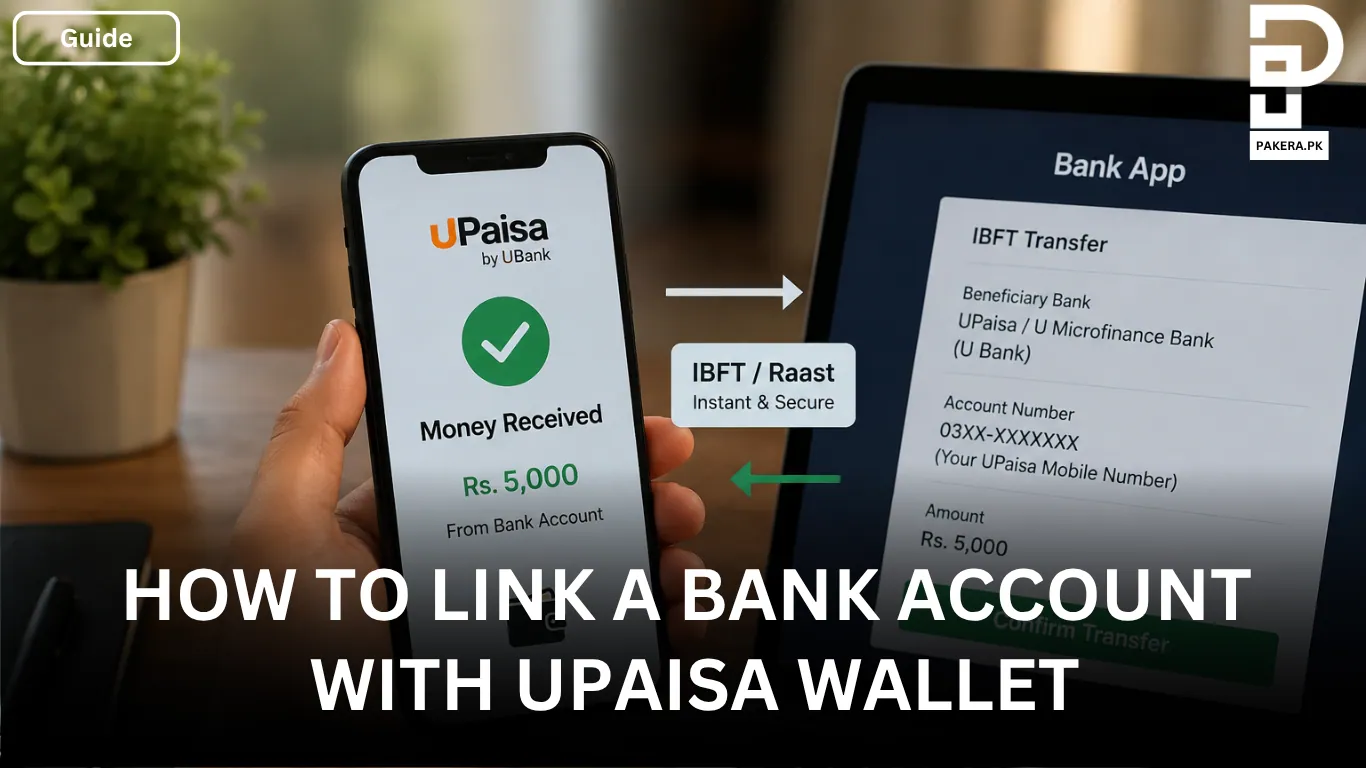
If you’re trying to link your bank account with your UPaisa wallet, it’s important to know that UPaisa doesn’t currently support directly linking a bank account to automatically pull funds. However, you can still transfer money between your bank account and your UPaisa wallet easily using Inter Bank Funds Transfer (IBFT) or Raast.
The process is simple, and all you need is your registered UPaisa mobile number, which works as your UPaisa account number. Whether you want to add money to your wallet or receive funds from another bank, both IBFT and Raast make the transfer quick and convenient.
Can You Link a Bank Account to UPaisa?
No, you cannot directly link a bank account to your UPaisa wallet in the same way some digital wallets allow automatic fund transfers. Instead, UPaisa supports bank-to-wallet transfers through IBFT and Raast.
This means you can move money from your bank account to your UPaisa wallet whenever you need, without permanently linking the two accounts.
How to Transfer Money from a Bank Account to UPaisa
Adding money to your UPaisa wallet from your bank account is straightforward.
Using IBFT (Inter Bank Funds Transfer)
Start by logging in to your bank’s mobile banking app. Open the Funds Transfer or Payments section and choose IBFT (Inter Bank Funds Transfer).
Select UPaisa or U Microfinance Bank (U Bank) as the beneficiary bank. When asked for the account number, enter your registered UPaisa mobile number. After that, enter the amount you want to transfer, verify the transaction using your banking PIN or OTP, and confirm the payment.
Once the transaction is completed, the funds will be credited to your UPaisa wallet.
How to Use Raast with UPaisa
Raast offers another convenient way to send money to your UPaisa wallet. It allows instant transfers without any charges.
To use your mobile number as your Raast ID, open either your bank’s mobile banking app or the UPaisa app and go to the Raast Instant Payment section. Select Link Mobile Number as Raast ID, verify your number using the OTP, and complete the linking process.
After your mobile number is linked with Raast, anyone can send money to your UPaisa wallet using your registered mobile number instead of entering your account details.
Why Use IBFT or Raast?
Both transfer methods are convenient, but Raast offers the added benefit of instant and free transfers. Since your mobile number acts as your UPaisa account number, sending and receiving money becomes much simpler.
Whether you’re transferring funds from your own bank account or receiving money from someone else, these options provide a fast and secure way to manage your UPaisa wallet.
Frequently Asked Questions
No. UPaisa does not currently allow direct bank account linking for automatic fund transfers. You can transfer money using IBFT or Raast instead.
Your UPaisa account number is your registered mobile number.
Choose UPaisa or U Microfinance Bank (U Bank) as the beneficiary bank when making an IBFT transfer.
Yes. You can link your registered mobile number as your Raast ID and receive instant, free transfers to your UPaisa wallet.
Yes. Raast transfers are generally free and are processed instantly once your mobile number is linked as your Raast ID.
Conclusion
Although UPaisa doesn’t support directly linking a bank account for automatic transfers, adding money to your wallet is still quick and easy through IBFT or Raast. By using your registered mobile number as your UPaisa account number, you can securely transfer funds from your bank account or receive money from others with minimal effort.