Ask PTA's Digital Assistant on WhatsApp 0315 0055055 About SIMs, Phones and Complaints
PTA runs a WhatsApp digital assistant on 0315 0055055 and a website chatbot. See what it answers on SIMs, IMEI and complaints, and what it cannot do for you.
Short answer: PTA runs a free digital assistant on WhatsApp at 0315 0055055, launched on 25 February 2026. It gives general guidance on telecom services and complaint procedures through a menu of options. A matching chatbot called RAABTA sits on PTA's website. Neither replaces PTA's complaint system.
You get a message that your phone is blocked, or you lose a SIM at night, or you want to know the tax on a phone. The operator's helpline is busy. PTA has put some of those answers in a chat window, and it costs nothing to open.
We read PTA's press release of 25 February 2026 and the chatbot menu on PTA's website on 12 October 2026. We did not message the WhatsApp number, so we cannot tell you how fast it replies. Every statement about the assistant below comes from PTA's own pages.
PTA's digital assistant is on WhatsApp at 0315 0055055
PTA's release says the assistant is available on WhatsApp at 03150055055. It offers menu-driven options and answers selected commands. It is meant to give general guidance on telecom services and on how to complain.
The release also gives a QR code and a link, wa.me/message/EAZN44L7LJ3AM1, to open the chat. If you want to be sure the chat is PTA's, open it from PTA's own page or press release, not from a message someone sent you.
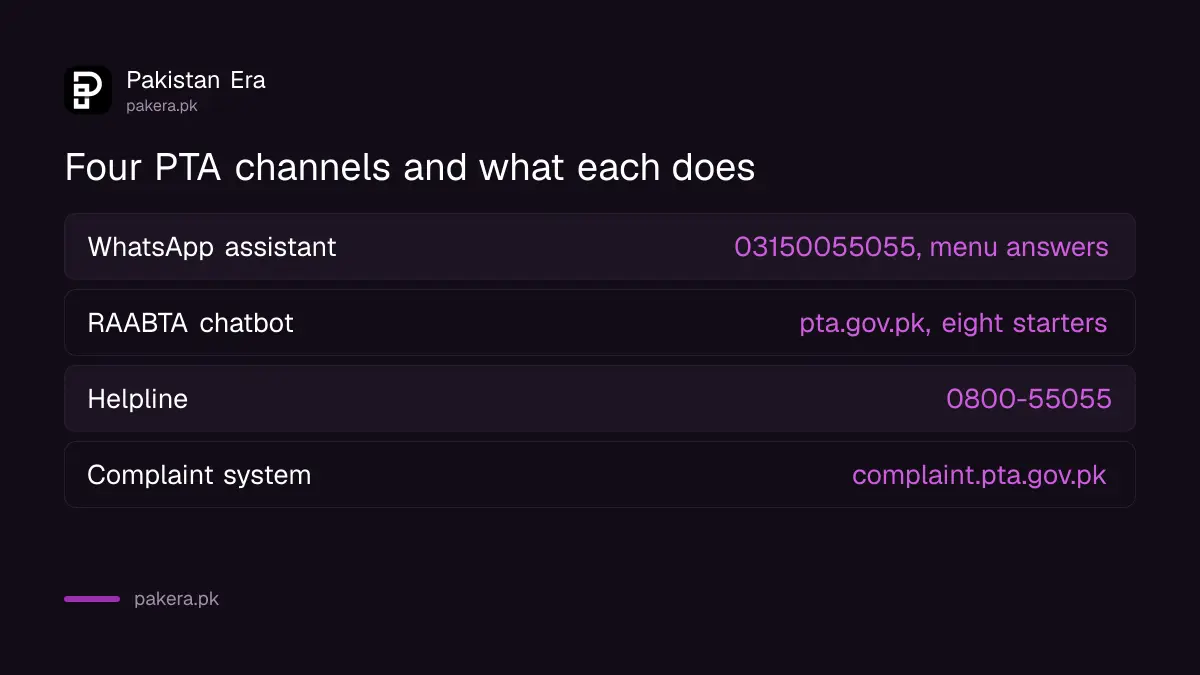
| Channel | Where | What PTA says it does |
|---|---|---|
| WhatsApp digital assistant | 03150055055 | Menu-driven answers on telecom services and complaint steps |
| RAABTA chatbot | PTA's website, pta.gov.pk | Starter questions on SIMs, devices, tax and licences |
| Helpline | 0800-55055 | PTA's call centre, shown on the website footer |
| Complaint Management System | complaint.pta.gov.pk | Registers complaints against operators |
The website chatbot starts with eight questions
On PTA's website a chat window called RAABTA opens with eight starter questions. They show the jobs PTA expects the assistant to handle. For each one below we point to the guide that carries the full steps.
| Starter question on PTA's chatbot | Where our steps are |
|---|---|
| How do I block a lost or stolen SIM? | Block a lost or stolen SIM on Jazz, Zong, Telenor or Ufone |
| How do I check if my IMEI is PTA registered? | What PTA's 8484 reply means for your phone |
| What are the current mobile device tax rates? | How to calculate PTA tax on your phone |
| How can I file a complaint against my telecom operator? | How to complain about your mobile network to PTA |
| How can I check how many SIMs are issued on my CNIC? | How to check SIMs on your CNIC |
The other three starters are how to apply for a telecom operator licence, what the Type Approval process for new devices is, and how an overseas Pakistani can register a mobile device. Our guides on a PTA district internet licence, checking type approval of a router or Wi-Fi device and registering a foreign phone for 120 days cover those.
The assistant gives general information, not a legal answer or an official record
PTA's own disclaimer says the information is for general purposes and consumer awareness. It is not legal advice and it is not a substitute for official records, legal papers or court evidence. You should verify it yourself when you need it for a legal or official purpose.
The disclaimer also says PTA is not liable for anything you do after relying on the chatbot. So treat an answer as a pointer. Check the same fact in the real system. For a phone status, that means the PTA DIRBS page or the 8484 SMS, not a chat message.
How to use the assistant step by step
Save the number, start the chat from PTA's own page, pick a menu option and keep your question general. Do not use the chat for your personal details. It is a guide, not a place to file a case.
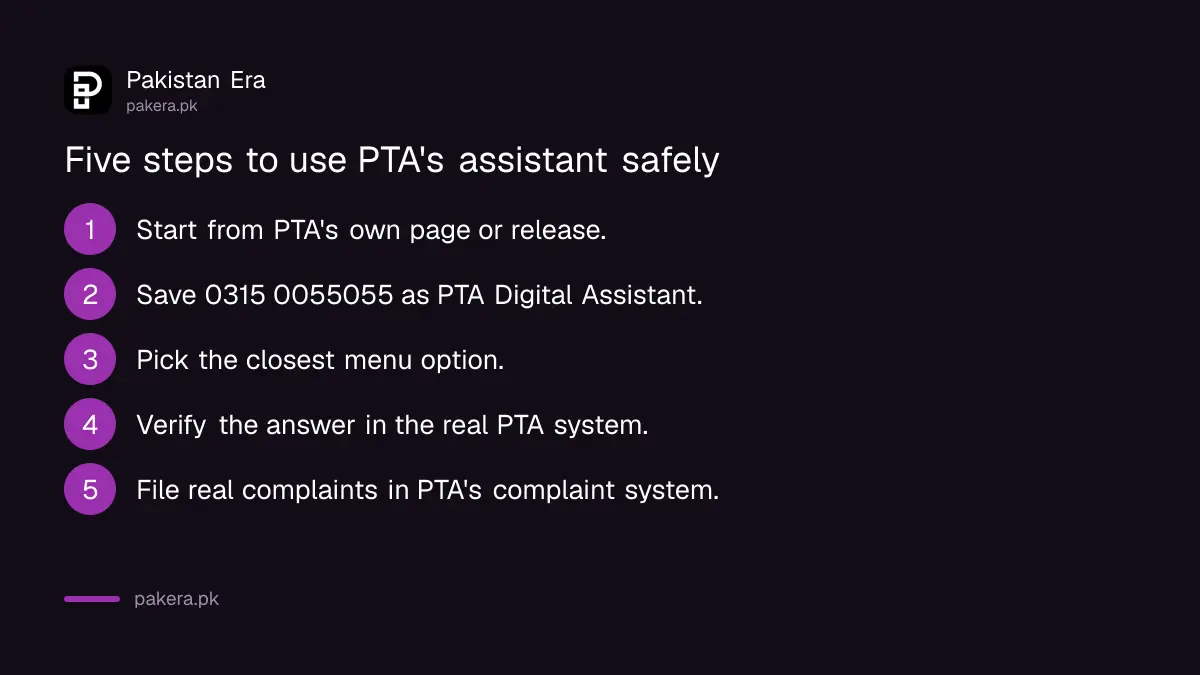
- Open pta.gov.pk in your browser, or find PTA's February 2026 press release, and use the link or QR code there.
- Save 0315 0055055 in your phone as PTA Digital Assistant.
- Send a greeting and read the menu that comes back. Pick the option closest to your question.
- Write down the answer and the date, then verify it on the matching PTA page or system.
- If you have a real complaint, file it in PTA's complaint system or on 0800-55055. Our note on the upgraded PTA complaint app shows how.
Check that a chat claiming to be PTA is real
Scammers copy official names. PTA's release names one WhatsApp number and one link. Anything else that claims to be PTA, especially a chat that asks for your CNIC, OTP or money, is not PTA's digital assistant as described in that release.
PTA's release does not say that the assistant asks for your CNIC or a one-time code, so do not send either. If a caller or a chat uses PTA's name to demand money, read how to check a fake PTA, NCCIA or bank call with a spoofed number.
Which PTA number to use for which job
Use the WhatsApp assistant to find out what to do. Use 0800-55055 or the complaint system to report a problem. One PTA release of February 2026 printed the helpline as 0800-55050, while PTA's website footer carries 0800-55055. We use 0800-55055 and keep our list of verified telecom helplines on the same number.
The 0800 numbers are free from mobile, as in our check on 0800 toll-free calls. For your operator's own helpline and what it must meet, see PTA's helpline and billing standards.
Common questions
What is PTA's WhatsApp number?
PTA's press release of 25 February 2026 gives 03150055055 for the PTA Digital Assistant. It also gives a QR code and the link wa.me/message/EAZN44L7LJ3AM1.
Does the PTA digital assistant register complaints?
PTA's release describes it as general guidance on telecom services and complaint procedures. It does not say the assistant registers complaints, so use the complaint system or 0800-55055 for that.
Is the PTA WhatsApp assistant free?
PTA's release does not state a charge for the chat. Normal WhatsApp data use applies, so check your own data balance.
What is RAABTA?
RAABTA is the name of the chatbot on PTA's website. It opens with eight starter questions on SIMs, devices, tax and licences.
Can I check my phone's PTA status on WhatsApp?
The chatbot lists "how do I check if my IMEI is PTA registered" as a starter question. For the status itself, use PTA's DIRBS system or the 8484 SMS, which are the official records.
Is the information from the chatbot legally binding?
No. PTA's disclaimer says it is general information and not legal advice or an official record.
How we verified this
What we checked, where we read it, and what we could not confirm.
We read PTA's press release PTA Launches Digital Assistant to Facilitate Telecom Consumers and the RAABTA chat menu on PTA's website on 12 October 2026. We did not message the WhatsApp number or use the chat, so we cannot confirm response time or that the WhatsApp menu matches the website menu. The helpline number differs between two PTA pages, as noted above.
About the author

Technology Journalist & Multimedia Producer
Ahmad Ali is a technology journalist and multimedia producer at Pakistan Era, joining the team in October 2026. He covers consumer technology and digital life for Pakistani readers, combining research with hands-on product testing.