How to Block Adult Websites on Your Child's Phone With Family Link and Chrome in Pakistan
Block adult websites on your child's Chrome in Pakistan with Google Family Link: the two filter modes, how to block one site, and why laptops need extra care.
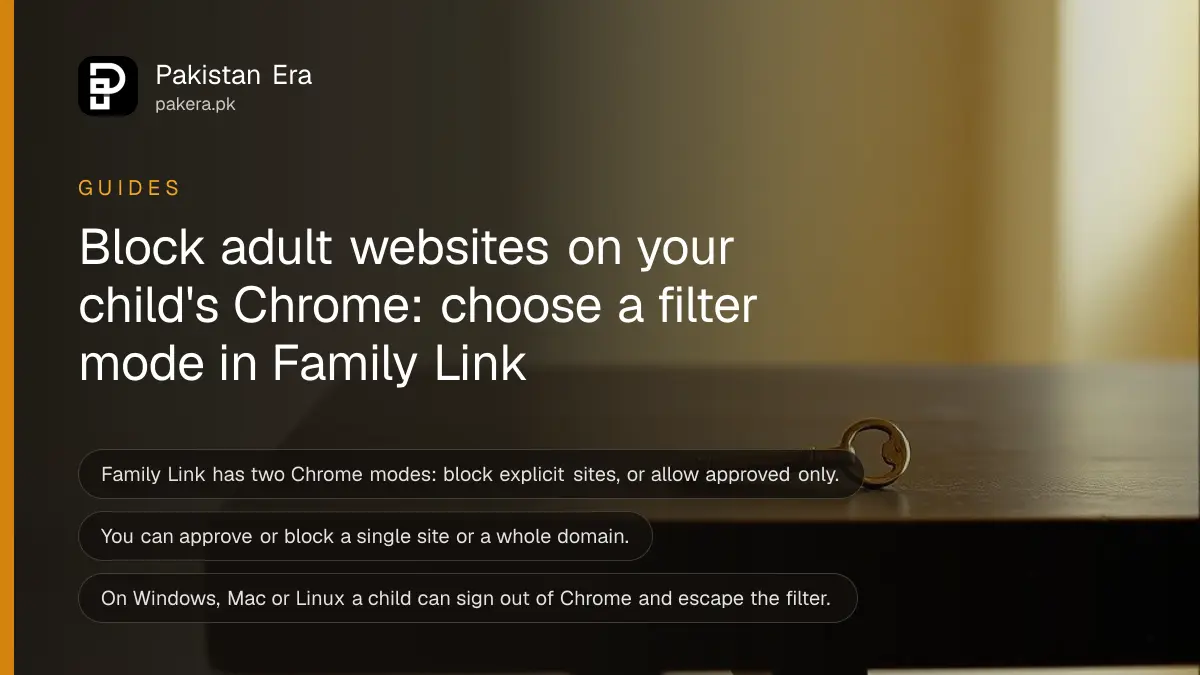
Short answer: Open Family Link on your phone, select your child, tap Controls, then Google Chrome and Web. Choose Try to block explicit sites, or Only allow approved sites for a strict list. You can also approve or block single websites. On a computer the child can sign out of Chrome and the filter will not apply.
A child with a phone and mobile data can reach almost any website. Parents in Pakistan often ask how to keep adult content away without checking the phone every hour.
Google Family Link can filter Chrome on a supervised Android phone. We read Google's Family Link page for Chrome controls on 13 October 2026. No filter is perfect, so this guide also says where the gaps are.
Family Link offers two Chrome filter modes
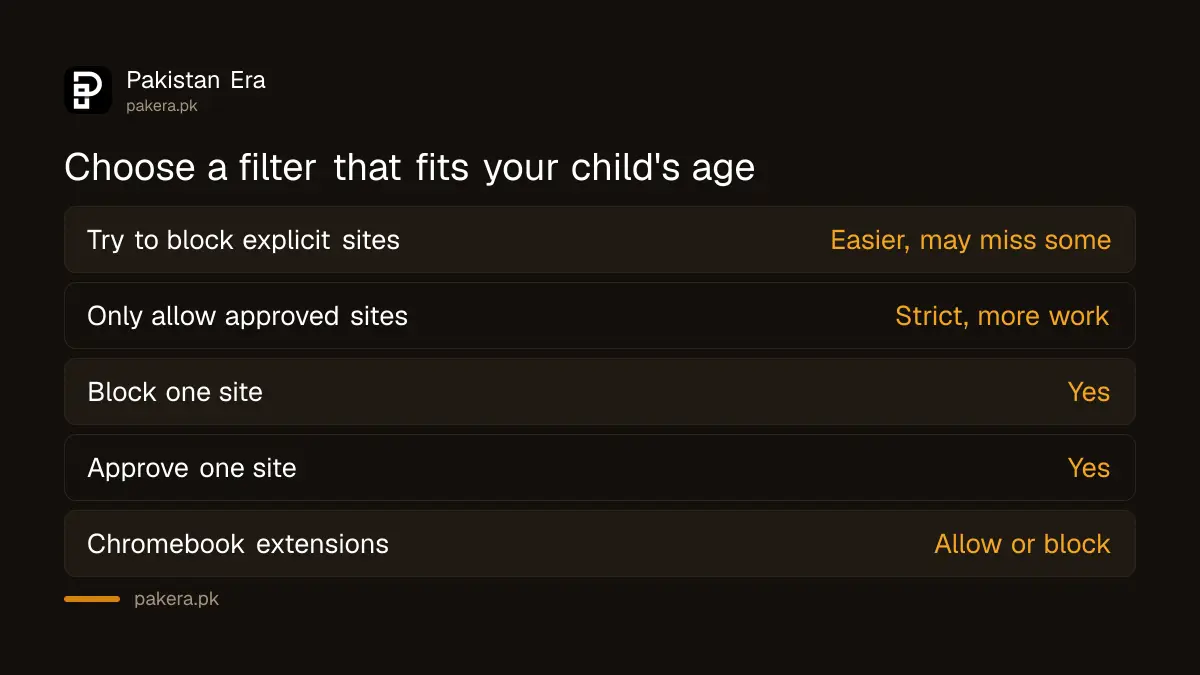
The first mode tries to block explicit sites. The second lets your child visit only sites you approve. The first is easier but can miss things. The second is stricter and suits younger children, but it needs more work from you.
| Mode | What it does | Best for |
|---|---|---|
| Try to block explicit sites | Filters sexual and violent sites, but may miss some | Older children |
| Only allow approved sites | Allows only sites you have approved | Young children |
Turn on the filter from the Family Link app
All the settings are in the parent app on your phone. The child does not need to do anything on their phone. Make sure the child is signed in to Chrome with the supervised Google Account, because the filter follows the account.
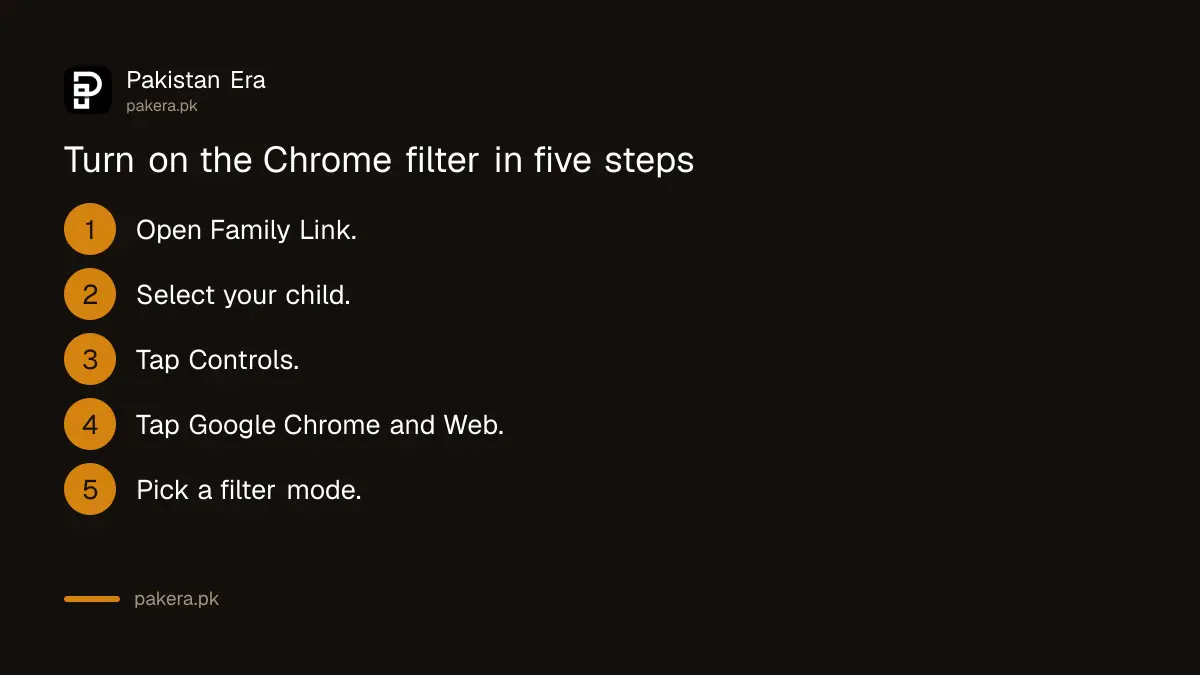
- Open the Family Link app.
- Select your child.
- Tap Controls.
- Tap Google Chrome and Web.
- Choose Try to block explicit sites or Only allow approved sites.
- Check the result by opening Chrome on the child's phone.
Approve or block single sites yourself
Family Link lets you manage individual sites or whole domains. If a good school site is blocked, approve it. If a site gets through the filter, add it to the blocked list. Keep a short list and review it each month.
Family Link can also control whether sites may use the child's location, camera and microphone. Turn these off for sites the child does not need to share them with.
On Chromebooks you can also allow or block extensions from the Chrome Web Store. This is a Chromebook setting only, according to Google.
After you set a mode, test it. Open Chrome on the child's phone and try a site you know should be allowed and one that should not. Check again after a Chrome or Android update, because settings can reset when the child changes accounts.
Write down the sites you approved for school. Teachers in Pakistan often share links to portals and video lessons, and a strict mode may block them until you add them.
Know where the filter does not reach
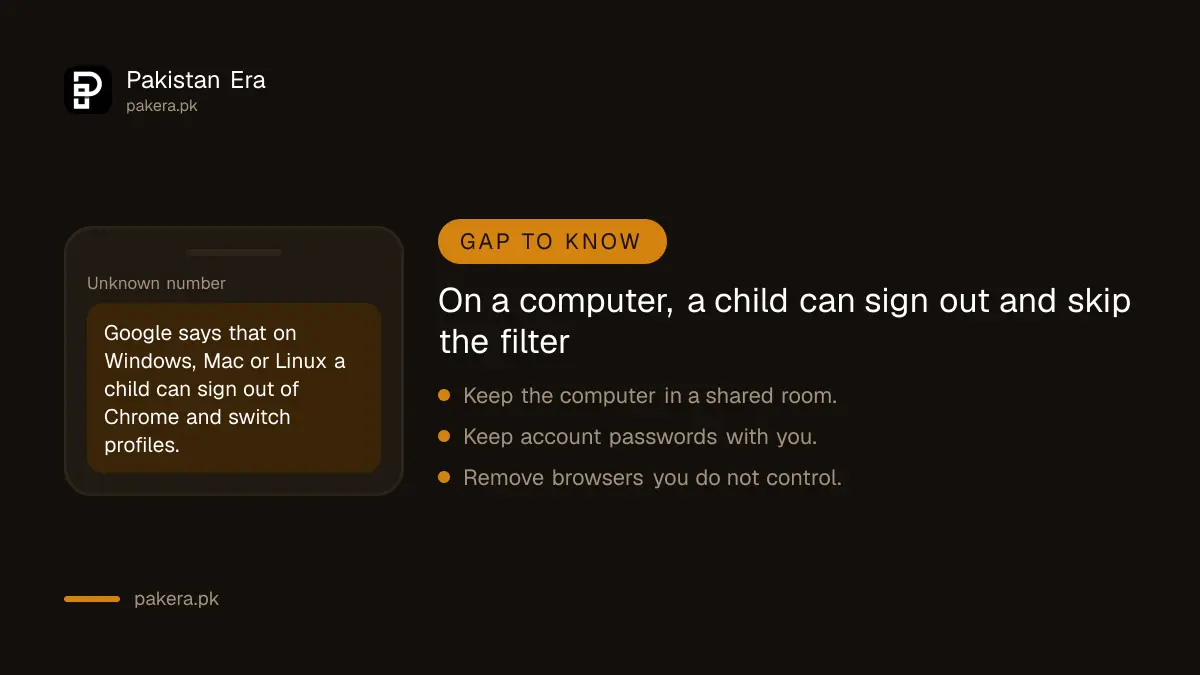
Google states that on Windows, Mac or Linux computers a child can sign out of Chrome and switch to other profiles. In that case Family Link settings do not apply. Apps with their own browser, and other browsers, are also outside the Chrome filter.
So think of the filter as one layer. Keep the family computer in a shared room. Keep the account password with you. Check that no other browser is installed on the child's phone.
Videos are a separate risk. Use a supervised YouTube account for younger children, and set time limits using the guide to Family Link screen time.
Talk with your child as well as filtering
A filter cannot catch everything, and a child may meet bad content at a friend's house. Tell your child they will not be punished for telling you about something upsetting. That one promise protects them more than any setting.
If an adult contacts your child online, asks for private pictures or makes threats, keep screenshots and do not delete the chat. Read the steps for reporting online blackmail. Women and girls can also read the advice in the PKCERT online safety guide.
Common questions
How do I block adult websites on my child's phone?
In Family Link, select your child, tap Controls, then Google Chrome and Web, and choose Try to block explicit sites or Only allow approved sites.
Will the filter block every adult site?
No. The explicit site filter tries to block them but may miss some. Add missed sites to the blocked list yourself.
Can I block just one website?
Yes. Family Link lets you approve or block single sites or whole domains.
Does the filter work on a laptop?
Not fully. Google says that on Windows, Mac or Linux a child can sign out of Chrome and switch profiles, so the settings will not apply.
Does it block other browsers or apps?
The setting controls Chrome. Other browsers and apps need their own controls, or should be removed from the phone.
Do I need the child's password?
No, you change the settings from your Family Link app. The child should stay signed in to Chrome with the supervised account.
How we verified this
What we checked, where we read it, and what we could not confirm.
Last checked on 13 October 2026, Pakistan time. We read Google's Family Link help page on Chrome controls, Chrome and Family Link, for the two filter modes, site approvals, permissions, the Chromebook extension setting and the computer limitation. We did not test the filter against real sites and cannot say how well it blocks Pakistani or Urdu sites.
About the author

Technology Journalist & Multimedia Producer
Ahmad Ali is a technology journalist and multimedia producer at Pakistan Era, joining the team in October 2026. He covers consumer technology and digital life for Pakistani readers, combining research with hands-on product testing.