How to Boost an Instagram Post From Pakistan, and Skip the 30% Apple Fee on iPhone
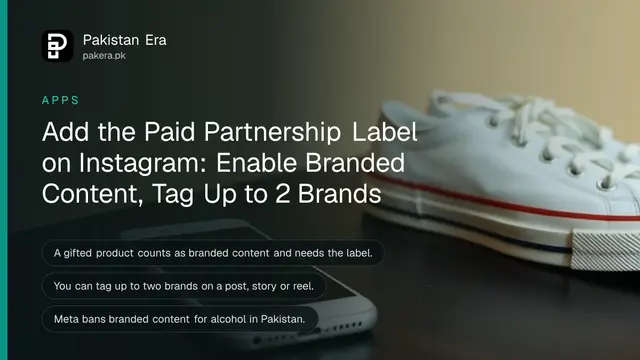
Boost an Instagram post from Pakistan in 6 steps, skip the 30% Apple fee by boosting from instagram.com, and fix a missing Boost button or a blocked reel.
To boost an Instagram post from Pakistan, switch to a professional account, open the post on your profile, tap Boost, set the goal, audience, daily budget and duration, then tap Boost post. On an iPhone, boost from instagram.com in a browser instead of the app: payments added through the Instagram iOS app can carry a 30% Apple service fee. Meta reviews every boost before it runs.
That Apple fee is the most expensive mistake Pakistani iPhone users make with Instagram ads. Boost Rs 10,000 worth of funds through the app and close to a third of the payment can go to Apple, not to your ad. The same boost from a browser costs nothing extra.
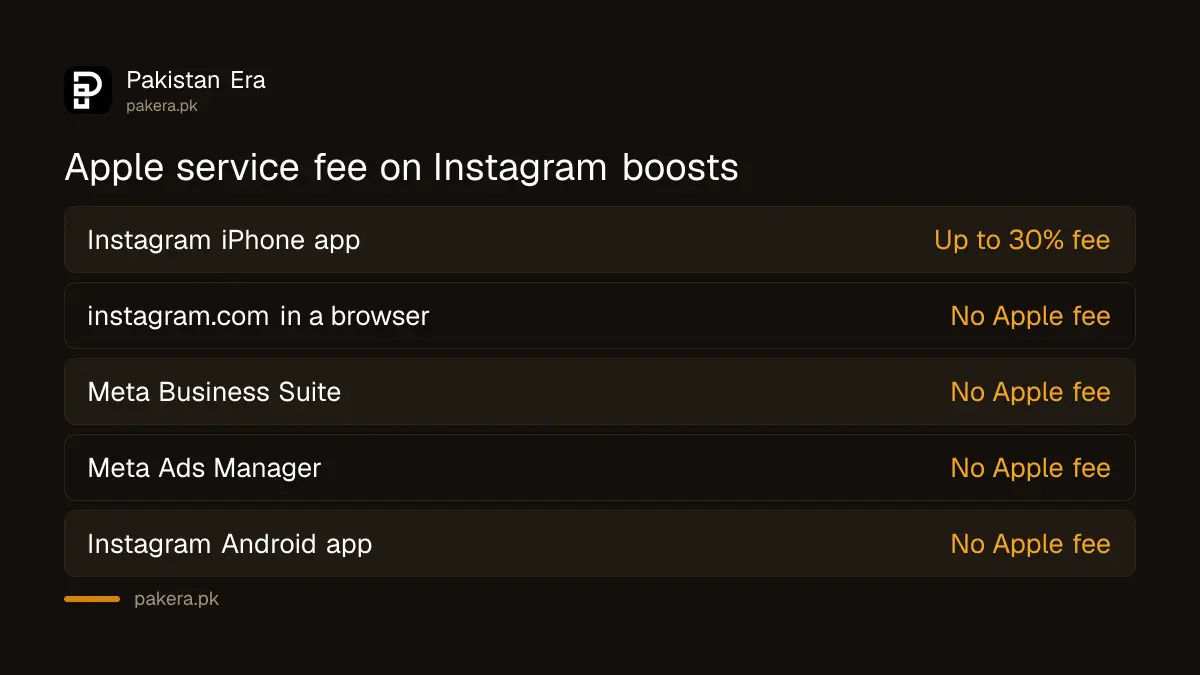
| Where you boost | Apple service fee |
|---|---|
| Instagram app on iPhone or iPad, adding funds in the app | Up to 30% of the payment |
| instagram.com in any browser, including Safari on iPhone | None |
| Meta Business Suite app or website | None |
| Meta Ads Manager app or website | None |
| Instagram app on Android | None |
You need a professional account and a connected ad account
Instagram lets only professional accounts, creator or business, boost posts. The first time you tap Boost, Instagram asks you to choose an ad account. You can use an existing Facebook ad account or keep Instagram separate. Add a payment method before your first boost.
- Professional account: a personal account has no Boost button. Switching to a creator or business account takes a minute and is free.
- Ad account: pick it when Instagram prompts you. If you already run Facebook ads, linking that account keeps billing in one place.
- Payment: an international-enabled Visa or Mastercard debit or credit card from a Pakistani bank. Paying for Meta ads from Pakistan explains which cards work and the tax deducted on them.
Boost a post in the Instagram app in 6 steps
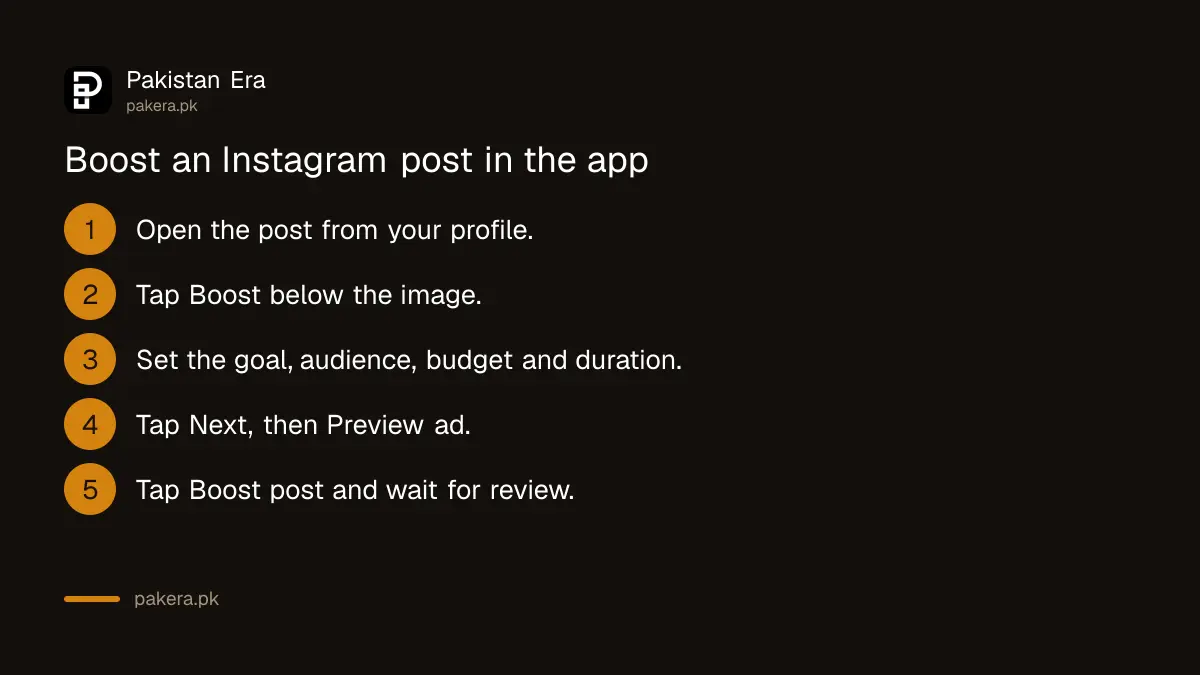
In the app, open the post from your profile, tap Boost under it, and fill in four settings: goal, audience, budget and duration. Preview where it will appear, then tap Boost post. The same steps work for a reel, where the final button reads Boost reel.
- Go to your profile and tap the post you want to boost.
- Below the post's image, tap Boost.
- Choose a Goal: what you want people to do when they see your ad.
- Set the Audience, the daily Budget and the Duration, then tap Next.
- Tap Preview ad to check the placements.
- Tap Boost post.
For a local shop, set the audience to your city and a radius you can actually deliver to. A Lahore bakery gains nothing from clicks in Peshawar. Boosted posts appear in Explore, the Home feed, profile feed and Stories.
Boost from a browser to skip the 30% Apple fee
Boosting in the Instagram iOS app means paying through the App Store, and Apple adds a service fee of up to 30%. Meta says boosting on instagram.com saves that 30% and delivers the ad exactly the same way. Business Suite and Ads Manager avoid it too.
- On your iPhone or computer, open instagram.com in a browser and log in.
- Click Profile or your profile picture.
- Select the post or reel, then select Boost.
- Set the goal, audience, daily budget and duration.
- Select Boost post or Boost reel.
Prefer the app? Add funds to your ad account first from a computer or the Meta Ads Manager app, then spend those funds when boosting in the iOS app. Meta says that route also avoids the Apple fee. Android users do not face this fee at all.
Why the Boost button is missing or greyed out
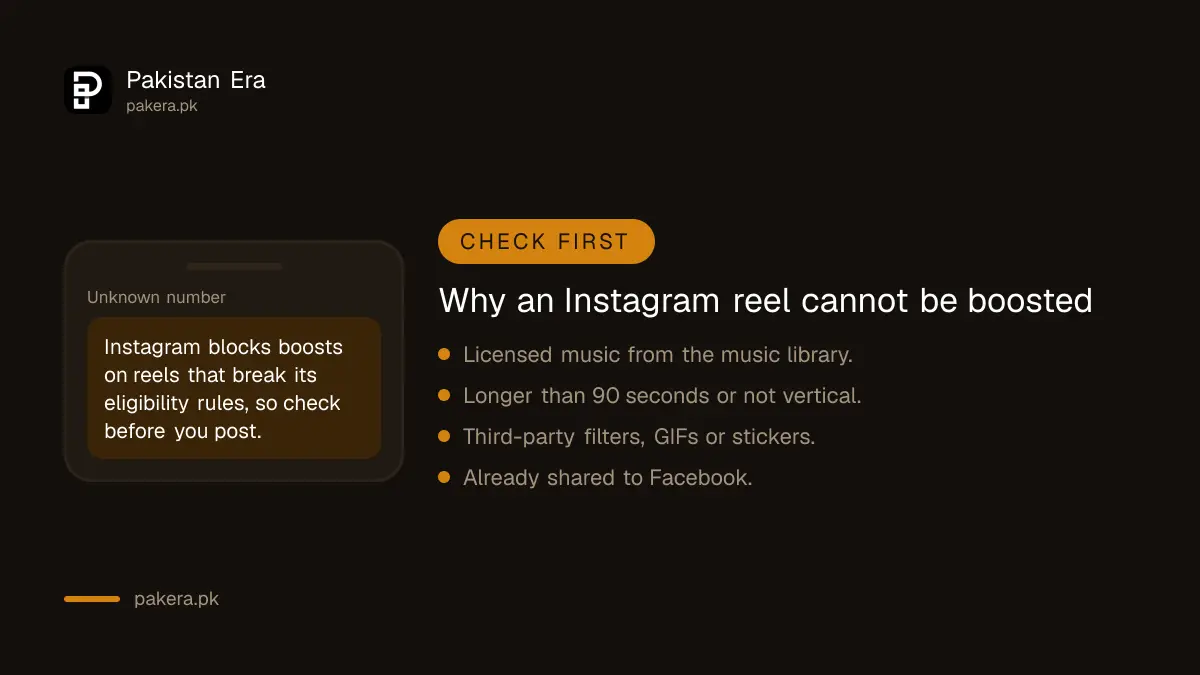
If Boost does not appear below a post, either the post is not eligible or your account is not set up for boosting. Reels have the strictest rules: licensed music, third-party effects and reels already shared to Facebook all block a boost. Fix the cause and post again.
| Problem | Fix |
|---|---|
| No Boost button at all | Switch to a professional account |
| Reel uses a song from Instagram's music library | Repost with original audio or royalty-free music from Sound Collection |
| Reel longer than 90 seconds or not vertical | Trim to 90 seconds, full-screen 9:16 |
| Third-party filter, GIF, product tag or interactive sticker on the reel | Remove them and repost |
| Reel already shared to Facebook | Boost a fresh copy that was not shared |
Music is the usual culprit for Pakistani shops. A trending Punjabi or Coke Studio track on your product reel makes it unboostable. Record your own voice or use Sound Collection tracks for anything you plan to promote.
Meta reviews every boost before it runs
After you tap Boost post, Meta reviews the ad against its advertising policies. You get notifications when the review starts, when the ad is approved or rejected, and when it ends. The ad runs only after approval, so do not boost a sale on the day it ends.
A rejected ad is not the same as a restricted account. A rejection usually means one ad broke a policy, so fix that ad and boost again. If Meta blocks your whole ad account, requesting a review of a restricted ad account is the route. Some products cannot be advertised in Pakistan at all, so check Pakistan's banned and restricted ad categories before you spend.
Common questions
Can I boost an Instagram post from a personal account?
No. Instagram lets only professional accounts, creator or business, boost posts. Switching is free and keeps your followers.
How do I avoid the Apple fee on Instagram boosts?
Boost from instagram.com in a browser, Meta Business Suite or Ads Manager. Or add funds from a computer first and spend them in the app.
Why can't I boost my Instagram reel?
The most common reason is licensed music. Reels must also be 90 seconds or less, vertical, free of third-party effects and not already shared to Facebook.
Where do boosted Instagram posts appear?
Boosted posts appear in Explore, the Home feed, profile feed and Stories. Boosted reels also appear in the Reels tab.
How long does Instagram take to approve a boost?
Meta reviews each boost before it starts and notifies you when it is approved or rejected. Plan for the review before any deadline.
Can I pay for Instagram boosts with a Pakistani debit card?
Yes, if the card is enabled for international online payments. Many Pakistani banks require you to switch this on in their app first.
How we verified this
What we checked and where we read it.
Last checked 24 November 2026. Steps and rules come from Instagram Help Centre: Boost a post on Instagram, Boost an Instagram reel and Avoid the Apple service fee when boosting on Instagram. Menu names are those in Meta's help pages on that date.
Free on WhatsApp
Get last dates and rule changes on WhatsApp
We post new last dates, fee changes and fixes for common problems, a few short posts a day.
Follow Pakera on WhatsAppOther followers cannot see your number.
Pakera Solves It
Which online process wasted your time this week?
A portal that will not load, a form nobody explains, a complaint that went nowhere. Tell us. Every week we pick one, solve it step by step and publish the answer.
About the author

Technology Journalist & Multimedia Producer
Ahmad Ali is a technology journalist and multimedia producer at Pakistan Era, joining the team in October 2026. He covers consumer technology and digital life for Pakistani readers, combining research with hands-on product testing.